Is the mute button on the other tracks marked as implicitly active (yellow outline)?
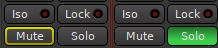
Next right-click on that mute button and check if “Main Outs” is muted (it should be by default, see also Preferences > Signal Flow > Mute options).
Is the mute button on the other tracks marked as implicitly active (yellow outline)?
Next right-click on that mute button and check if “Main Outs” is muted (it should be by default, see also Preferences > Signal Flow > Mute options).
The Solo issue appears to be caused by using sidechain.
I have a session where Solo works as expected but when I add the LSP Sidechain Compressor on the Pad track and route the Kick track to the sidechain Solo stops working and only outline the Solo button on the track I’m not soloing.
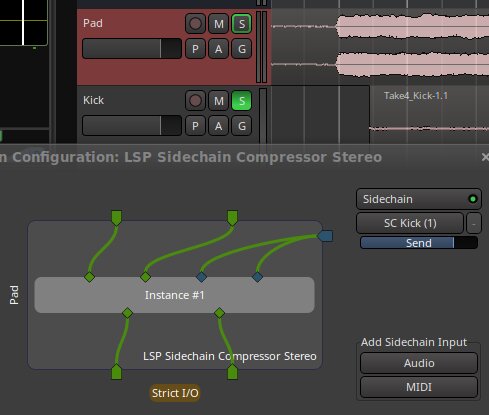
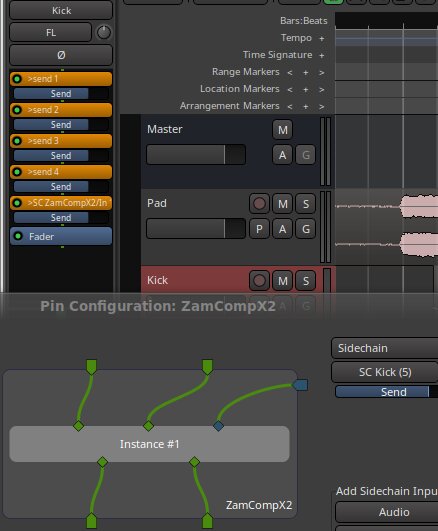
ZamComp2X exhibits the same problem, so it’s not a LSP issue.
Also, and possibly related, connecting and disconnecting the Kick from the SC causes a build-up of sends on the Kick track
Sidenote : this sidechain soloing issue exists in 8.12 as well, so maybe it’s a feature? Or an old bug…
Thanks for the reply. I can’t check on the computer I was using this morning, but I just tested my session with Ardour 9 RC on my main computer (works the same with debian 12 and the same install) … and the solo function works perfectly. So I think you’re right and it’s probably a configuration issue on my end. Next time on the other computer, I’ll check the preferences as you suggested, and if in doubt, I’ll delete the Ardour 9 .config file to start from scratch and see if that works.
So, false alarm: it wasn’t a bug. Thanks.
…that would have been a surprising bug…
This is intentional.
If you solo the track, the sidechain source also needs to be active, otherwise nothing is fed into the sidechain.
That makes no difference.
Something similar happened to me yesterday, don’t know if it is the same case (Ardour 8.12.0).
To resolve this I go to Preferences - Monitoring - Solo-In-Place mute cut : slide the fader all the way to the left (-inf).
I have not figured out when exactly this happens so I have not done a bug report yet. It looks, so far, that this happens only when opening some sessions created with older ardour versions, but only if I select a scene. Every time I select a scene S-I-P mute cut goes back to 0db and have to put it back to -inf.
If I dont select a scene it doesnt happen.
It is kinda random so far, I cannot reproduce it with every session. I 'll try figure it out some more when I have the time
Once you open velocity editor and turn on two or more parameters (eg: velocity and pitch bender) you cannot turn these off anymore.
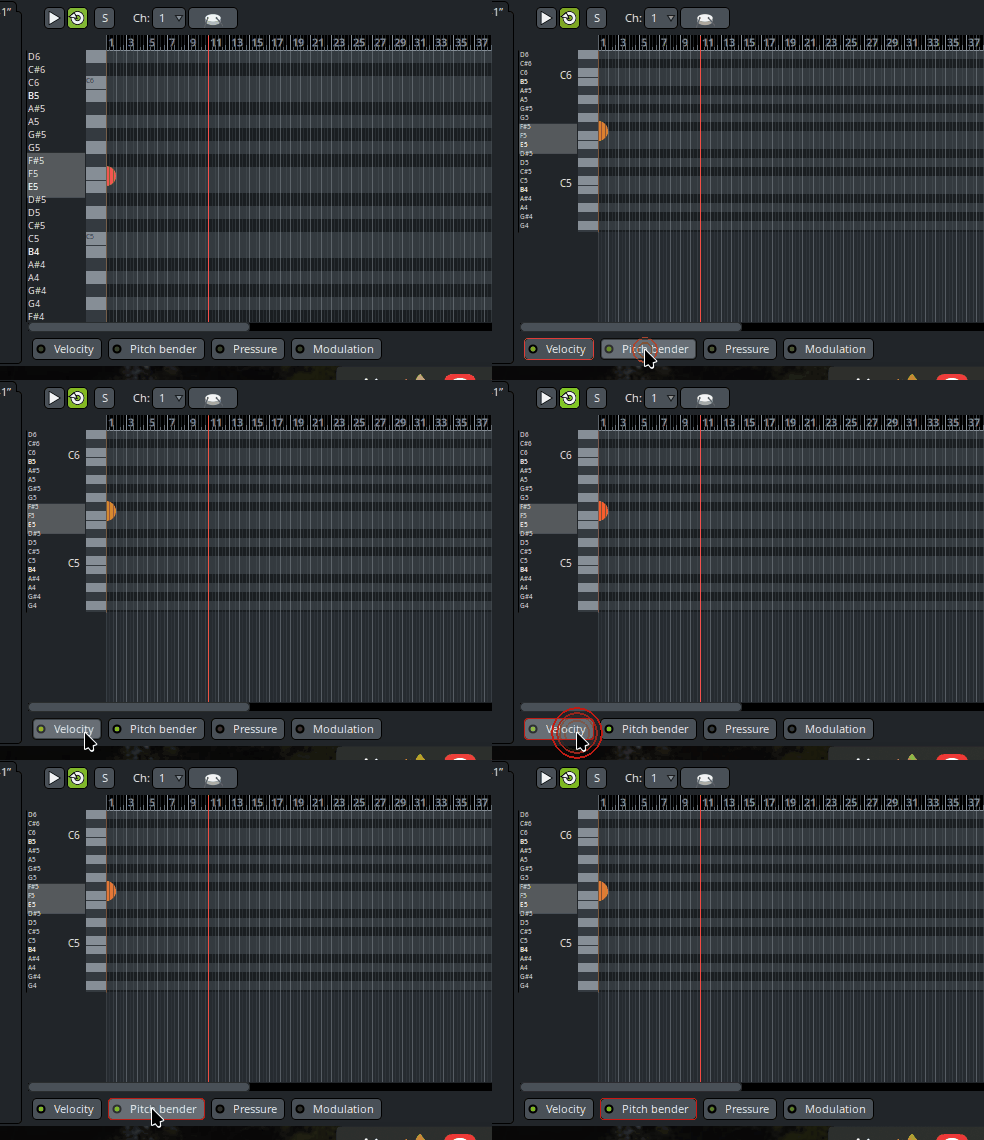
Actually there is a way to close these parameters… you have to click EXACTLY on the little green light on the button… But I assume this isn’t correct.
This little guy:
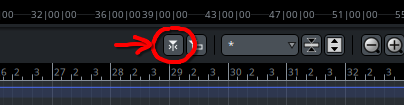
does nothing and has no tooltip.
It’s the toggle for autoscrolling to follow the playhead, it does the thing it should. The no tooltip issue is known and will be fixed closer to the release time. It’s a pesky issue that keeps returning.
It’s more of a feature. Clicking the button brings the given controller to the foreground, which is nice:
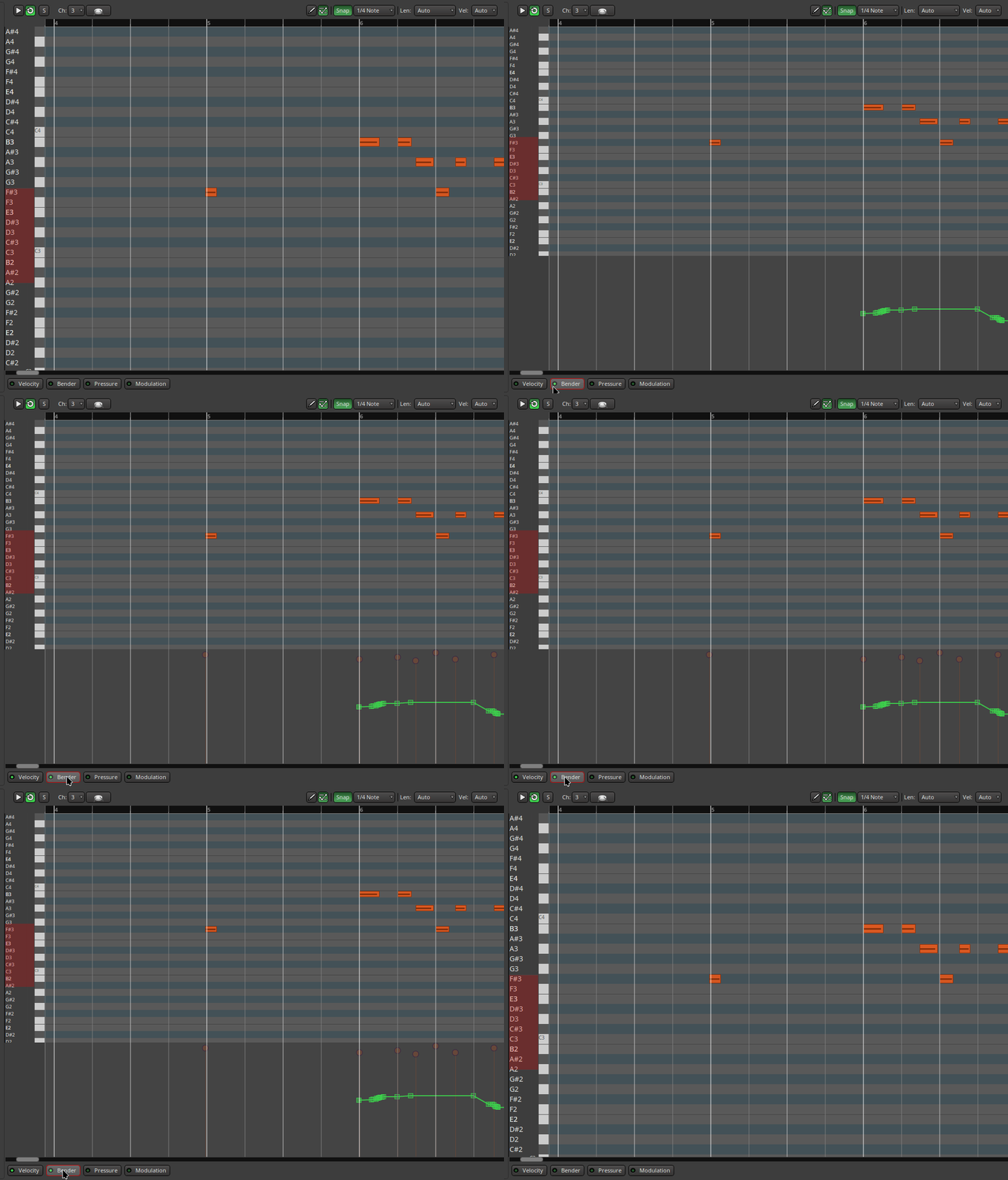
Though yeah, it can be confusing too.
Why not just make this a left clickable + button, no text required?

Some glitchy behaviour with the CC editor - is this only CC1 by the way, or can I edit other CCs too? Is there a way to see multiple CC lanes at the same time?
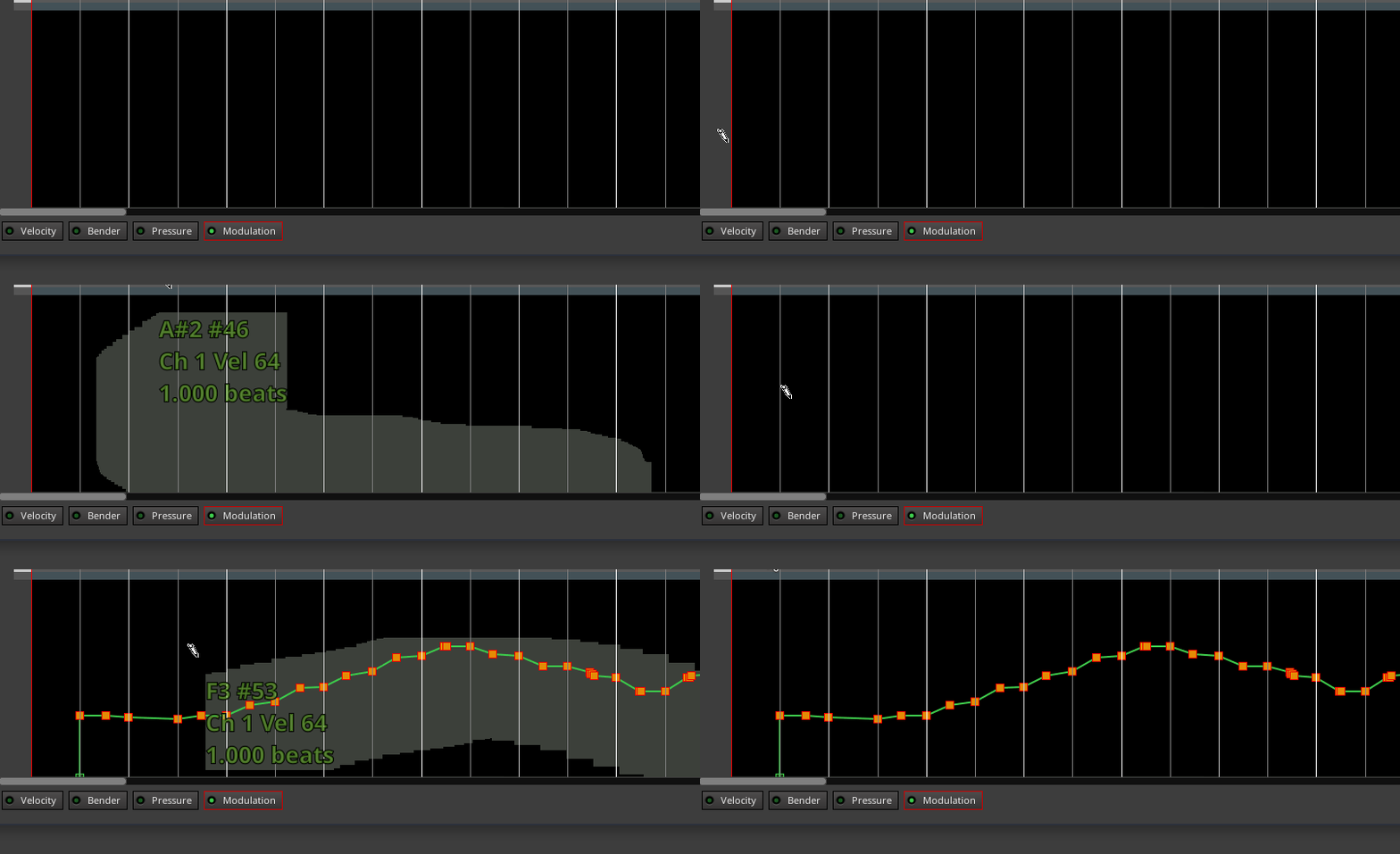
Because single left-click is used to select, and not trigger an action.
You can also hide those messages in Preferences > Appearance > “Render + hints on page background (requires restart)” if it annoys you.
First of all I want to apologize for my kinda emotional complaints, I’ve managed to run ardour with clock.force-quantum 64 (and even lower values on ardour’s buffer (16 and 32, but with some xruns), fullscreen on 4k monitor(!!!)
The main cause of lagging was… cinnamon, I’ve switched to mate and things are MUCH better now (tested on 8.12 and 9-pre0)
I still have problems with looped MIDI regions, but it works better when using a2jmidid (with midi disabled in wireplumber)
Shouldn’t it indicate the on/off status somehow in that case?
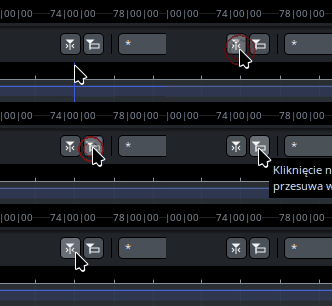
Sorry to sound blunt, but this is just ridiculous. You’re going to get a ton of bug reports for this.

Back on my computer, which had a solo problem. I tried Robin’s method (right-click on the mute button and check the signal flow preferences), but I didn’t find anything unusual, and despite trying to modify it, nothing changed…
However, I tried a more radical approach: I deleted the Ardour9 configuration file in the .config directory, then restarted Ardour 9 to reset it… and the session works: mute and solo buttons…
Voilà!
So that would indicate that “solo in place cut” level was not -inf dB as suggested by:
Anyway I’m glad you found a solution.
This all sounds great! Though, I swear I saw an interview you did a while back (the video is a couple years old but I only just watched it) where you said people had been requesting a piano roll for years and that you saw no use for it. Out of curiosity, has that changed, or are you finally just biting your tongue and holding your nose as you add it? lol
Personally, I came from Reaper and the way Ardour has done MIDI up until new took some getting used to, but it makes sense and it helpful in it’s own way. I feel like the biggest advantage to having a separate piano roll window would be the ability to double click a MIDI region and have it fill the screen instantly rather then expanding the whole track itself. Then again, doing that also only takes a double click… but then again again, having the MIDI in a separate window means you could alt+tab between it and the project if you’re coming back to that MIDI fairly often…
I was never too fussy either way, but I think having both methods available is a really useful feature. I might even end up switching back and forth between them.
Also, one of the few things I really missed from Reaper was its ability to apply FX to regions like that. It’s so helpful for a quick bit of additional EQ during a specific section that doesn’t require messing with a bunch of automation perimeters. Great addition, thanks so much!
Can’t find the link to where @paul talks about this, but what I understand is: cue view requires some form of editor outside the timeline. So once this view has it, the other can have it too.
Hi everyone,
Let me know, what should I do to download newest Ardour 9.0 for Mac M processor?