For a short period of time about 2-3 years ago i had a very old MacBook (actualy, not old but ancient ) that i got as a bonus when purchasing other laptop(s). I even got it to dual-boot Windows + AV Linux - i think it was 23.1 or something…(wasn’t realy easy since i had no prior experience with installing anything on MacBook before).
Eventualy, everything was working well untill one day i spilled Cola in a coffe shop (or was it beer?) all over it, and, unforunately, that was the end of that adventure .
I see some very nice second hand macbooks online (2015-2020), so, i was wondering, does anybody here have that sort of thing going on, what machine exactly do you have, does it work well, do you dual boot, what distro do you use and why, how’s ardour+kx exprience on it etc…
?
And, kind of off topic, but, if not Mac, what else would you recommend when it comes to laptops? I currently have Lenovo Ideapad Gaming 3 (which is cool specwise) but i guess i hate that keyboard/overal layout and battery life so i mostly avoid it (except when i have to edit video, so i connect another display+keybord+mouse), and older Fujitsu e746 which i love to use but specwise ain’t that good.
I remember i always liked those thinkpads that i was using a decade ago, like T440 etc…
Interesting thread I don’t see why an old Macbook wouldn’t work… I’ve seen people spin various versions of Ubuntu on them with complete success and no hardware issues etc so I think they’d be valid options.
I myself am a big fan of using Linux on old machines and my main / daily driver laptop is an old Asus from 2013 or something (think it’s an ML540 model…?) and I absolutely love it. Disk and RAM are very accessible from underneath enabling easy upgrades. Keyboard has a numberpad. Screen nice and big etc. I’m still on the original battery and get about 60-90 mins on a charge, surprisingly.
While it’s obviously unfeasible to run huge projects stacked full of fancy plugs / virtual instruments etc, I’ve adapted my workflows accordingly and only use simple / low-resource plugins (like Airwindows) and I couldn’t be happier. It’s a great box for just noodling about on Renoise with…!
As you can see, it’s an incredibly underpowered device yet I manage perfectly fine with it See recent song uploads here in ‘Made with Ardour’, for example.
Yea, i’ve had the feeling that, hardwarewise, you could getaway with all sorts of weird stuff , but the question is - what will work and how?
The thing is, i’m under the impression that my specific intel chips with igpu’s don’t play ball with
LSP plugins.
I’ve tried LifeBook e746(i5, HD520) and ThinkCentre P330 Tower (8th gen i5, HD…630?), and niether one of them didn’t play nice with various variants of Debian (+nonfree packages). LSP with openGL is terrible on them. Cairo works, but, not so smoothly.
I haven’t tried my AMD laptop Ideapad Gaming 3 yet (ryzen 5600h, iAMD + Nvidia 3050) cause, as i said, i’m kinda repulsed by the phisical laptop experience when it comes to that machine, and also, i don’t wanna open it up, cause i also use it for work related stuff, sidegigs etc.
There’s also Dell station 8th gen i7, NVidia RTX4000, 24gb ram on my home desk, but that’s the machine i assembled mainly for video editing, and i’m also not keen about dual booting with Win11 (which is already there - matter of necessity).
So, i’m thinking about options for a practical laptop i can lug around…just for me .
LSP should work fine for any laptop with Ryzen CPU and integrated Radeon graphics.
Moreover, I’m working on OpenGL and window subsystem optimizations now.
Great. If you have the chance, try it using something with integrated Intel GPU. Open GL generaly seems to be working on both iGPU Intel machines i tried LSP on - i used this command - glxinfo | grep “OpenGL version” end it gives me result like - “OpenGL version 4.6”, and everything else graphicaly seems to be working fine, but when i try LSP it’s unresponsive and blocks Ardour completely.
I was just about to dismantle my newest AMD based laptop (which is my best but least liked machine) to try and put another ssd besides mv2 windows drive inside and try linux+ardour+LSP on it, but i would rather wait for a while if the software solution is on the horizon.
Hmmm as per SadKo’s comment, my Asus laptop has an Intel CPU and the LSP plugs work fine on it (likewise my desktop machine).
Well if you’re reluctant to get something you’ve not tested before, I’d recommend just getting a used Mac or aforemetioned T440 (or an Asus ML540, if money’s tight and you’re OK using low-resource plugs and being mundful of limitations when recording / mixing etc).
Personally though, I can’t see you havkng many problems at all - it feels like almost any Linux distro will play well on 10 year old hardware.
Yes, but is it OpenGL that is doing the rendering?
Cairo works, it’s kinda laggy and feels too heavy on cpu, but works.
LSP OpenGL, on the other hand, makes Ardour completely unresponsive.
I’m talking:
-i5 6300U, Intel HD520, 8GB ram, Debian 13 KDE, x11 (also tried XFCE, x11) or AV Linux 25 Enlightment.
-i5 8500, Intel HD 630, 16GB ram, Debian 13 KDE, x11 (also tried XFCE, x11) or AV Linux Enlightment.
Ah sorry I missed that detail… I believe it’s OpenGL on both my music machines (both work fine with LSP plugs) but I’d have to check later to be 100% sure. Sorry I can’t be any more specific though.
Cool. When you get the chance, in a LSP plugin instance gui, if it’s a version newer than 1.2.21 check under - About - and see if it says Cairo or OpenGL.
Thanks in advance.
Hahah i just realyzed that, since by pure chance i aquired many different machines over the years, i could be a very useful testing platform .
-i5 3rd gen Intel with integrated graphics 8GB ram, Desktop.
-i5 8th gen Intel 8500 with integrated graphics, 16 GB ram, desktop.
-i7 8th gen Intel 8700 with integrated graphics+RTX4000, 24GB ram, desktop
-i5 6th gen 6300u, integrated HD520, 8GB ram, Fujitsu e746 laptop
-AMD ryzen 5600H, amd radeon int + nvidia 3050, 16GB ram Lenovo Ideapad Gaming 3 laptop
-somehere i also have an core2duo motherboard+rest
If i also enter there my wifes old desktop+laptop that would 8 machines
I suppose the main problem of OpenGL and Intel at this moment is multisampling.
LSP uses multisampling which may be a serious penalty issue.
The main reason why LSP went to OpenGL is a very poor performance on polylines. When many polylines are simultaneously drawn in the UI, it turns the UI to lower FPS and drop frames.
OpenGL does not have such problems with polylines on devices with hardware-accelerated OpenGL but still yields to problems on devices with poor 3D acceleration.
“I had some performance issues with my HP Elitebook 850 G3. (The biggest challenge was getting Windows OFF of it).
Then I learned that I had to decrease the buffer size.
It’s been running perfectly ever since.
Does this sound like double Dutch to you? Check this out: https://www.youtube.com/watch?v=GUsLLEkswzE”
Noup. It sound like something i intuitively grasped back in 2002. I think you read some weirdly large buffer size numbers from the start of this thread and suspected that’s the main issue.
Try taking that same Ozone frome the video, run 6 instance of it on group tracks + 20 stereo tracks all with different gates, eq, coms, limiters + some large library drum vst etc, run in with integrated sound card and keep the buffer size at 128 samples with that HP. Get back to us how that went .
The audio issues are solved.
The main issue is LSP GUI’s locking up Ardour while used with OpenGL in Ardour.
Hello all!
I’ve just pushed several changes to LSP that move OpenGL rendering into a separate thread.
Is it possible for you to build from the devel branch and test if there is some success with OpenGL rendering on your platforms?
I’m not on apple, just an old Intel but things are much better now for me (Manjaro Linux). Before I could only open up 3-4 LSP windows, then either the UI or Ardour froze. This seems to be gone now. The only issue I have now was that the LSP spectrum analyzer crashes. I’m a bit short of time, so I’m not able to send debug informations right now. I just opend a project and when I opend the analyzer Ardour crashed. Tried that three times to make sure it was not some random thing. The other LSP plugins I use had no issues for now.
I don’t have any experience in compiling from source, but i think i could try. Also, over the holidays i changed many distros on different machines so, i’ll need to install/configure them again, which i do plan to do. I know it’s slow, but, i think i could send some feedback in a 7 days perirod starting from now.
P.S.-Just to be said - Out of couriosity, last night i installed 3D fps game called Neowiz. It played perfectly on OpenGL setting on Fujitsu LifeBook i5 6300u, iGPU Intel HD520, 8GB ram, Debian13 XFCE, Mesa drivers. Then i installed glmark2, and the test ran everything normaly, score wasn’t very high (something like 1542), but everything worked, no stopping, no gliches, no errors, nothing. That same machine, with the same settings had described problems with LSP plugins 1.2.25 and 1.2.26.
In case your issues with your older Intel machine and AV Linux are worth revisiting I asked the MX packagers to package Mesa 25.3 and it is in a testing repo to try. For Arch Users this solved and improved their issues with LSP as well, I would be curious to see if it does the same on AVL. I will post a link here how to install the Mesa updates when I get it together, I will post it in the AVL 25 release thread.
 ) that i got as a bonus when purchasing other laptop(s). I even got it to dual-boot Windows + AV Linux - i think it was 23.1 or something…(wasn’t realy easy since i had no prior experience with installing anything on MacBook before).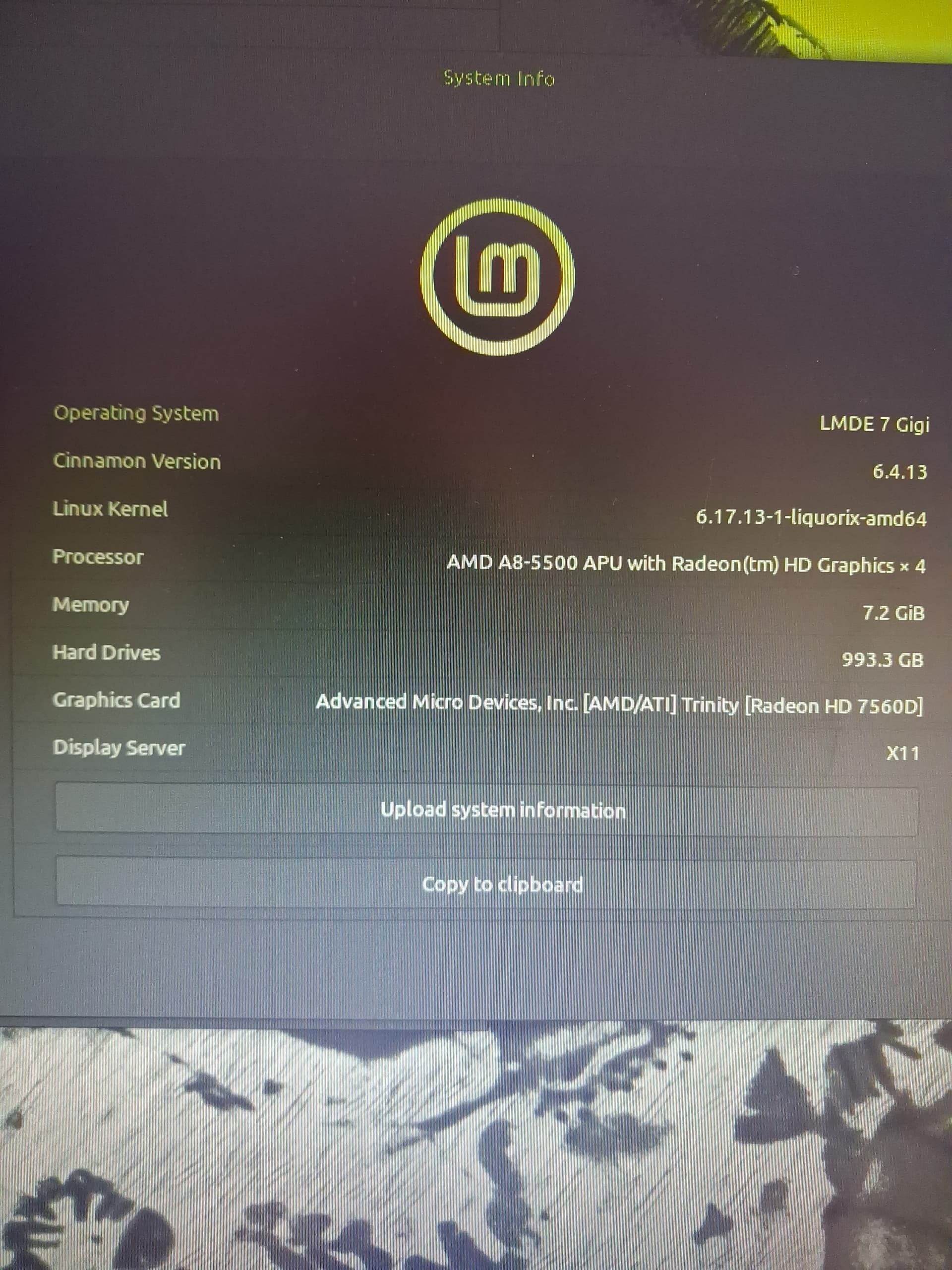
 yet I manage perfectly fine with it
  See recent song uploads here in ‘Made with Ardour’, for example.