The new layout is definitely an improvement in discoverability. I’m still not a fan of multiple buttons that all do essentially the same thing just for different controllers, but I’m not the one creating the software so I accept the improvement
However I think there is still a design language issue.
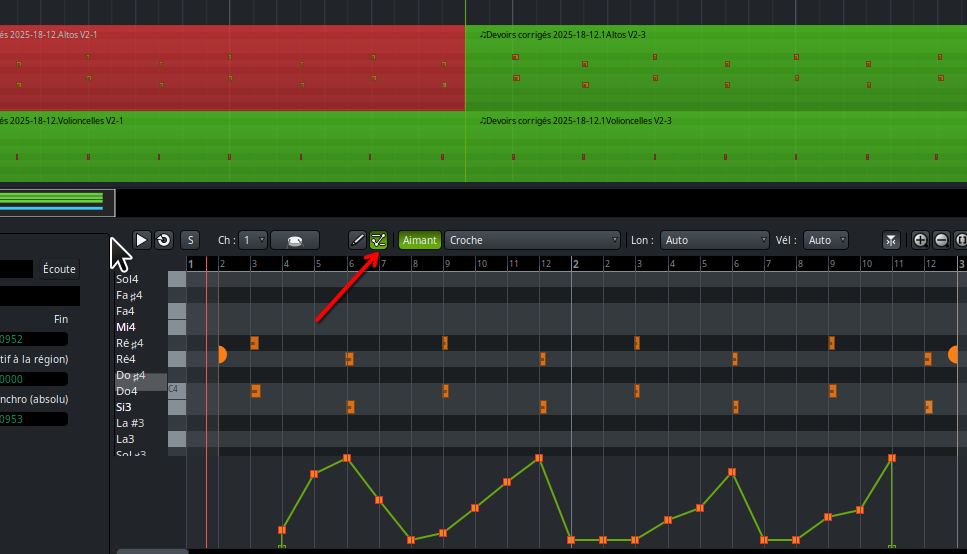
I clicked this button
And then started to draw on the lane, however nothing happened because, silly me, I forgot I also had to click this button
I think in general there is too much button clicking required.
Also the overlaid lanes thing is kind of nice, but after you have 3 or 4 lanes it’s going to be mostly a mess. I think separate lanes are cleaner and show the same relationship between the controllers.
Again though I’d like to see examples of the overlay setup you mentioned from other DAWs to see how it compares. Maybe there’s something I’m missing. Which other DAWs use this?
Yes, but in the current state (since the vertical size of the velocity/controller lane can’t be changed), multiple lanes will quickly eat up the available space. This would be especially painful when editing the pianoroll in the editor bottom panel, which isn’t resizable at all.
Yes they would need to be resizable - I think the single overlay lane should be resizable too. You could have the overlay in addition to multiple lanes as I showed in my wireframe earlier in this thread. But I still haven’t seen an example of the overlay system in the wild.
After doing a bit of search (including my own browser history), I am close to admitting that I may have hallucinated seeing other DAWs with multiple controllers visible in one lane. I could swear that I’ve seen Reaper do this, for example, but I can find no examples of it online, and don’t have the focus (or lack thereof) to try to make it do that myself.
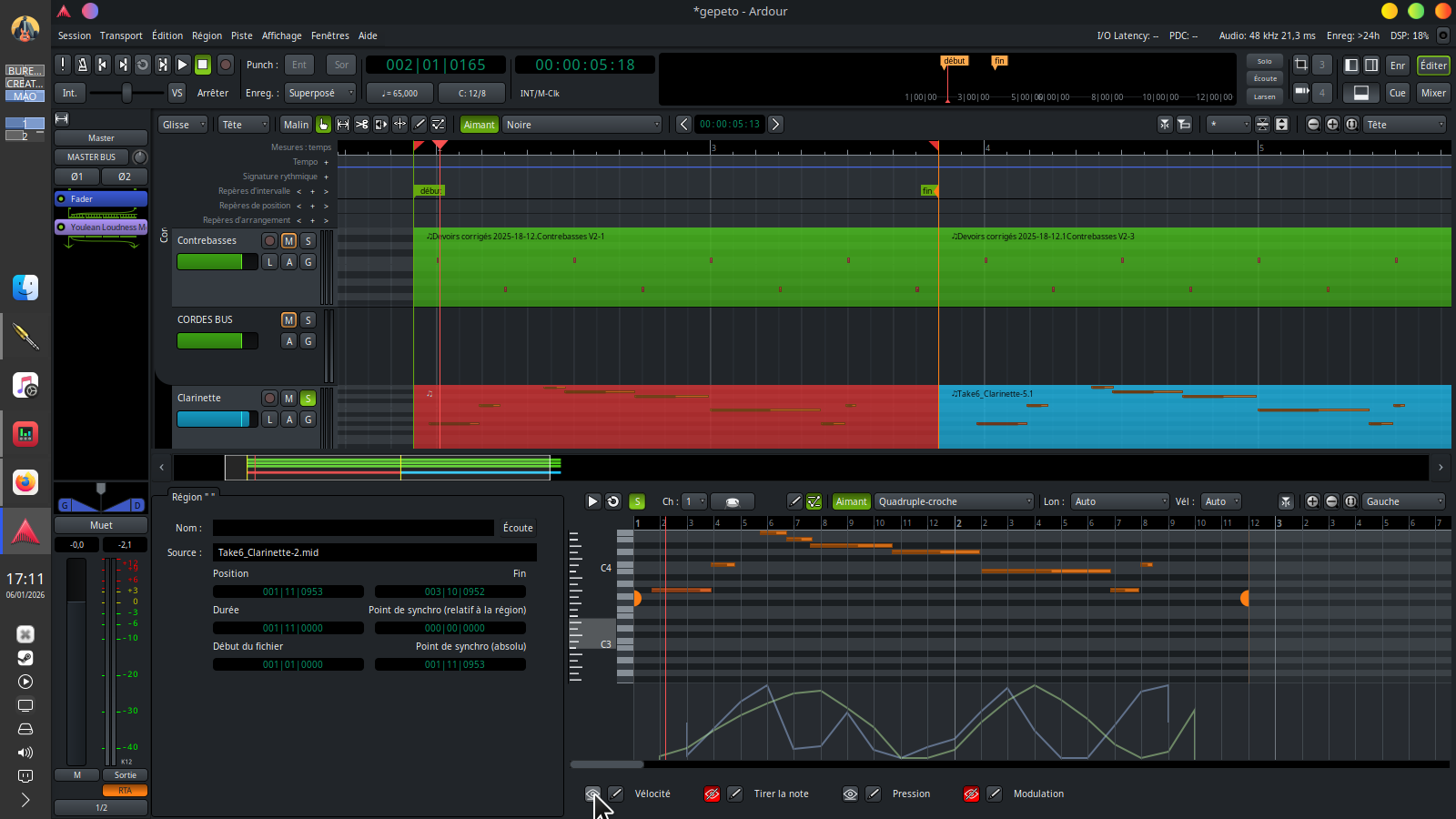
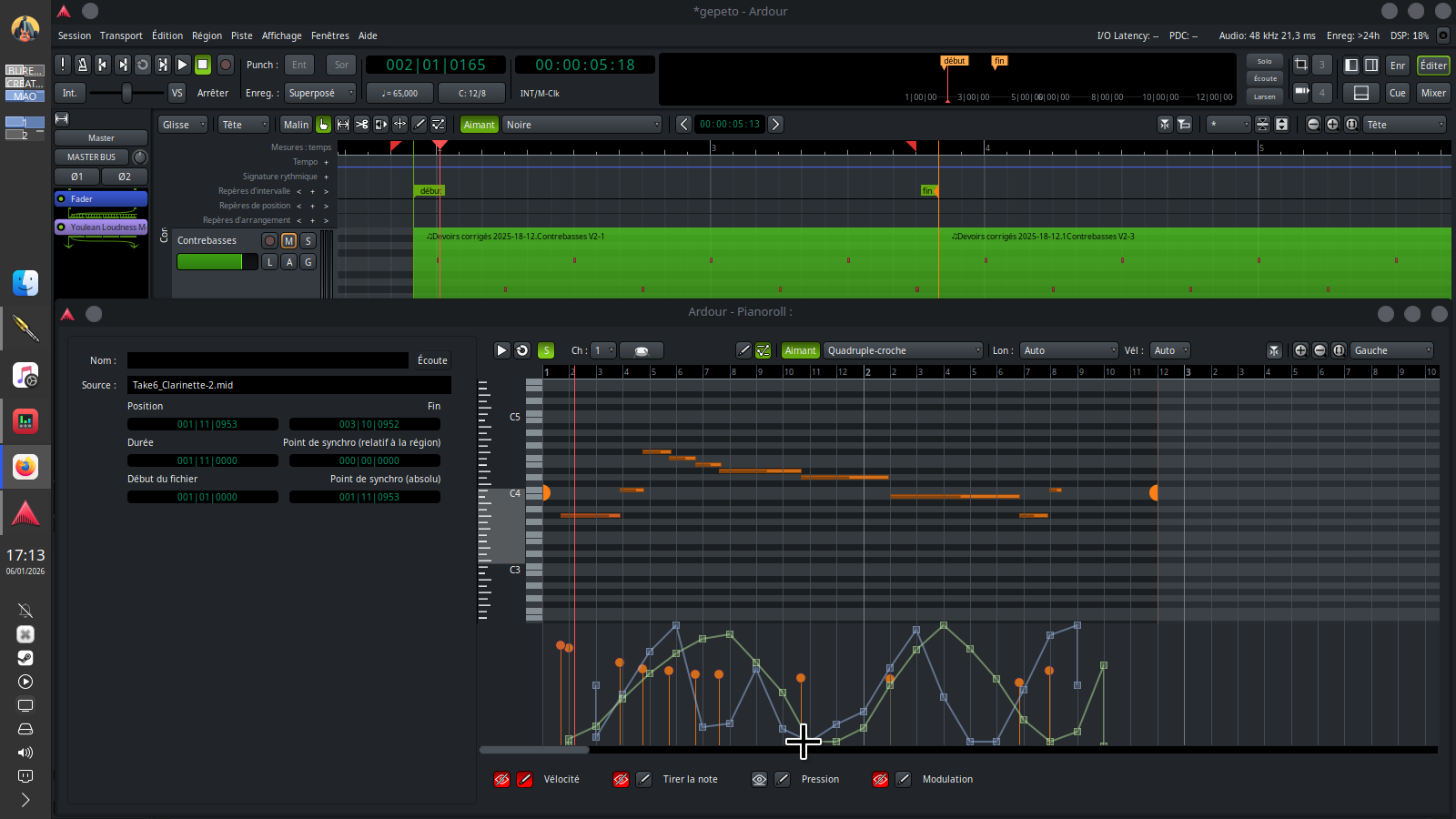
Superb update… Very big progress for the ergonomics of the piano roll window. I tried it quickly by doing random tests using the pencil and it works…
But if I use the pianoroll window of the deck at the bottom, I don’t show all the parameters as an overlay (the velocity doesn’t appear)…
yes that’s why I screened it… It was impossible to click on the visibility or velocity pencil button in the deck window… but it works in the separate window
This bug is a bit random.
I like the way you arranged the Piano Roll window to navigate between the settings… but I’m not sure of the point of having the superimposition effect… maybe I’m a little too noob in midi and composition… but personally I would prefer to switch between the parameters rather than superimpose them (plus it may be easier to program)
Looks promising, great update.
But it is still a little buggy…
I found this one out.
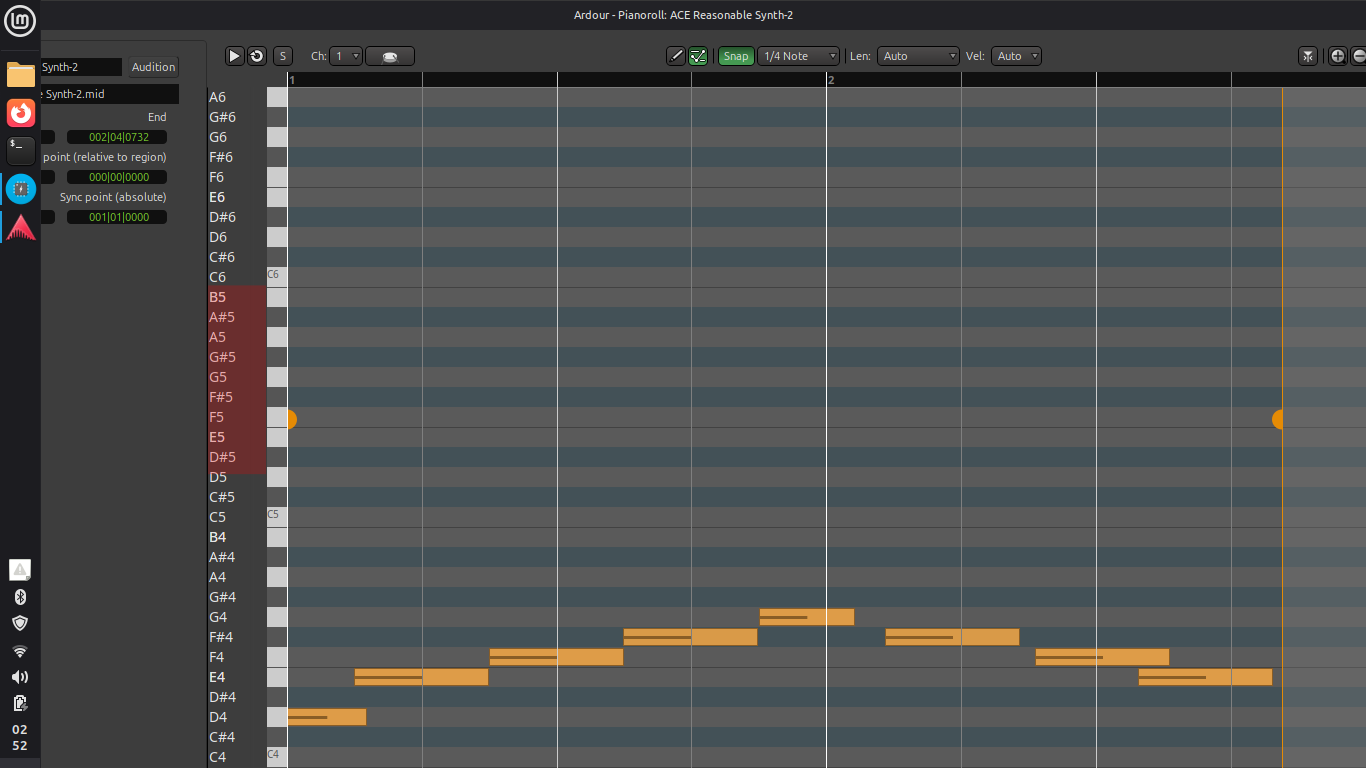
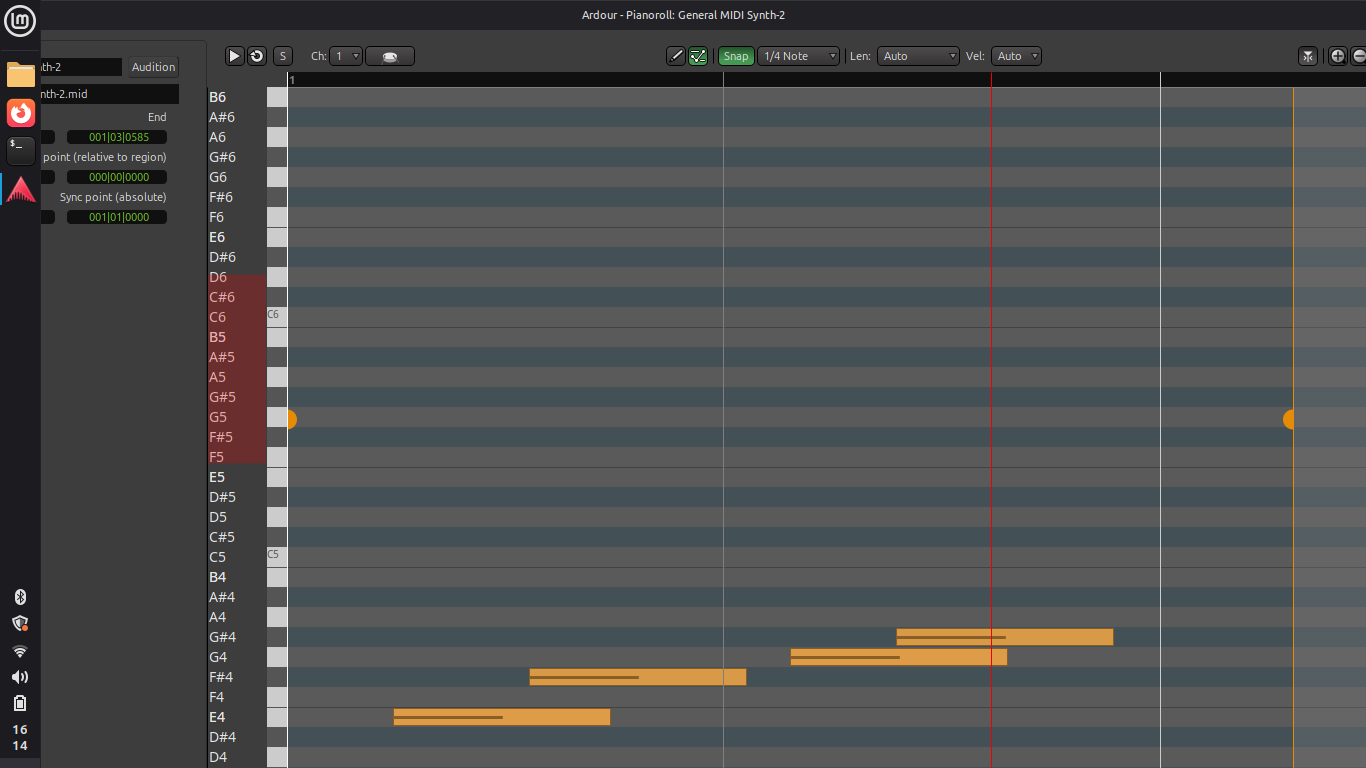
Mint 22.2, Cinnamon. Display is set to 1366x768 (16:9 aspect ratio) - that’s this laptops display max. resolution.
Every screen in Ardour looks normal - Editor, Mixer, Recorder - everything’s ok…
But if i double click the midi clip to open pianoroll in full screen i get this, and there’s no way you can set it to see the bottom panel:
often it takes away my midi region entirely (forcing me to do Ctrl + Z) especially using the Deck Low mode (it works better with the separate window but there are always difficulties to select the editing bridges)
It looks even better now. After some brief testing, I didn’t find any major issues. However, noticed some glitches:
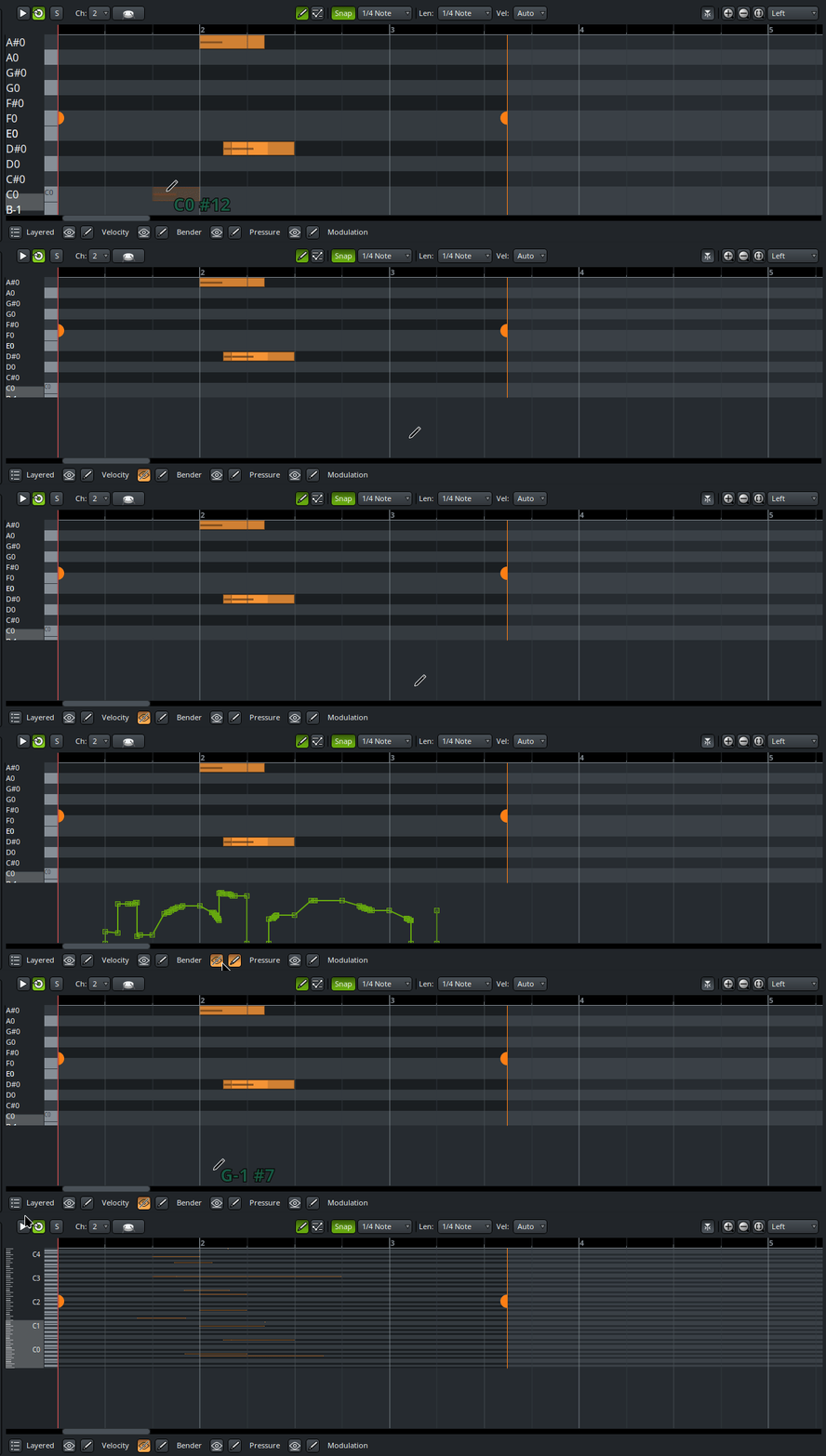
When the pianoroll is opened first time and the ‘eye’ button is clicked, I’m able to draw the controller lines. Then line then immediately disappears (since no draw mode is active). This may confuse users.
After tweaking some other controllers, this behavior no longer occurs. However, drawing while draw mode is disabled causes the vertical zoom of the pianoroll to change unexpectedly.
Also noticed some ghost notes appearing over the controller lane.
This bug remained.
Mint 22.2, Cinnamon, 1366x768 (this laptop’s max.resolution).
Every other window in Ardour is completely fine, but…
when double clicking on a midi event to get in pianoroll, it opens up like this, and there’s no way to shrink it, maximize it to fit the screen size, or to see the bottom panel.
I tried everything in OS settings and Ardour GUI settings, but it just remains the same.
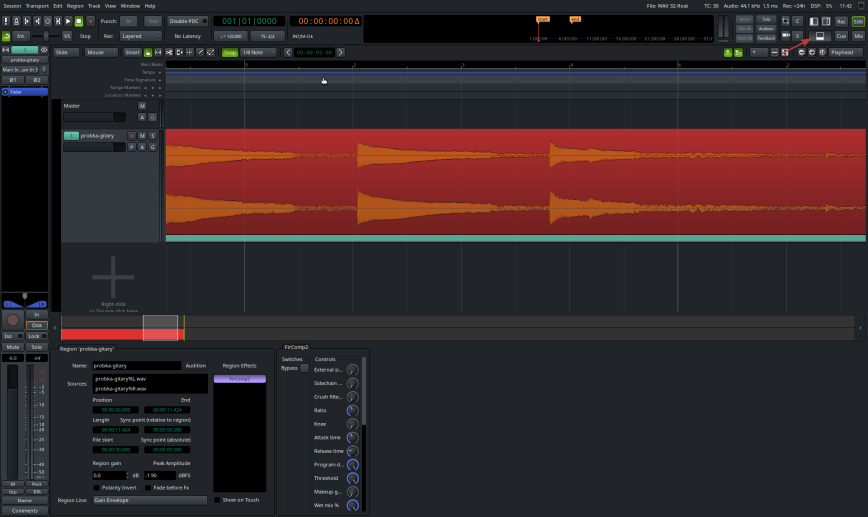
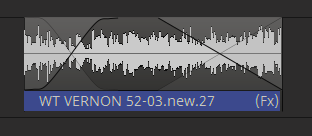
Can some kind soul remind me how to add/display RegionFx? Regions which already contain RegionFx will still display (Fx) at the end - but for the life of me I can’t seem to add or display a RegionFx any more
Or has the feature been disabled for some reason??
[Edit…] Ignore me… I just realised I need to double-click the Region (I’d been right-clicking Regions and assuming there’d be an entry in the popup menu )
[Edit 2…] In fact I just spent some time looking through all the various menus and AFAICT RegionFx doesn’t appear in any of them. Surely it should have a menu entry somewhere?
You may also want to enable the bottom panel (aka the Properties Box) by clicking the panel icon (or using View → Show Editor Properties Box or the Shift+P shortcut). Once enabled, the region effects will appear with a single click on the region. No risk of forgetting.




 )
)