We’ve just tagged the current code as 9.0-rc1 - this is the first release candidate for 9.0.
We are now in a feature freeze until 9.0 is released - all development work will be on bug fixes and improvements to features already present. We anticipate at least one more -rcN tag before release (possibly several), and at some point will announce a string freeze to allow translators to finalize their work for 9.0.
Users interested in testing 9.0 and ensuring the best possible release are invited to test it out from the builds available on nightly.ardour.org (or self-build if you prefer). We would strongly request that no Linux distributions package this or any other release candidate - please wait for us to release 9.0. Please report issues on the bug tracker though design discussion on the forum are now acceptable (if not always ideal).
We are not yet finished with the release notes for 9.0, but to get an overview of what is in this release, you can take a look at the in-progress document. It will be revised and updated as we move through the release process.
Please note that there is still no release date scheduled for 9.0. We anticipate that a wider group of beta-testers will uncover new issues (both bugs and workflow/design issues) that merit fixing before the release.
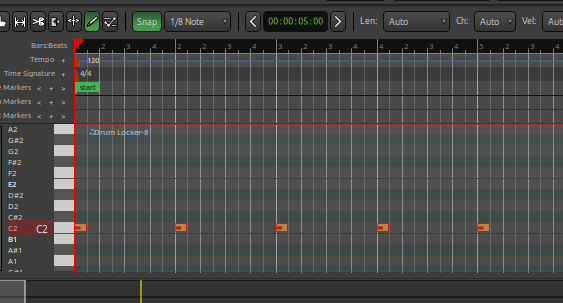
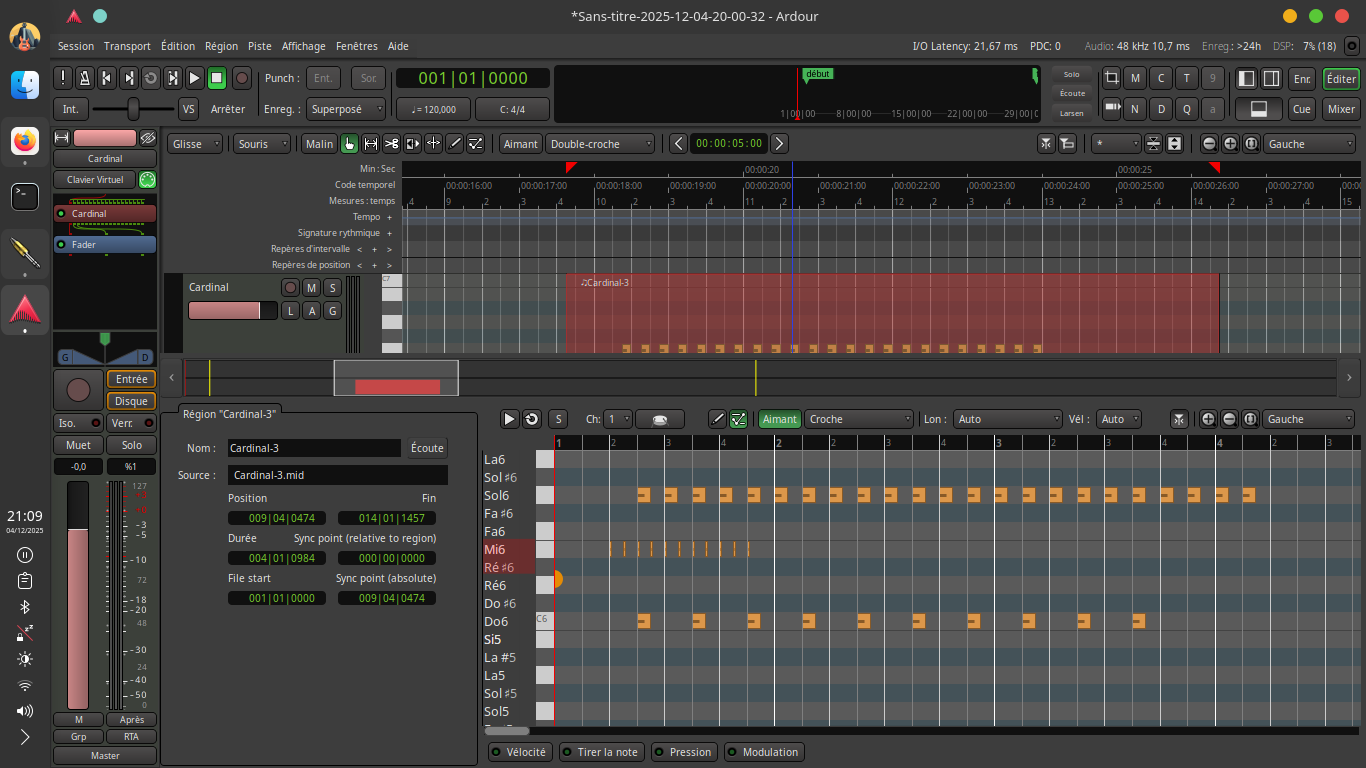
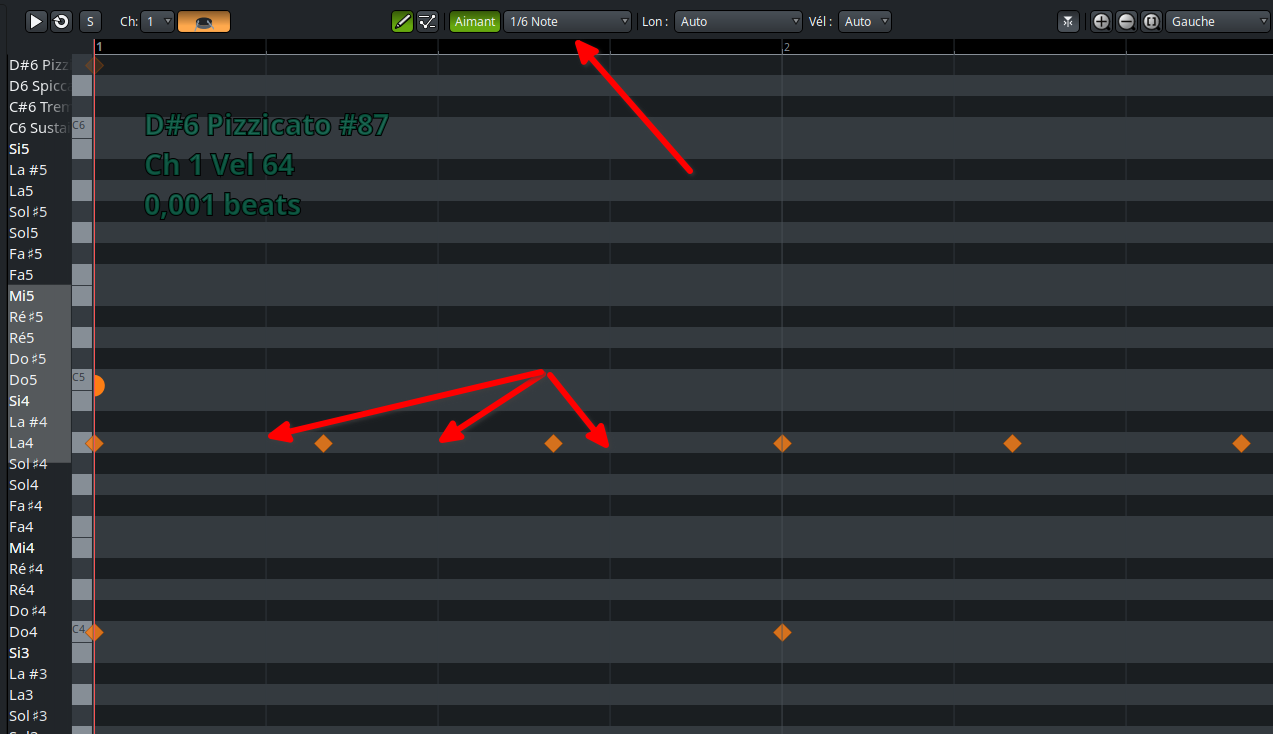
@paul I was trying out the MIDI Note Brushing feature, and can only get the repeated notes to land on the first bar of the measure, no matter what grid / snap settings I am using. I am dragging note while holding SHIFT. Am I using this correctly ?
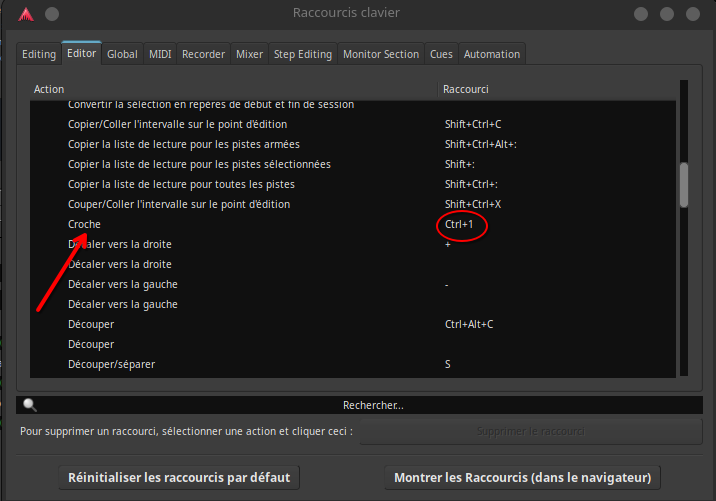
Well, in the meantime I’m going to create a shortcut that I’ll integrate into the toolbar because otherwise it’s not very ergonomic.
edit:Damn!
I couldn’t even find a submenu in the shortcut actions to access the different quantizations… so I had to create six shortcuts, one for each tempo (quarter note, eighth note, sixteenth note, etc.).
This should be integrated into the piano roll window in the future.
Hello forum, I was about to put my hands on the Italian translation for the new version. I had some trouble building it, but switching to tag 9.0-pre0 I went through…
Now I have another problem. Launching ardour using ardev from the building directory, it shows only the english version, Locale is set correctly and the .po/.mo are apparently compiled correctly. Not to mention the “using tranlsation” flag is set in the preferences page of the app. Is it normal?
Now, I could just translate the .po file, but it would be great if I could verify my work, especially with regard of phrases length…
Hallo Paul, thanks for the new rc.
I tried the new realtime perceptual analyzer and tested it with white noise from test signal generator. Why do I see a difference between realtime analyzer and the spectral analysis in context menue of a track?
thanks, Alfred
Actually, thinking about it, I preferred using keyboard shortcuts to change the note length for brush strokes. I figured I’d use the numeric keypad with the Ctrl key. That way, I wouldn’t overload the graphical interface… and it works.
However, the ability to use eighth-note triplets, sixteenth-note triplets, etc., is still missing.
There’s a small problem in the piano roll window: the display of the grid in triplets, quintuplets, and septuplets isn’t working: only the display of the progression is bugged… The pitch is correct, and the magnet works.
The effects parameters in the lower zone are really nice to have. As with anything represented as a list, it would be cool if there would be the possibility to search for parameters, and/or create presets containing subsets of the list.
It is a promising start though, and works pretty well for plugins with low parameter count.
It would also be cool to find a way to add a parameter from the lower zone to the strip.
Right click item or something like that.
Edit: and of course the obvious vst3 spec style right click > show automation lane. I know there is show last touched, and I use this extensively. But anyone who has experienced this in reaper or cubase might wish that workflow available everywhere.
Yeah this needs work. There will either need to indirection, say Nmacro controls that are mapped to the plugin parameters. Or alternatively a way to pick N controls and only show those (custom sort controls).
The latter might also help with hardware control surfaces where there is a similar problem:
One should be able to choose which parameters are shown there first (without banking).
The hard part is finding a nice way to allow a user to customize this (for LV2 plugins Ardour uses the LV2 Port Display Priority Property).