Development update: 9.0-rc1 tagged

I noticed something similar about a week ago.
I think there’s a difference between clicking on a word, and clicking on that green circle/‘light’.

Let me test again…


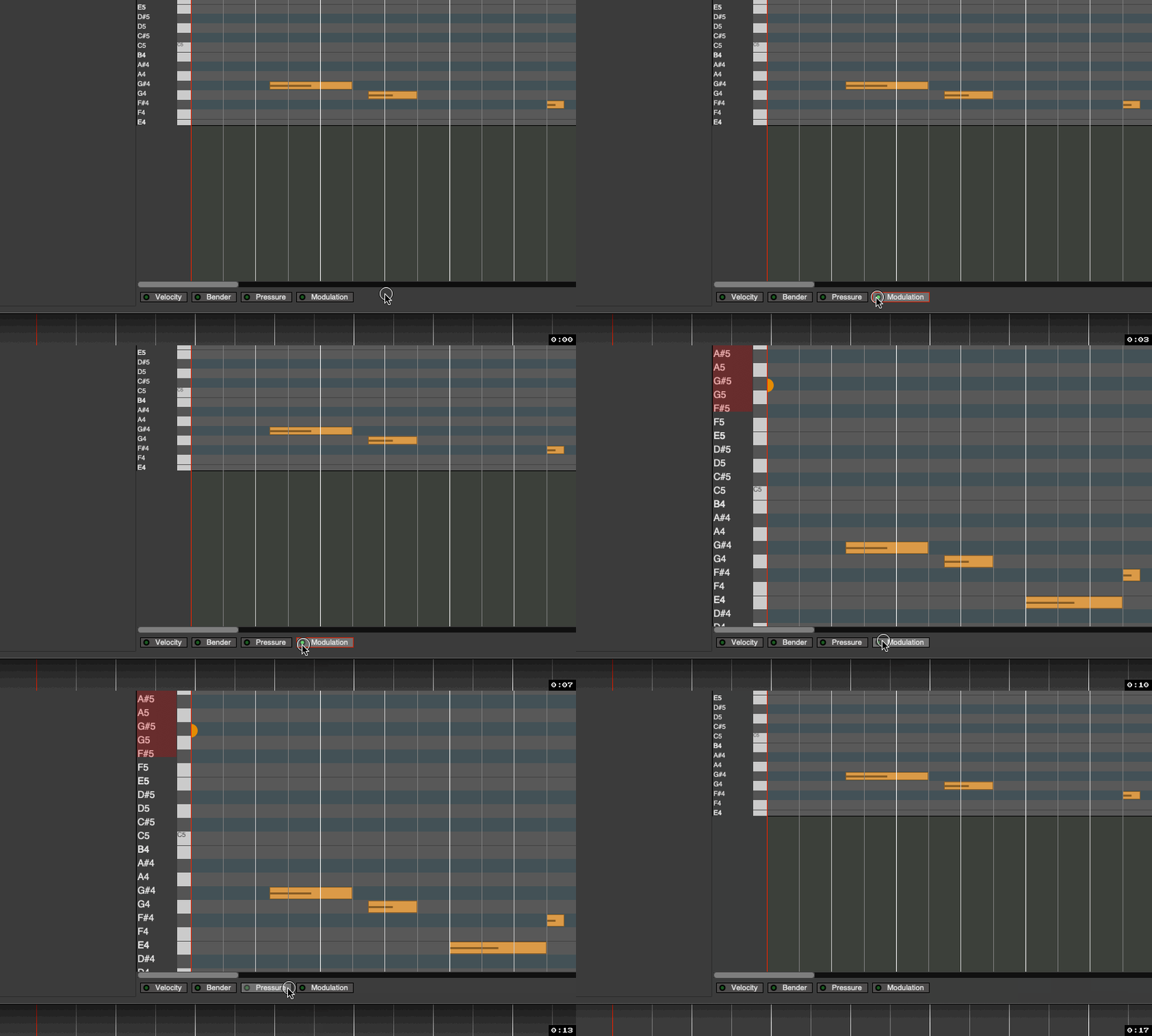
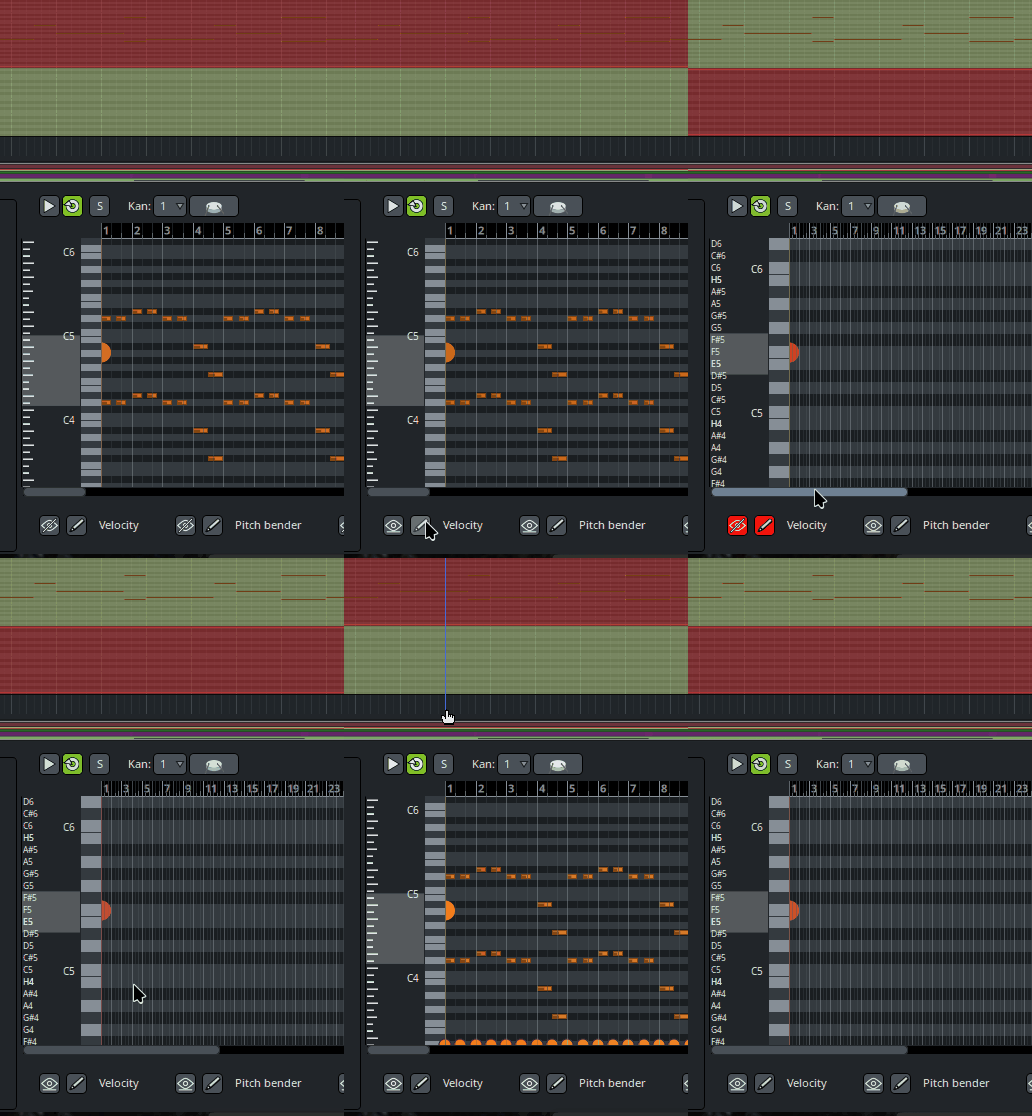
Yes, there is a difference in this, almost as if clicking just the word/overall button is intended to just select that particular automation, not close the lane:

Ardour (pre9,rc2) - Piano Roll Automation Lane Hiding 1

@paul, Can you clarify the overall intent here?

Because it seems there’s probably multiple things possible here, e.g.:

  • Highlight/select all of the particular automation.
  • Enable/Disable the particular automation. (?)
  • Hide the lane.

:question:

2 Likes

It is still very buggy at the moment. If you open velocity editor and click on different MIDI clip it stop working. These buttons require serious redesign to work correctly. Fixed height is a very bad idea. This editor in cue editor can be resized :frowning: There is no “zoom/scroll sync” tool that can synchronize track and the editor. It’s more like an idea preview than a real tool right now.

Kooha-2025-12-22-20-24-22

2 Likes

The buttons have to serve two functions:

  1. make a given controller be visible
  2. make a given controller be the one that currently editable

I’m happy to take better suggestions on how to do this.

There are 3 additional buttons that have been hidden for 9.0, that allow selection of any MIDI controller at all. They were hidden because:

  1. their existence slows down selection more than it has already slowed down for 9.0
  2. i haven’t yet figured out a sane scheme for save/restore of their state
3 Likes

Open velocity lane and select different MIDI clip. The velocity editor just stop working.

Use multiple lanes. Click the button and the lane appears and is editable. That way we can quickly move between editing velocity, modulation, or any other controller without pressing buttons in between. We do lose the overlay view which I kind of like.

Or do what Qtractor does (which I don’t like) one controller visible/editable at a time.

Do away with the buttons. Use a drop down to select the parameter to edit.

The design goal here, based on user input and several other DAWs, is to allow an overlay view, and to avoid multiple lanes. Once you accept this, solutions like dropdowns don’t really work any better than the buttons, I think.

3 Likes

I kinda like these buttons more than a drop-down menu idea.
Overlayed lanes make sense from a functionality-purpose standpoint.
On the other side, is it gonna be challenging to design multiple overlayed lanes not to be visualy messy?

Is it viable (or sensible) to use icons to represent visible/edit mode?

I’m thinking something like an eye for visible (like in GIMP Layers) and a pencil for editable.

Cheers,

Keith

1 Like

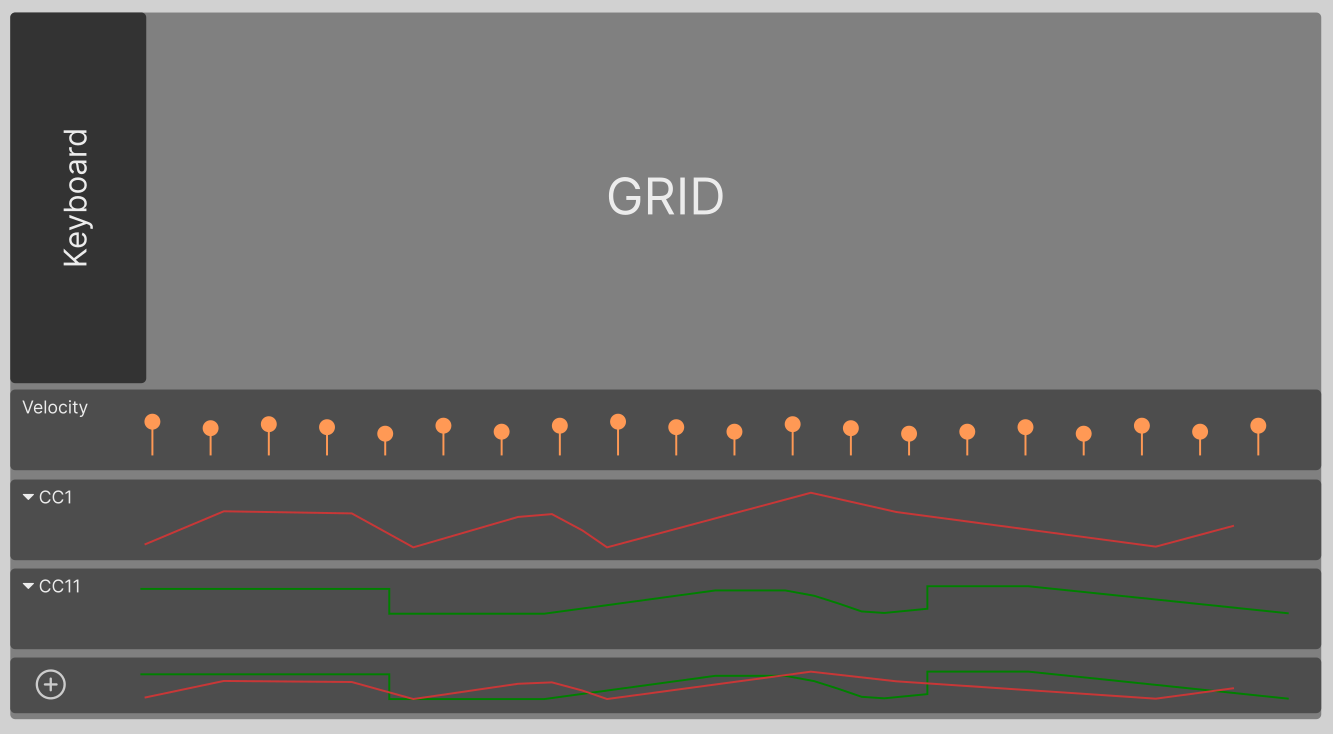
Here’s a quick little wireframe that includes overlay, multiple lanes, drop downs, also avoids the need to add 128+ buttons to cover all options.

I would say … (1) there’s no overlay there at all (2) you can’t get more than 4 visible at a time.

We were never going to add 128+ buttons, just 3 extra, each of which can be used to select any of the 128 * 16 possibilities.

1 Like

Sound like a good idea to me, Paul.
I’m not a fan of cluttering the available gui space, with automation lanes stacked one beneath another.
(Maybe thats why i’m almost always turning off plugin inline displays on individual tracks :), not a fan of those either :slight_smile: )
Aldo, i might not be the right judge, because,
i maily only use velocity, expression and pitch modulation while editing midi automation lanes. Even volume and pan are optional to me there :slight_smile: (i like to do that in the mix with rendered out audio stems) .
But, i understand that it could get realy detailed realy fast, if you like or need to use all the possible parameters…
…ach…i don’t know. Either way is fine i guess.

This is motivated by region properties and plugin settings. It is very annoying when the editor‘s bottom pane height jumps around.

The overlay is in the bottom lane. The number of visible lanes is determined by the user (clicking the + button to add a new lane). If they only want one lane then they can have that. The height of the lanes would be adjustable also. - This was just a 5 minute mockup to give an alternative suggestion.

Which other DAWs currently use the single lane overlay system? I haven’t seen it before and it would be good to see how others are handling it.

I’m not sure you’d want that even in an overlay mode, it’s going to get very difficult to see what’s happening. I’d usually work with 2 or three lanes visible at a time, then if I need to edit another CC I’d switch it in one of the visible lanes. With most instruments I find I’m working with velocity, CC1, and CC11. Seeing the relationship between these 3 is very useful. Then occasionally I’ll want some pitch bend, pan, or sustain so I can just open those, make my changes, and close them again.

The problem with the buttons, as they currently are, is they are not intuitive - I know you’re not a fan of that word so let me qualify it in this context.

Ardour has a specific design language that users are familiar with.

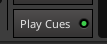
This is an Ardour button, it triggers a single action. We all know and love it.
image

But this button is rogue, it’s non-standard within Ardour’s UI. It does several actions depending where you click on it and the current state of the editor.
image

No lane visible and click on a led - lane appears but can’t be edited
No lane visible and click on a button - lane appears and is editable
1 lane visible and editable and click on a second led - overlaid lane appears but isn’t editable
1 lane visible and editable and click on a second button - overlaid lane appears and is editable
1 lane visible but not editable and click on a second led - overlaid lane appears and neither are editable
1 lane visible but not editable and click on a second button - overlaid lane appears and is editable

I’m scared to test the combinations with more than two buttons.

The only similar button I can find on the UI is the plugins and inserts for tracks. They have a button and led, but they don’t look anything like the rest of the buttons on the UI and they live in their own little zone. They also don’t do anything when you left click on them, you have to double click.

And look at this confusing scenario where no buttons are selected/active but the controller lane is still visible.
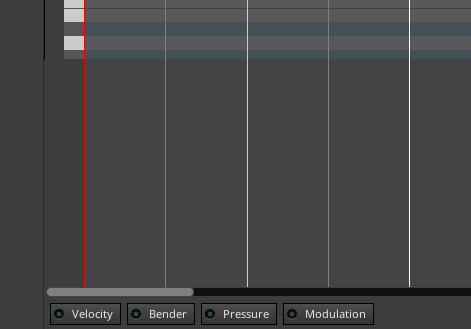
image

4 Likes

As long as there’s an option to have only 1 lane visible, (and optionaly no lanes at all when i don’t
need 'em), i’ts all good :slight_smile: .

3 Likes

If I record a Audio sound in the Cue window, and wish to edit it further, will I need to drag the clip to the Edit window?

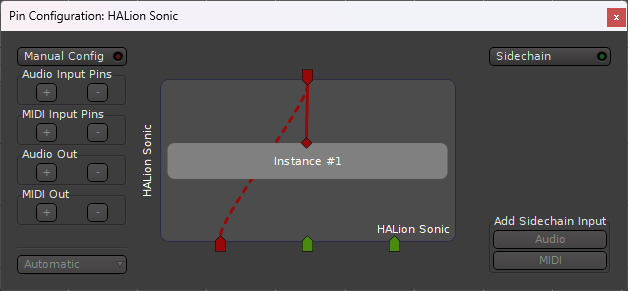
Windows Commercial VST’s seem to have issues. I can get 0 audio outputs from Steinberg VST’s…
Screenshot 2025-12-29 073328

And NI ones give me all no matter what I try…

Looking & Working Great though!!! Thanks, I’ve learned so much from Ardour devs.

2 Likes

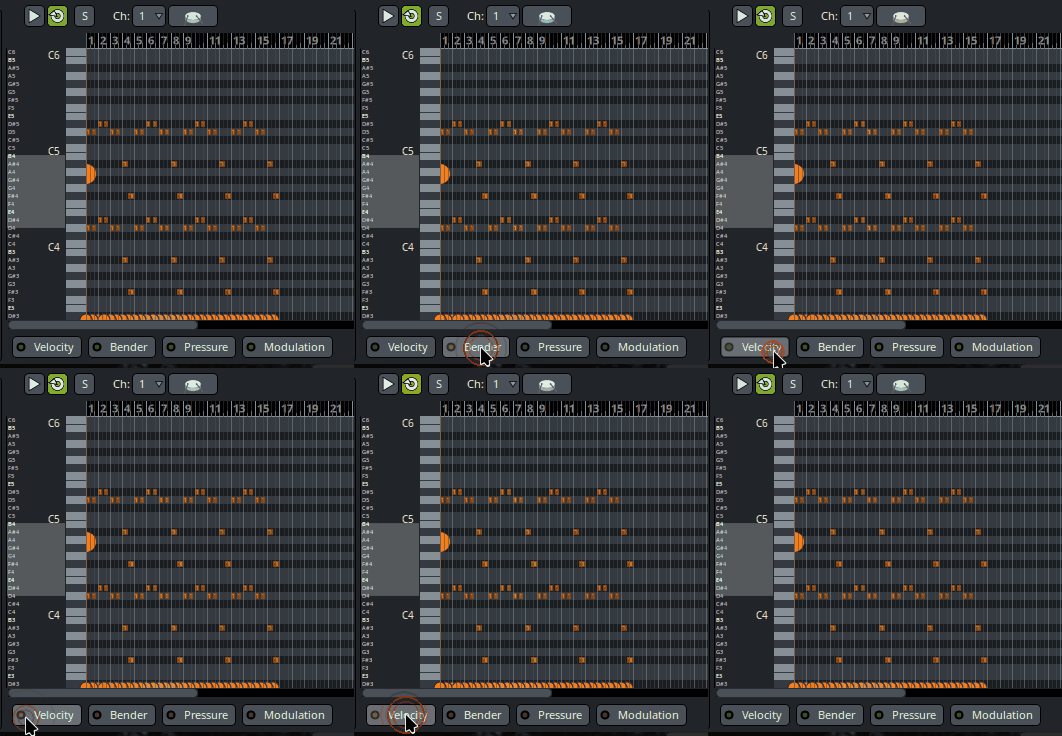
I’ve reworked the design of that row of buttons quite dramatically, and would appreciate feedback.

I’m not going to even attempt a multi-lane design before 9.0 is released, but might consider it later.

7 Likes

Oh nice, is it available as a nightly yet? If not I’ll wait until tomorrow.

it will be in the nightlies that become available in the early morning hours, US mountain time.

3 Likes

Great! This is a lot better. But still has the bug which I wrote about earlier: if you edit velocity and select another clip, the velocity editor doesn’t work anymore.

Kooha-2026-01-06-12-05-11