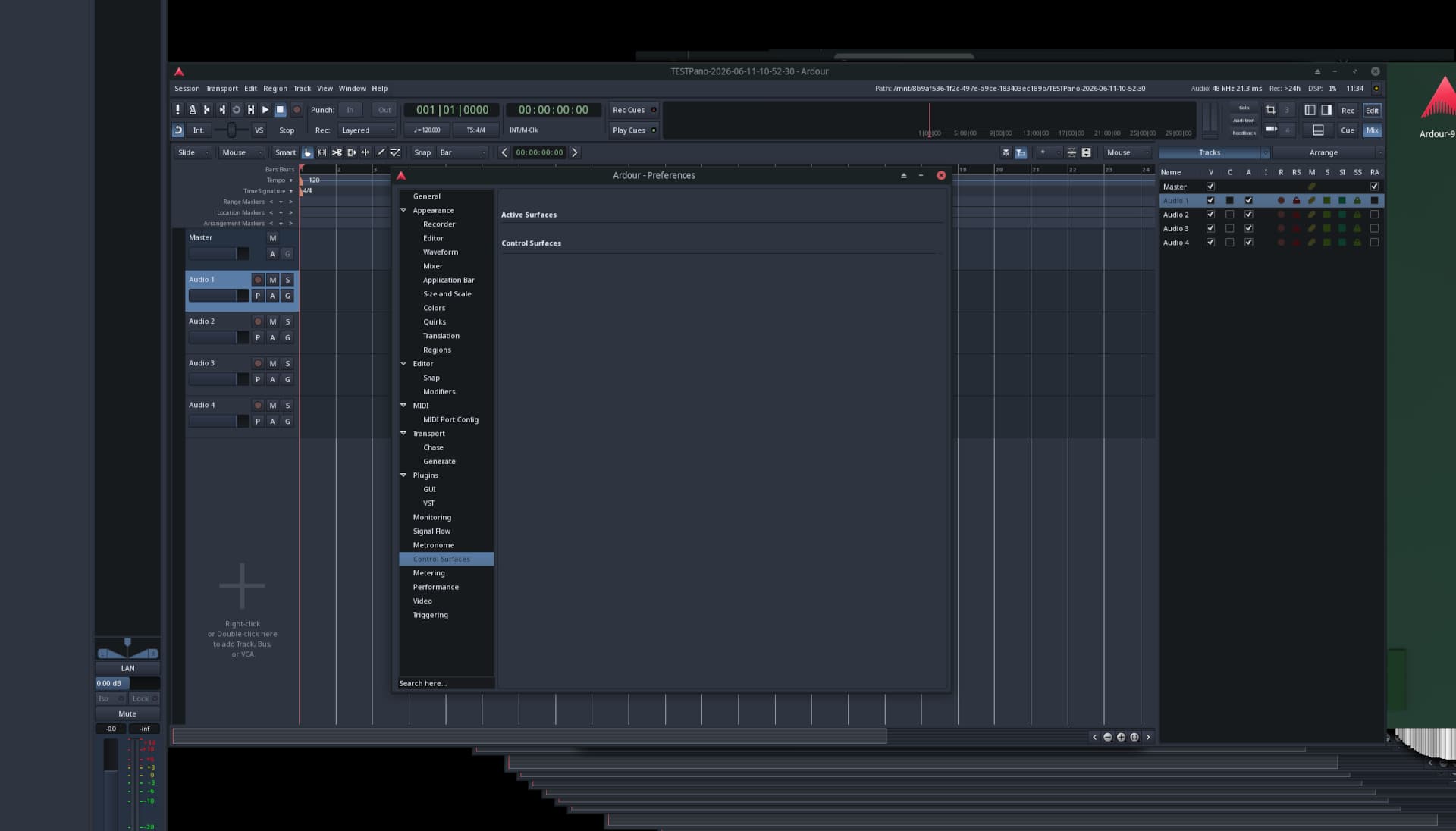
It contains the MIDI Tools element now, and is sized to fit that at minimum.
1 Like
Understood. But wouldn’t it be feasible to allow the panel to shrink further, even if that means part of the MIDI Tools section becomes hidden? Just like in my example, where part of the Tracks panel is beyond the screen edge – and that’s perfectly fine. Let the user decide.
the pane can be shrunk down to the “smallest size” of the largest element. the treeviews are very collapsible, so their “smallest size” is very small. not so for the MIDI tools. something will probably need to be done about it, but it’s not obvious what right now.
Is it intended that CCs jump to the highest or lowest value when you finish drawing, rather than ending at the last value you drew?
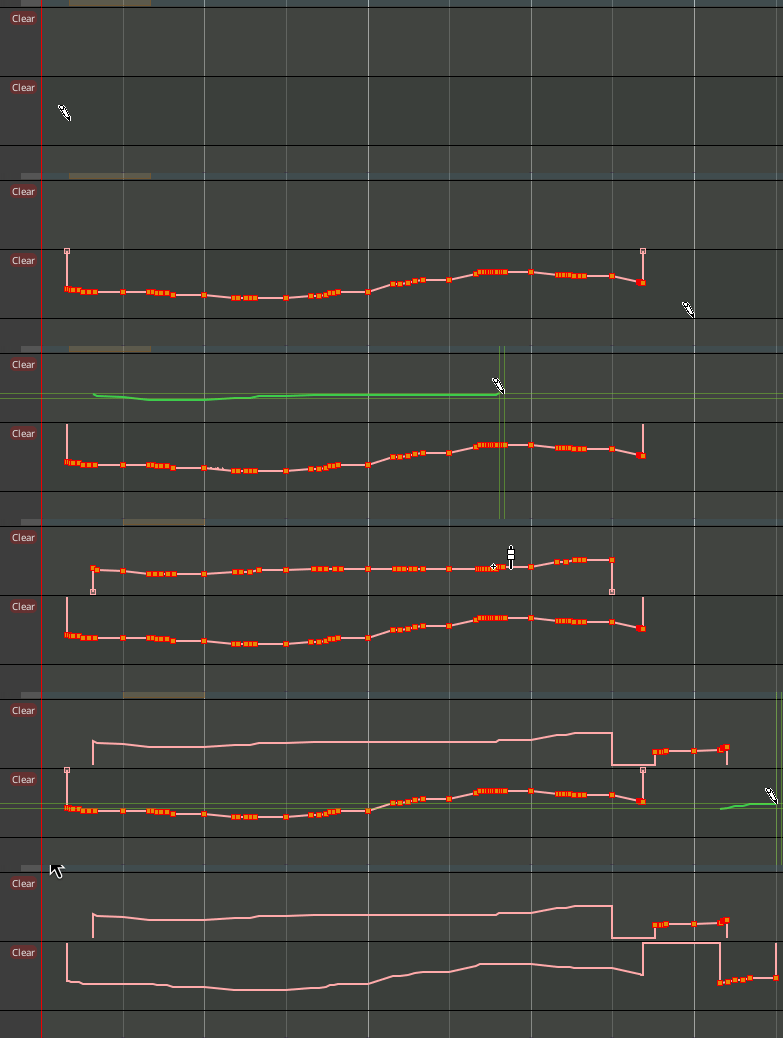
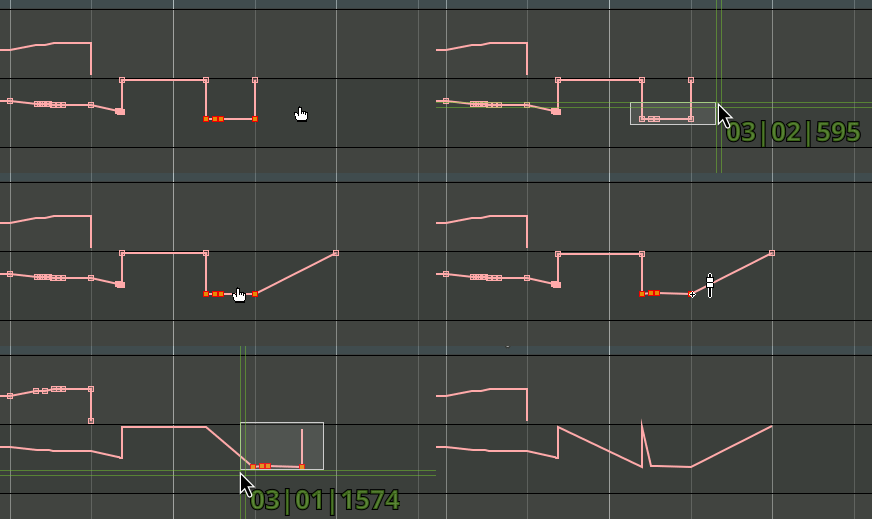
It’s also very difficult to select and move CC points, and (wait until the end of the clip) undoing (ctrl+z) creates weird behaviour.
1 Like
Been annoying me too
1 Like
I see. It becomes more of an issue when using translations. In Polish, the MIDI Tools are much wider than in the English version. As a translator, I’ll try to fix them to better match the English size (though that may be difficult), but it still seems that this is the widest of all panels. Some slimming down would be welcome.
It is not jumping to the highest or lowest, but to the default value. For the bender, that’s zero (in the middle); for pressure and others, that’s zero (at the bottom). The added guard point at the start seems important to me; the one at the end does seem as if might be a mistake.
2 Likes
help !
I have downloaded version 9.7.
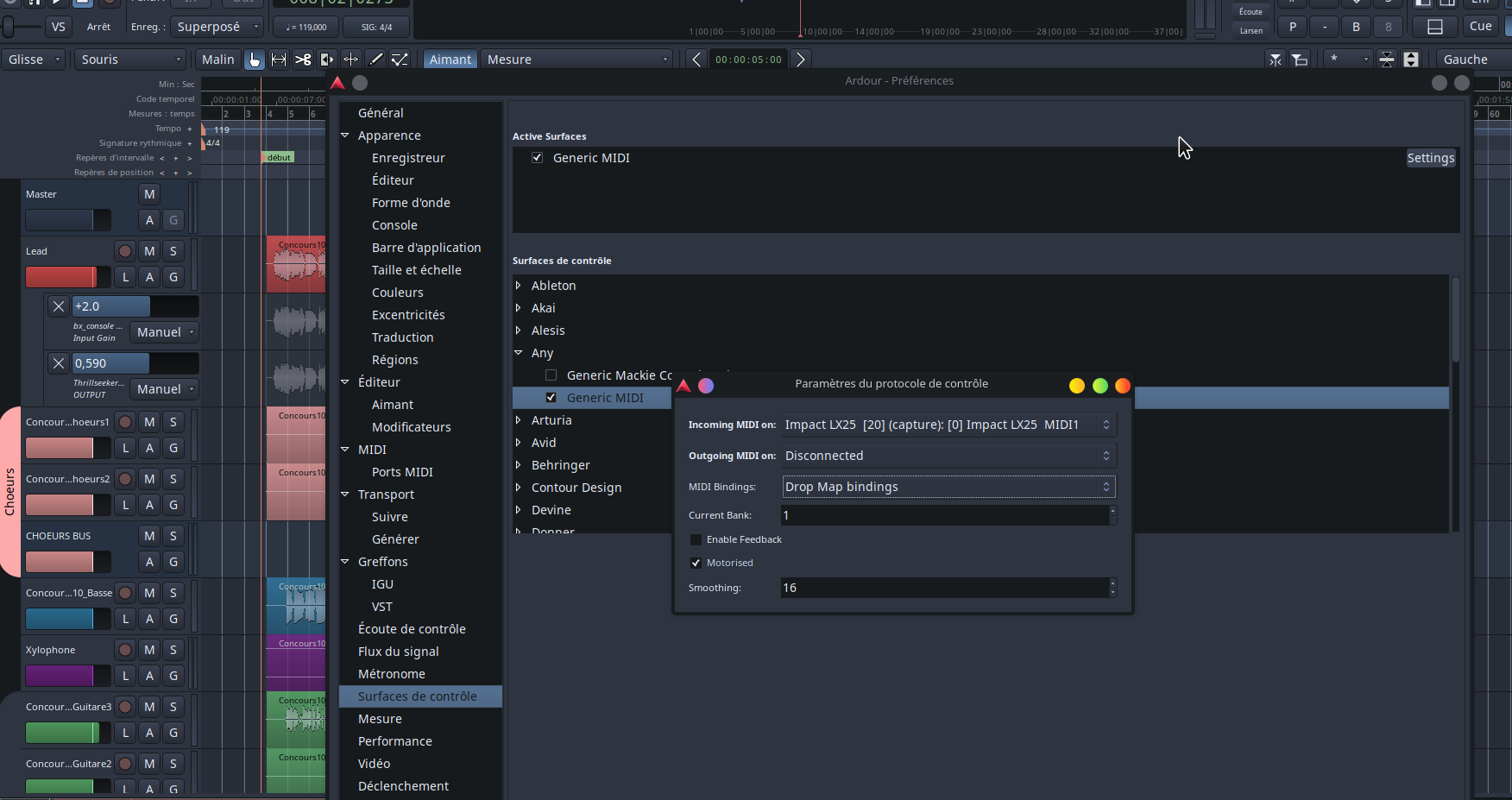
I can’t use in preferences, my control surface.
Before, I used a midi map file that I had created for my LX nektar impact or for my arturia mk3 essential.
I used the “generic midi”
There, we always have the midi generic but I do not know how to go to get my personal configuration file…
help!
anyway… again… nice job!
regarding the nektar lx, the problem is solved because there is already a preset that works well in the ardour list
but I would like to know the start with the generic midi and midi_map binding
EDIT:
I found a method!!
Midi-map files are always at home in the /opt/Ardour-9.7.0/share/midi_maps/ directory
I noticed that there was a “generic midi” file. I opened it with kate and here is the file.
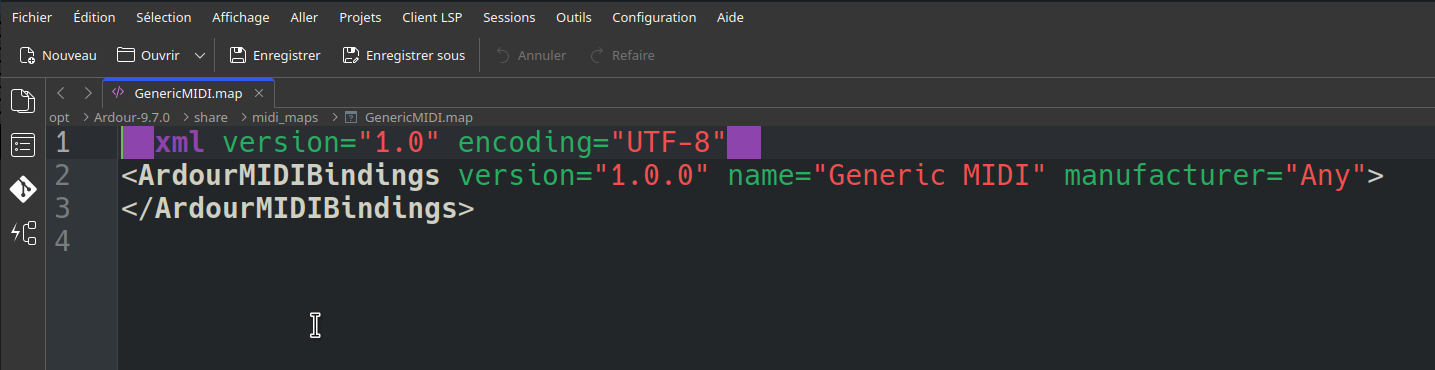
I copy the first 2 lines and I replaced these lines at the beginning of my file by replacing the name “Generic MIDI” with the name of my control surface.
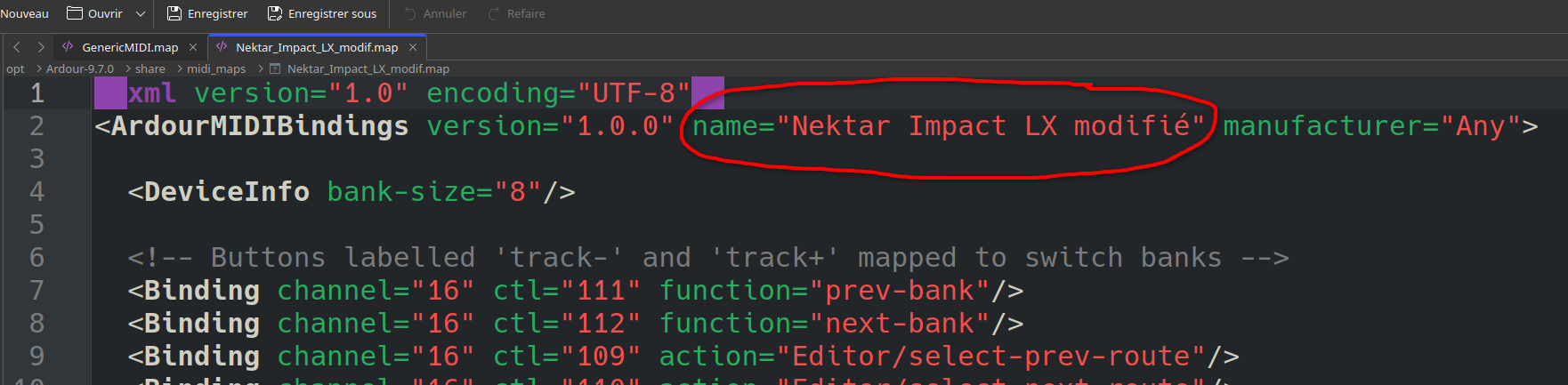
I have recorded in the directory and hop!
It works
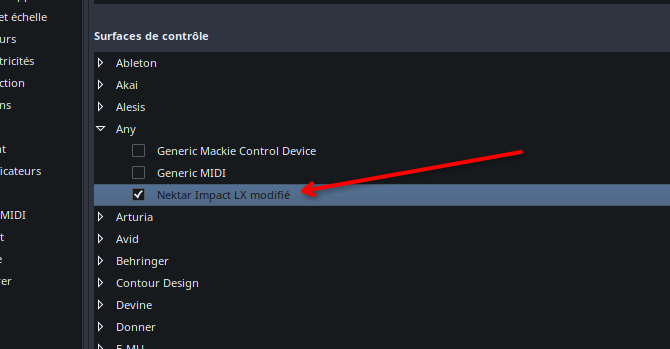
1 Like
The shown blank control list is exactly what I’m seeing in KDE too. Does anyone have a working Control Surfaces page in Linux/KDE?
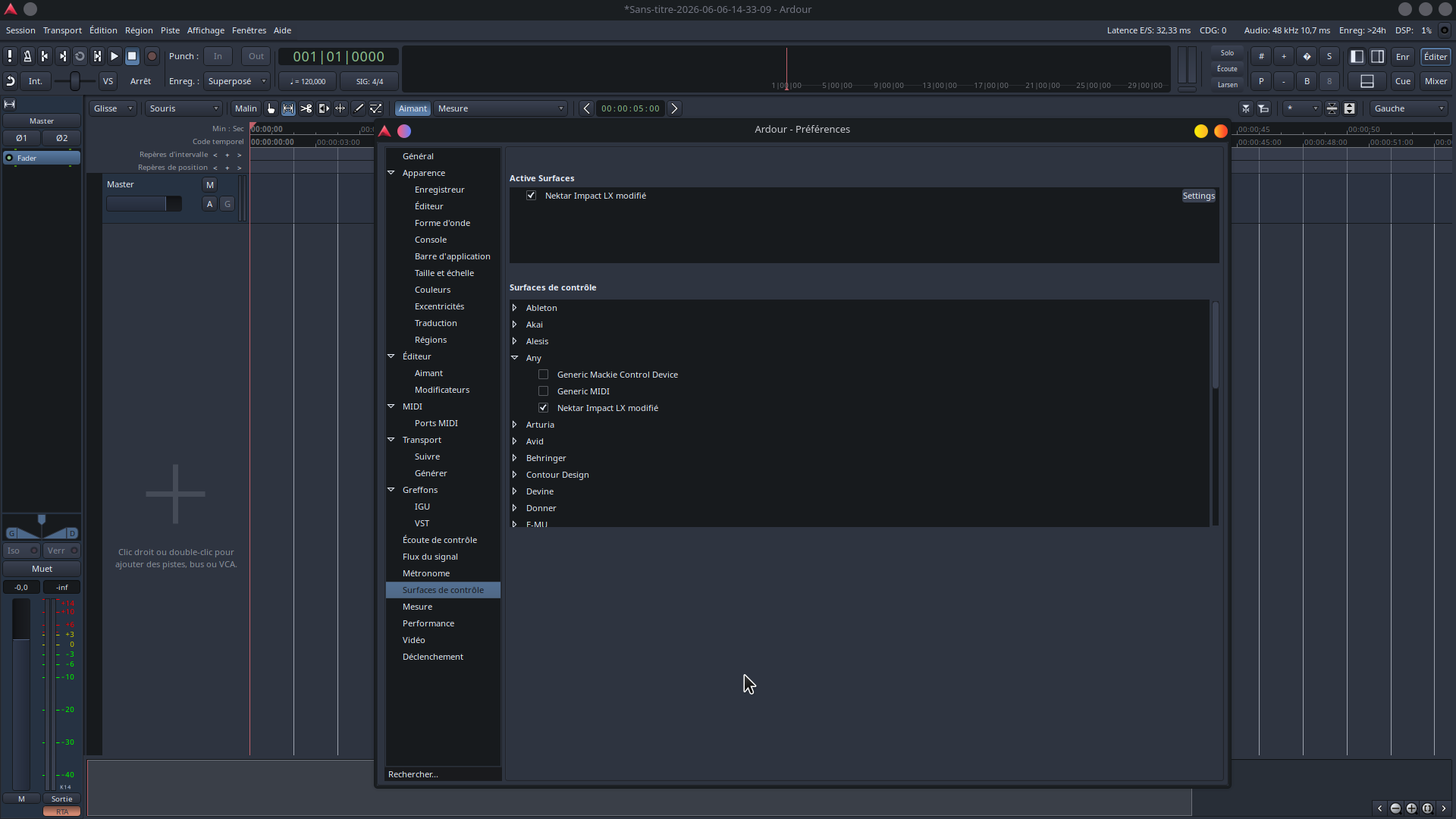
Did you self-build Ardour or install the official build?
Ok, that shows it correctly. Not sure why some of our builds are not working. Will keep digging into it.
That’s very cool, and quite a suprise.
For unknown reasons i am not too much a fan of the pianoroll (perhaps yet, just a question getting used to it). But being able to do the chord-editing from Editor-List is really nice.
1 Like
Oh, I didn’t see that everything was explained here
Bell Studies for the Clock of the Long Now
- it’s these small details added to Ardour that continues to impress me (not sure how long that statement was in the ‘About’ section.
- That statement is the thinking/outlook I have grown into without knowing there was a movement
- Thanks!
James
Ardour release codenames are Brian Eno album titles and we hope he can keep up with Ardour releases 
January 07003: Bell Studies for the Clock of the Long Now - Wikipedia
only for the 9.7 (and aborted 9.6) release.
9.5’s codename was Drawn from Life - Wikipedia
3 Likes
If not, you could use albums the community made with ardour😉