I have a successful vcpkg manifest file(s) setup, to at least pass the configure test, which includes custom ports for libsigcpp, glibmm, pango, pangomm, and cairomm. Ideally in the future I’d be able to make a port for building lrdf to support LADSPA plugins. But I thought I’d also categorize my thoughts, to perhaps help in considering what needs to be discussed.
- Where are the files to install the deps?
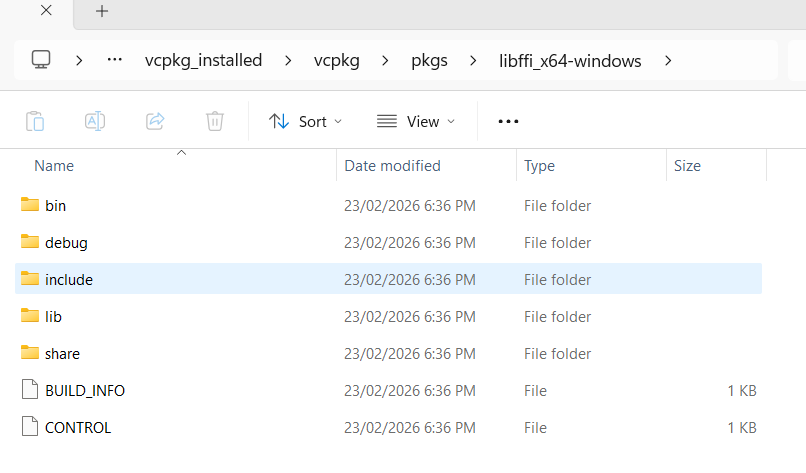
Currently I have 2 commits in a Github repo, if you have vcpkg installed you can clone this and run vcpkg install, and it should take a while for all the deps to get installed into a folder called vcpkg_installed.
If you have Visual Studio 18, you can see point #5.
(When testing to configure Ardour, you can add
--also-include=C:\path\to\vcpkg_installed\x64-windows\include --also-libdir=C:\path\to\vcpkg_installed\x64-windows\lib
at least for the release build. For debug build, add \debug before \lib.)
There’s also 5 caveats (at least for now):
- You need to copy pkgconf.exe where it is located, and rename the copy to pkg-config.exe.
- One must manually make aubio.pc. (Both for debug and release builds)
What I made (for Release):
prefix=${pcfiledir}/../..
includedir=${prefix}/include
libdir=${prefix}/lib

Name: aubio
Description: aubio library
Version: 0.4.9
Libs: "-L${libdir}" -laubio
Cflags: "-I${includedir}"
For debug, change the include dir line to includedir=${prefix}/…/include
- jack2’s .pc file(s) need to be edited to be version 1.9.22 manually, instead of 1.9. This will make it pass the version check during configure. (For both release and debug)
- The root wscript in the master branch of Ardour currently has
conf.env['MSVC_VERSIONS'] = ['msvc 10.0', 'msvc 9.0', 'msvc 8.0', 'msvc 7.1', 'msvc 7.0', 'msvc 6.0', ]. That line needs to be deleted. (Regardless of release/debug build) - The same wscript also has
conf.env.append_value('LIB', 'pthreadVC3'), but for debug there needs to be a d at the end. So that’ll have to become an if/else block. (This affects trying to build a Debug build of Ardour.)
There’s been some discussion over at IRC to have a separate repo for the msvc deps.
- The Dependencies: Are all collected?
With regards to configuration at least, all seem to be covered, except lrdf and CWiiD.
Regarding CWiiD, vcpkg does seem to offer a port of something called “wiiuse”, but I don’t know whether that’s better, or how hard it’ll be to switch from cwiid to that. It does call itself “cross platform”, but that’s about the extent of my knowledge on it.
Vcpkg’s portaudio has an “asio” feature, meaning pa_asio.h will be found, if installing from the above repo.
- The Dependencies: Sourcing/Creating the install script/files
For now, I’ve picked vcpkg. However, I believe that once Conan has recipes to build all dependencies (Excluding lrdf and cwiid for now), Conan would be more appropriate as it seems to be better suited for cross-platform uses of deps. So it could be a single source to get deps for Linux and MacOS as well.
For some perspective, Audacity has a conan-recipes repo.
- Will it build?
Once my pull requests get merged? No. At least 2-3 more source files need changes, and dependency-wise, I think some boost libs are missing, that the configure didn’t look for.
- Is “vcpkg install” the only way to install?
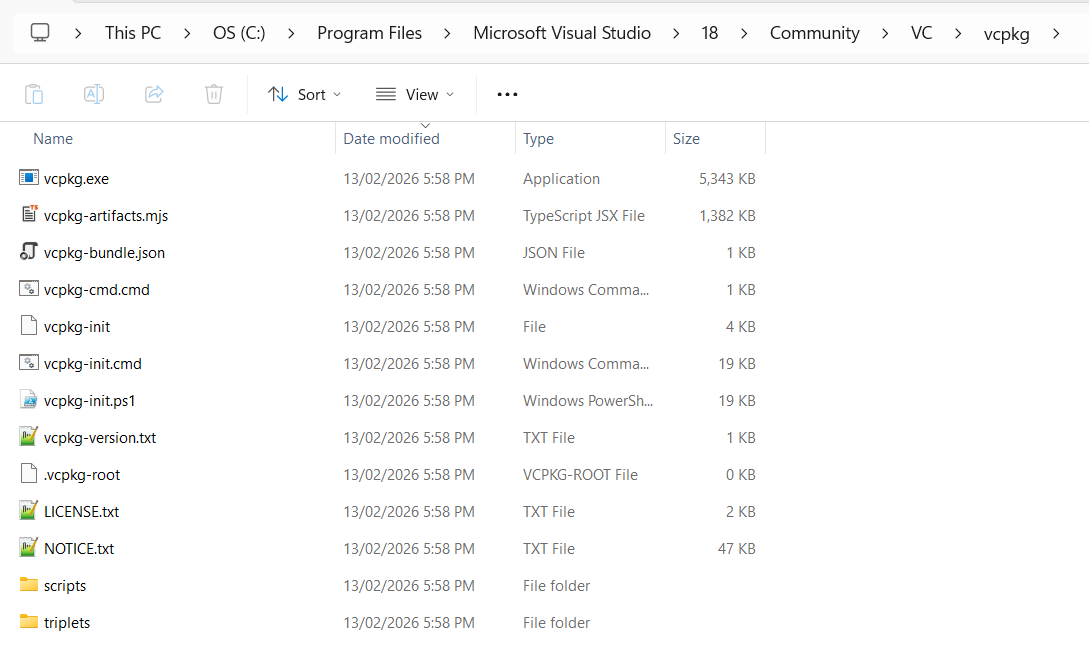
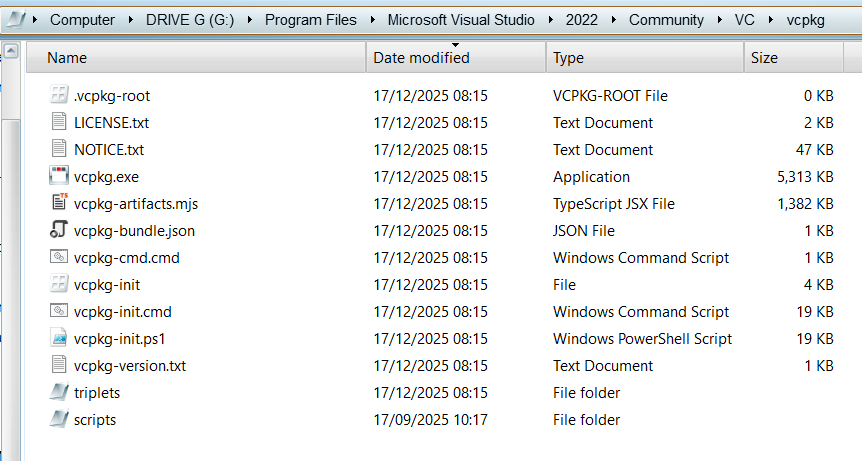
No. If you installed Visual Studio 18, you might have a directory such as
C:\Program Files\Microsoft Visual Studio\18\Community\VC\vcpkg
. I shall refer to this as vcpkg_path. If you use powershell, you can run . “vcpkg_path/vcpkg-init.ps1” , after which you can run vcpkg-shell install. A similar file exists ending with .cmd too, perhaps doing a similar thing on command prompt.
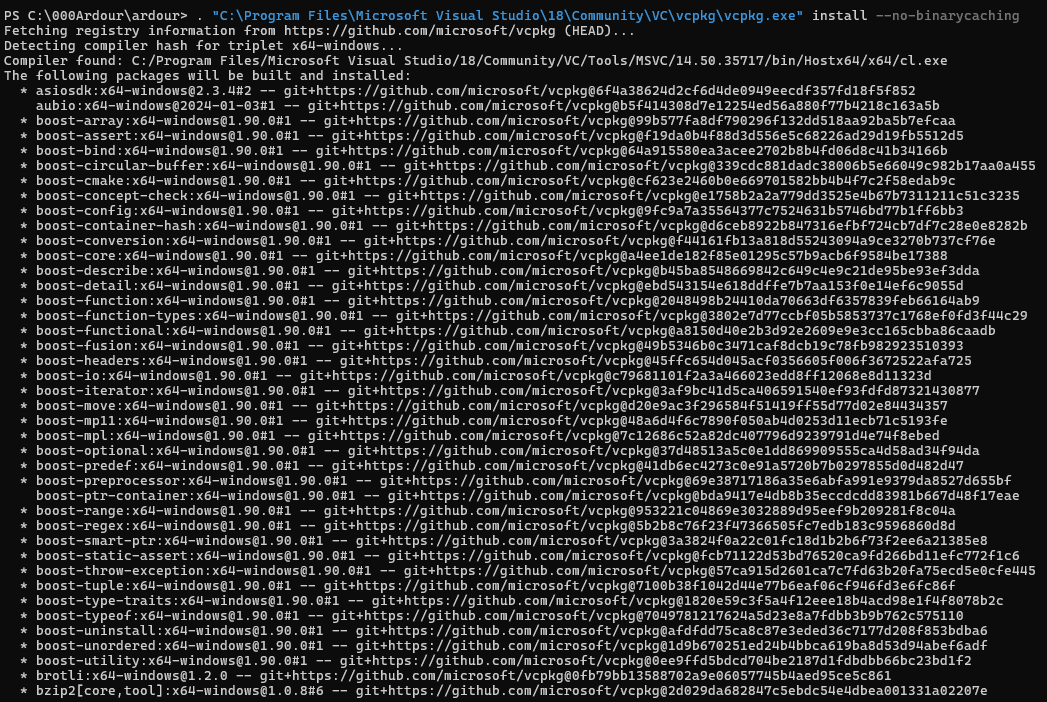
But the easiest way to install the deps is “vcpkg_path/vcpkg.exe” install.
(Quotes are needed because the path has spaces.)
- Regarding glibmm/giomm’s port in my repo
While it properly builds, the portfile is rather untidy. My other option for glibmm was to build with autotools, but that wasn’t properly supported. It’d probably be neater, and I tried to make it work, but it was to no avail. I might try again to make it work with autotools in March, but for now, it’ll use NMake.
Another side note: To be precise, the commands I ran to configure after installing the deps using vcpkg were as follows, while using Powershell:
$env:PATH = "C:\000Ardour\ardour\vcpkg_installed\x64-windows\tools\pkgconf;$env:PATH"
$env:PKG_CONFIG_PATH = "C:\000Ardour\ardour\vcpkg_installed\x64-windows\lib\pkgconfig"
python waf configure --prefix=C:/Ardour6 --configdir=share --ptformat --dist-target=msvc --cxx17 --optimize --also-include=C:\000Ardour\ardour\vcpkg_installed\x64-windows\include --also-libdir=C:\000Ardour\ardour\vcpkg_installed\x64-windows\lib
First command was to find pkg-config.exe, 2nd was to find the .pc files. Perhaps the paths in my command imply that I had these files in the root directory of ardour, and that is right. But I’ve realized (and been informed) external deps won’t be installed from the ardour repo itself.
Once my pull requests get merged, Developer Powershell will be needed, else an error will likely occur because dumpbin is needed.
 )
)