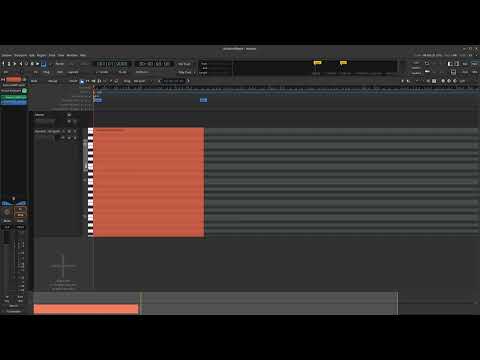
Sometimes tooltips cover the view of other elements on the interface, but when we try to disable it, the MIDI scroomer stops working.
Ardour 9 RC2
Steps to reproduce:
- Uncheck “Show tooltips if mouse hovers over a control” in Preferences > Appearance > Graphical User Interface.
- Add a new MIDI track, enlarge it to open the edit view.
- Try to change the range or the position of scroomer.