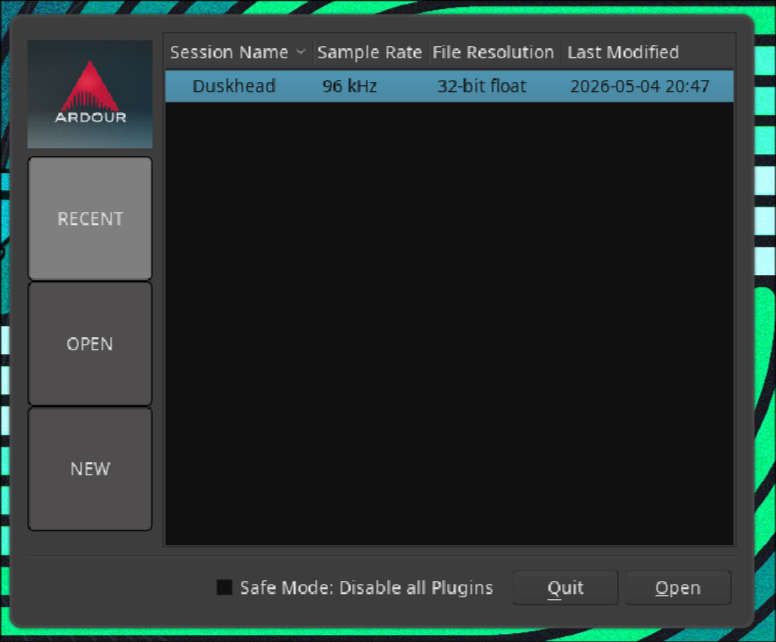
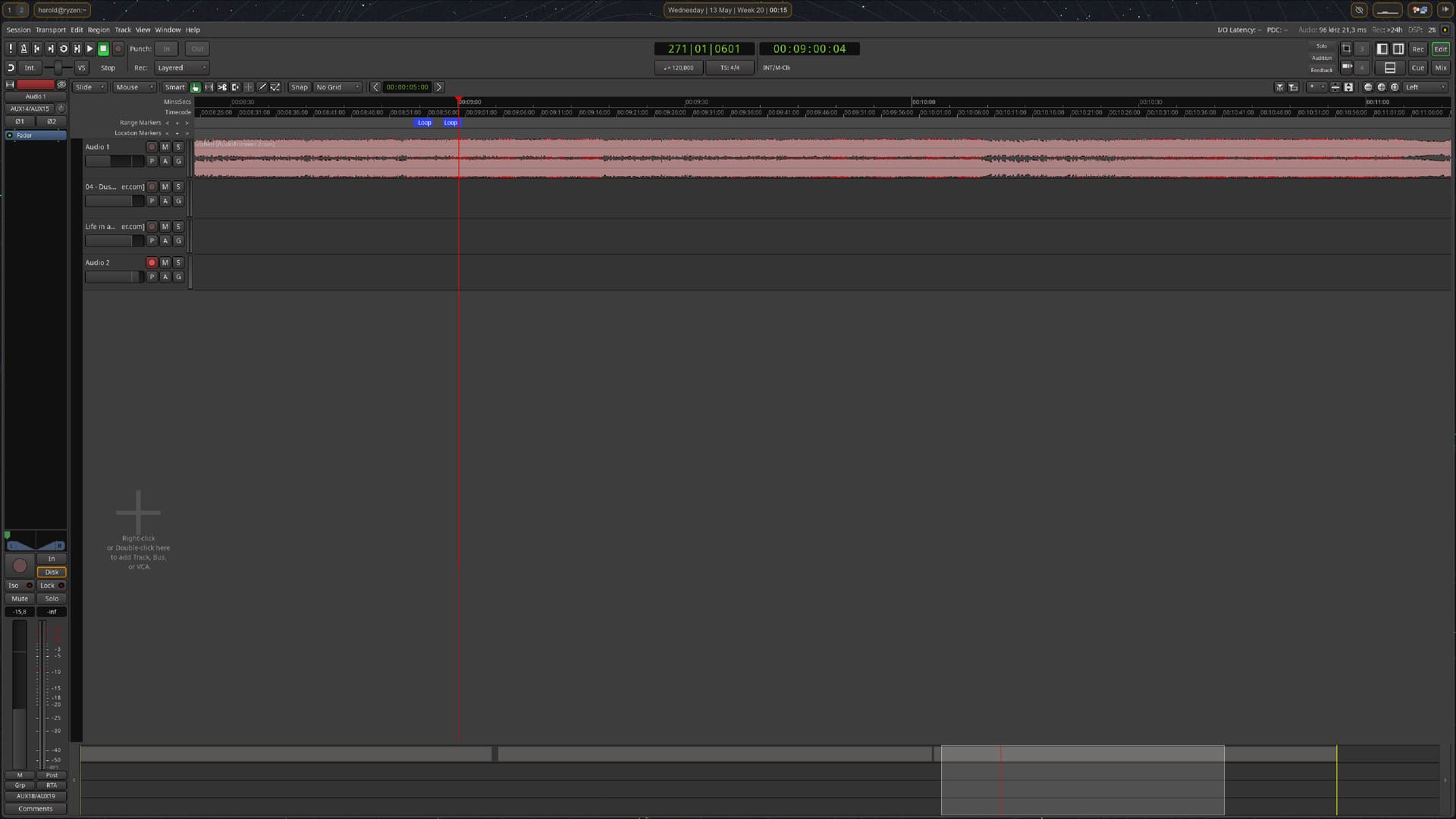
I have just installed Ardour 9.2 on CachyOS, which is based on Arch Linux. All my applications loke fine, but Ardour renders its fonts really bad, without any anti-aliasing/subpixels.
How can I get Ardour to render its fonts better?
I have just installed Ardour 9.2 on CachyOS, which is based on Arch Linux. All my applications loke fine, but Ardour renders its fonts really bad, without any anti-aliasing/subpixels.
How can I get Ardour to render its fonts better?
When you start Ardour from a Terminal, are there any messages printed related to that? likely fontconfig related? Is that the official binary or Arch’s build of 9.2?
Looking closer it does not seem to be limited to text rendering, but the whole UI, even icons seems to be affected. Could you send a larger screenshot?
I’m using the CachyOS supplied version:
Repository      : cachyos-extra-v3
Name            : ardour
Version         : 9.2-3.1
Description     : Professional-grade digital audio workstation
Architecture    : x86_64_v3
URL             : https://ardour.org/
Licenses        : CC0-1.0  GPL-2.0-or-later  GPL-3.0-or-later  MIT
Groups          : pro-audio
Provides        : ladspa-host  lv2-host  vamp-host  vst-host  vst3-host
Depends On      : cairo  glibc  hicolor-icon-theme  libgcc  libstdc++  libsigc++  libx11  libxext  sh  taglib  alsa-lib  libasound.so=2-64  aubio  libaubio.so=5-64  cairomm  libcairomm-1.0.so=1-64  curl  libcurl.so=4-64  dbus  libdbus-1.so=3-64  fftw  libfftw3f.so=3-64  libfftw3f_threads.so=3-64  fluidsynth  libfluidsynth.so=3-64  fontconfig
                  libfontconfig.so=1-64  glib2  libglib-2.0.so=0-64  libgobject-2.0.so=0-64  glibmm  libglibmm-2.4.so=1-64  jack  libjack.so=0-64  libarchive  libarchive.so=13-64  liblo  liblo.so=7-64  libpulse  libpulse.so=0-64  liblrdf  liblrdf.so=2-64  libltc  libltc.so=11-64  libpng  libpng16.so=16-64  libsamplerate  libsamplerate.so=0-64
                  libsndfile  libsndfile.so=1-64  libusb  libusb-1.0.so=0-64  libwebsockets  libwebsockets.so=21-64  libxml2  libxml2.so=16-64  lilv  liblilv-0.so=0-64  pango  libpango-1.0.so=0-64  libpangocairo-1.0.so=0-64  libpangoft2-1.0.so=0-64  pangomm  libpangomm-1.4.so=1-64  readline  libreadline.so=8-64  rubberband
                  librubberband.so=3-64  vamp-plugin-sdk  libvamp-hostsdk.so=3-64  libvamp-sdk.so=2-64
Optional Deps   : harvid: for video timeline and MP3 export
                  new-session-manager: for session management
                  xjadeo: for video monitoring
Conflicts With  : None
Replaces        : None
Download Size   : 21,68 MiB
Installed Size  : 100,90 MiB
Packager        : CachyOS <admin@cachyos.org>
Build Date      : vr 10 apr 2026 16:08:45 CEST
Validated By    : SHA-256 Sum  Signature
Nothing strange when starting Ardour:
Ardour9.2.0 (built using 9.2 and GCC version 15.2.1 20260209)
Ardour: [INFO]: Your system is configured to limit Ardour to 2097152 open files
Ardour: [INFO]: Loading system configuration file /etc/ardour9/system_config
Ardour: [INFO]: Loading user configuration file /home/harold/.config/ardour9/config
Ardour: [INFO]: CPU vendor: AuthenticAMD
Ardour: [INFO]: AVX capable processor
Ardour: [INFO]: AVX with FMA capable processor
Ardour: [INFO]: CPU brand: AMD Ryzen 7 5700G with Radeon Graphics
Ardour: [INFO]: Using AVX and FMA optimized routines
Ardour: [INFO]: Loading plugin meta data file /usr/share/ardour9/plugin_metadata/plugin_tags
Ardour: [INFO]: add_lrdf_data '/home/harold/.config/ardour9/rdf:/usr/share/ardour9/rdf:/usr/local/share/ladspa/rdf:/usr/share/ladspa/rdf'
Ardour: [INFO]: read rdf_file 'file:///usr/share/ladspa/rdf/ladspa.rdfs'
Ardour: [INFO]: read rdf_file 'file:///usr/share/ladspa/rdf/ladspa-rubberband.rdf'
Ardour: [INFO]: Loading default ui configuration file /etc/ardour9/default_ui_config
Ardour: [INFO]: Loading user ui configuration file /home/harold/.config/ardour9/ui_config
Ardour: [INFO]: Loading 470 MIDI patches from /usr/share/ardour9/patchfiles
Ardour: [INFO]: Loading colour file /usr/share/ardour9/themes/dark-ardour.colors
Ardour: [INFO]: Loading ui configuration file /etc/ardour9/clearlooks.rc
Ardour: [INFO]: Loading bindings from /etc/ardour9/ardour.keys
Loading ui configuration file /etc/ardour9/clearlooks.rc
Found nothing along /home/harold/.config/ardour9/templates:/usr/share/ardour9/templates
Set cursor set to default
Playlist with ID = 337 not found
Playlist with ID = 337 not found
set_minsec_ruler_scale
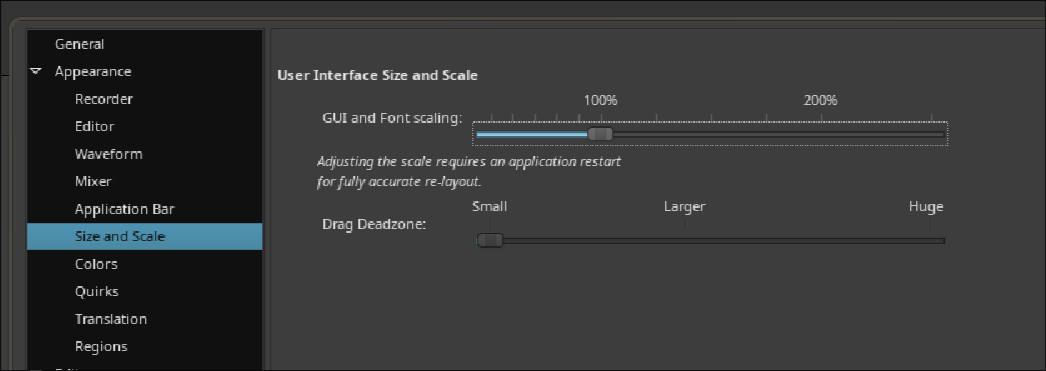
I’m using Hyprland on a 4K monitor set to 1.25 scale. Ardour’s interface is set to 125%; setting it down to 100% makes it even more difficult to read.
Here’s the original full-screen screenshot image: https://img.sait.nl/2026-05-13-001507_hyprshot.png
Yeah even the Ardour logo is pixelated; so not a font issue per se.
I’ve not seen this before. A wild guess: Perhaps an issue with XWayland and screen scaling?
What happens if you set the monitor to use 100% scaling and set ardour to scale up by 150% instead?
Ah, when setting it to 100% scaling Ardour renders just fine, so yeah; it probably is due to XWayland …
So this is/was caused by Wayland taking Ardour’s UI as-is and scaling it up by 125% like a bitmap/image without antialiasing.
Yes, you are correct!
Setting this in hyprland.conf seems to have fixed it:
xwayland {
	force_zero_scaling = true
}
This topic was automatically closed 91 days after the last reply. New replies are no longer allowed.