Hi all,
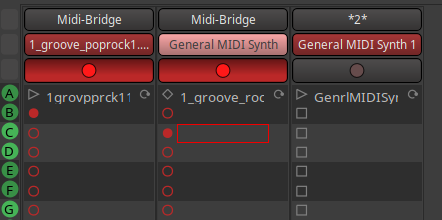
I was really excited to see that Ardour 9 has reached release candidate stage. I am trying out the Cues/Looping, and I am immediately running up against things that I don’t understand. I don’t know whether these are bugs or my lack of understanding.
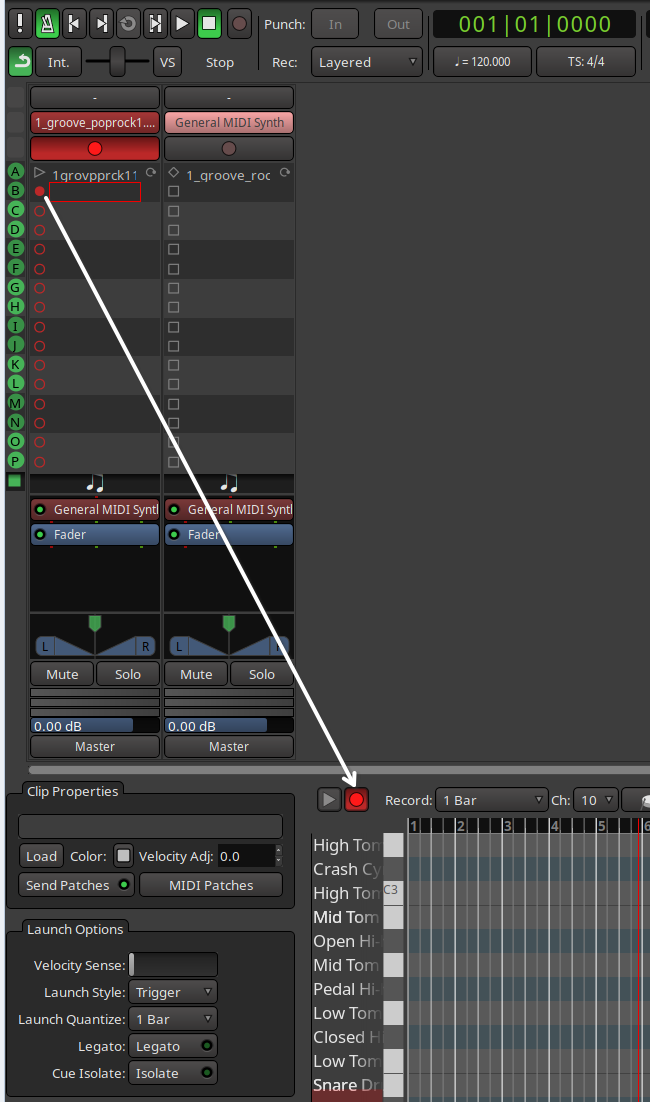
I got as far as to figure out that I need to arm a Cue (I don’t know if that is the right way to describe it), then start the transport. At that point, I get a countdown in the bottom (Properties?) area, which seems to indicate how long I have until the clip will start recording. From there, I am befuddled.
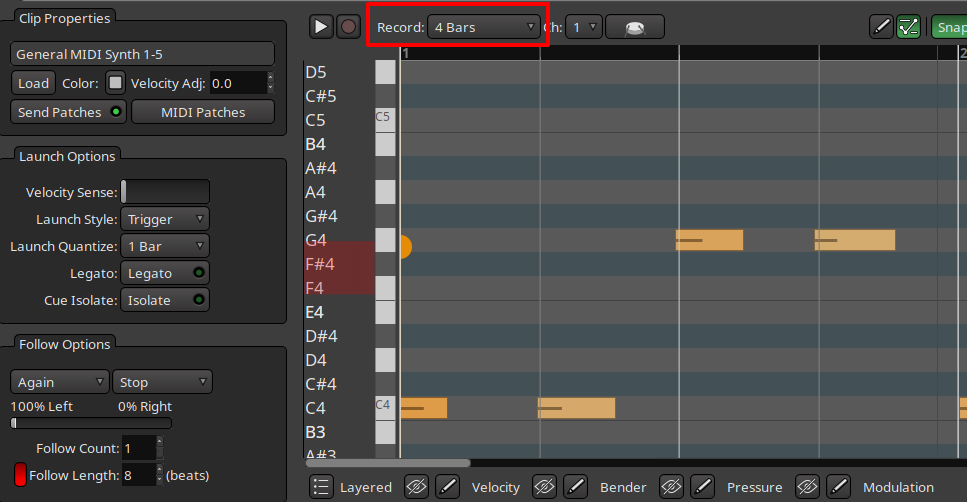
My confusion primarily stems from two places. First, I don’t understand the function of the Play and Record buttons in the Clip Properties section. I have not found any way yet to engage these directly. Second, even though I have changed the selection for “Record” to various settings, such as “4 bars”, “8 bars”, etc., this does not seem to impact how long is recorded. Instead, I seem to be consistently getting less than 1 bar of recording.
I have been waiting for this version of Ardour to give looping a solid go, so I could be making any number of extremely bone-headed mistakes. But, I am eager to keep poking at this, especially if it means that I can actually help make the end product better.
So, does anyone know what I might be doing wrong, or another explanation for this? Has anyone posted any early videos trying out this functionality, perhaps?