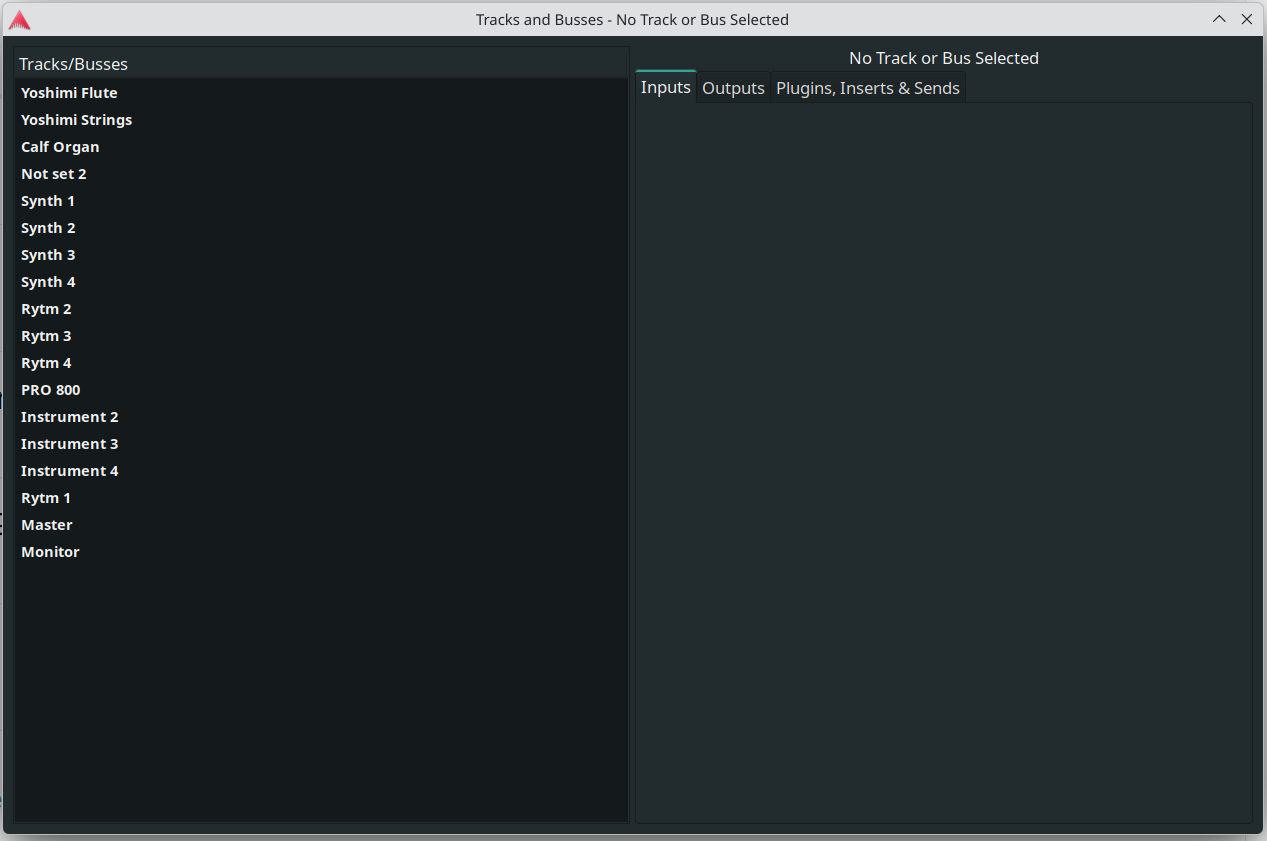
I installed 9.7 and it works fine. I opened in one of my projects and closed the project while the dialog was visible. Now the Tracks and Buses dialog keeps popping up at start of Ardour (opening a project). I tried to check the Window → Tracks and Buses on and off, save the the project and restart but the dialog refuse to go away. Anyone know if I can fix this myself trough a workaround or is it a bug?
The problem has fixed itself (I’ve done nothing), now the dialog does not reappear.
On the other hand now that’s the only one that doesn’t reappear after exiting Ardour. All other windows/dialogs under the Window section reappear when I open Ardour again. If I close them and restart they don’t show up (as expected). But my problem is solved and I can’t repeat the issue.
That apart, I think it’s a nice dialog/window and enables a good workflow for changing and viewing input and output connections instead of doing it on each track. If it works properly (and it seems to do so) I think it should stay.
A thought - maybe that functionality could sit better in the right panel. There is one already that is called Tracks and Busses but its not the same functionality. Anything that removes separate windows is good and the right panel is really super and in my opinion a good place to put it.