Just for an alternate point of view, that seems completely normal to me.
I started out using MIDI with a stand alone sequencer which was like an 8-track MIDI recorder which just recorded whatever MIDI data you sent to the armed track. The sequencer didn’t care anything about channels, whatever came in got recorded (with selectable time quantization for note events).
It was up to the performer to configure the keyboard, drum pads, etc. to send on the desired channel when recording. My synthesizer is multi-channel, so I had a few performances where the sequencer played a bass line from one track on one channel, a second synth part from a second track on another channel, and I played a synth part live on the same synthesizer.
Just a slightly long winded way of emphasizing what Paul pointed out, which is that whether a particular work flow seems “normal” or “intuitive” or “easy” really depends a lot on what you have used in the past.
As far as I can tell, none of the stuff I mentioned above is covered in the MIDI section of the manual. I.e.:
It doesn’t cover MIDNAM nor explain any of the selects – which dominate the MIDI track view in the app but are completely missing from the documentation
It doesn’t cover how to filter midi channels from the controller
It doesn’t cover how to change the instrument assigned to a midi track
It doesn’t cover the context menu for the midi track at all either
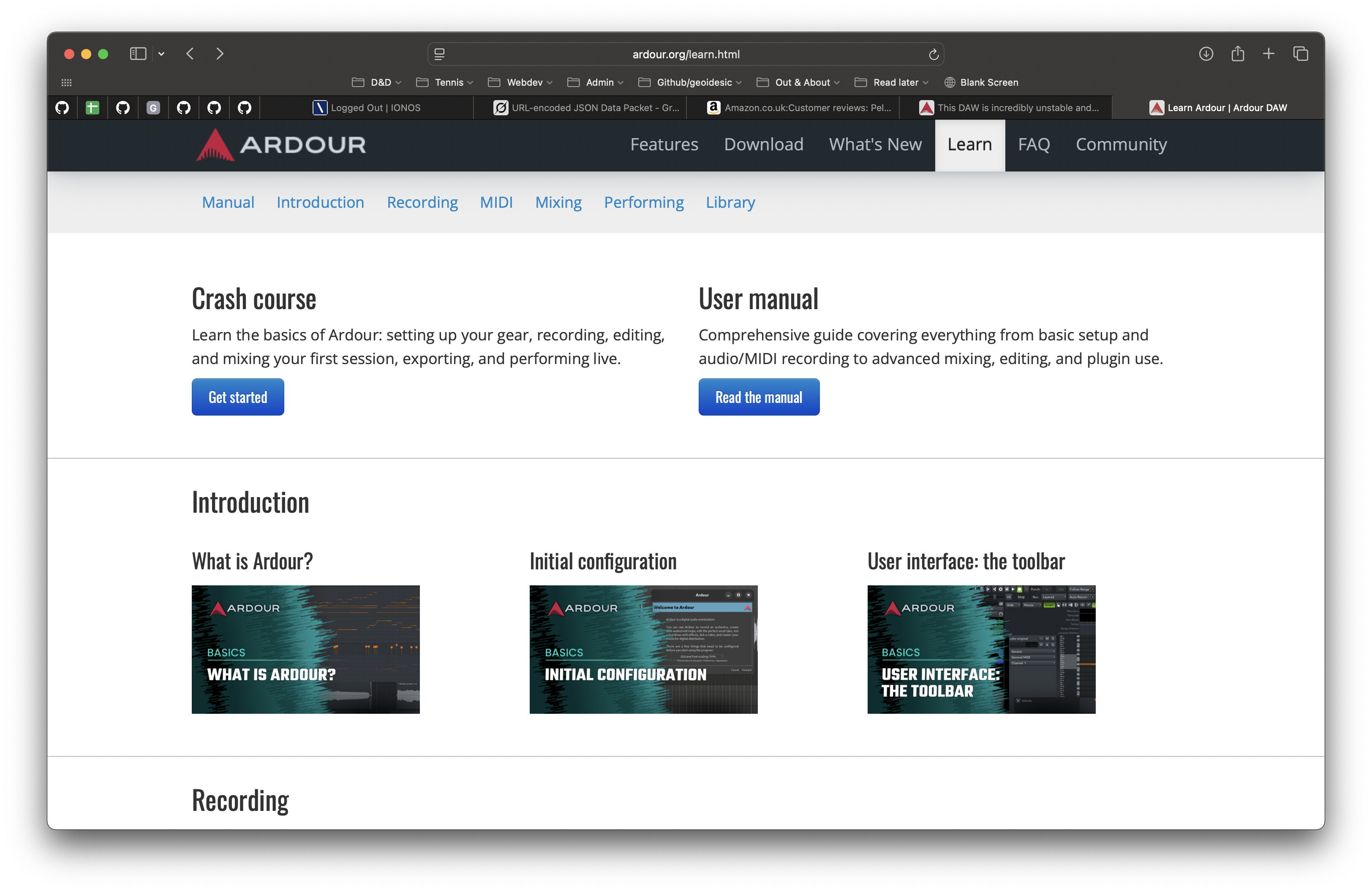
It seems you’ve avoided using figures (diagrams / pictures) in the manual, which for an app driven by a graphic UI is a strange choice imho.
We do not actively avoid using images in the manual. It is instead a reflection of lack of human resources. Significant effort would be required to (a) create/collect screenshots and incorporate them into the manual in the correct locations (b) maintain/update/remove/add screenshots as the application itself changes.
Every so often people step up who promise to help with the manual, but it rarely turns into any sustained results. Aleksandr is the only person who has put in a significant effort over an extended period of time. That’s just not enough human resources to do the job of using images in a way that is accurate and up to date.
Just this week, I was using Bitwig and needed to find a GUI element. I looked in the online manual and it said it was at place (A) in the GUI. But it wasn’t. The application had been updated, but not the manual. It took a youtube video from a few months ago to locate the element I needed. So we’re not alone in this sort of thing, though quite possibly the magnitude of our “errors and omissions” is larger, because we’re an open source project without the usual financial incentives at work.
Same link as above, to quote: “A MIDI track’s data may utilize any number of the 16 available MIDI channels, and it is useful to be able to filter out a subset of those or force the input or output to utilize only certain channels. The Channel Selector dialog allows for filtering or modification of both the input and output of any given MIDI track.”
That sounds more like a job for the tutorial, but sure, lemme see what I can do.
It does cover many of the items (same link as above), but I can definitely improve that.
There are exactly 378 graphics files used in the manual, including short GIFs. I don’t think your evaluation is quite fair
Well, it’s not under the MIDI section – which is where I would expect it to be. Maybe a cross-link would help.
I didn’t see any graphics – but I didn’t read the whole manual. I just tried to find the information I was looking for, failed and had to come to the forums.
“A MIDI track’s data may utilize any number of the 16 available MIDI channels, and it is useful to be able to filter out a subset of those or force the input or output to utilize only certain channels. The Channel Selector dialog allows for filtering or modification of both the input and output of any given MIDI track.”
– this makes no sense to me at all because it doesn’t explain that this is hidden behind a right click. So I read that paragraph and came to completely the wrong understanding. The obvious thing that looks like a midi channel is the main “Channel” select on the MIDI track, which is what your paragraph makes it sound like you are referring to – but this has nothing to do with MIDI channels but rather with MIDNAM, which feels like a bait-and-switch scenario
I think creating a group element for those three selects with a “MIDNAM” label, would help clarify the UI.
Also I did do a keyword search, and the pages in the Interface section to which you are referring did not come up. So I had no way of knowing that the information on MIDI I was looking for wasn’t in the MIDI section of the docs and instead was hidden 3 levels deep in a different section of the docs.
in fact the whole idea of having a section in the docs called " * Ardour’s Interface" is weird to me because Ardour is all interface – what else is there? So it feels a bit arbitrary to put some information in that section and then still have other sections. So why would some parts of the MIDI interface be in the MIDI section and other parts of the MIDI interface be in the Interface section?
I don’t know about anyone else, but the subject name for this thread still makes me feel a bit sad that someone chose to write something inflammatory instead of something more representative of their subjective experience - and - perhaps more respectful for ALL the hard work behind this entire project.
Don’t worry about us We can take it. The thread overall has not been too inflammatory and I’d say has, overall, been more useful than not, title notwithstanding.
I removed the hard drive which cradled Windows XP from my compilutor and buried it in a cigar box after I switched to Ubuntu in 2009. I didn’t pollute the soil with the toxic waste inside the drive, mind you. The cigar box resides in plain sight on a shelf near the monitor, to remind me of the narrow escape I had.
When Ubuntu began to put its look and feel more and more in the proximity of the Submarine OS (open a window and you’ve got a problem) for the sake of facilitating the switch from there, that was it for me.
On the suggestion of a friend I then turned to Debian GNU/Linux and I’m the happiest person in the Universe ever since. Well, at least one of the happiest.
You have to be self-critical of course. In analogy to the inaugural speech of John F. Kennedy: “Don’t ask what America can do for you, ask what you can do for America”, the first thought when anything goes wrong should be:
Sh*t, what did I do now?
Because the system is extraordinarily rugged and can take a lot of punishment before it gets knocked out, and in most cases it’s the user who does that.
That said, Debian and Ardour make a great pair. My current problem with Ardour
is very likely the consequence of my own doing, so…
I started out like Gustavo Gac, very naive and with modest ambitions, and I was tempted to write a similar rant in the beginning, but I had to realize that there was indeed a learnig curve ahead, in fact I’m still on it.
And to quote Forrest Gump: That’s all I have to say about that.
wow this thread is still alive lol. i think the title should be renamed… lol
i agree… xorg and alsa i thought were just the assumption at this point…
windows 7 heavily customized beyond the company’s expectations was good in 2009 lol.
any out of the box oem windows build at this point is an insult to the music recording user. the “i just want something that works” is falsely assuming updates are frozen, privacy is not compromised, there are not 3rd party hidden compromises, performance compromises and that windows is the only os in town.
Ardour is not perfect but sit in a major studio and watch protools fail after an unexpected update or watch Cubase have weird problems… plus there is not a hell of a lot of innovation in the name brand commercial DAWs.
Putting aside our wishlists for creating our own personal DAW that works for our unique workflow ans some bugs here and there… The problem with complaining about the stability of any DAW including Ardour is the DAW is too dependent on the OS build, plugins, equipment. In most cases, working on your build and keeping away from instable plugins will help resolve a lot of issues. Even Windows users need to think about builds.
Ardour from ardour.org is largely independent of the OS. The window manager can get in the way sometimes (some window managers, anyway). Occasionally poorly designed hardware or a badly written device driver can wreak havoc on efforts to run with low latency settings.
Plugins … yeah, these are, always have been and likely always be an issue.
Sorry, I correct my statement cause was typing fast:
All DAWs stability is dependent on the OS build, plugins, equipment, drivers. People must pay attention to the other software running on your OS.
My experience with Ardour is that it is a great DAW in terms of stability and functionality,
Sometimes I wish users had a profile next to their name that had the Ardour Version, OS and equip they used. It would provide some perspective to people with questions.
I use Ubuntu 24.04 and use focusrite A/D equipment.