tarball
September 23, 2025, 11:12am
#1
Hi, my nanoKONTROL2 is plugged, and I think I manage to get all the config as the documentation advise:
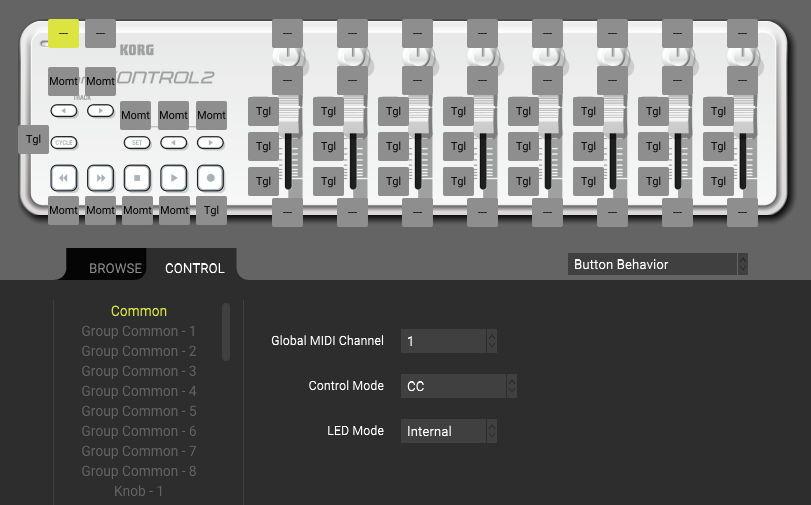
The KORG kontrol editor where I set changed some toggle modes:
Should I save that state? or leave it open?
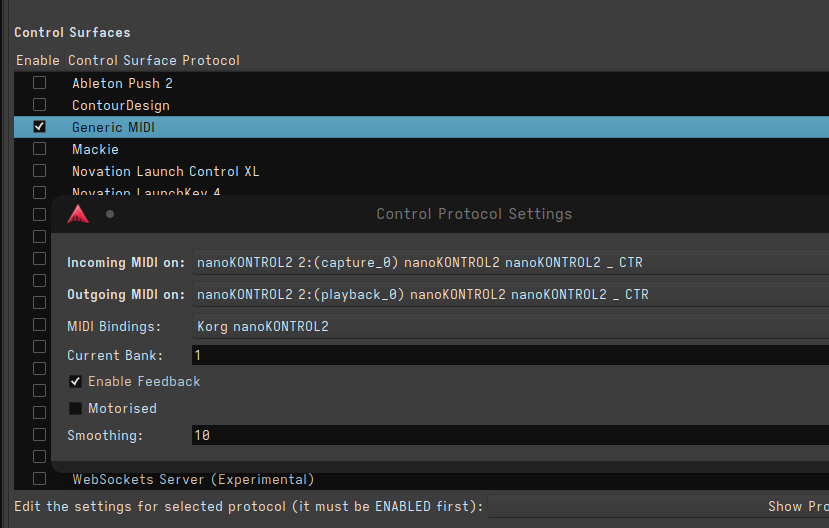
Ardour’s Control surface in Preferences:
With that configuration, Ardour recives MIDI signals from the controller. But it behaves strangely:
The transport buttons just doesn’t work (play, stop, rec…) and I can’t assign any MIDI control to it (with ctrl+middle click)
Each solo, mute, rec button doesn’t work either
Sliders works, they are assigned to my tracks, but trey trigger trick Solo when they hit the max value.
Knobs toggles the track Rec when they are turned
None of the buttons light up
I wonder what I missed, as other users seam to have a good experience with Ardour + nanokontrol2.
luciorgomes
September 28, 2025, 3:32pm
#2
Try the Mackie protocol. Is the best option for me.
1 Like
tarball
October 2, 2025, 8:42am
#3
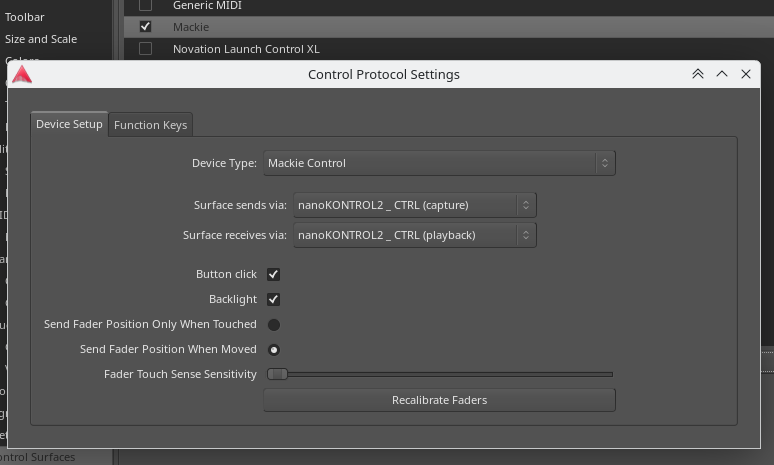
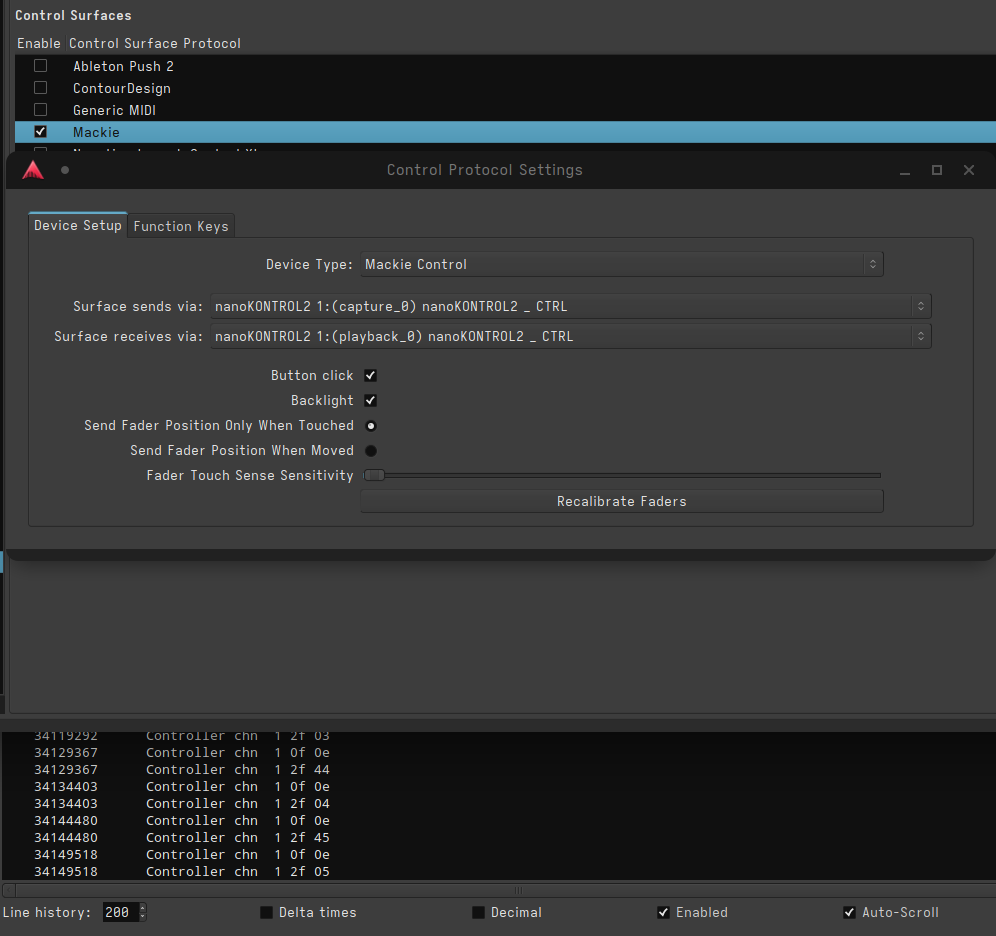
I just tried the setup with Mackie protocol, and even if the MIDI tracer logs my changes on the controller, Ardour’s interface reacts to absolutely none of the MIDI events. I wonder what’s wrong…
@luciorgomes Could you try displaying the MIDI tracer while pushing play / rec / stop nanokontrol2 buttons? So I can compare my data?
That’s what I got in Port mackie control in (play / rec / stop):
tarball
October 3, 2025, 8:06am
#5
I wonder why I get something else, in particular Controller signals, instead of NoteOn/Off like yours.
    83199027      Controller chn  1 2f 44
    83204784      Controller chn  1 0f 0e
    83204784      Controller chn  1 2f 04
    83215586      Controller chn  1 0f 0e
    83215586      Controller chn  1 2f 43
    83220619      Controller chn  1 0f 0e
    83220619      Controller chn  1 2f 03
    83269567      Controller chn  1 0f 0e
    83269567      Controller chn  1 2f 45
    83275326      Controller chn  1 0f 0e
    83275326      Controller chn  1 2f 05
Press Set and REW, then plug the usb cable to start the Nanokontrol in Mackie mode, then in Ardour select the mackie mode for the surface control.
1 Like
tarball
October 3, 2025, 10:47am
#7
Wow thank you so much @baptiste that was it!SET and << buttons has to be pressed while plugin the USB cable.
1 Like
system
October 31, 2025, 10:48am
#8
This topic was automatically closed 28 days after the last reply. New replies are no longer allowed.