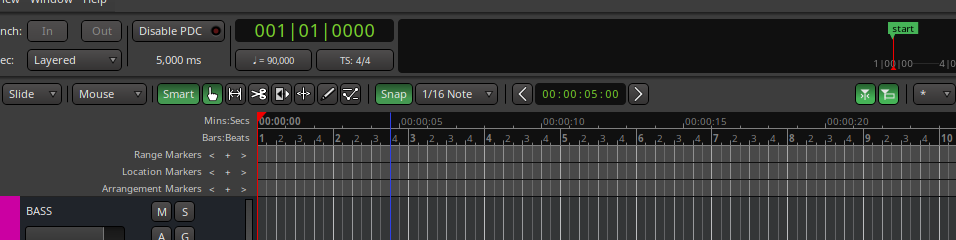
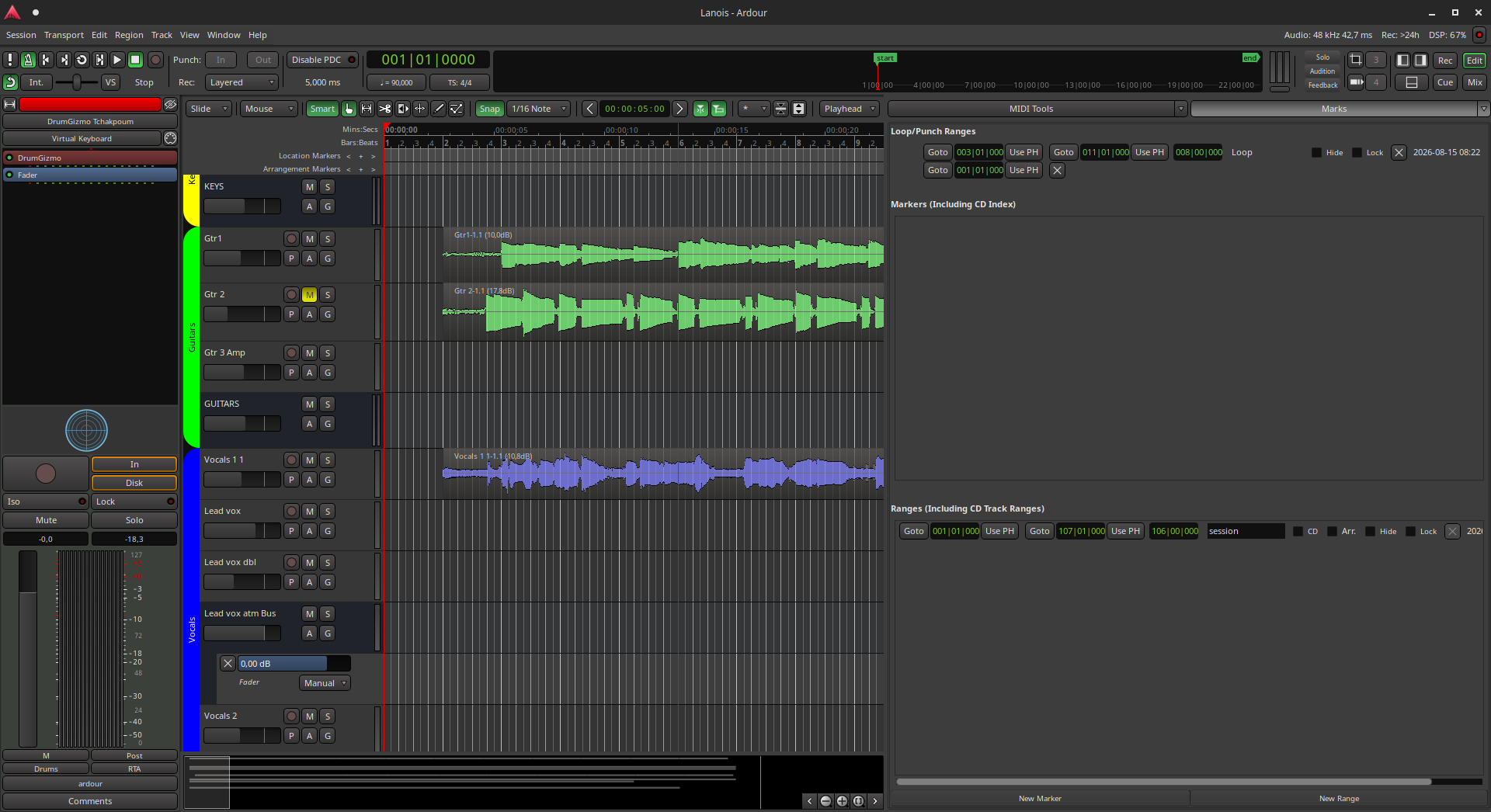
I started a new session and began recording, then realized that the start and end markers were missing. I see them in the top timeline, but not among the location markers where they should be, nor in the list on the right.
I usually move the start marker a bit, as my sessions don’t always start at 0.
I tried making a new marker and named it ‘start’, but, as Titus Andronicus sang: " He don’t act like me, but we lookalike".
That’s strange indeed. It may be worth checking the ‘broken’ templates for anything unusual. I’m not familiar with this part of Ardour configuration, but here’s how the session range (with zero length) looks in an almost empty template:
No, I have fiddled around with different templates for a while now. Most work (start/end markers show up in the ranges lane), and some don’t. For the faulty ones I have been commenting out sections, copying sections from working templates etc, but to no avail.
Then I opened a bad template, re-saved it as a new template with the same name (overwrite:ok), and now it works.
Strange problem, but quite easy to resolve. Thanks Krzysztof, for pointing me into the world of templates
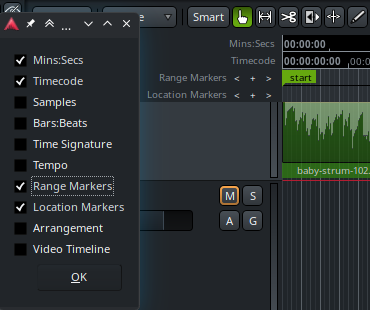
 They live on the Range Markers lane, so you have to enable it: