I have switched to Ardour 9.7.121 lately, it’s a download from the nightlies. I run it on Debian 13 on a Lenovo ThinkStation S30.
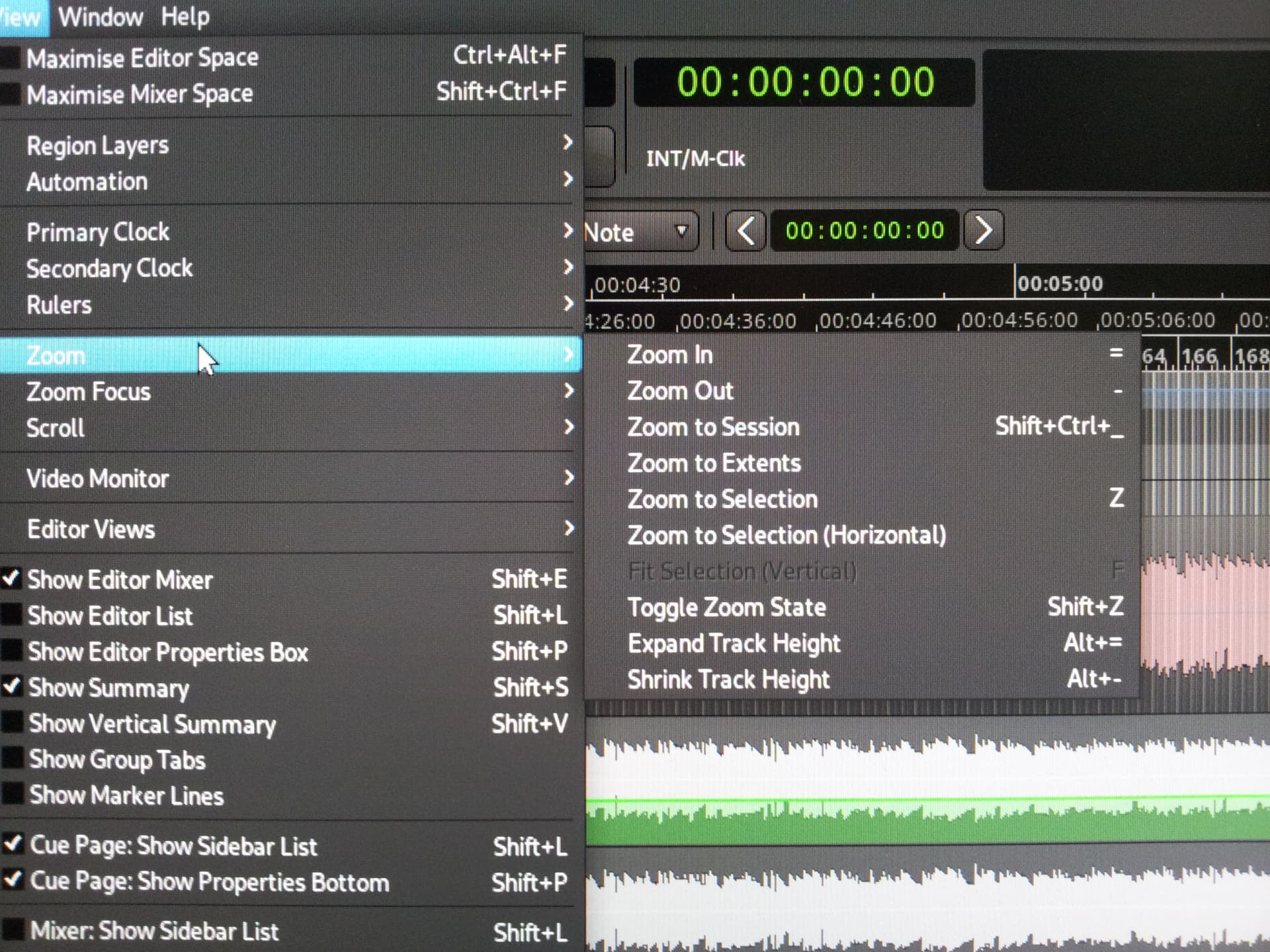
I’m basically as happy with it as I was with 8.12, only today I noticed that in the editor, there are no more +/- buttons to zoom in and out of a track. Is that default now or are they only missing in my version?
If the former is the case, I’ll be quite dissatisfied to put it mildly, it is such a handy feature.
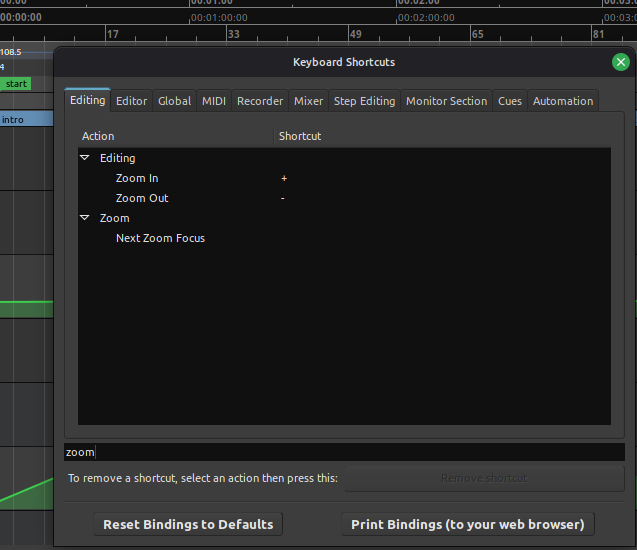
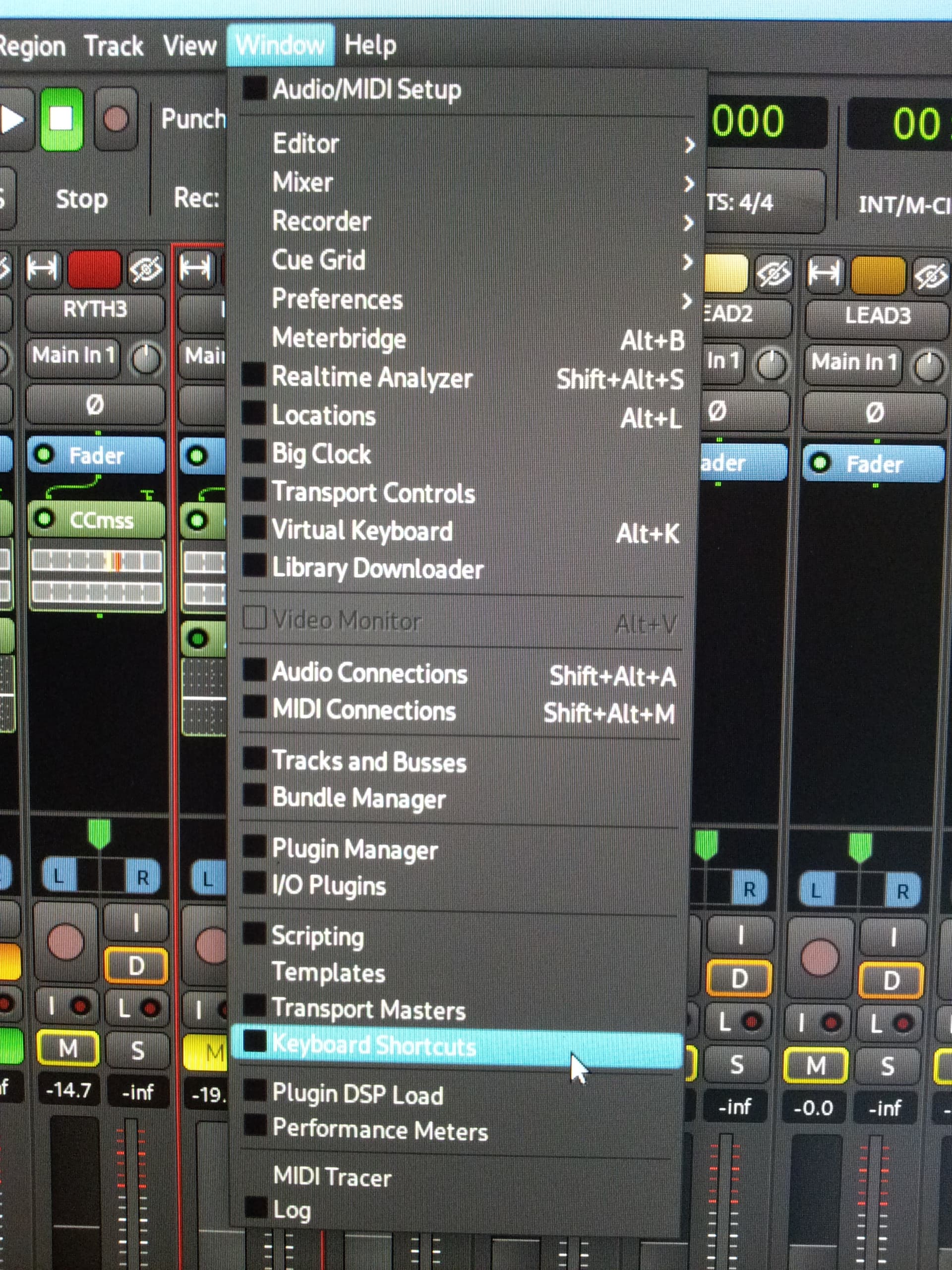
I did find the keyboard shortcuts in the preferences, but neither = nor - work.
If the latter is the case, would someone be so kind as to point me towards a way to get those buttons?
I wouldn’t be bothered If I had to install a different version, if that would be the last resort.
Yep, found them, thank you very much.
My mistake: I hadn’t checked “show summary” because I wanted to make optimum use of the screen. Trouble was, I didn’t know that the buttons had been moved there.
A bit presumptious of me to suppose that anybody in their right mind would remove such an essential control element, innit. My sincere apologies!
Solved, thanks again.
Btw. is there an updated manual available? I have the 7.x manual which I consulted on the issue, but naturally it doesn’t say anything about the changed location of the buttons.
We don’t version the ardour manual (i.e. there is no 7.x manual). We try to keep it up to date with the current version of Ardour, but not always successfully (some might say “rarely, if ever”).
“In Bengal to move at all
Is seldom if ever done -
Mad dogs and Englishmen
Go out in the midday sun”
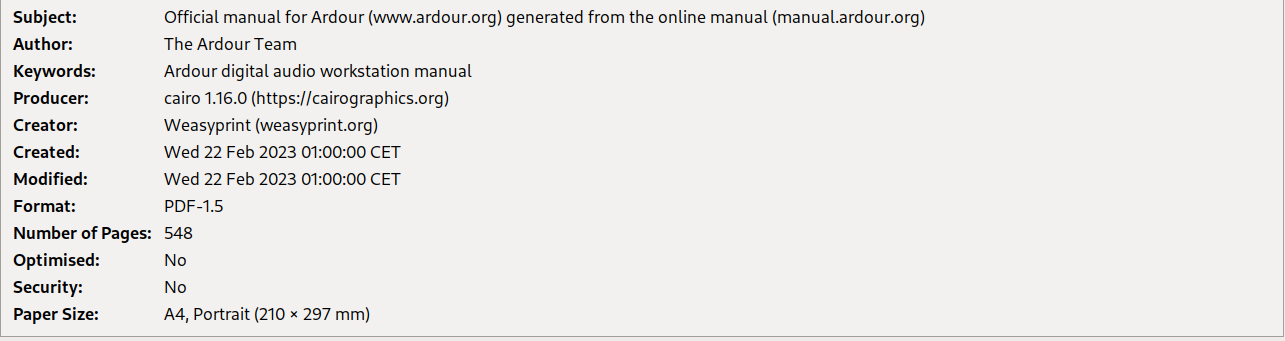
I see. I meant something like that, an up-to-date manual, not so much a “latest version”. Clumsy syntax on my side, I misunderstood the file name “ardour-manual-7.3” of the pdf I downloaded. The document properties read:
Morning chief, hmmm that’s weird. I have it set so the + and - keys on my keyboard zoom in and out in the editor window. Did you set the keyboard shortcuts here per chance?