Show 32 tracks while recording?

Using Ardour 8.4 as comes preinstalled in Ubuntu Studio 24.04, and kept up to date according to that repo. The About window says:

Ardour 8.4.0~ds1
“Music for the Marble Palace”
(rev 8.4.0~ds1-2ubuntu8)
Intel 64-bit

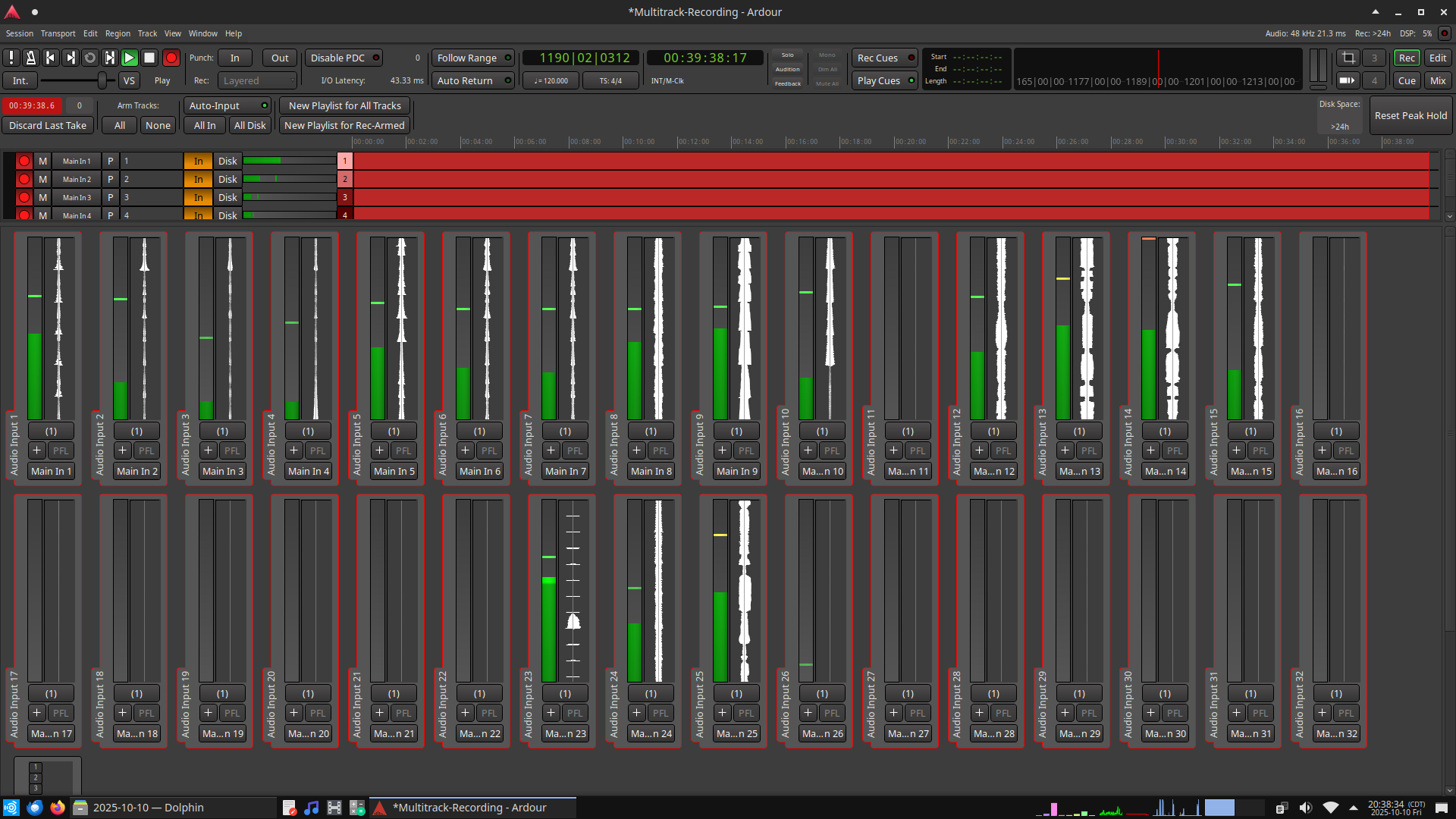
While recording the 32-track USB interface of a digital mixer, is it possible to make it 16 tracks wide, so that all 32 can be seen at once in 2 rows?

This is 14 tracks wide, maximized on a 1920x1080 screen. It would sure be nice to have them just enough smaller to use the empty space on the right for 2 more columns.

8.4 cannot be “kept up to date”.

8.12 is our current release, which has on the order of a hundred bug fixes, some significant, compared to 8.12.

Sorry I can’t answer the width question (though I suspect the answer is no.

What I meant was, “The update process has resulted in this so far.” Sorry, that wasn’t particularly clear.

I suspect that too, having not seen a control or option for it, but it’s tantalizing enough to ask.

@AaronD

Are you looking to monitor inputs across all your channels during recording? If so, the “Recording” view (Alt-R) lets you see signal all the available hardware channels. I’m pretty sure that feature landed in the 8.0 release, if not earlier.

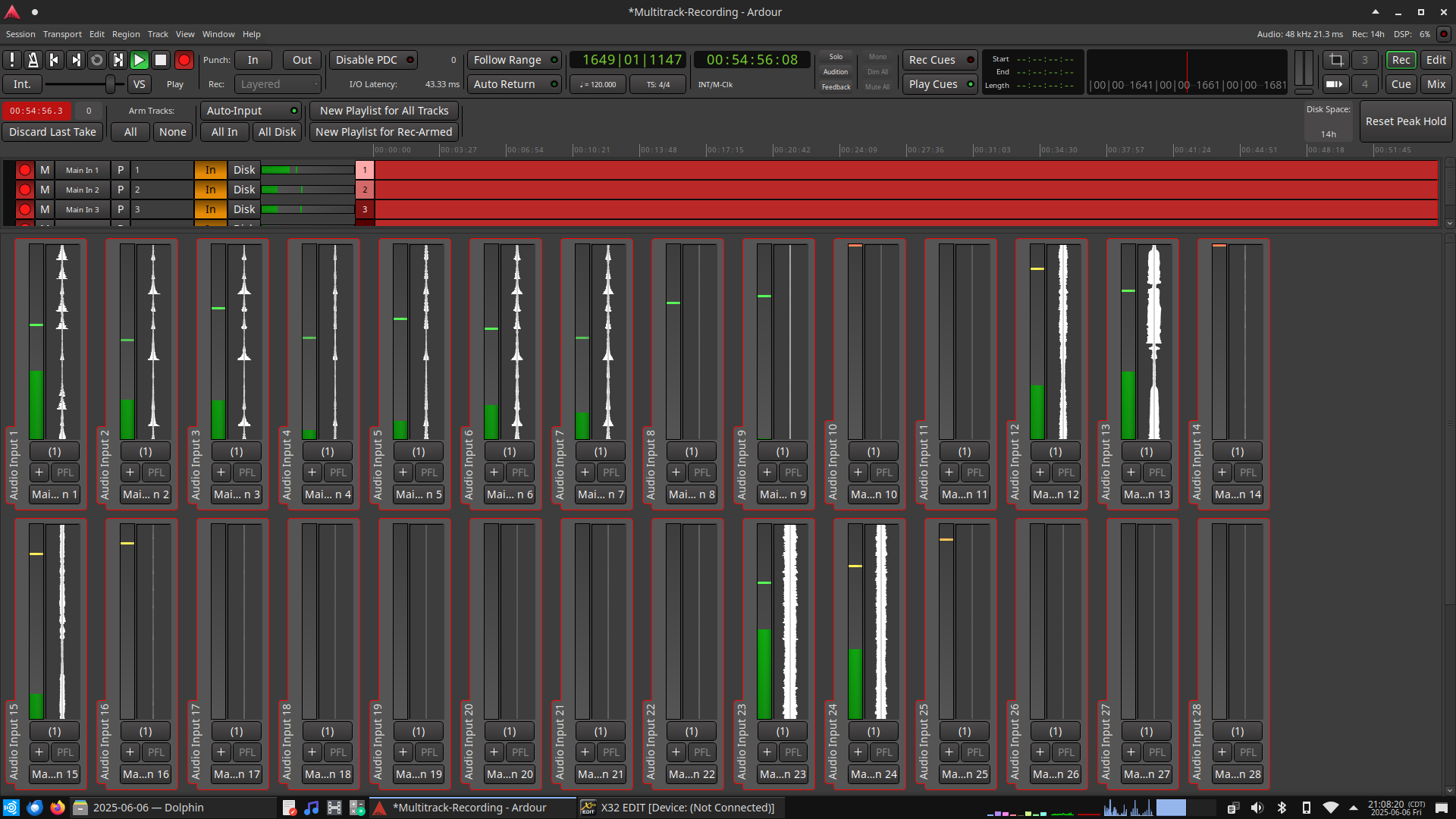
Alas not on your screen. It doesn’t fit 16 in a single row (try with an image editing tool and your screenshot). There could be at most 15 and Ardour always uses an even number of meters per row, so you get 14.

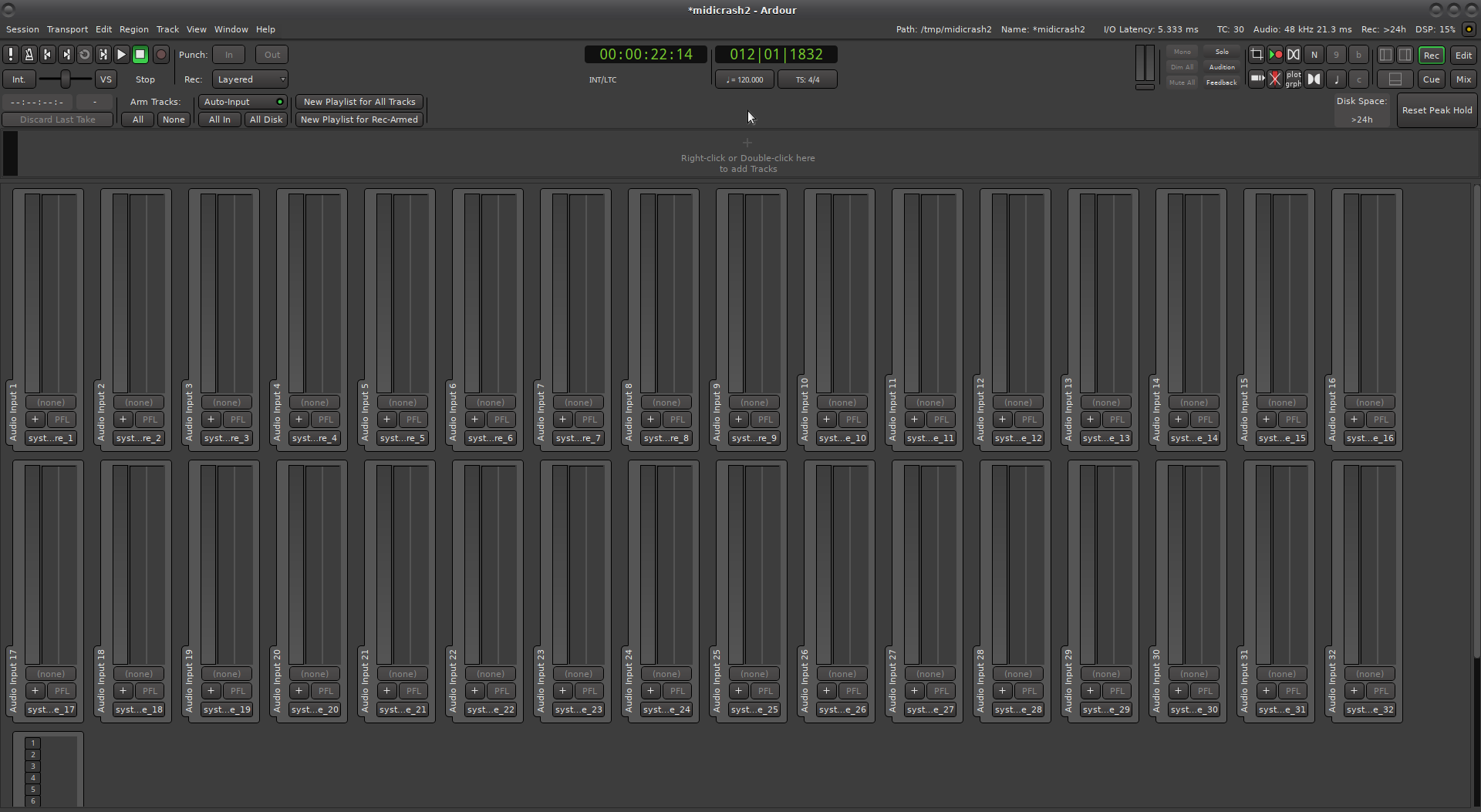
You could try to decrease UI scaling in Preferences > Appearance > Size/Scale (and restart the engine to that the recorder gets updated):

Here I can fit 16 tracks at 100% font scale on a full-HD screen.

1 Like

I was already at 100%, but one “click” down from that looks promising. I’ll have to wait until I’m back at the mixer to know for sure.

Your font seems to be different/larger than here.

At some point during the 8.x release cycle we start using a bundled font (ArdourSans) for the entire GUI so that look and feel are more consistent. Prior to that the default desktop font and desktop font size was used. That may explain why it’s different on your system.
1 Like

FINALLY got back to this! They kept cancelling one meeting at a time until now.

Anyway, “one click down from 100%” works. Thank you!

“One click, one click, one click over the line.” :slight_smile: