I’ve been doing some comping recently and working with layers, and I’m having a little trouble selecting all the layers in a track. I can do it from the context menu, but that gets cumbersome.
SudoMetalStudio seems to do it in https://www.youtube.com/watch?v=m4lIoqpNGek at ~10:42 and several times thereafter by just clicking the track header, but that doesn’t happen for me. I’ve tried 8.4 and 8.12, but don’t get the desired behaviour either place. Is there a preference to set somewhere to achieve this?
Setting a keyboard shortcut would be even better, but I don’t see the context menu entries in the key bindings.
I’m running Ubuntu Studio 24.04.
(I’m fully expecting to be kicking myself about how obvious this should have been!)
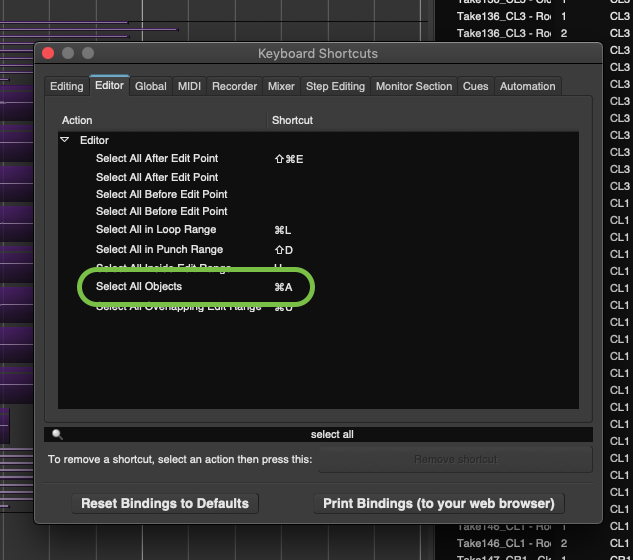
-Search there for “select all” and see what it’s set-as for you! (-Probably ctrl-A?)
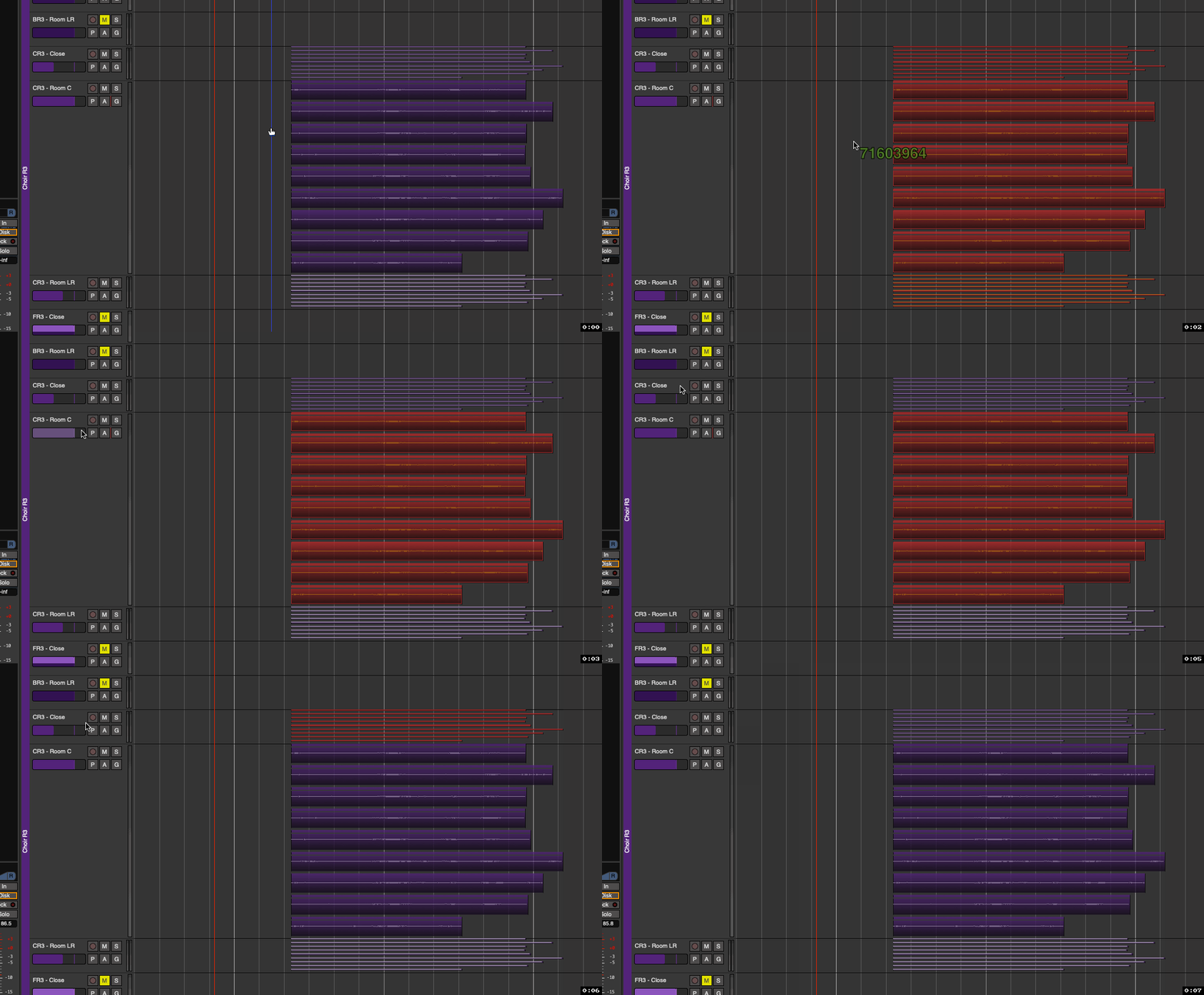
If I don’t have a track selected and use cmd-A, it selects all ‘objects’ (regions) across the project. But if I select an individual track first, then use cmd-A, it selects all in that track:
-I am running v9 (pre-release) right now, but I presume something similar exists in v8.12.