Hi. I’m getting an error message now when I try to load any project. A pop-up box says:
Sample Rate Mismatch
This session was created with a sample rate of 88200 Hz, but Ardour is currently running at 48000 Hz. If you load this session the audio will be resampled, which reduces quality.
Do not load session/Load session anyway
and then I get the second pop-up
Session “/home/tibius/Ardour/The Coast (Working) (snapshot The Coast (Louder?))” did not load successfully:
Cannot initialize session/engine: Audio/MIDI Engine is not running or sample-rate mismatches.
—ERROR: Session: Load aborted due to sample-rate mismatch
I am choosing “Do not load session.” I would like these files to load again the way they did before. What should I do?
I don’t see a “Reconfigure Engine.” Just the two options “Do not load session/Load session anyway”
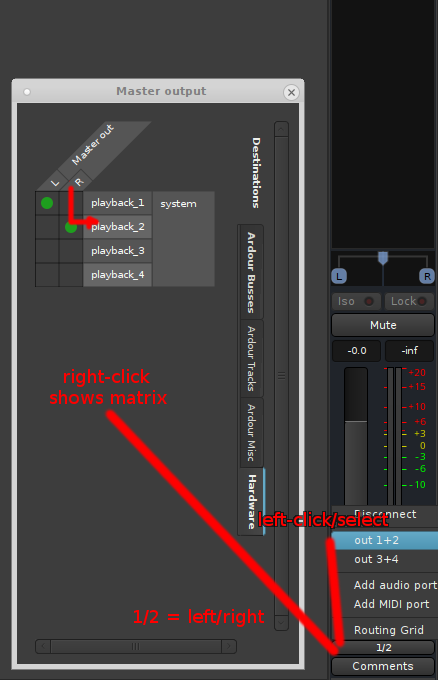
Anyway, I tried tinkering and I opened up a fresh file, set it to use ALSA at the correct rate, and now the file opens up and I see all my tracks/plugins etc., but It makes no sound…