Hi everyone,
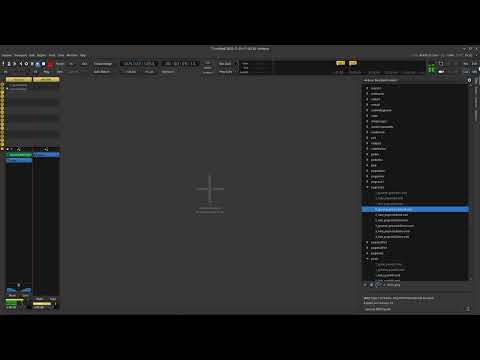
for practice or when looking for inspiration I love to use one of the drums tracks one can find under “Cue”, “MIDI Beats”…
e.g. 1_groove_rock01.mid
I usually start playing the track under “Cue” by adding said midi track (“Drop a clip here…”) and by clicking on the “Play” symbol of the midi track, then I can add a guitar track to Ardour and jam along…
Question: how to record said MIDI drums track (in the “Edit” window) ?! I know how to record e.g. my guitar track… When I click on the “Record” symbol for the track automatically created for the MIDI drums, nothing gets recorded.
Thanks Keith, but I don’t think this solves my problem.
I would like to record the MIDI drums tracks into a tracks, just like I would if I was recording drums into Ardour.
I made some tests and find out that we need to create another MIDI track to receive the messages from the original drum track, and this second track can record.
I often record playing on my eKit. I generally record the MIDI data, and this doesn’t get converted to audio until playback/export.
I think this is a fairly common scenario.
.I would question why you want to do something else. I’m sure there are valid use-cases for this, but I suspect there are just as many cases where people have misunderstood how this works.
Well, I would like to record both: the MIDI data (so that I can correct the
data or play it later using a different MIDI drums) and also the audio
(that sounds like real drums).
It is handy for me to have the drums as audio tracks (not only MIDI), so
that can e.g. export the drums track as MP3 for band members, practice etc.
Ok I couldn’t wait and I just tried.
Very easy:
I created an audio tracks, and a MIDI track (MIDI track created by adding a “MIDI Beat” from the “Ardour Bundled Content” (“Drop a clip here…”) under “Cue”) and set the input of said audio track to “Tracks”/“1_groove_pop.drum-1-t” (which is the name of the MIDI track).
I clicked on “Record” for the audio tracks and when I click on the main record button the audio produced by the midi track gets recorded (as audio, not MIDI) into the audio track.
Great, thanks everyone !
Many thanks to Toni for the useful video
Vincent