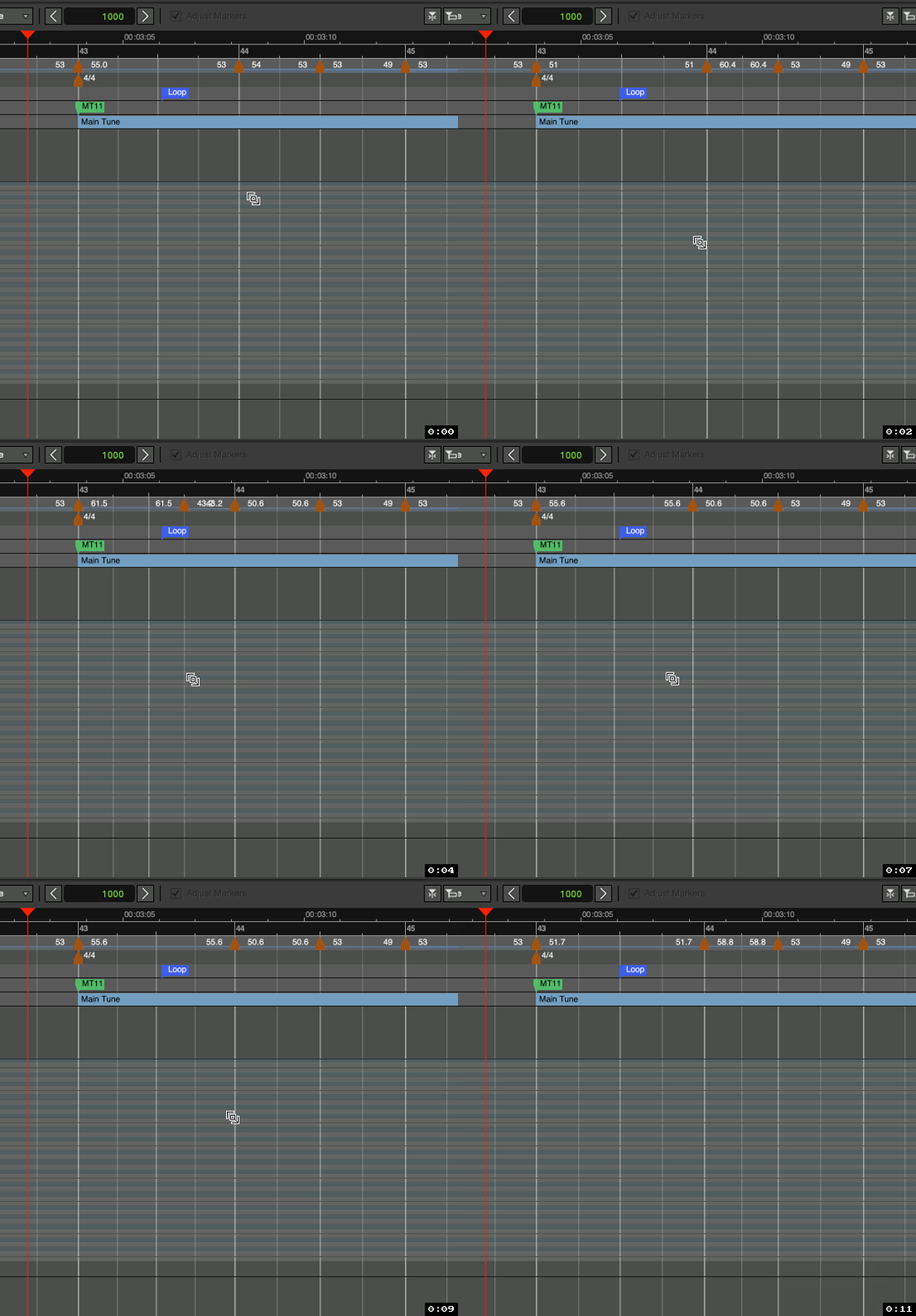
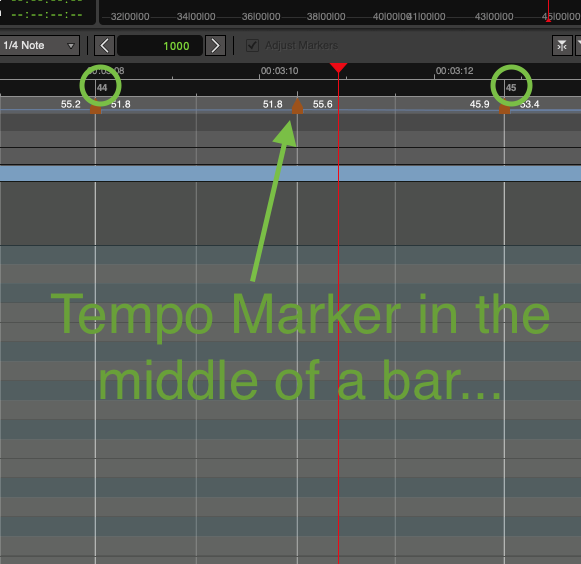
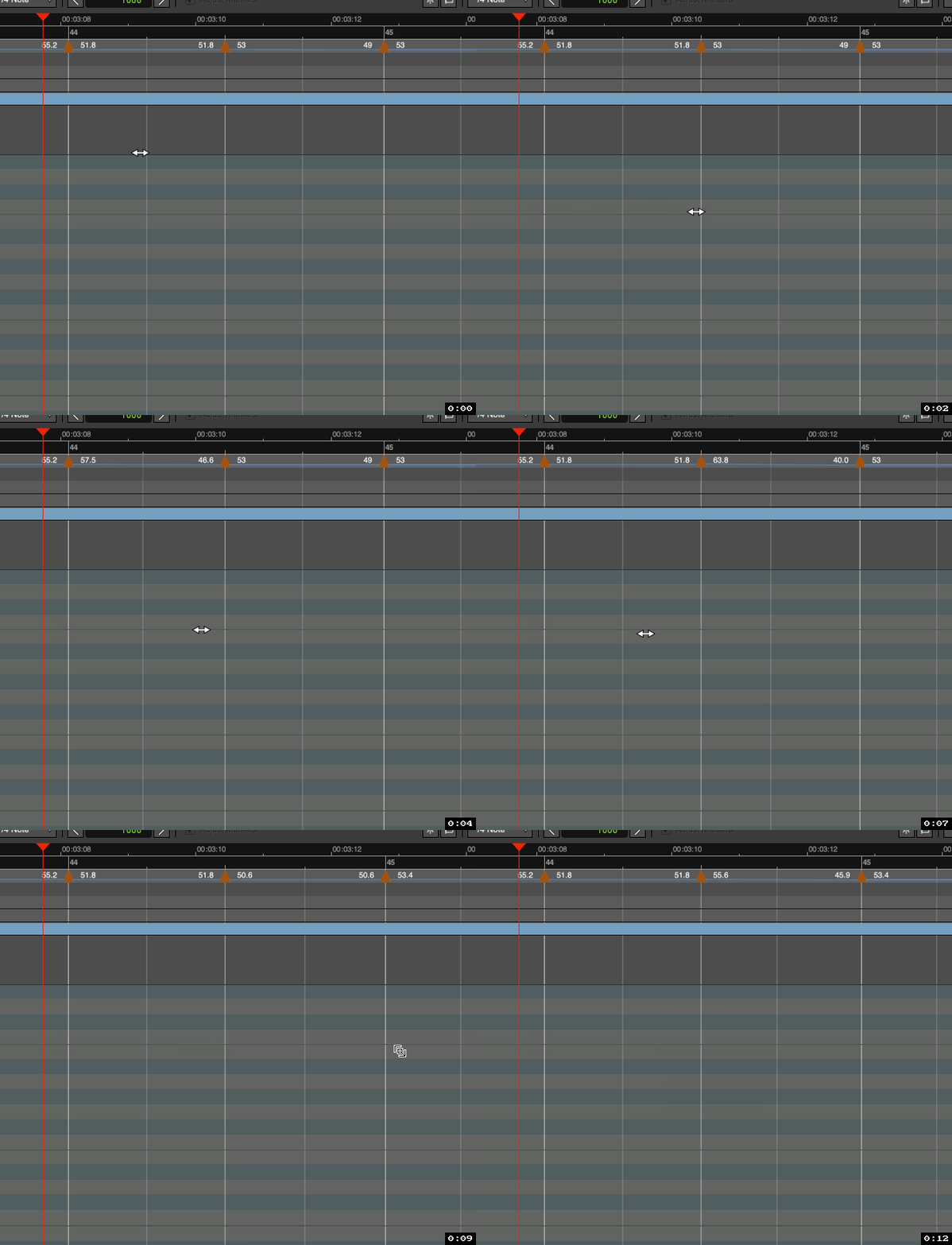
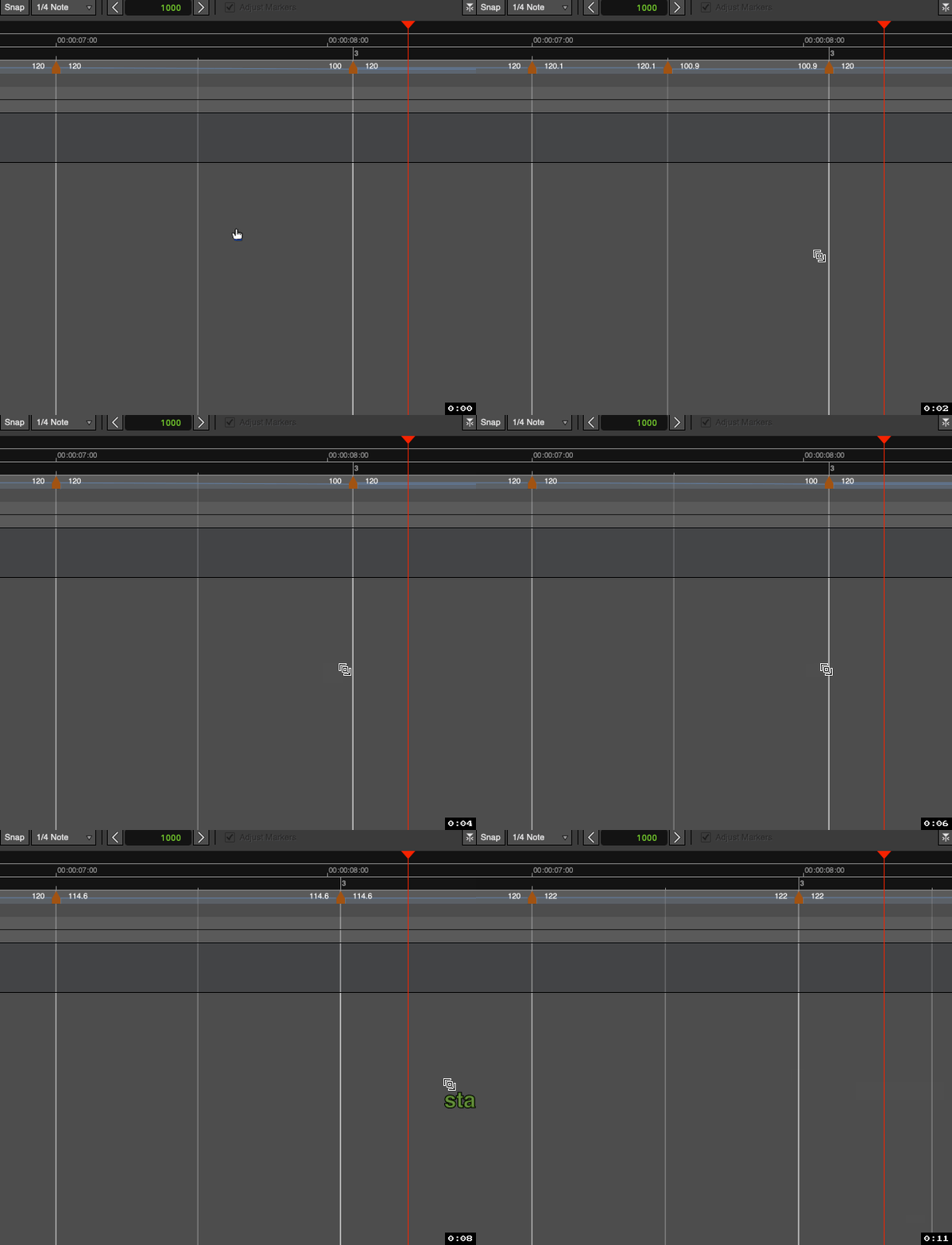
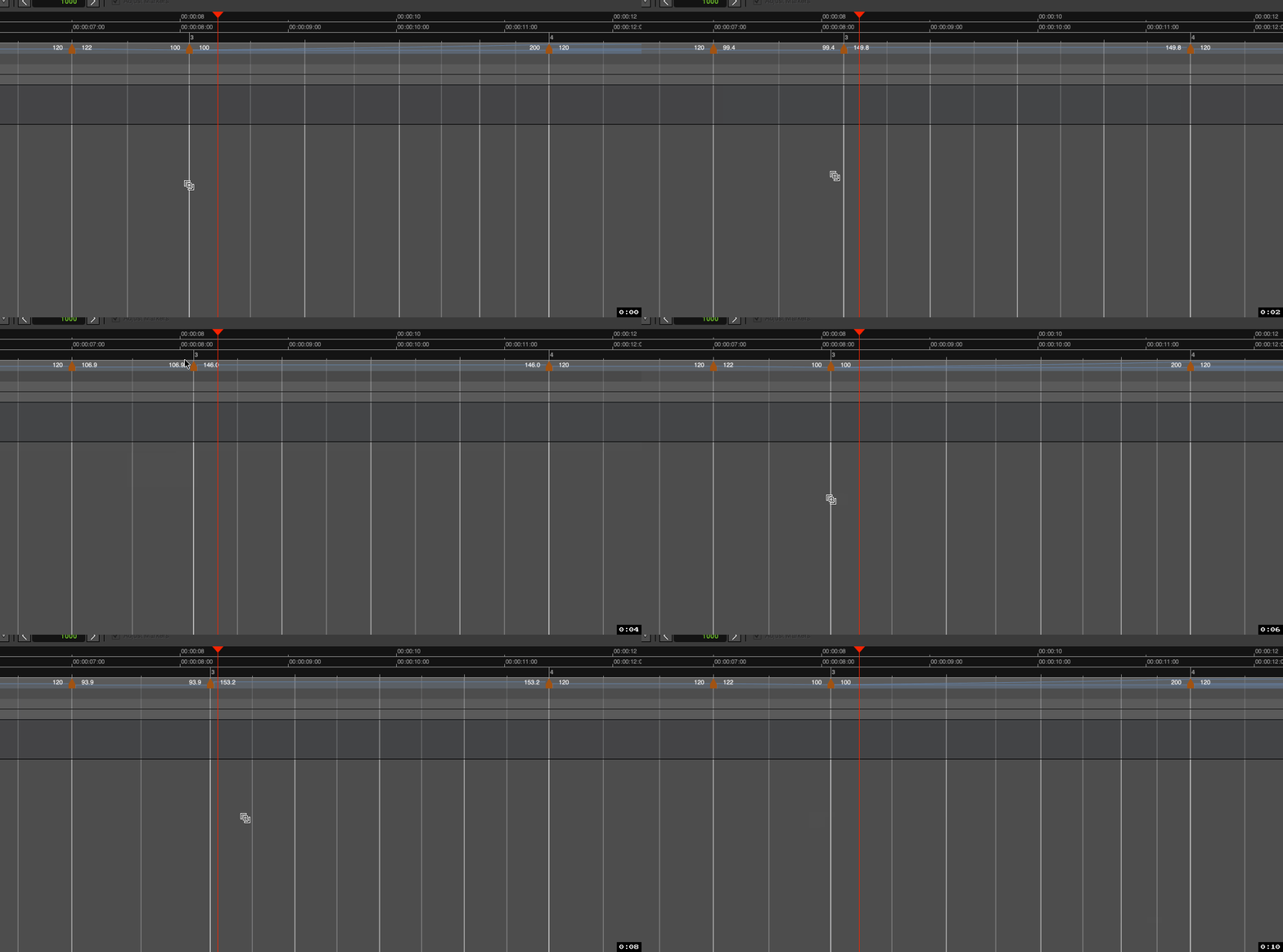
Well then, this returns us back to your and @Mariano_Cardillo_Fot 's comments.
Namely:
In this case, if someone already has a large tempo map with dozens or hundreds of tempo markers, ramps, etc., then Grid Mode seems like it would be Ardour’s best weapon for handling tweaks to that already-existing grid. But if Grid Mode is super slow in these situations, then I suppose you’re just left with a more manual approach, i.e. double-clicking on each tempo marker and adjusting tempos/ramps accordingly.
And yes, after deleting 143 tracks, the slowness remains. So it definitely has to just do with tempo map recalculation. 
So yes, ‘Ardour can do it’ in these cases, but not with speed it seems…
Any obvious reason why tempo map calculation should/would/has to take so long in these cases? -Can’t all tempos/bars/beats outside the scope of what’s being adjusted simply be ignored by whatever processing mechanism is in place for this?
(I’m reminded of FreeCAD’s “Skip recomputes”/“Allow partial recomputes” options. -If you don’t engage those, with every tiny change you make in the model FreeCAD will attempt to freshly recompute literally everything in the model. Thus, when the model gets quite large, this becomes a slow nightmare.)