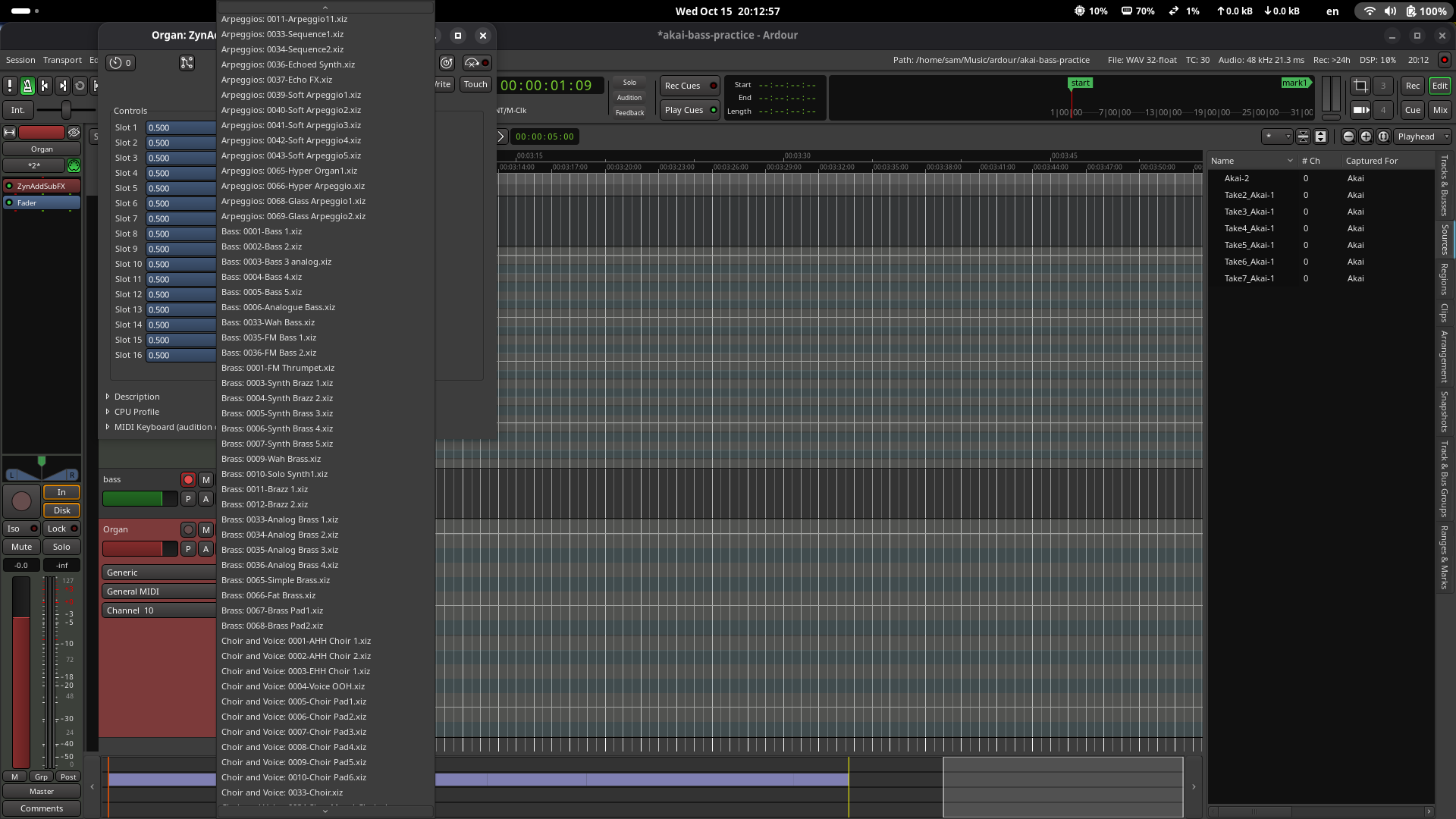
It would be great, if it would be possible to filter preset-names for plugins with a simple text-input field. For example the synaddsubfx synth instrument-plugin comes with hundreds of presets, and I have to scroll half a minute to reach the end of the list.
Also nice would be to have an additional preset-api, that allows optional hierarchies.
I have version 3.0.6-7 installed. I’m not seeing the GUI you’re talking about. When I right click on the plugin and select presets, it’s the very long list that I have to scroll through. If I double click on the plugin, it opens a window with a drop down with the same list.
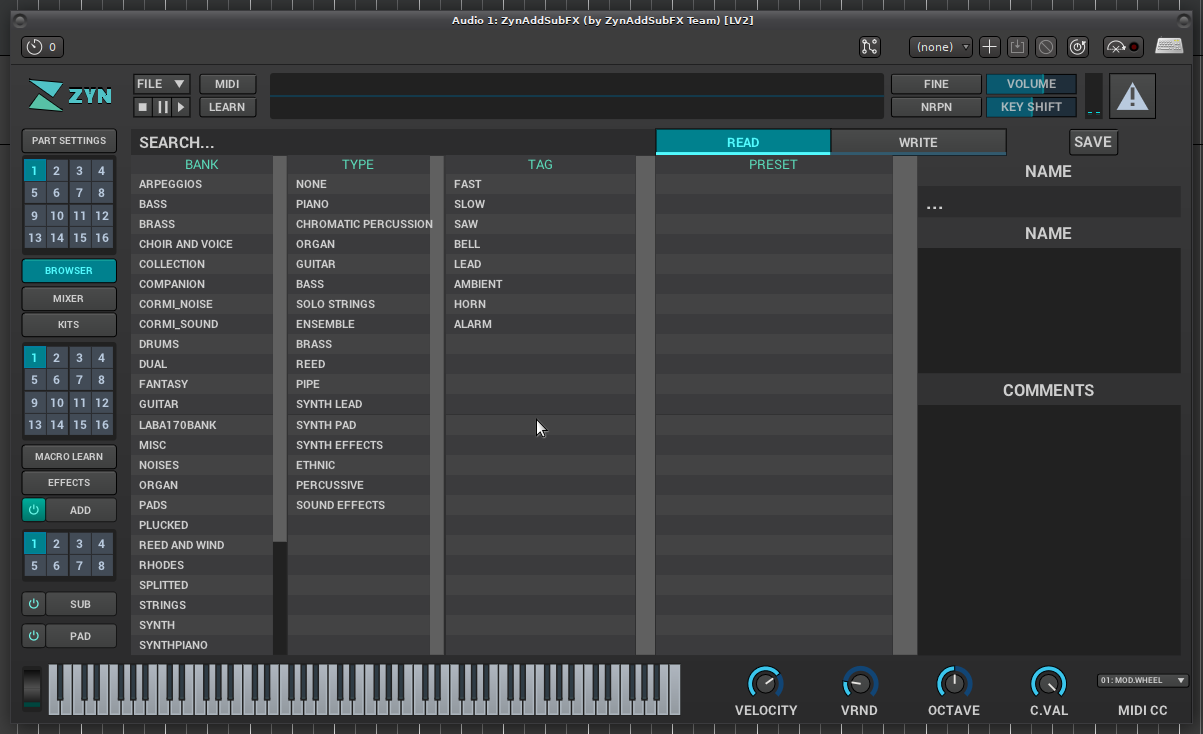
Ok, this took a minute, but the first thing I noticed was my zynaddsubfx didn’t look like yours. Then I found that it’s a newer UI called Zyn-Fusion. So, I uninstalled all the zynaddsubfx* Ubuntu packages and installed Zyn-Fusion from source: GitHub - zynaddsubfx/zyn-fusion-build: Build Scripts For Zyn-Fusion
This installed to /opt/zyn-fusion
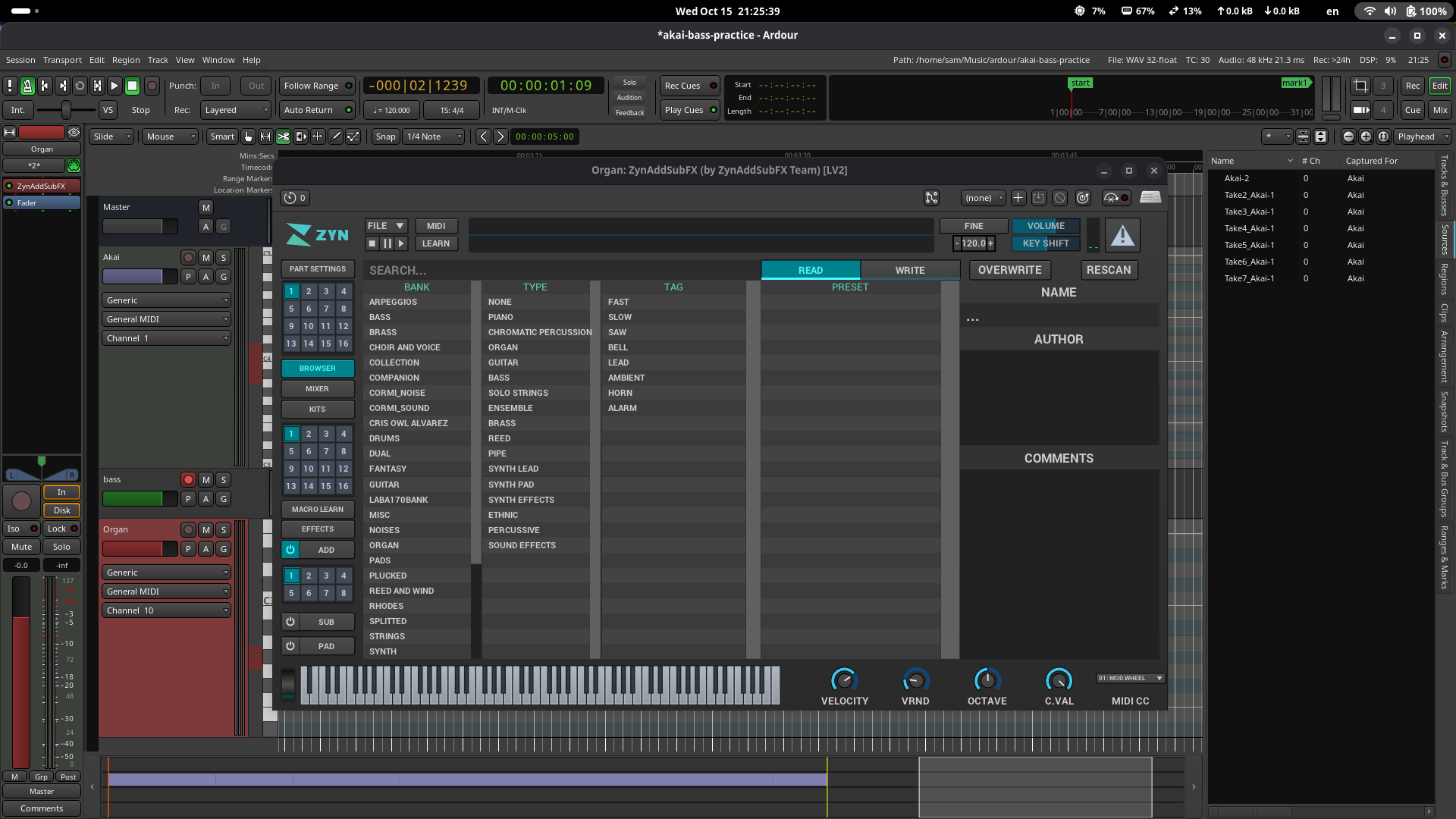
After, I opened Ardour and added the paths under /opt to the plugin paths and rescanned. Now when I double click on it in Ardour, I get:
Though after all that, I don’t really need this in Ardour (most of the time anyway) because it’s just for my 7 year old son to play his midi keyboard and he likes experimenting and switching the presets often. Don’t really need Ardour for that, but didn’t realize how easy it is to do it in the standalone program.
 There must be several hundred presets for ZynAddSubFX