lightcoat
November 26, 2025, 10:38pm
#1
I’m really loving Ardour but I’m running into a bug where 1-sample pops and clicks appear when using crossfades. I don’t understand the circumstances that cause them to occur, but they’re reliably in the same time location after bouncing.
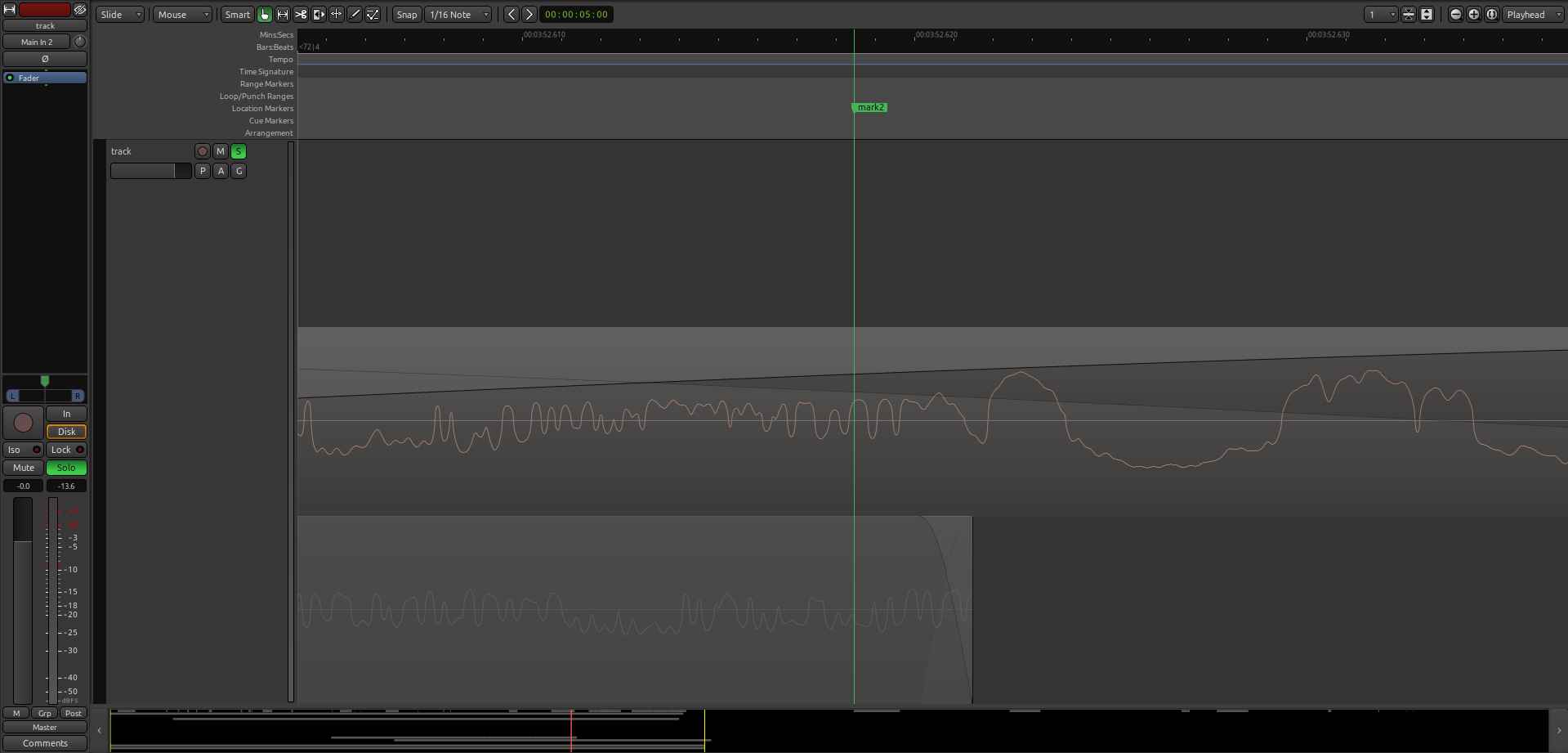
Here’s an example. Please observe how the 2 regions overlap where “mark2” is.
1 Like
lightcoat
November 26, 2025, 10:38pm
#2
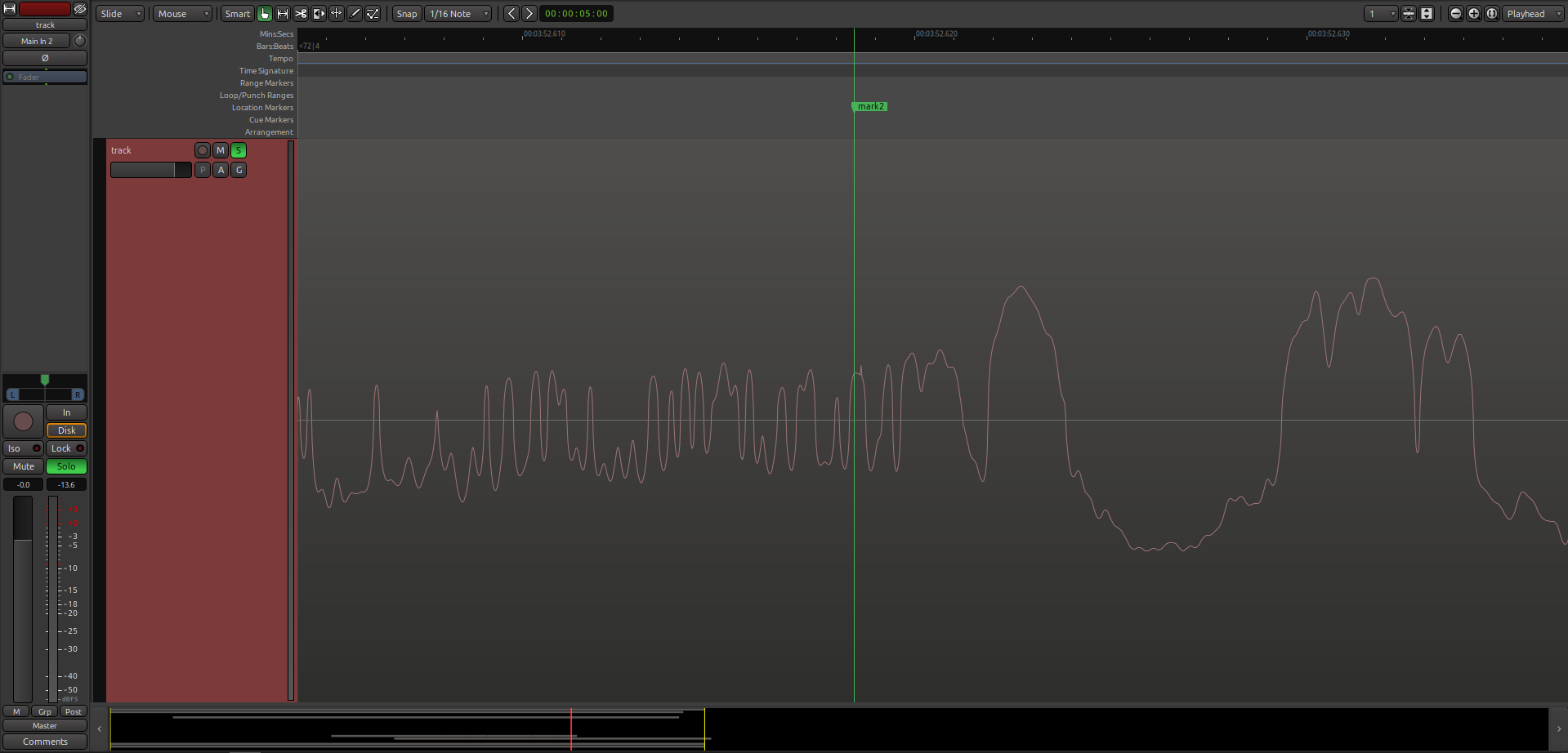
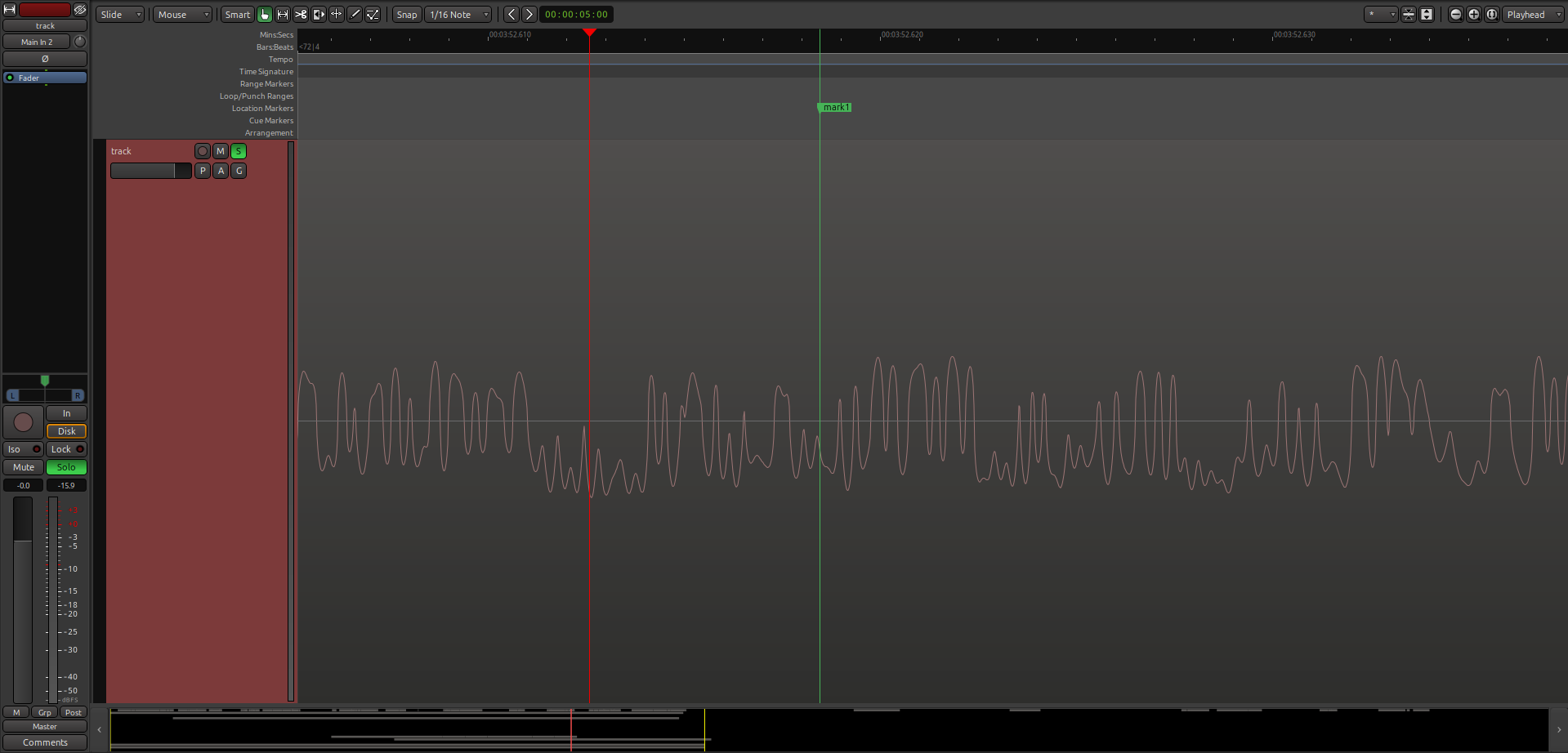
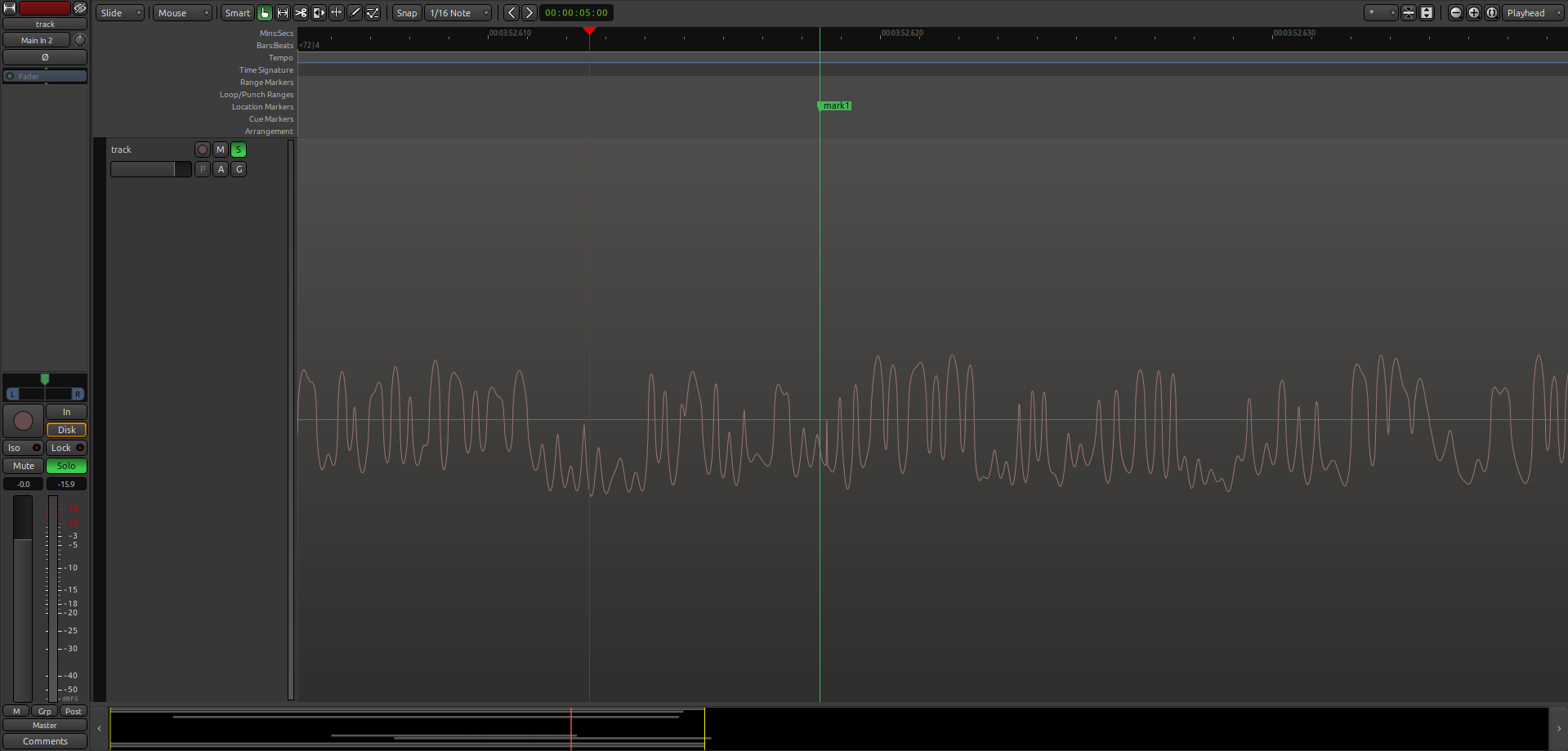
After using the “Freeze” feature, observe there’s a 1-sample spike (audible) immediately to the right of “mark2”:
1 Like
lightcoat
November 26, 2025, 10:39pm
#3
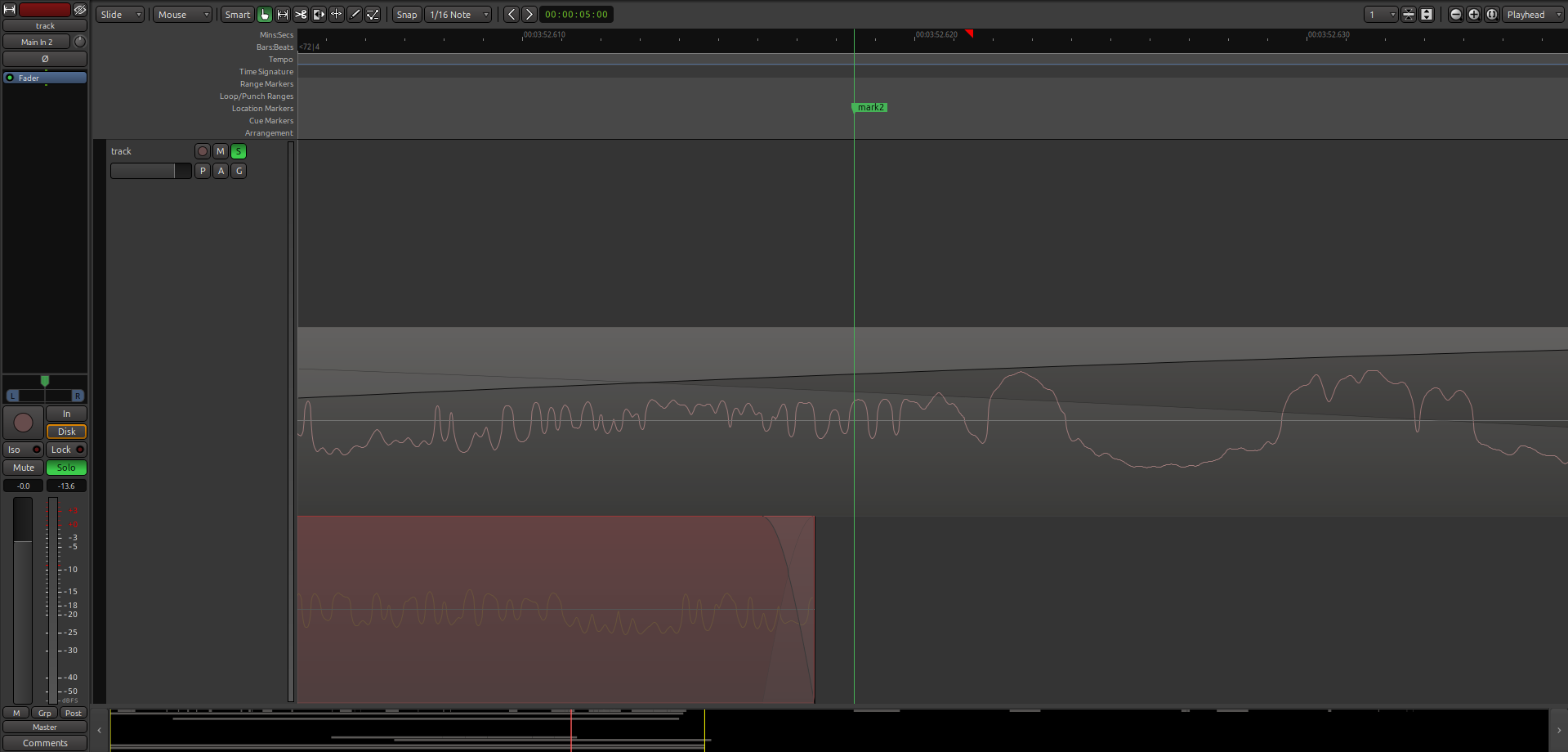
The same clip — this time I’ve dragged the region slightly to the left:
lightcoat
November 26, 2025, 10:40pm
#4
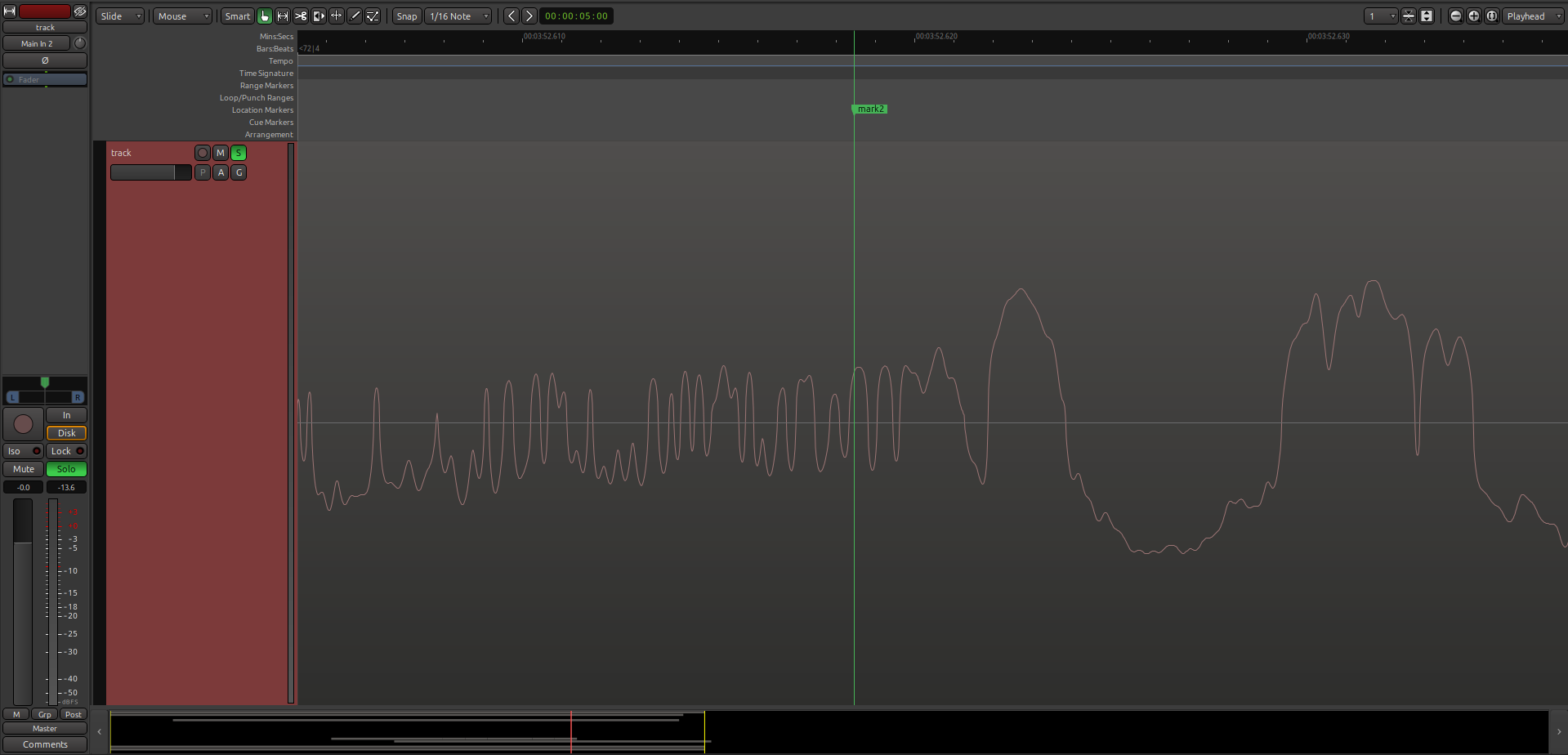
But after using the “Freeze” feature, the 1-sample spike is no longer there:
Any idea what might be causing this? Any workarounds? Thanks!
1 Like
paul
November 26, 2025, 11:11pm
#5
I have a memory of fixing something like this between 8.4 and 8.12 …
1 Like
lightcoat
November 26, 2025, 11:12pm
#6
An even simpler case… this is just 1 layer:
lightcoat
November 26, 2025, 11:13pm
#7
After freezing, the spike appears:
lightcoat
November 26, 2025, 11:14pm
#8
Oh, OK! I’ll try upgrading, then. Just using the default version from the package manager.
1 Like
lightcoat
November 27, 2025, 3:06pm
#9
Hello, again! Thanks for your help. I’m testing with version Ardour 8.12.0 and unfortunately the bug still appears to be present.
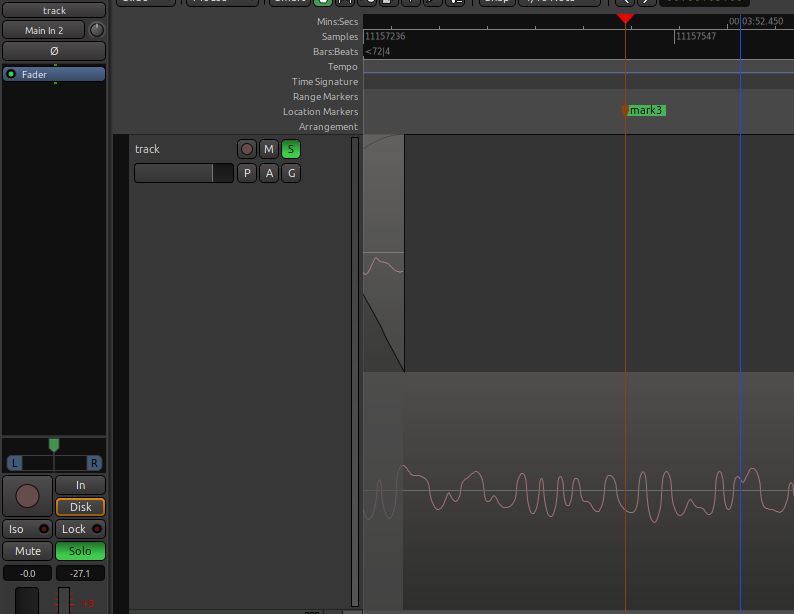
Before freeze:
1 Like
lightcoat
November 27, 2025, 3:07pm
#10
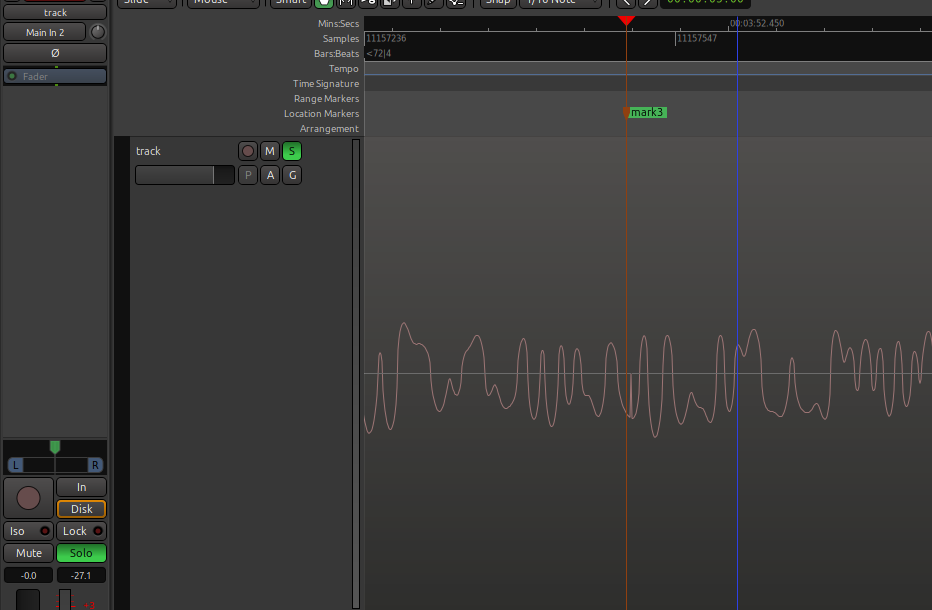
After freeze (transient pop immediately to the right of mark3):
1 Like
lightcoat
November 28, 2025, 4:50pm
#11
Hi @paul , I have a small test project where the bug is present (unfreezing makes the spike go away, freezing again brings it back). Is there a way I can share with you privately?
1 Like
x42
November 29, 2025, 11:08am
#12
Is it always at the same location?
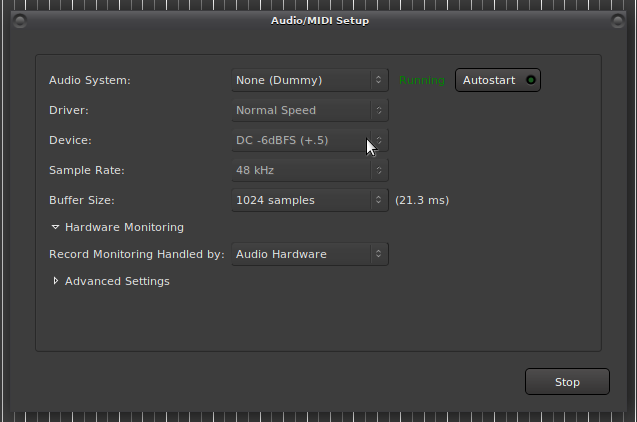
I just tried Ardour 8.12
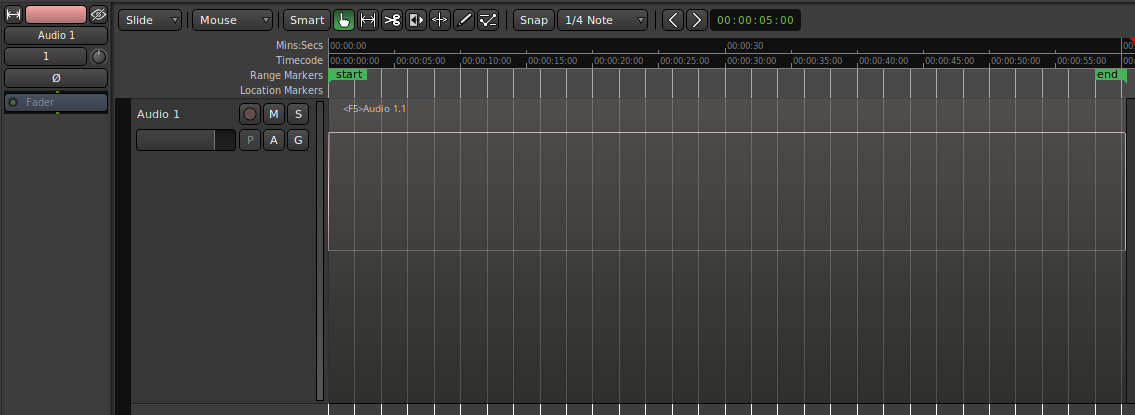
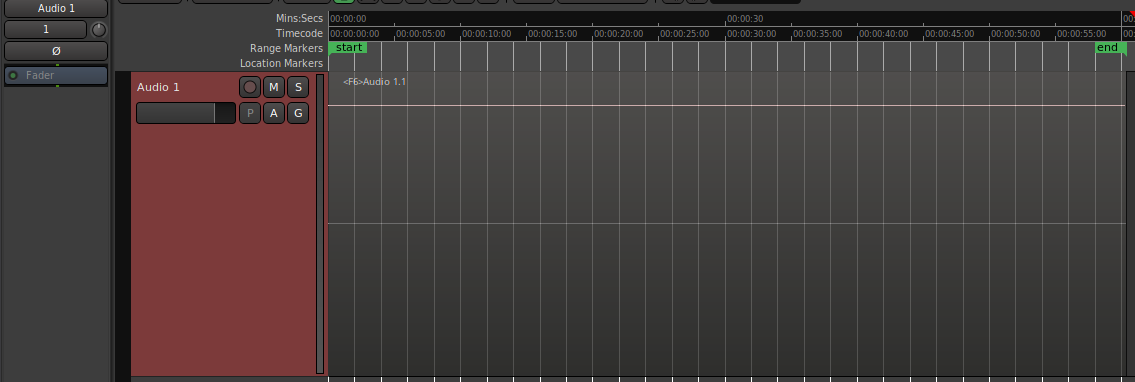
New Session
Add New Mono Audio Track
Rec-arm and roll, Record 1 minute of Audio
Freeze track
With a flat-line (DC signal), a glitch to silence would be immediately obvious, but I don’t see any. Only region start and end fades:
and those also vanish when disabling region fades.
So there mus be something more to it. Can you provide a step by step recipe?
–
[1]
Available in debug builds, or optimized builds by editing ~/.config/ardour8/config<Option name="hide-dummy-backend" value="0"/>
lightcoat
November 29, 2025, 1:50pm
#13
Hello, Robin!
Unfortunately, I don’t know the specific steps to reproduce.
But I do have a small Ardour project to share with the bug. Can I share it with your privately (direct message, email, etc.)?
It only happens in some locations, but once there’s a spike, it’s consistently in the same place until I reconfigure the region/fade lengths.
x42
November 29, 2025, 3:19pm
#14
lightcoat
November 29, 2025, 4:57pm
#15
Just sent! Thank you so much for your help.
x42
November 30, 2025, 3:09pm
#16
So far the issue eludes me (though the session helped find another bug).
When you unfreeze and re-freeze the track in the session does the click appear at the same position again? Here it does not.
lightcoat
November 30, 2025, 3:33pm
#17
Interesting! Yes, for me, it appears in the very same place after freezing again, unless I adjust something like the region boundaries or the fade lengths. Thanks again for looking into this.
system
March 1, 2026, 9:33pm
#18
This topic was automatically closed 91 days after the last reply. New replies are no longer allowed.