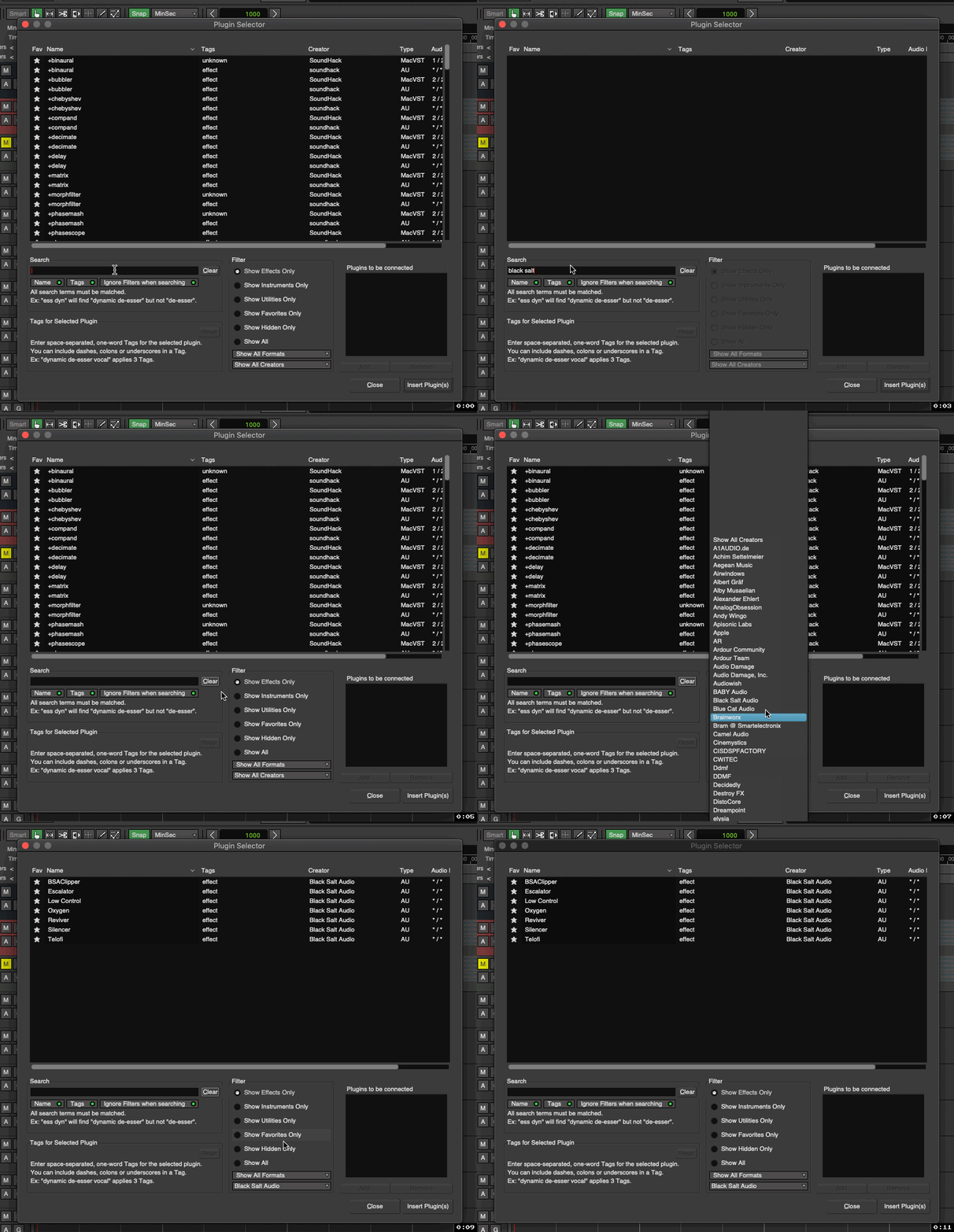
Currently, to narrow the available plugins down to one creator, you have to change “Show All Creators” in the lowest drop-down menu to the one you want. This is somewhat convenient to have, but not as quick as typing (usually just a few) letters in the search bar:
Since the creator name is usually fairly unique, just typing that without any filter works just as you want it to. Yes, occasionally it will pull in one or two additional plugins that use the words in the creator’s name as part of the plugin name. I consider this acceptable given the avoidance of complexity that it provides.
Remember, everybody wants their favorite (missing) feature and doesn’t see how it is anything other than incredibly convenient. But to everybody who doesn’t care about, it generally means a new GUI element, or a new GUI workflow choice to be made, or a new user preference to control (or multiple of these) …
I 100% understand what you’re saying, and I would expect precisely the behavior you describe.
But the problem is that that is not what is occurring on my end.
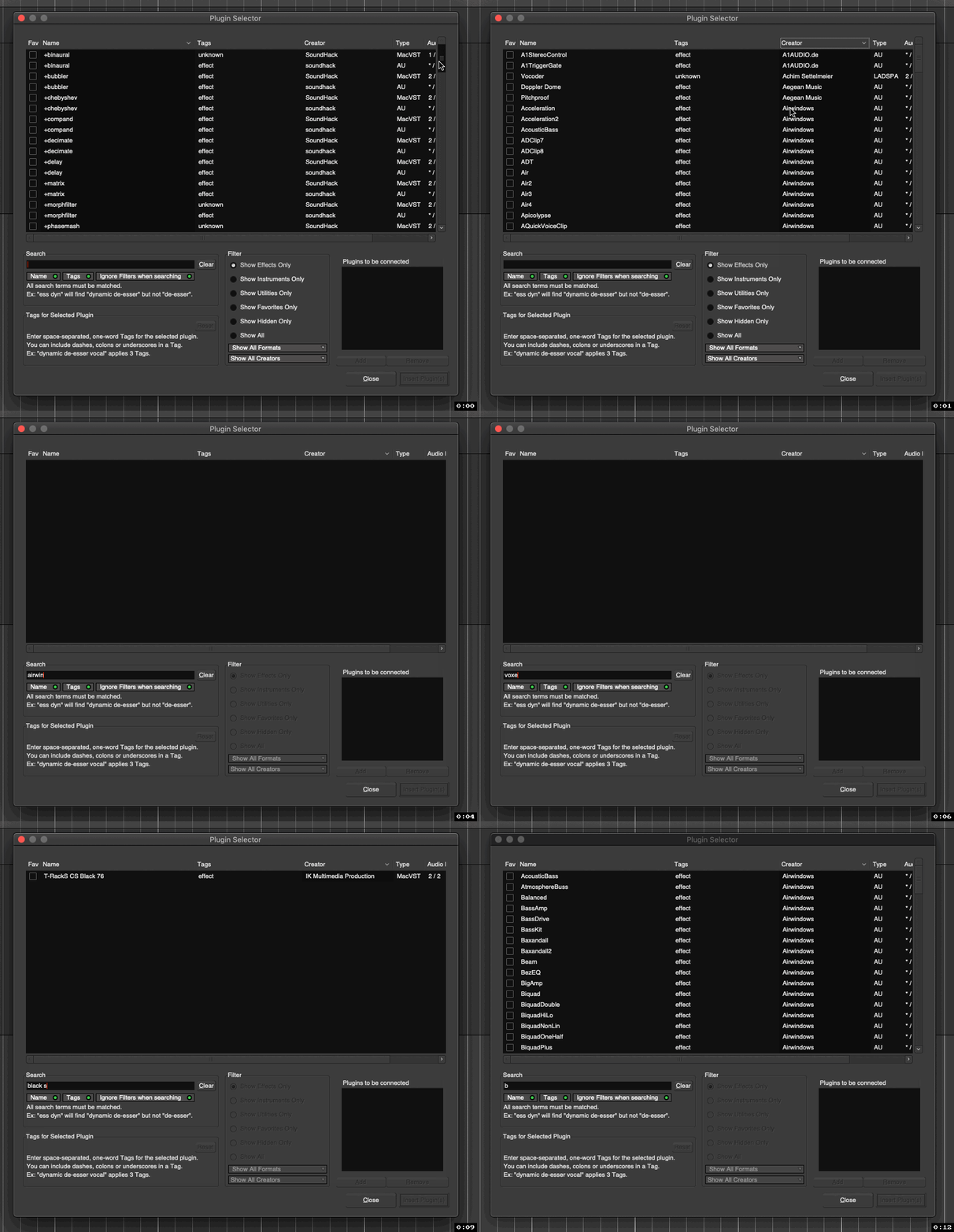
Here’s another clear example where I search for known creators:
→ Nothing appears.
→ And the result is the same no matter how I adjust the various Name, Tags, and Ignore Filters when searching (etc.) buttons, as well as between v8.12 and v9.
…
So is this functioning differently on your machine(s) then?
What am I doing wrong here?
I presume this couldn’t/wouldn’t be just a macOS-related thing somehow…?
(-Because just FYI I am using macOS Mojave.)
It’s not a bug, but but design. Ben and me researched the the ergonomoy of this.
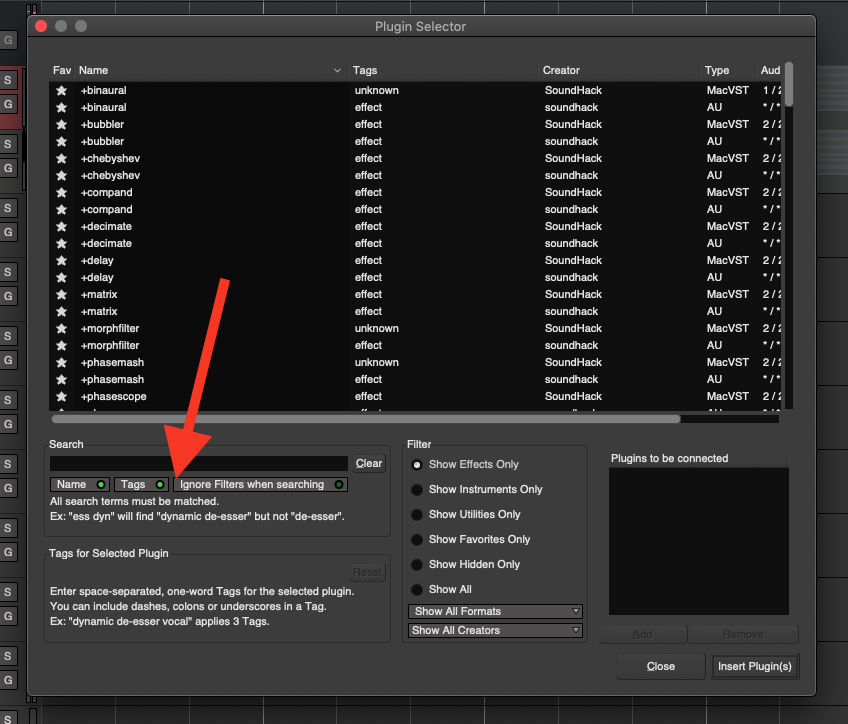
The default filter only applies to Name or Tag which can be selected using the toggles below the search field:
For vendors, there is a dedicated Filter dropdown, not a dedicated toggle to include it in the search.
The reason for this is that when you add a plugin you want to address something specific; say an EQ or Compressor, and when using the DAW in rage (as Ben put it) searching for “waves” or “air” will just distract, as opposed to filtering by vendor.
But… if you can make a good case… I’d not be opposed to add another toggle button like Name or Tags.
I’m not sure I follow your guy’s logic, but alright.
I just ‘intuitively’ (…there’s that word again ) expected it to show me my Voxengo plugins (for example) when I type “Voxengo” in the bar, but it never has… That said, I’m sure other users do in fact use all or some of the other filters and buttons and whatnot, but for me I’ve never really touched or used them before.
~I’m a simple man.
~All I need is a simple search bar, smooth scrolling, and 160,000 other lines of code.
If you’re that kinda guy… .maybe you prefer to not even bother with the plugin-selector but directly right-click > New plugin > by Creator ?
What we found is that it’s very slow, especially on Windows where users have thousands of plugins with more than 500 of them from waves to have a single search field to rule them all.
While I don’t have any of the 500 Waves plugins, I have plugins by about 500 developers (for some unknown reason which is strictly between me and my therapist), and that’s a heck of a scroll without being able to filter by typing (though I did just discover page up/down work!). Still, the search box is faster so I don’t think a toggle is unreasonable.
If i forgot how some specific airwindows plugin was called i usually just select any plugin from airwindows. Then sort all plugins by name of creator.
Narrowing down the plugins to look through like this like this usually is enough for my cases.





 ) expected it to show me my Voxengo plugins (for example) when I type “Voxengo” in the bar, but it never has… That said, I’m sure other users do in fact use all or some of the other filters and buttons and whatnot, but for me I’ve never really touched or used them before.