Plugins marked “New” in Plugin Manager are not showing up in Plugin Selector until I manually select them > “Scan selected” one-by-one. See below:
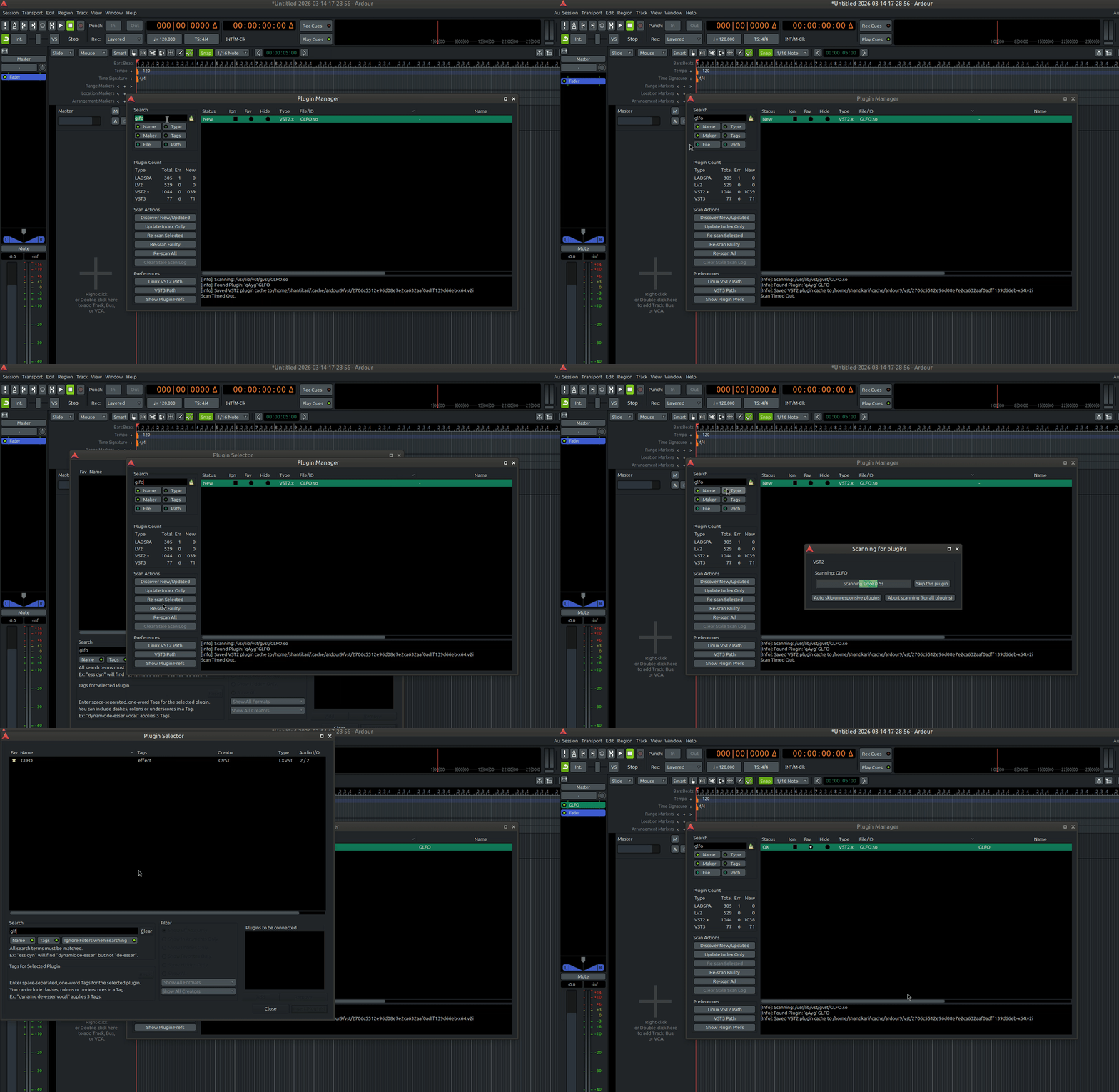
Obviously this gets tedious when migrating or installing/updating plugin collections. Is there any workaround to scan all “New” plugins at once? “Scan Faulty” does not work, I’m guessing that only scans plugins marked “Error” (or “Stale”?). The manual says “New” plugin means it “has just been discovered and successfully loaded” —then why don’t “new” plugins show up in selector?
In general, I find the Plugin “Status” and “Scan Actions” quite confusing and annoying… My humble requests/clarifications below:
- [Clarification] Which scan actions should be run when? The names don’t give much intuition. If user adds a new plugin or updates an existing one, should they run “Discover New/Updated” or “Update Index Only”? Or both — if so, in which order? And how does “Discover New/Updated” differ from “Re-scan All”, since manual mentions that former also performs “a full scan”? When would a user want to “Re-scan All”?
- [Clarification] As mentioned above, “Scan Faulty” seems ambiguous: does it strictly refer to plugins that have status “Error”, or also “Stale”/“New” plugins that aren’t available in plugin selector?
- [Request] Could “Re-scan Selected” allow selecting multiple plugins at once, instead of forcing 1-by-1 selection and scanning.
- [Request] Could columns in Plugin Manager and Plugin Selector be reorganizable via dragging? Currently about half manager’s display shows metadata only (Status, Ign, Fav, Hide, Type, File/ID, then finally “Name”) and Creator/Tags aren’t visible by default. Would be helpful to either have horizontal scrolling hotkey (Shift+Scroll) enabled for the manager/selector windows or atleast allow column reorganizing.

