The Plugin Manager is kind of like an ‘under the hood’ view of all of the plugins that Ardour has found on your computer. So even if the Hide button would work for the plugins with an “Error” status (which it doesn’t because they’re already hidden by default in the Plugin Selector), it would NOT hide them from the Plugin Manager itself, → only the Plugin Selector (which is accessed in the mixer-strip for any track/bus when you double-click the black box area).
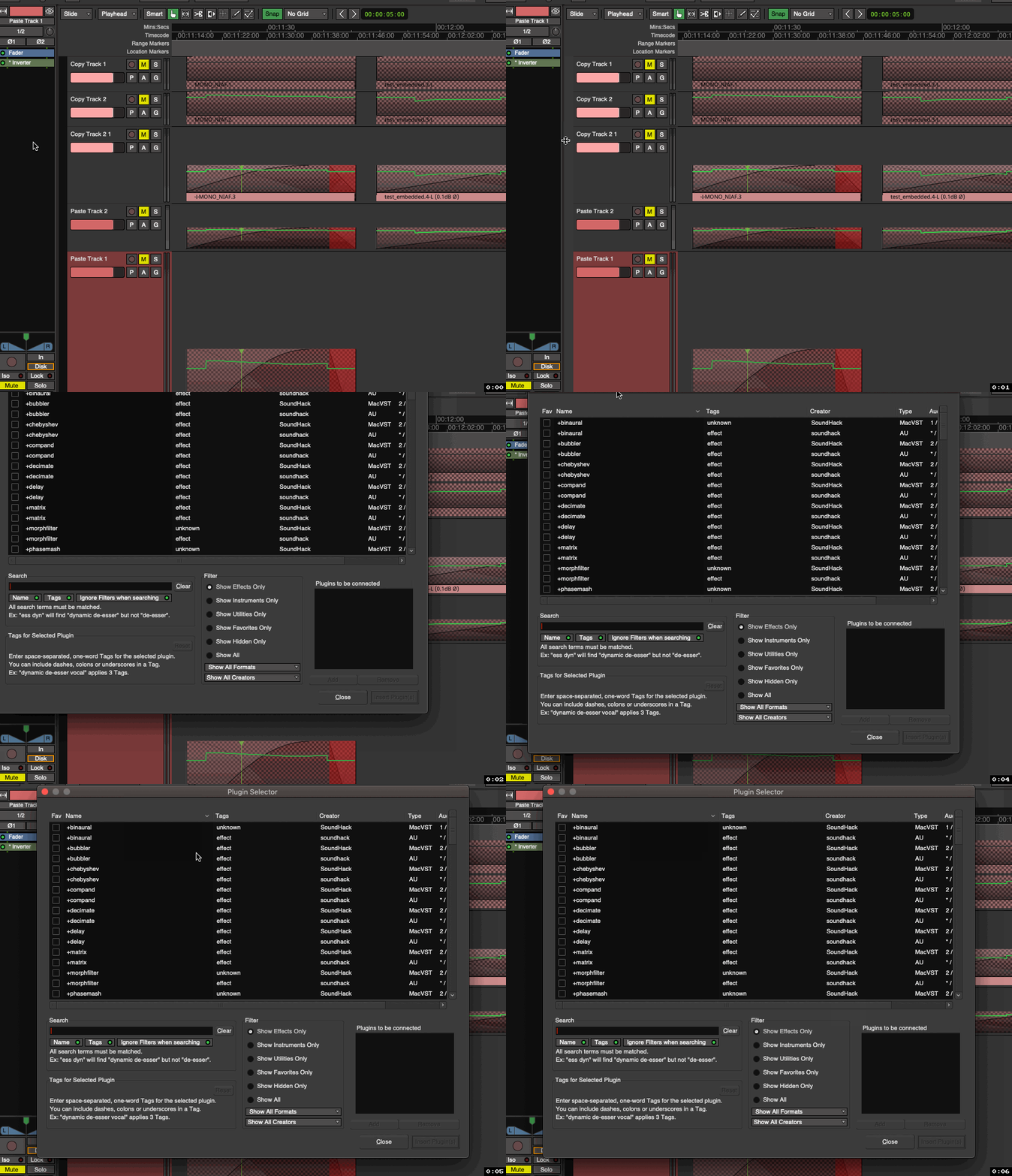
For the most part, during mixing/editing, this is where you should be searching for and adding new plugins:
-With the Plugin Manager being the place for discovering new plugins, refreshing them, hiding valid (“OK” status) ones, etc…