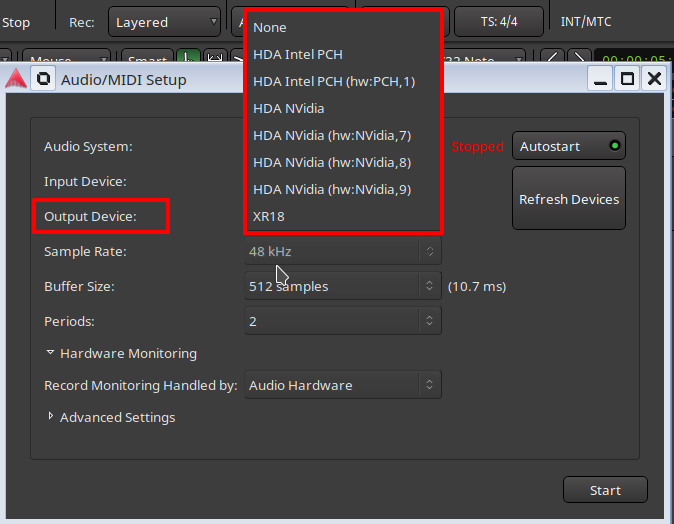
So, I’m new on Linux and I’ve installed Ardour and Drumgizmo to record some muisc using my Millenium MPS 850 e drum kit. The problem is that while both Ardour and Drumgizmo correctly detect inputs, no sounds comes out.
I’ve tried switching from Arla to Jack Audio and Pulse audio to no avail. I’m starting to think that maybe my drum kit is not compatible with Ubuntu, but before I give up what can I try to solve this problem? Thank you very much
I’m not actually using any sound interface. Right now the e drums are directly connected to my pc via USB.
. For the distro, I’m using Ubuntu Ubuntu 24.04.3 LTS
The drumkit loaded is DRS Kit
Now that I’m actually trying, absolutely no sound is coming out cause everytime I open Ardour it sets himself to DummyAudio and no sound comes out even using the keyboard or another plugin
Ok I was actually dumb, I messed up the audio drivers in ubuntu somehow, but now everything works.
Now the problem is actually mapping all the components of my drumkit to the correct midi note, cause right now only the floor tom and the cymbals work properly. I’ll open another topic if I can’t figure it out on my own. Thanks for the help, have a great day!