hi,
is there a way to increase the size of this opening window?
thanks
-s
1 Like
In what sense is it too small? Text too small? Or for some reason you need longer lists of things?
1 Like
Although I’m used to it now, it did initially feel a bit too restrictive, in terms of just rectangular size/width.
I don’t know if this is what @suse_g is referring to, but often times I have snapshot/project names that are just too long to immediately see, e.g.:
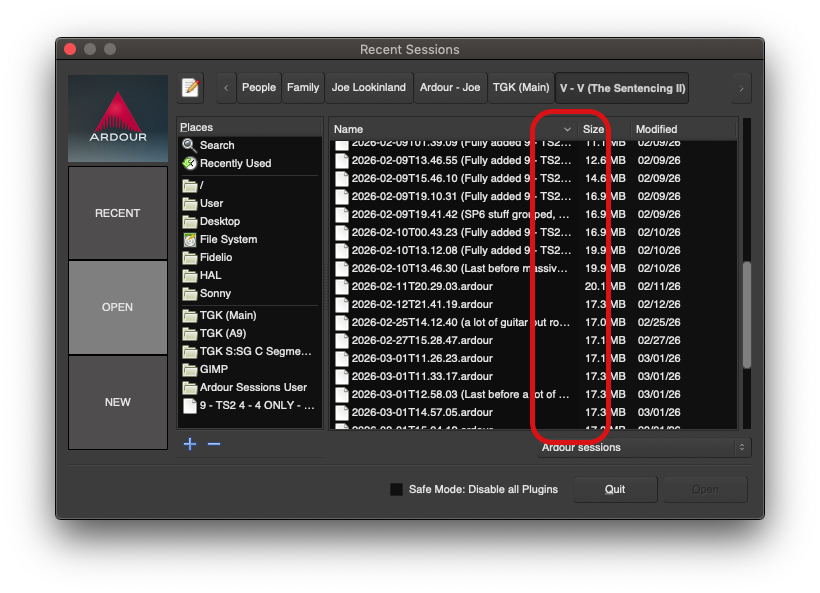
To see those longer ones, you have to widen the “Name” category there, and sometimes even use the horizontal scroll-bar then provided. (Which is fair enough, and again, I’m used to it now.  )
)
Still, it might be nice to be able to re-size (or at least widen) the box by clicking and dragging in the bottom-right corner. (This was already the case in pre-v9 builds, but for some reason (I think aesthetics) @x42 got rid of it. 
 )
)
-J
well, I wasn’t very precise indeed, so a picture of my 15zoll Laptop should explain a bit more:
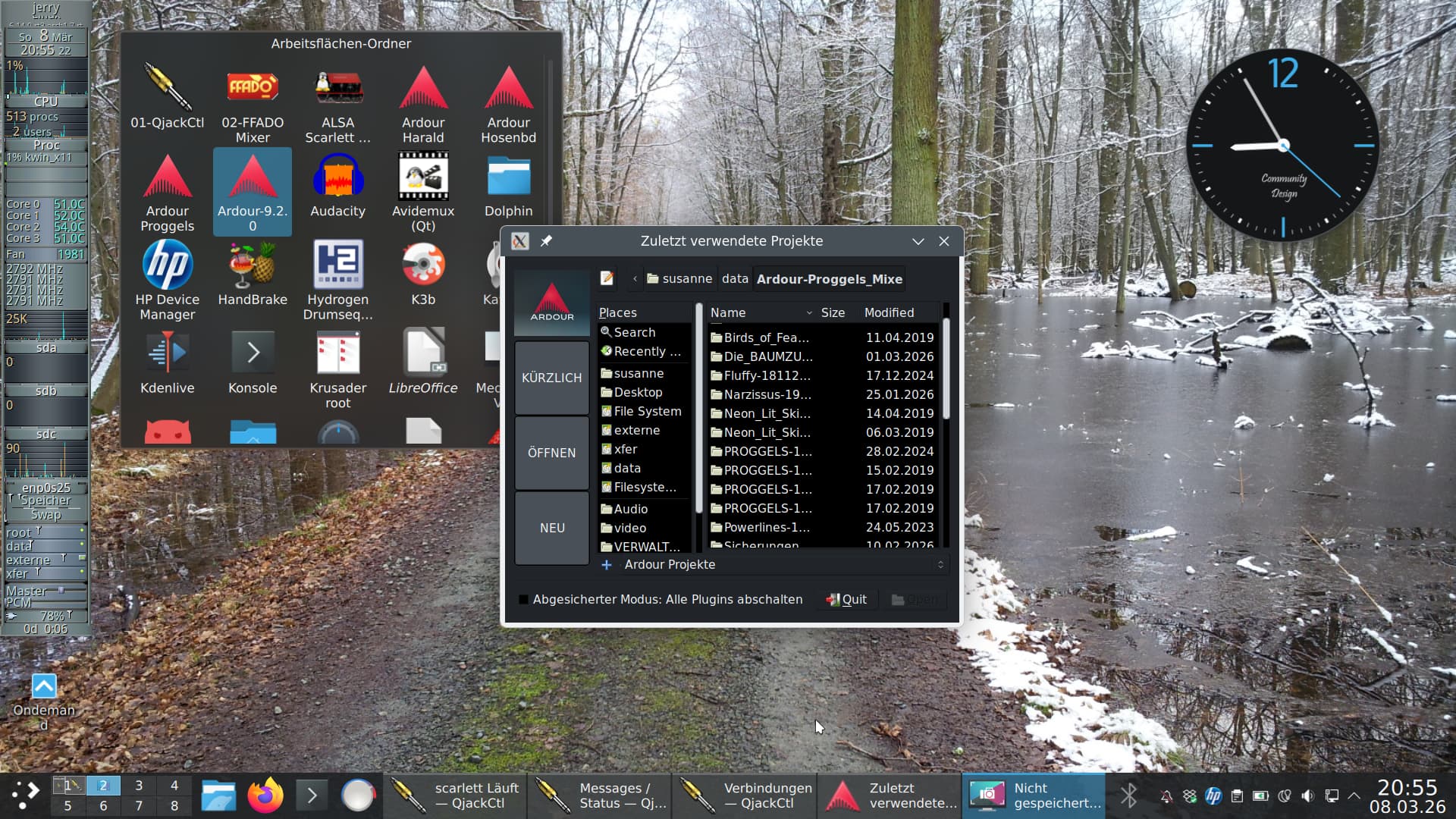
even the session names are not fully readable… but there would be plenty of space on the sreen…
thanks
1 Like
I’d make the left column (open/recent…) half size. As the first step. Then I’ll make the window a bit larger.
1 Like
forgot to mention: the fontsize is perfect for my needs
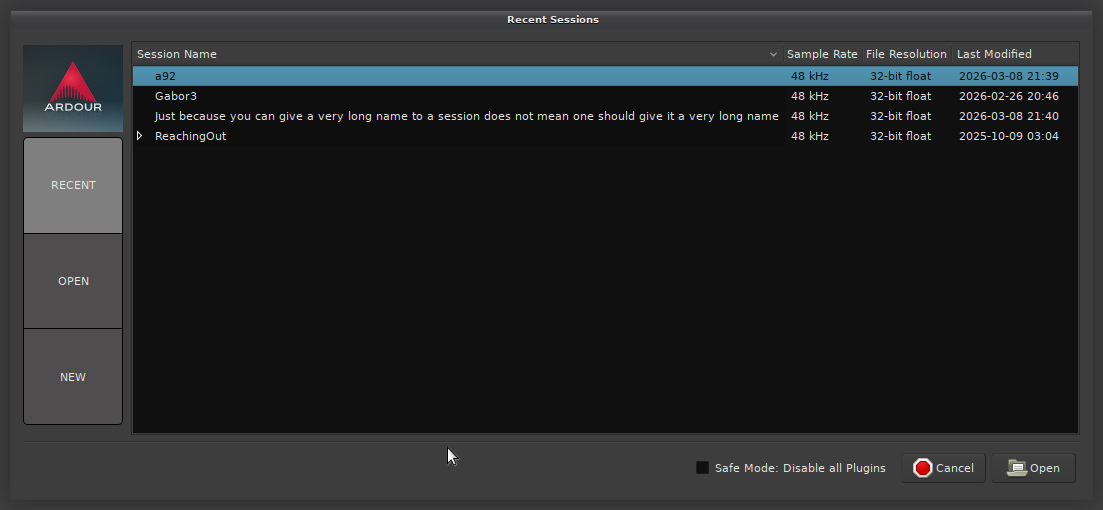
Ardour > Preferences > Appearance > Quirks > Allow resizing of session and engine dialogs
and you can get
4 Likes
that’s what I was looking for, you’re my hero tonight 
2 Likes
This allows resizing the window, and the session list box does expand along with the window horizontally, but the list’s height doesn’t follow that window resizing - my preference (quirk ) would be to be able to see more recent sessions at once.
This topic was automatically closed 91 days after the last reply. New replies are no longer allowed.