There’s a new video on the Ardour channel: how to do voice-activated recording
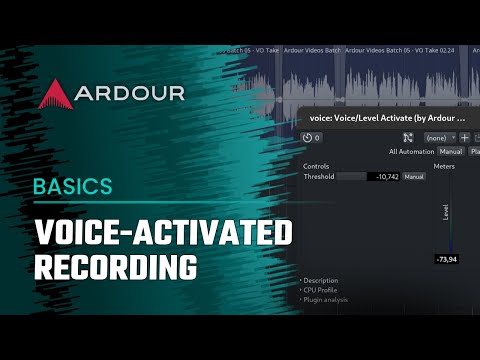
There’s a new video on the Ardour channel: how to do voice-activated recording
I was excited to see this one. …Wasn’t ‘in the know’ that there was something like this in the world AND that a count in was possible. Two for one!!!
There is also Ardour Menu > Transport > Record with …
The latter does not work at 00:00:00:00 but has the advantage that if you start to play a bit early, it is still recorded, and you can later edit and move region-start…
[1] preroll duration can be configured in Preferences > Transport
Thank you! Just like practically everything in this world, there are things we don’t know to look for. I had no idea I’d be so excited for something I didn’t know was already solved.
This is great. My keyboard is away from my computer and Ive previously had to run across the room after starting the count in!

Ive been using Level activated record a lot for midi recording, since my last post.
I have two observations:

This topic was automatically closed 91 days after the last reply. New replies are no longer allowed.