Hi All!
I want to do precise technical/scientific audio measurements on multichannel digital audio from Ardour on Windows 10.
Things like THD, SNR, Xtalk, Transfer Function, etc. I need to be able to isolate these measurements from the hardware. In other words, I can’t convert to analog and measure with my lab equipment. I need to be able to evaluate the digital audio itself.
I have 2 approaches that I think might work. But so far no luck. Any advice on how to do this would be greatly appreciated. Here’s what I have so far:
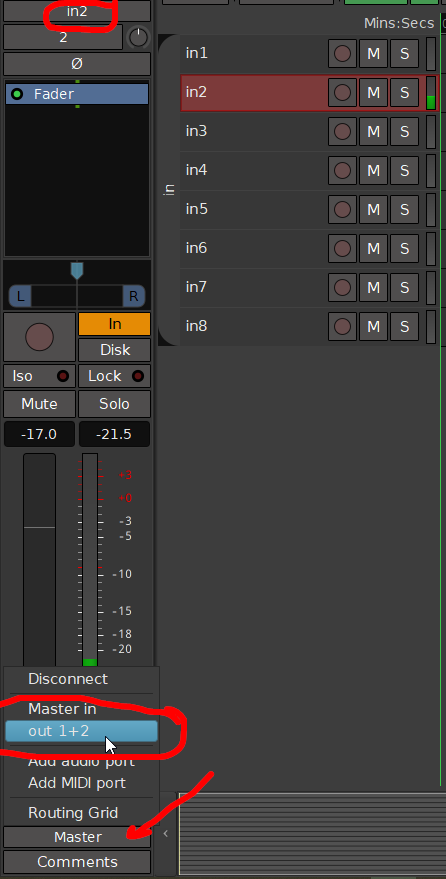
I have patched my 8-channel interface into Ardour, and have it coming up nicely on 8 channels in the Edit desktop. So far so good.
Approach #1: Use a plugin on each channel to evaluate the audio.
Problem #1: I have not found a plugin that makes scientific measurements. The ones I have seen all seem to be audio engineer oriented, which is great, but doesn’t get me precise quantities of THD, SNR, etc.
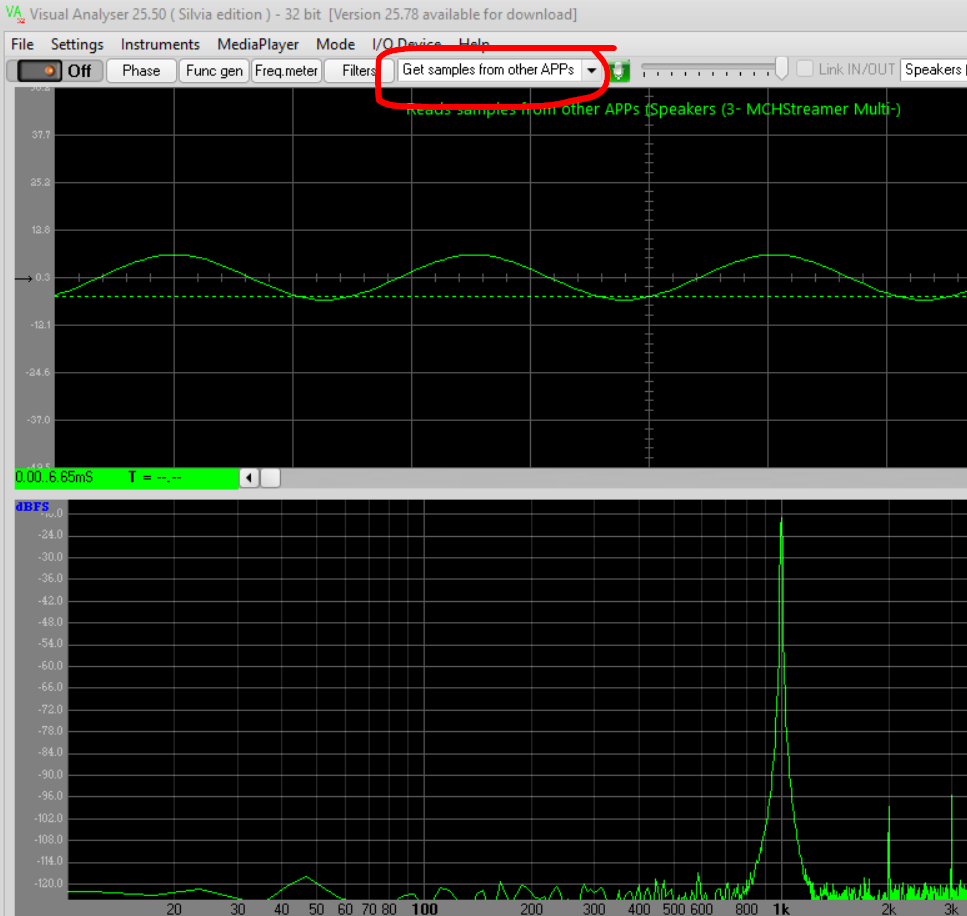
Apporach #2: Use a separate app. I use Visual Analyzer, which is a free, slightly buggy, but otherwise excellent app that can make the measurements I need. Visual Analyser 25.78
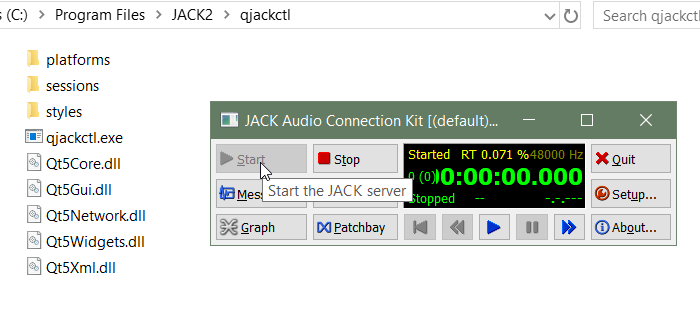
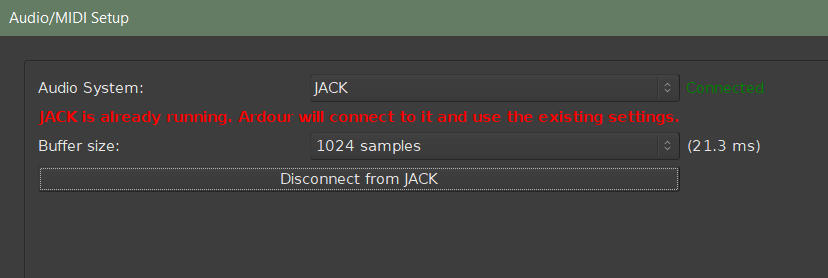
Problem #2: Visual Analyzer is only 2 channel, and I need to evaluate 8 channels. Is there a way to patch from Ardour to Visual Analyzer? I messed around with Jack2 for a bit, with no luck.
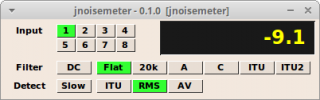
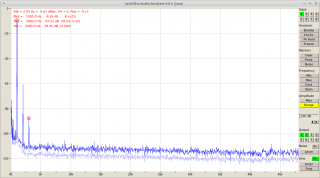
I know a few Linux specific tools, notably jnoisemeter [1] and jaaa [2] by Fons Adriaensen, which can be used with Ardour/JACK, but those are unlikely to work on Windows 10.
I am however curious how you calibrate the soundcard. Do you have a true RMS audio voltmeter? How do you relate dBV to dBFS?
Possibly some virtual soundcard, but it seems that Visual Analyzer can also operate on files. So why no record 8 channels to .wav and then load those into the app?
(You could grab the files directly from Ardour’s session in the interchange\*audiofiles\ folder.)
Have you tried contacting the author of Visual Analyzer? Maybe they can provide some additional information or even a multi-channel version.
So I’m doing this to measure an audio interface that I have designed, so I know the hardware well. For dBV to dBFS conversion, I use standard lab equipment to measure the analog voltage (oscilloscopes, RMS meters, etc) directly at the ADC chip pins. That can be translated into dBFS using the datasheet information, but I usually combine this information with measurements of clipping to determine FS with more certainty. Then my main challenge is making sure that the digital audio path doesn’t do level shifts. In Windows the digital audio chain is pretty opaque, so I rely on Ardour, which I trust to at least not change the levels when it says it isn’t.