Minimum screen dimensions to use Ardour?

Yo,

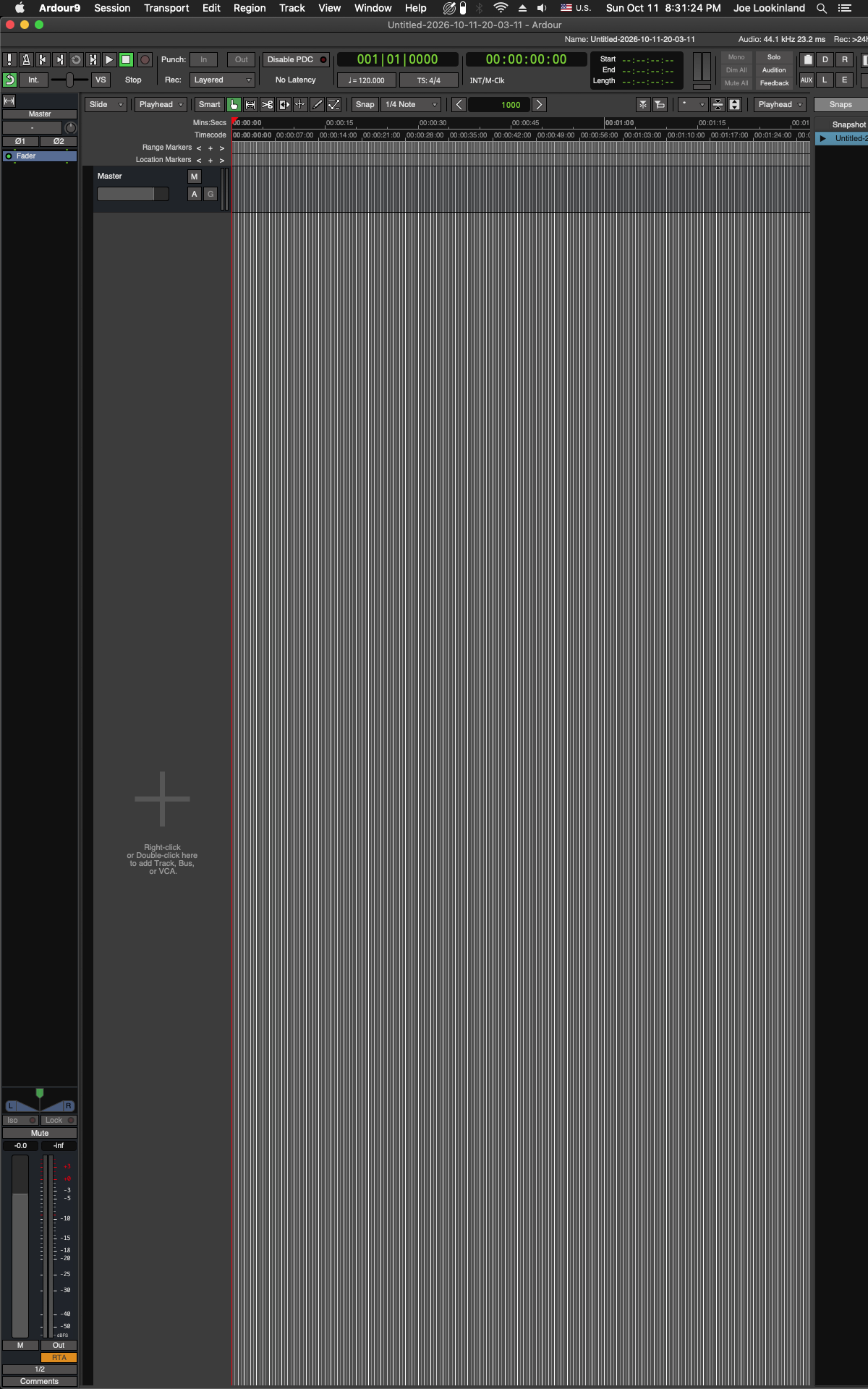
I’m experimenting with a more vertical monitor orientation for using Ardour, like so (using a 1920 x 1200 display):

…
However, you might notice a problem…
→ At 1200 pixels width, the window is unable to fit everything horizontally… :confused:

Question:
Is there any way to cram it all in horizontally in this case, or nope, -just use the monitor in landscape? :slight_smile:

…
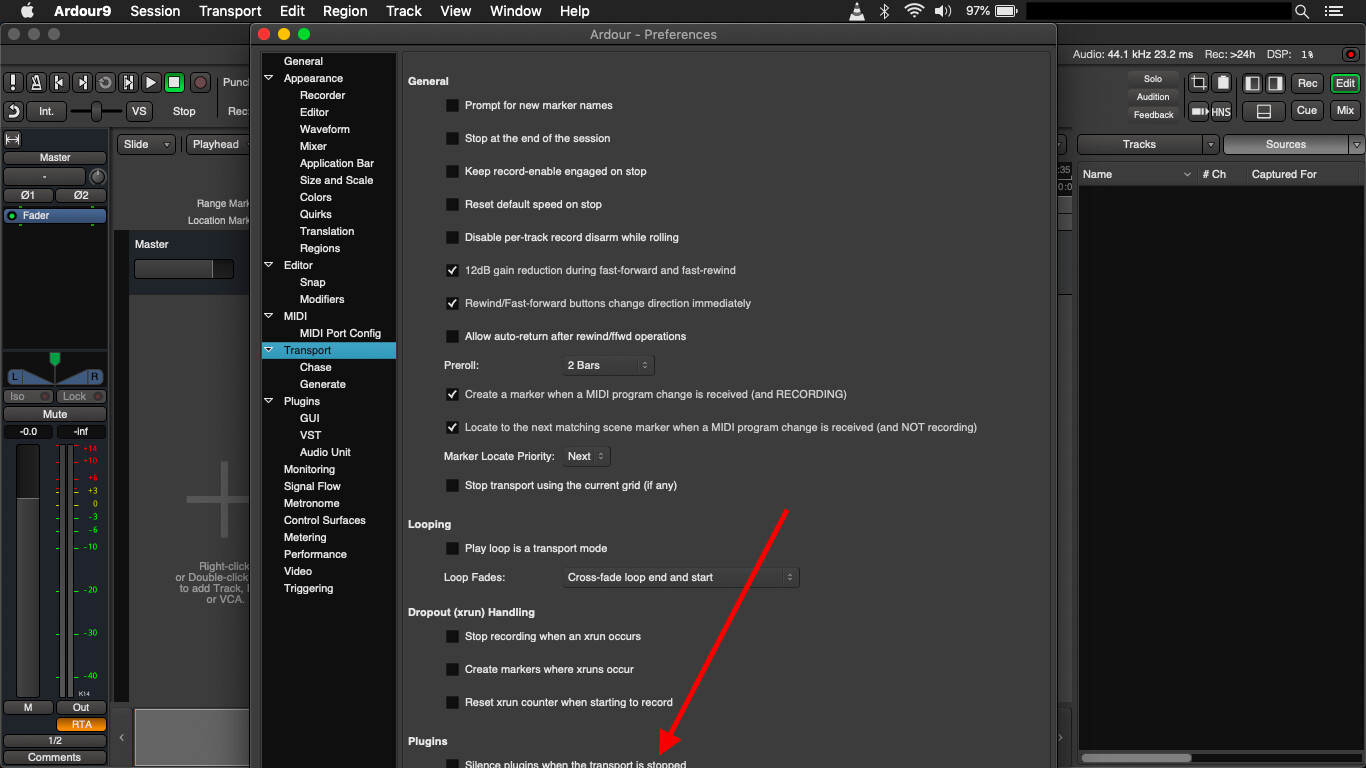
Also related, but vertically on something like an older, 11" MacBook Air (1366 x 768) you get slightly problematic situations like this (e.g. no vertical scroll-bar in Preferences to help):

Thanks for any comments!
:v:
-J

Funny, just closed an issue about this topic. Scrollbars were unattainable.

1 Like

or place a second vertical monitor next to it :slight_smile:

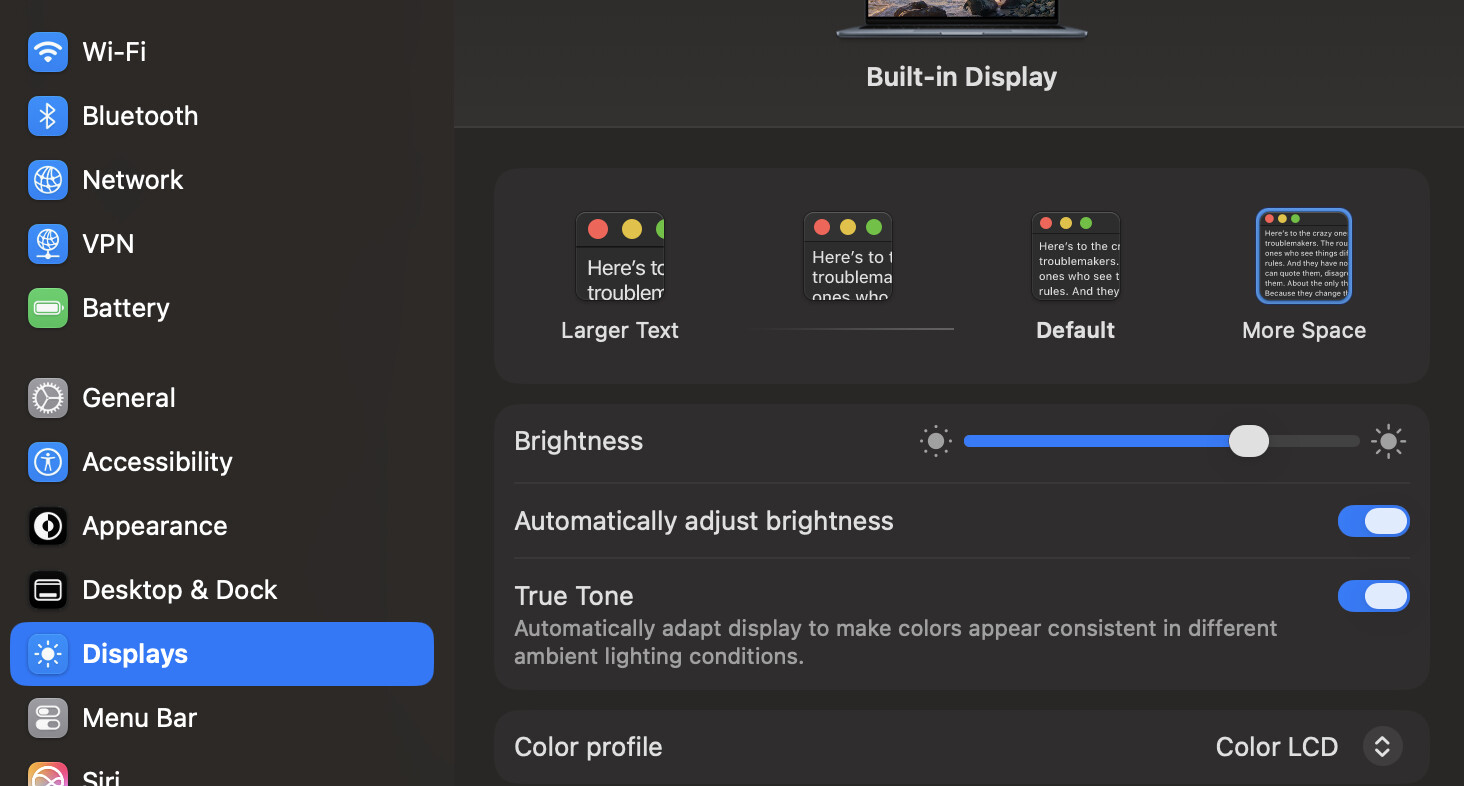
Scale the display and pick “more space” in Apple’s display preferences:

1 Like

Legitimately considering…

…
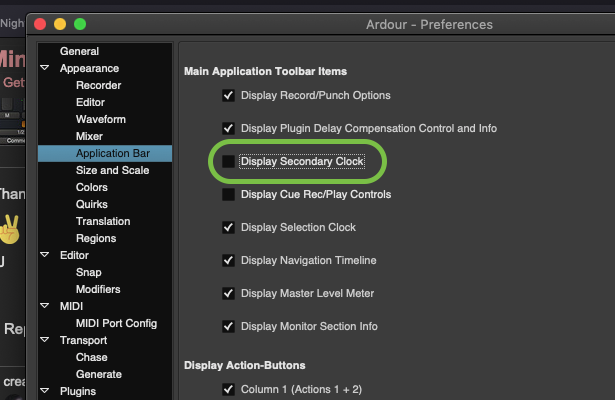
Actually, I just discovered that if I simply get rid of the second clock via this setting…

Screen Shot 2026-10-11 at 9.38.07 PM

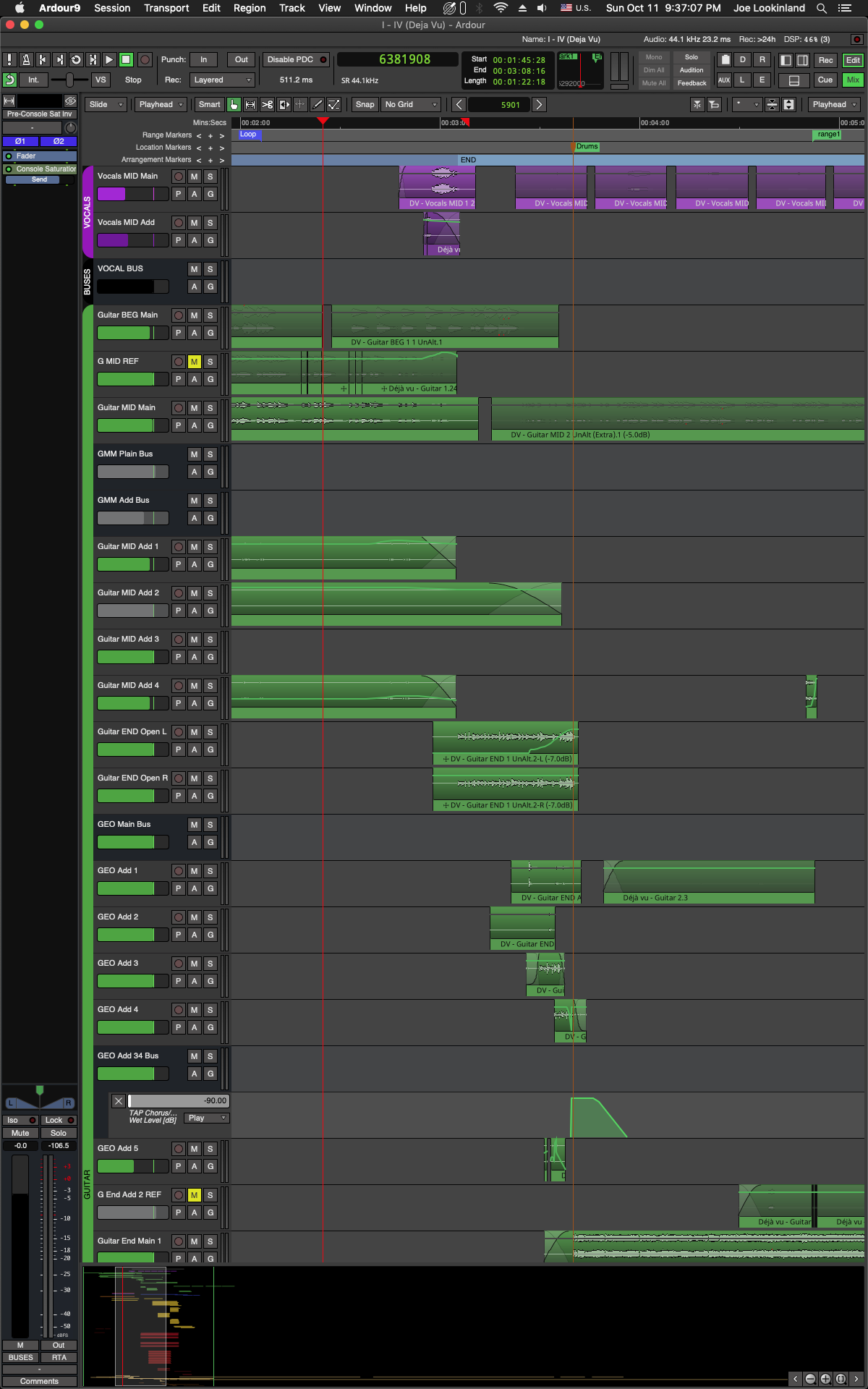
-then it will shrink to more or less exactly 1200px, haha:

:star: :star: :star: :star: :star:
:+1: :+1:

MUST EXPERIMENT MOAR
I have no idea at all what setup I’ll end-up using this winter…
~Just experimenting! :grin:

:arrow_right: JUST DON’T ADD ANY MORE BUTTONS TO THE TOP OF THE EDITOR. :melting_face:

-J

1 Like