Is it possible to lock (avoid recording on top) a midi region so I can record right after having it played?
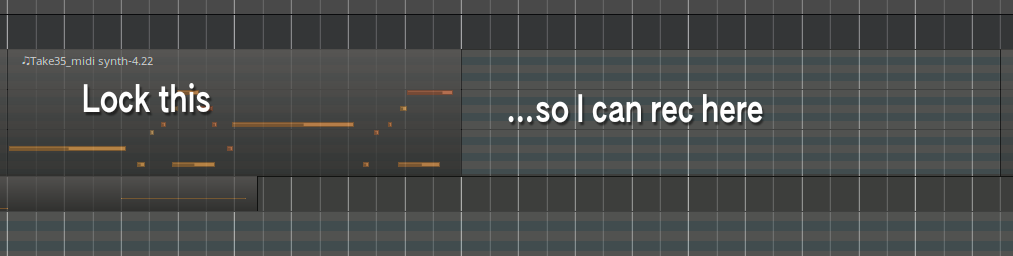
If it is not possible, what is the best practice to add MIDI notes with a controller in a row?
Is it possible to lock (avoid recording on top) a midi region so I can record right after having it played?
If it is not possible, what is the best practice to add MIDI notes with a controller in a row?
I just found the rec mode Sound on Sound, and I think that is what I am looking for.
Sound on sound is for adding new notes to the region you just recorded without deleting the existing notes.
You can do what you want by just making sure the playhead did not return to the beginning of the timeline. If it is returning automatically look for the setting in the transport section which automatically returns to beginning after stop.
Hmm. We don’t have that facility at this time, other than by overlaying transparent regions.
I must be confusing something else. I thought that feature was added for MIDI tracks at some point in the past, but maybe I was confusing it with something else.
Maybe I was thinking of this change that allowed choosing to make the region transparent or not:
commit f3cb6571796dde872468b504d819b3f068ea42d0
Author: Robin Gareus robin@gareus.org
Date: Fri Sep 9 18:37:34 2022 +0200
Implement MIDI region opaqueness (part 1)

This honors transparent/opaque property of MIDI regions.
Previously all MIDI regions played as if they were unconditionally
transparent.
i’ve been trying to get reason to do that for years
Can’t you use punch-in/out markers on the timeline ? Put a punch-in marker at the end of the region you don’t want overwritten. Everything after that marker will be recorded. Note: punch-in/out affects all tracks, so if you launch record before the punch-in marker, nothing will be recorded in any track armed for recording before the timepoint at the marker.