The a-fluidsynth plugin that comes with Ardour is stereo only.
The fluidsynth engine can output each MIDI channel separately, but the a-* plugin does not offer this. In case of drums that is also not very convenient since you would have to map each hit to a dedicated MIDI channel.
The samples themselves are very nice for rock but the real shine on this is that rhythm composer, I have never owned an EZ Drummer or the likes so having a taste of these kind of features blow me away, to round this up it is very easy to use this composer with other samplers, so I feel it is a perfect match with the drum kits we already have available from drumgizmo and AVL.
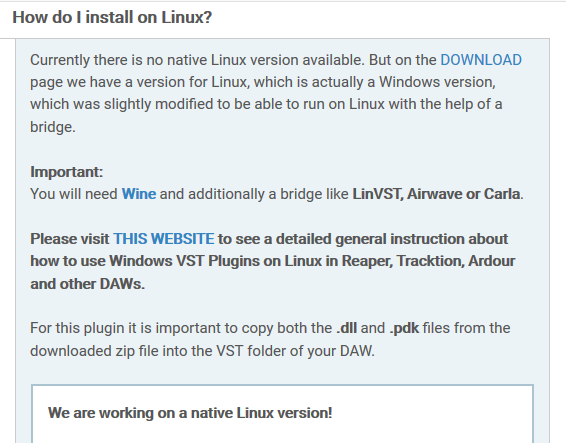
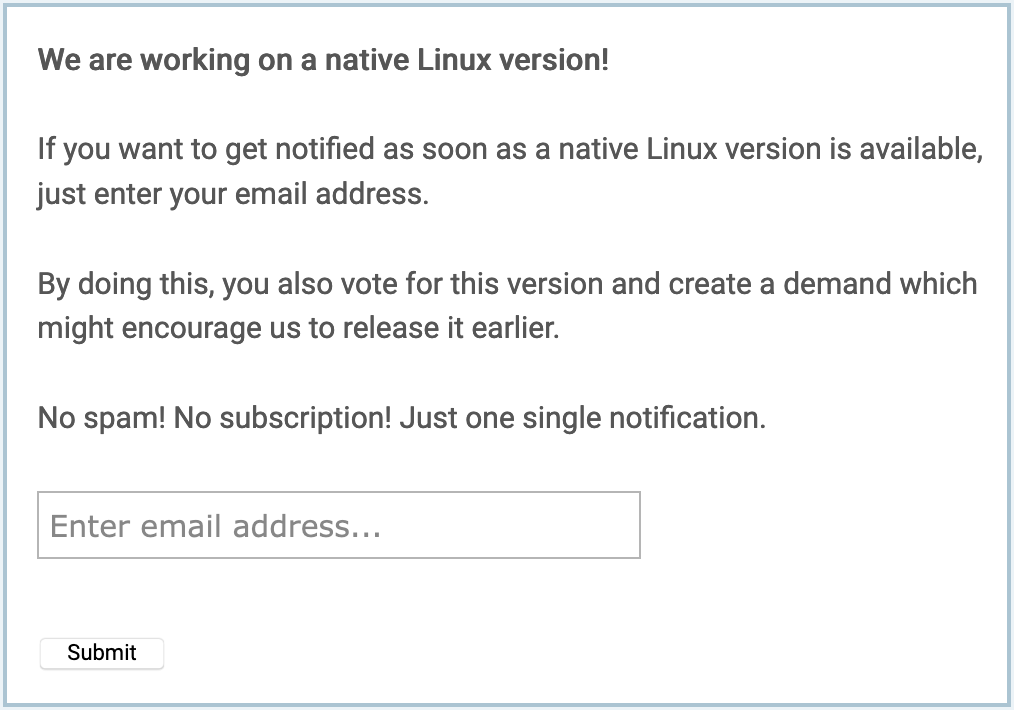
So, they say you can get notified when the native Linux version is available, and it says that knowing if people is interested might encourage them to release it earlier. I am interested in a native version, I have tested Windows plugins with Wine in the past, but I think that is not the way to go. So, I have signed here: https://www.powerdrumkit.com/help.php
I managed to make PowerDrumKit work on ubuntu studio with Ardour 5.12 back then using carla bridge.
The pattern you make with rhythm composer is not drag-and-droppable into Ardour, but there’s a trick I figured out
Now I don’t remember everything precisely, but here it is.
When you’re done composing your pattern on the PowerDrumKit GUI, you have to grab the pattern and slightly move it with your mouse as if you were trying to drag and drop into your DAW and then just release it.
After that there’s a .mid file created under your Documents(?) folder containing the pattern you’ve created.
You can import that .mid file into Ardour.
My experiments with a 1 kick + 1 snare “drum kit” (1 sample each) seem to indicate that DrumGizmo uses MIDI velocity to select a sample according to some internal algorithm (which still seems to be under discussion). So it does not scale the volume of my single sample according to velocity.
To me it looks like LSP multi sampler does exactly this, plus has up to 8 samples per voice, which probably is enough for my use cases.
If that’s true LSP would be the choice for me. (Yes, I do know that DrumGizmo really has a different use case than I might be looking for)
Am I missing something?
Anyone with DrumGizmo experience can comment on this?
Drumgizmo’s behavior is considered, normally, the correct and superior behavior for sampled acoustic instruments, because of non-linearities in the way the instrument responds to being hit/blown/stroked/strummed “harder”.
Simply increasing volume is generally considered an inferior method when using sampled acoustic instruments.
Totally agree with you on this … or even more for traditional jazz …
(However I keep hearing jazz kits sometimes are miked with just 3 microphones)
Still I’m not fully sure what I’m aiming for, something new, whatever this will be, maybe a ringing kick combined with an electronic snare, whatever, the sky is the limit.
For traditional sounds I’m totally happy with the AVL drum plugin which I will continue to use.
So, I’m still collecting info on all possible scenarios, kind of a feasibility study …
For electronic and rhymthbox use I would just use a soundfont with a-fluidsynth. There are plenty of the drum-machine soundfonts available out there for free.
The issue here is, if I for instance during mixing I would like to have more snare then I would have to go into all my midi files and edit the velocities.
But … maybe there is a Midi utility that can do that adjustment for me (unless I run into the 127)
The other thing with SF* players: I can only have effects on the whole kit, and not just process the snare directly. That’s where the direct outputs are very useful
Another thing I just learned: the SFZ has an parameter for randomization. Just had a look at the Salamander drum kit.
It has samples per velocity layer, AND different samples on the same velocity layer played in a random way (which can be adjusted)
This is nice!
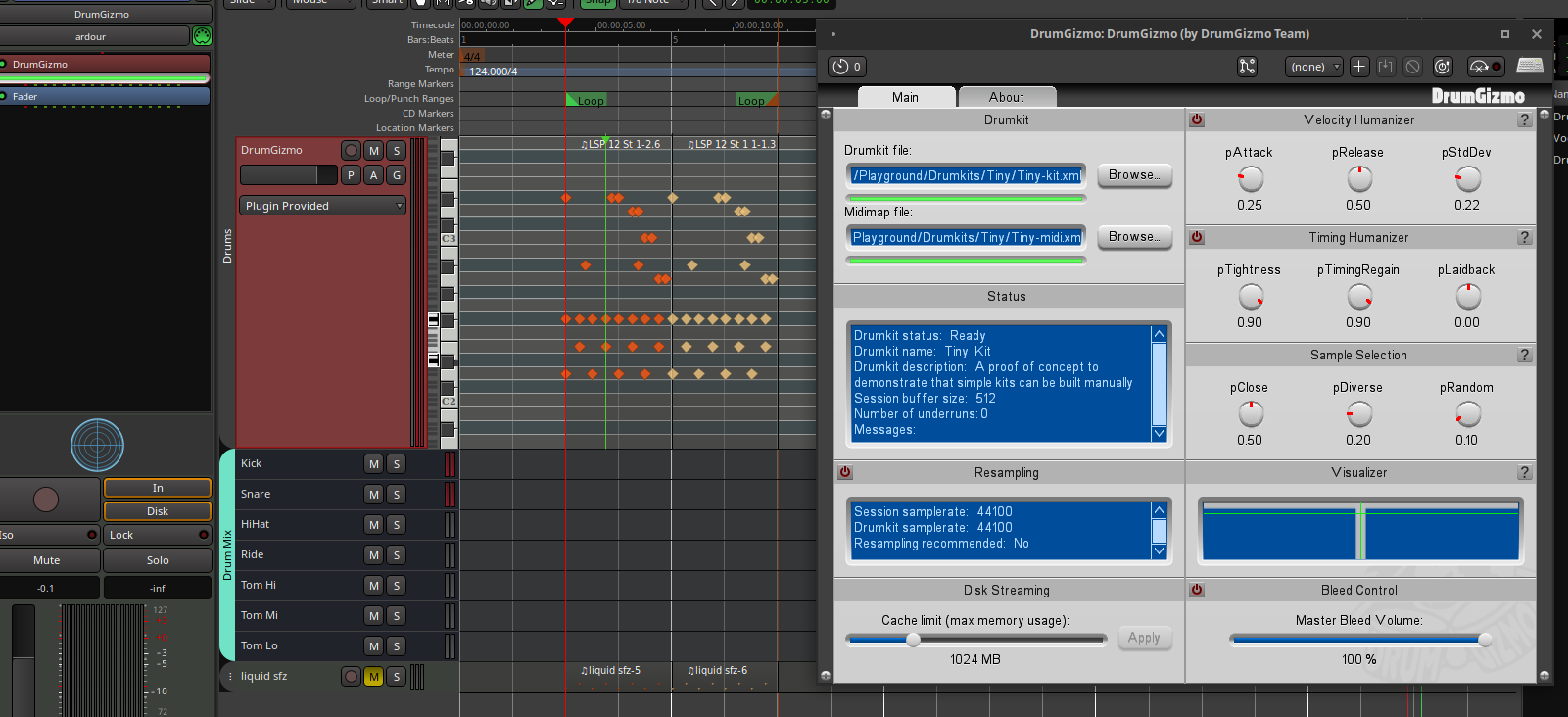
Here is my proof of concept for DrumGizmo: a nano drum kit, 8 voices,1 sample per voice, 7 stereo outputs
I can load it into DrumGizmo 0.9.18.1 running inside Ardour 6.0, responds to all velocities
I want to clarify a few assumptions about DrumGizmo in this thread.
RAM Usage: DrumGizmo is certainly more heavy on RAM than a lot of other solutions. However, the downloaded kits don’t have to be loaded into RAM completely because we use disk streaming. This means, only the beginning of the samples is loaded into RAM and we then temporarily load the remaining sample into RAM, when it is played. So, in the bottom left corner of the GUI you can actually control how much RAM should maximally be used. Of course, loading files into RAM on-the-fly uses more CPU.
Microphone Bleed: We also have a bleed control which controls how much bleed actually happens to the microphones which are not the main microphones of the respective drum that is hit. So, if you don’t want any bleed, just turn the bleed control on and turn its value down to 0. In this case, unfortunately, the samples for the bleed are still loaded into RAM because one can change the bleed value while DrumGizmo is playing and thus we need to be ready to play those samples. Maybe a feature for disabling all the bleed and thus also not loading the samples would help here. But I am not sure how useful that really would be.
normalized=“true” feature: This tag for samples was introduced because apparently some sample libraries normalize all their samples, even though they actually have different hit strengths. Setting normalized to true for a sample then just scales the sample with the velocity it is played with. So, the “power” value of the sample should still be close to the original hit strength (whatever exactly that means). Note that the powers can be any floating point numbers and we just map the lowest to MIDI velocity 1 and the highest to MIDI velocity 127.
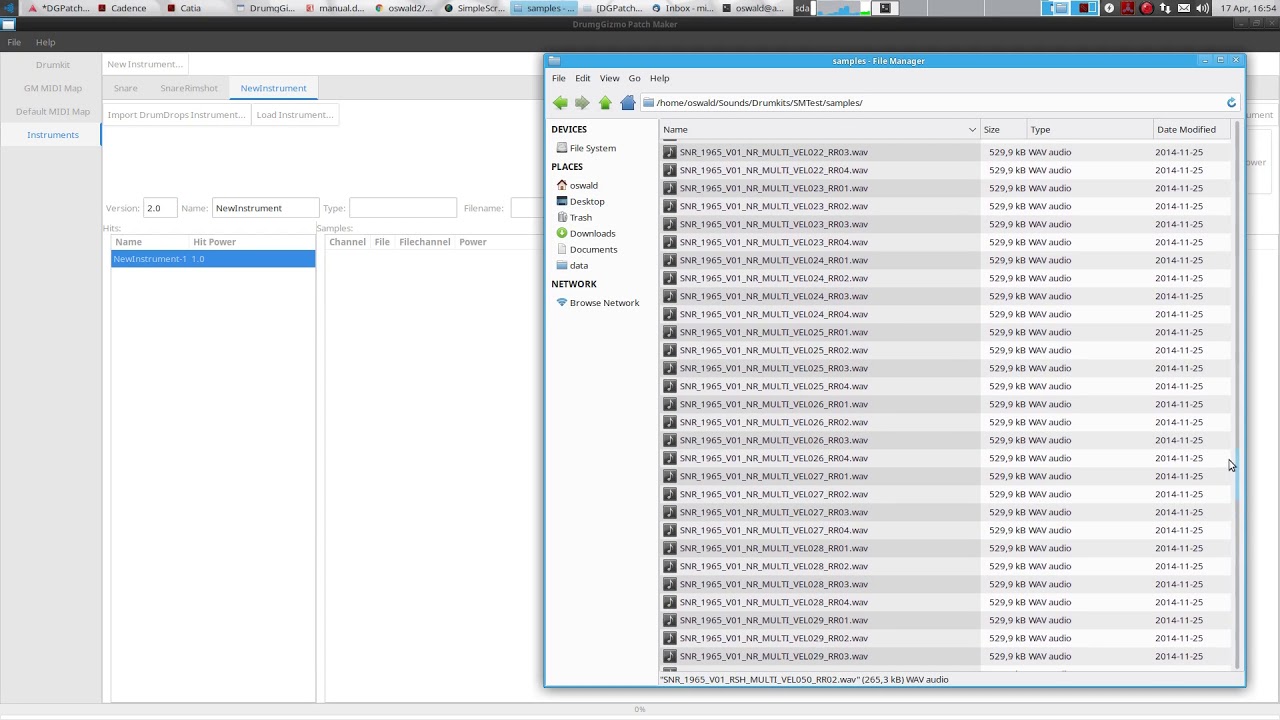
With all this said, we would really appreciate if people create smaller kits for DumGizmo and we are also happy to host kits on the official DrumGizmo site. Finally, there is a nice tool by Michael Oswald to create DrumGizmo kits from existing samples libraries. He made a video explaining his tool:
I don’t know if it would help but I’ve created a kit for DrumGizmo that I’m suppose to release this month. It comes in two flavor, a normal 14 outputs kit and a light, stereo only version. The idea being that you can start working quickly with the light version and only bounce the individual tracks from the full version once the velocity and everything else is as you want it.
I don’t know if this workflow would suit you but if so, I could share the kit earlier (I wanted to prepare some video demos for it but it can wait I guess).
It’s a pop-rock kit.
Let me know.

 ) like that, from their website: