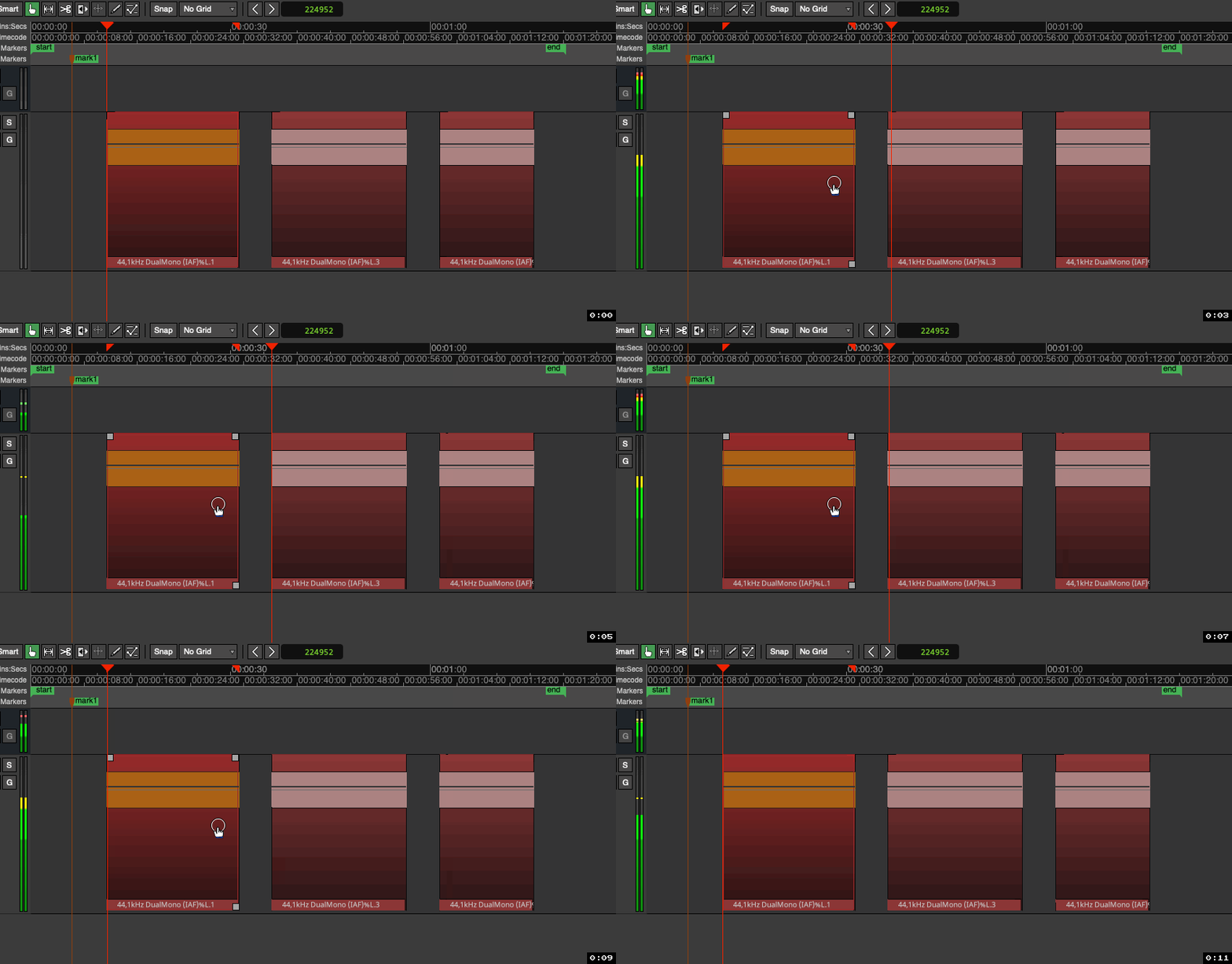
I was recently editing a voice-over session for a client and wound up with a dozen or more regions (edits) on a track.
To audition each region I’d click on the next/previous, highlighting it and press ‘h’ key
I searched for an Ardour key combo specifically for jumping between regions while highlighting them for auditioning (“h” key) but didn’t see any way to do this.
I honestly don’t know anything about auditioning in Ardour, so maybe this kind of thing is not at all what you mean(?):
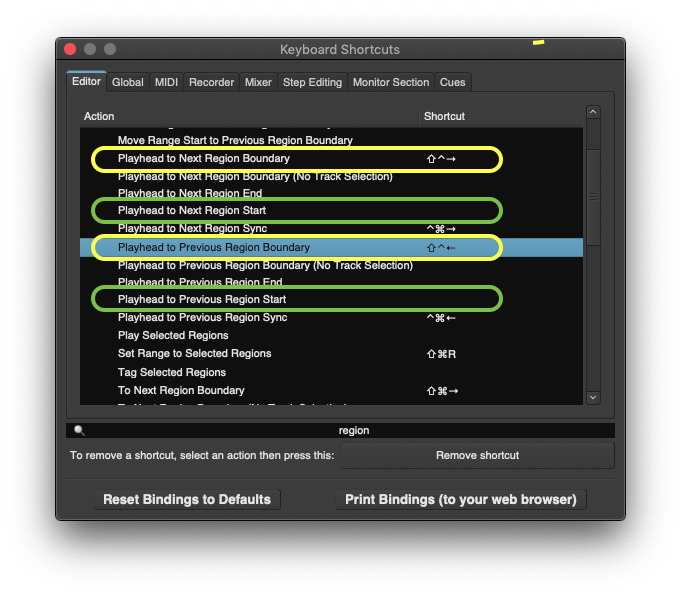
But you can do that (-not highlighting, but still) easily with some key-commands, namely the “Playhead to Next Region Start” and “Playhead to Previous Region Start” shown here (-green):
thank you so much yes, I tried this key command a while ago, had some binding conflict and gave up…I’ll sort out my bindings and set that up. thanks again!
 (-not highlighting, but still) easily with some key-commands, namely the “Playhead to Next Region Start” and “Playhead to Previous Region Start” shown here (-green):