Hi everyone,
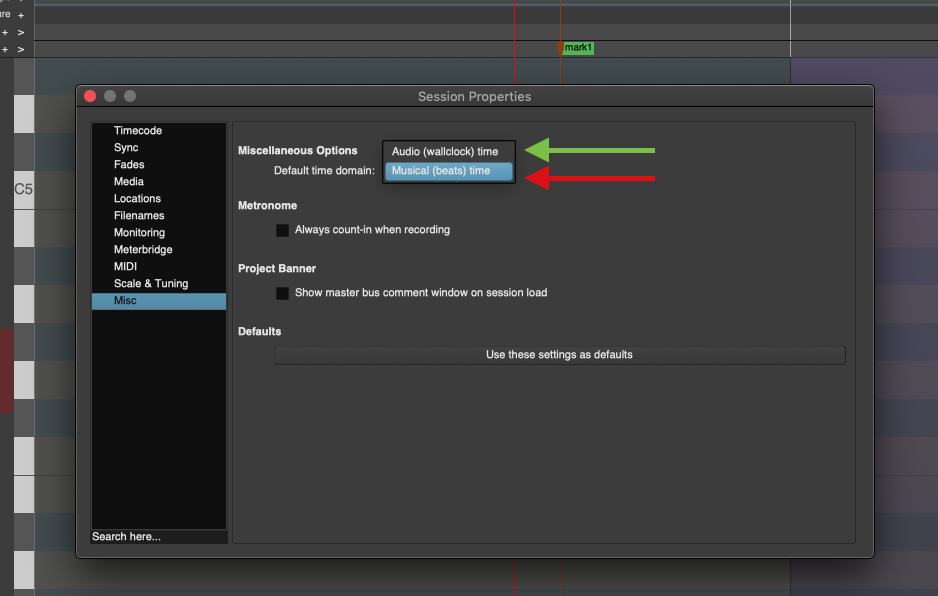
I’ve encountered an intermittent bug in Ardour where placing markers on the timeline results in an unexpected offset from the actual anchor point (playhead or mouse click position), despite having correct grid and snap parameters.
Here are the key details:
Behavior: When clicking to add a marker or using the shortcut, the marker is placed slightly shifted away from the intended target position.
Project Specificity: This issue occurs only in a specific project. If I open a new or different project, marker placement works completely normally with the exact same settings.
Troubleshooting done: Checked grid settings, snap-to modes, and zoom levels, but the offset persists within the affected session file. It feels like a subtle corruption or desynchronization within the specific session’s timeline/tempo map data. Has anyone else experienced this, or is there a way to inspect/reset the session’s marker alignment without rebuilding the project from scratch?
Windows 10 64 bit. Ardour Version 9.8