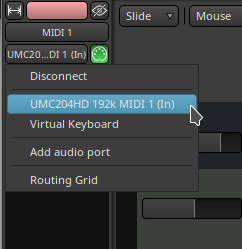
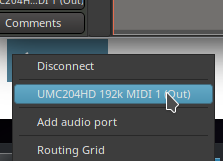
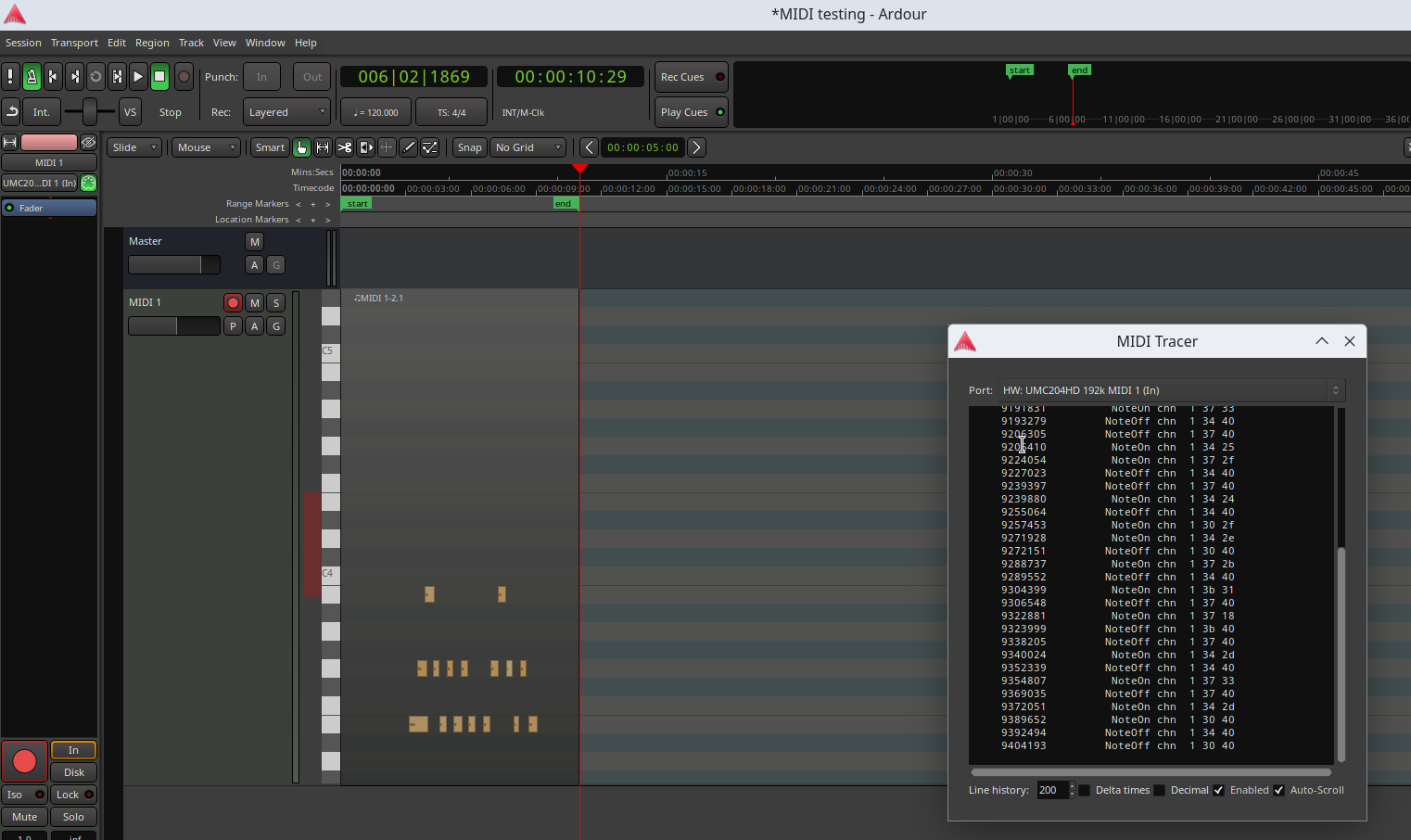
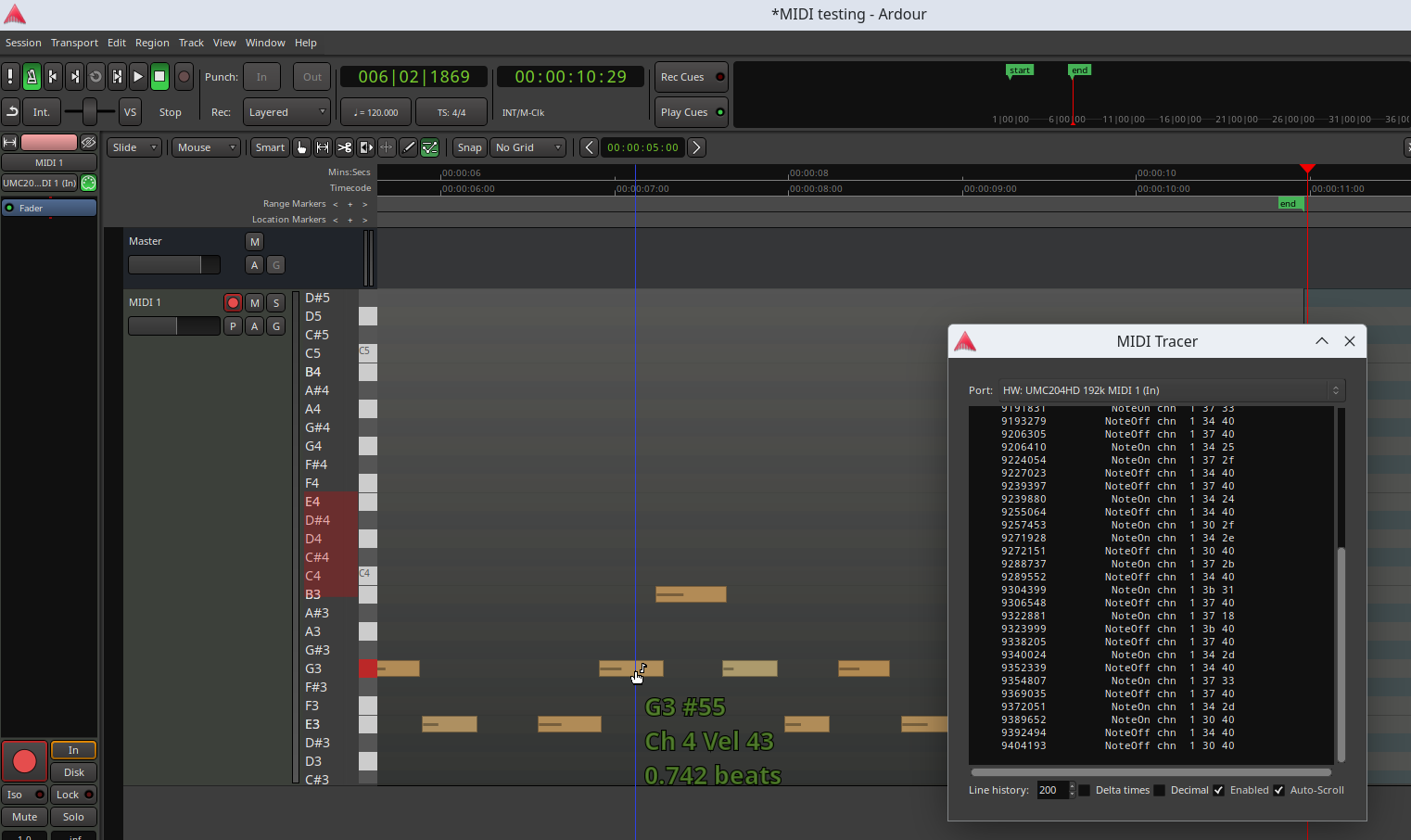
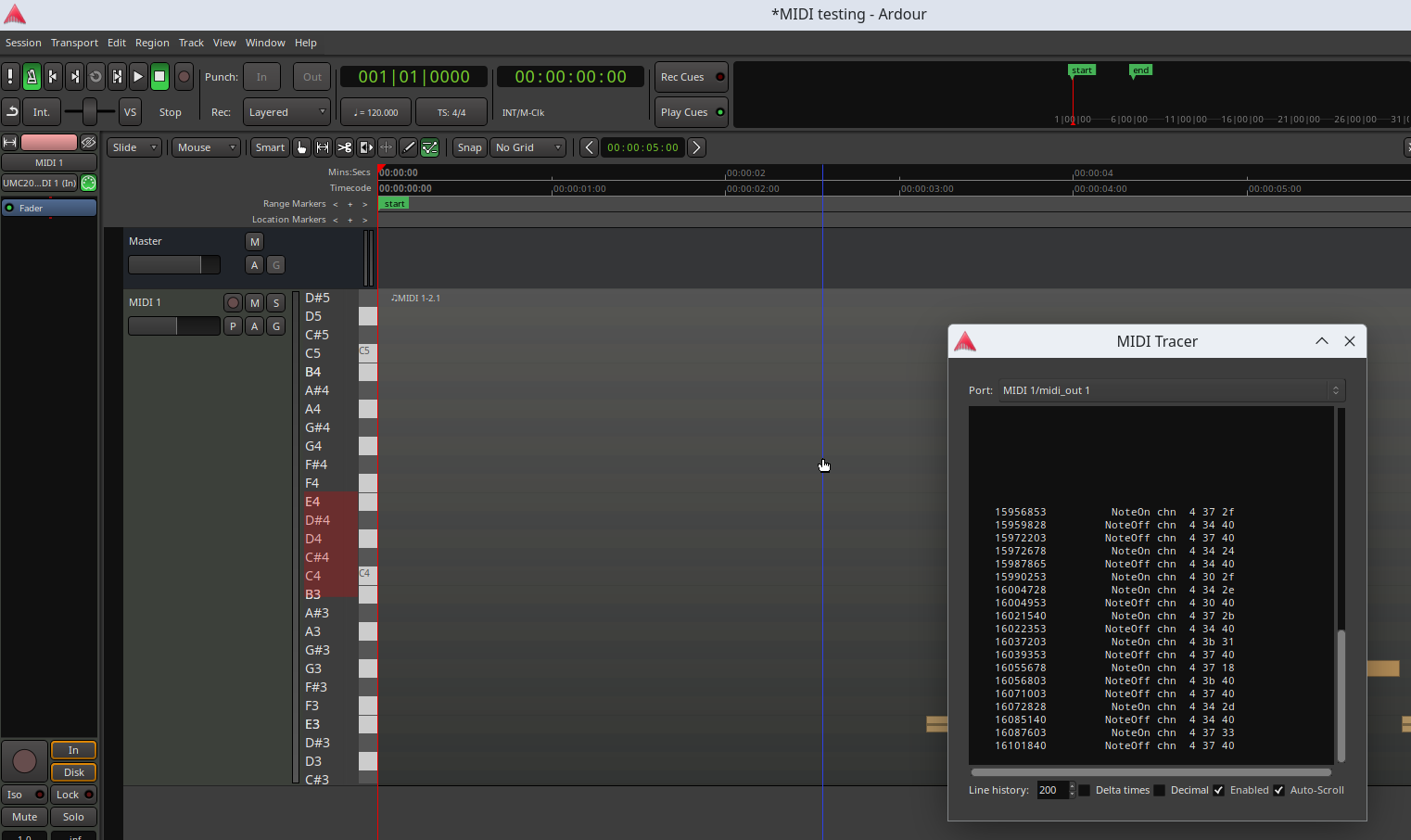
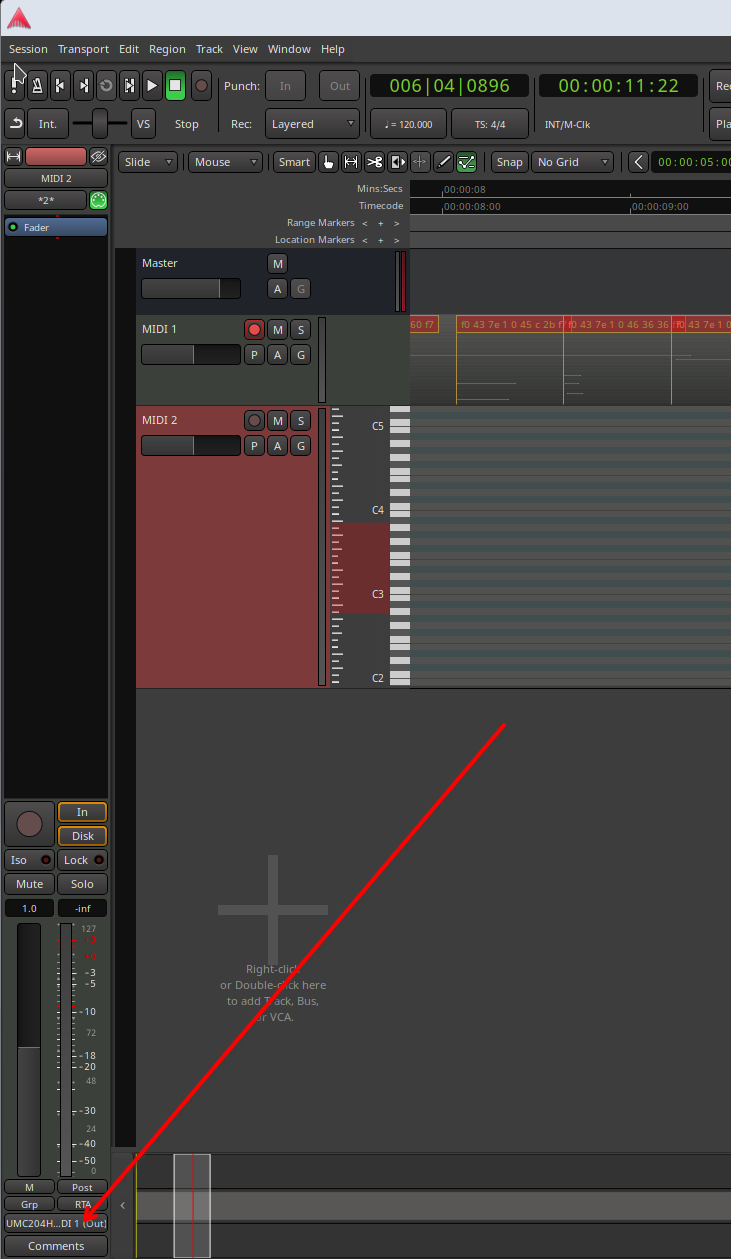
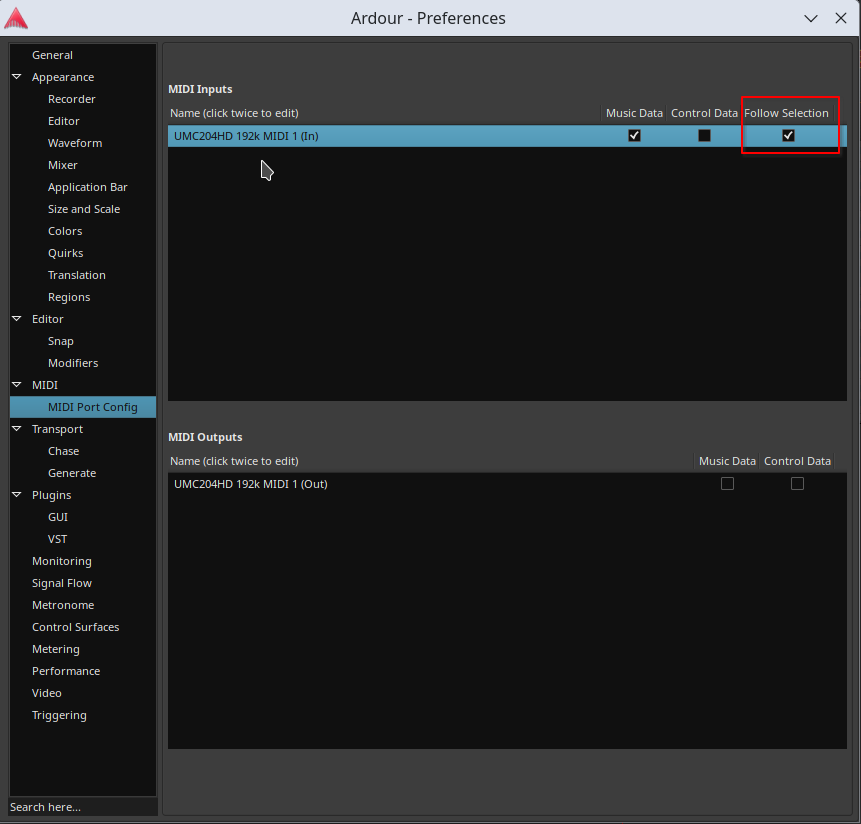
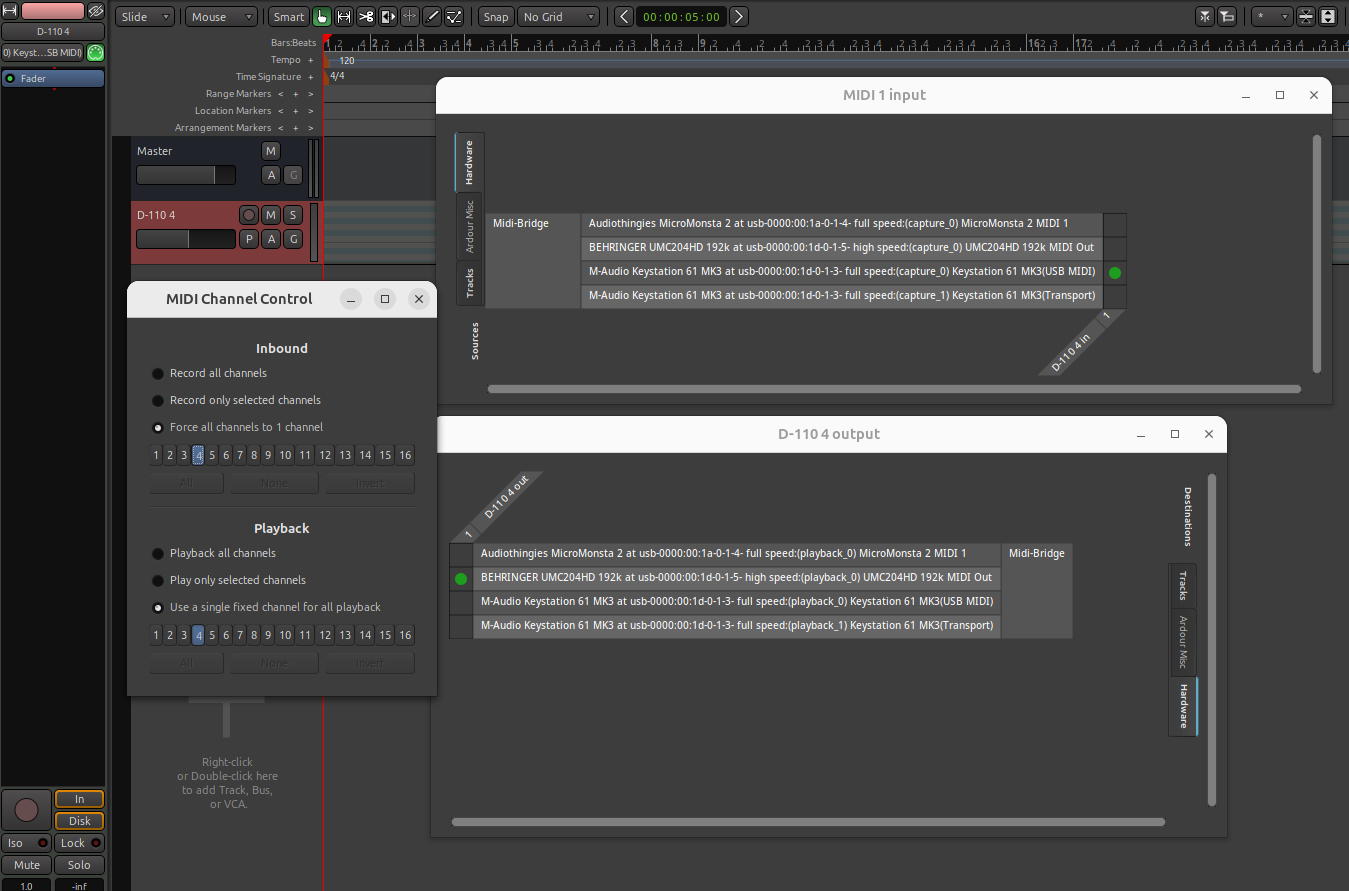
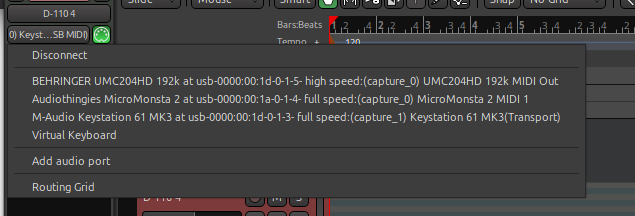
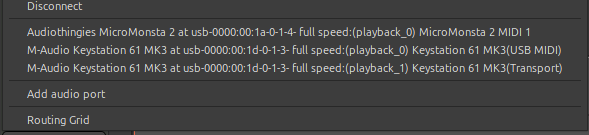
I think the key here is “selected track”… What do you think that means?
You mentioned the D-110 and the UMC204HD and I notice you also have a USB connected Vivo SX8 sound module. I don’t know if you have other synths or sound modules.
When you say “play on the keyboard”, I’m going to assume you mean the D-110 keyboard.
By default, each track will receive all channels from the specific interface its input is connected to, and play back all channels to the specific interface its output is connected to.
So, as an example, if you had the D-110 sending notes via the UMC204HD, you could create a track which had the UMC204HD connected as input, the SX8 connected as output, and anything you play on the D-110 will be sent to the SX8 regardless of which MIDI channel you set the D-110 to output on.
Of course, whether the SX8 responds to all channels or not is a different matter.
If this is the only track you have, then (assuming local control is off on the D-110) these notes will not trigger the D-110, because the D-110 is not connected as a track output.
But if you had a second track with the D-110 as input and output, then any notes you send from the D-110 would be sent to both the SX8 and the D-110.
Now take the situation where the SX8 is set up to play a piano sound on channel 1, and a synth pad on channel 2. In this case, you have choices: you can change the channel the D-110 keyboard sends on to select whether the piano or synth is being played. Nothing on Ardour changes here: all channels are being received and played back still. If you recorded it, it would record all channels and, when played back notes on channel 1 would trigger the SX8 Piano, and notes on channel 2 would trigger the SX8 synth.
Another approach (and this may be more practical) is to set up a second track which also has the D-110 as input and SX8 as output. In this case you record just channel 1 notes on one track, and just channel 2 on the other. You can use the same technique of configuring the keyboard to output either channel 1 or channel 2 when you select the track.
If you do this, you can set each track to only allow that specific channel on input. You probably don’t need to set the output channels as, if you know the track only contains notes for one channel then that’s all that should be sent to the SX8.
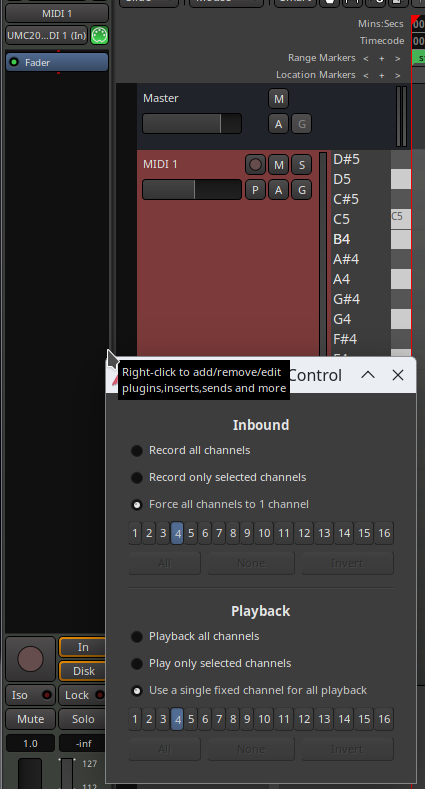
Alternatively, (and I think this might be what you are trying to do) is you can leave the D-110 sending on channel 1, and force the notes to be received on a different channel. This is what the “force all channels to one channel” does.
You can apply this on either the input, in which case all notes will be recorded on that specific channel within the Ardour track (e.g. notes coming in on any channel will be recorded on channel 4), or you can do it on the output (e.g. notes coming in are recorded on the channel they were originally sent on, but set to channel 4 on output). Both these options will achieve the same result, but in different ways.
You can of course “belt and braces” and do both, but it’s not really necessary, and I would advise picking one approach to avoid confusing yourself.
Now, here’s where I suspect you are going wrong: If you have multiple tracks set up with the D-110 as input and the SX8 as output, then when you play the D-110 keyboard, it will be sent to ALL of the track outputs.
As an example, if you are sending on channel 1 on the D-110 and you have two tracks connected to the SX8 with track one set to “force all channels…” to channel 1, and track 2 to “force all channels…” to channel 2, then when you play the D-110, you will get both channel 1 and channel 2 on the SX8 playing (so it will sound the piano and the synth on every note).
This is entirely expected in this configuration. But it’s probably not what you want.
Note that selecting a channel in Ardour does nothing to change this. When you are highlighting a channel, you are just telling Ardour what you are editing.
If you want to prevent the keyboard from controlling both channels at the same time you will have to take specific action. One thing you could do is to mute the channels you don’t want to play (you can use the solo button to mute other channels too). If recording, you should also not record-arm the other tracks, of course.
I’m not sure if this helps or not.
Cheers,
Keith