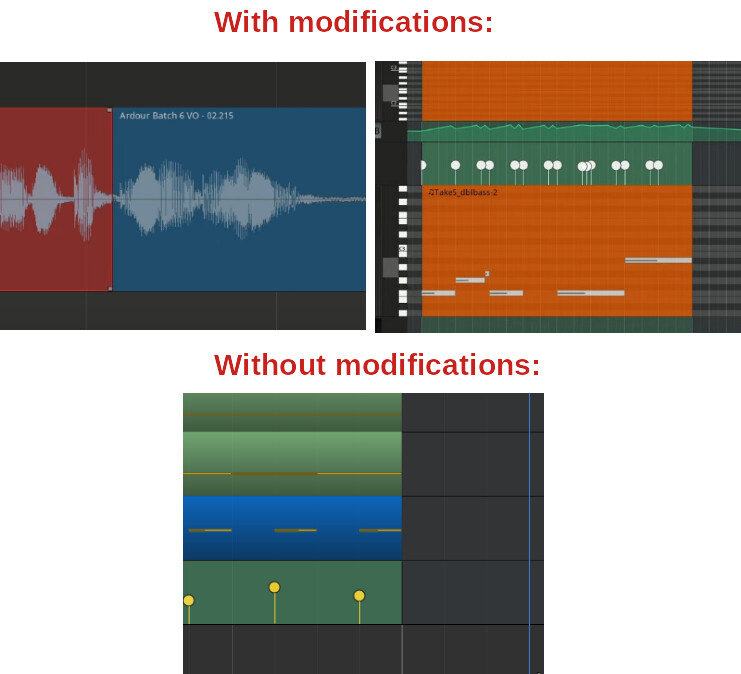
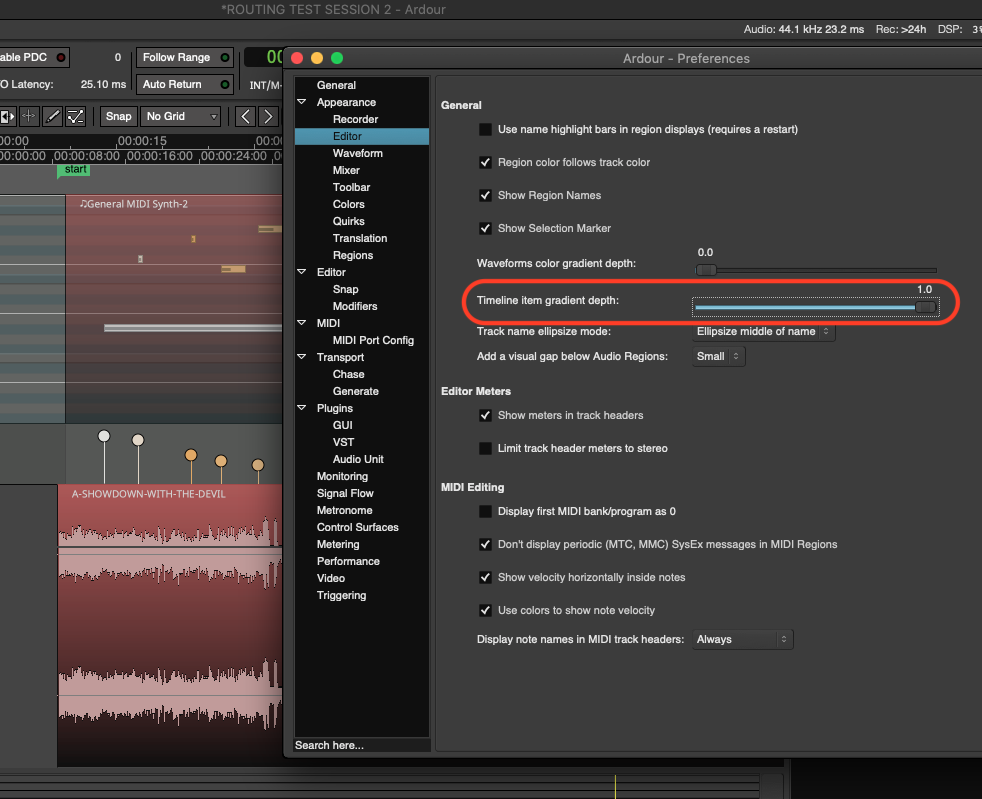
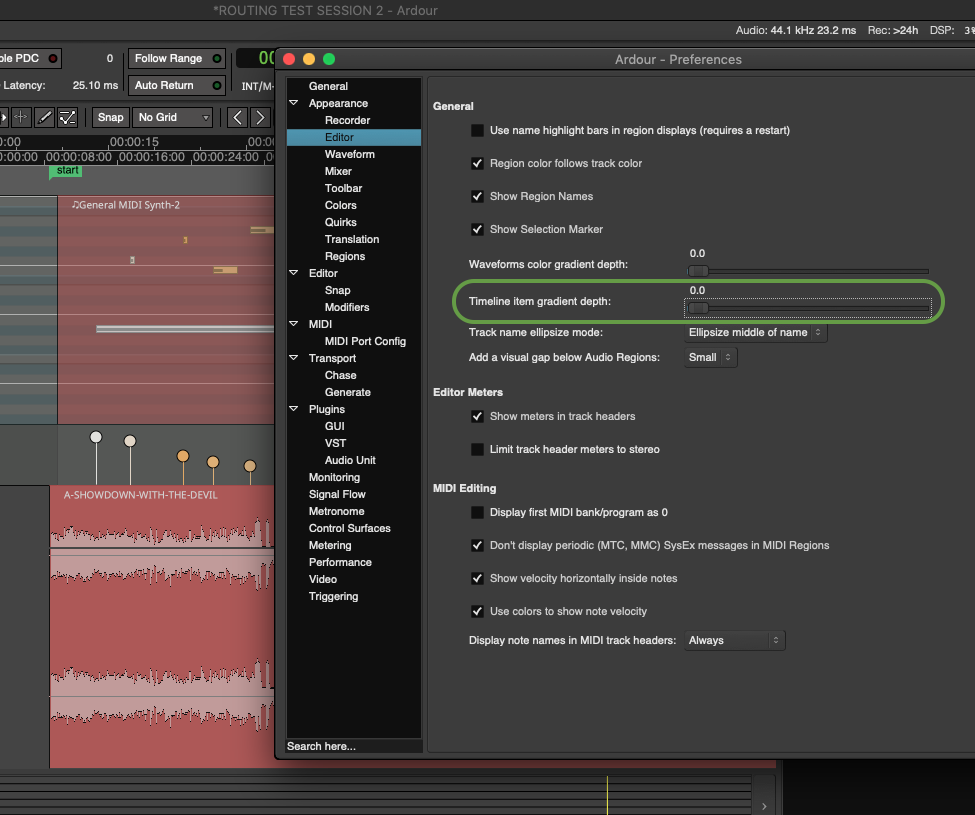
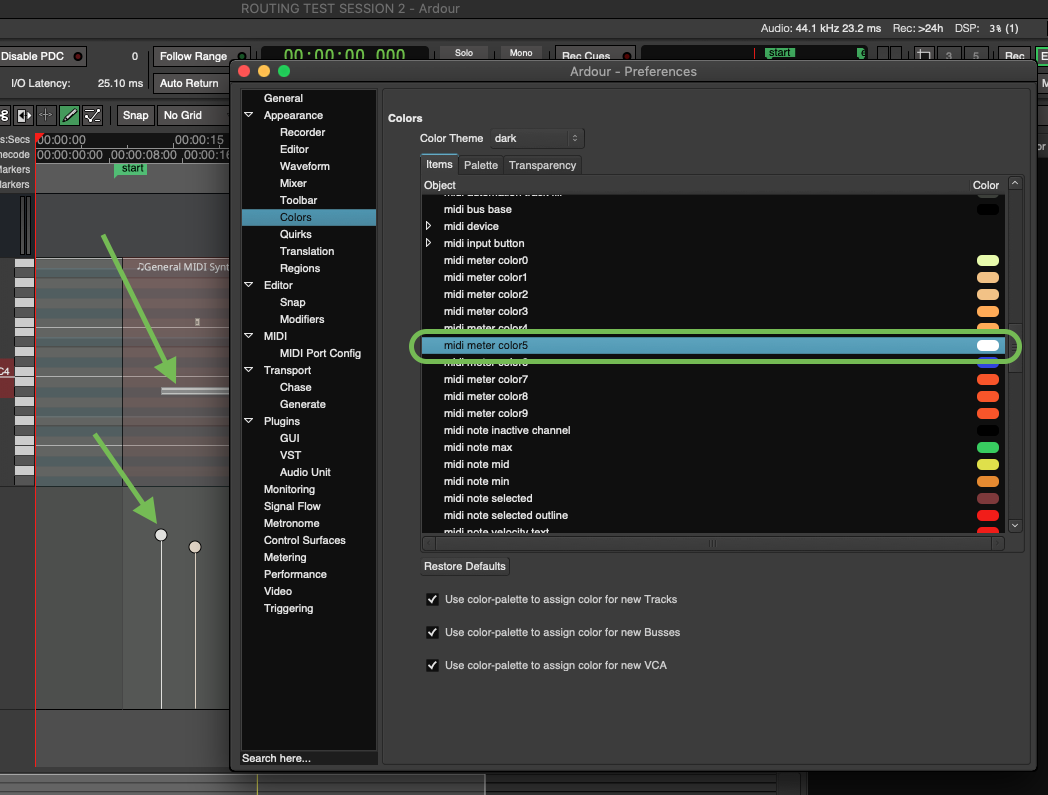
And as for the color of lollipops (which also applies to midi notes themselves, apparently), you can go to Preferences → Appearance → Colors, and change “midi meter color5” to white:
Also, it’s probably best to pick an overall theme that you prefer in that initial drop-down-menu there, and then change certain colors according to your unique preference. That way, you hopefully won’t have to apply too many custom adjustments as you polish your Ardour GUI.
Every time I see a theme I like (eg. Adwaita, which I’ve not tried yet but absolutely definitely will…!), I test it for 10 mins then get irritated and always end up defaulting back to the main dark theme plus some changes to make buttons flat, colour faders, etc. Same with other DAWs like Reaper and Renoise.
At the end of the day though, Ardour’s GUI is genuinely one of the most aesthetically-pleasing that I’ve seen and being able to customise / modify it, although to be expected in 2025, is simply glorious.