How do i... (linux) map MIDI devices by name to tracks?

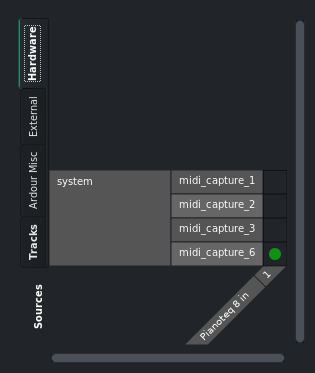
Keyboards/controllers etc. all show up in the track input grids under “hardware” (sideways tab) as midi_capture_1, midi_capture_2 and so on.

Is there a way to get these to show the actual device names, like “Roland digital piano” or “M-audio keystation88” instead? I’m always fumbling around to figure out which is which. I’d also like the session to remember the device names, instead of ID’s that might change between restarts of the software or the OS.

image

What audio/MIDI backend are you using?

You can rename your interfaces but how depends on what connection app you are using. QJackCtrl can do this for jack, as can qpwgraph if using Pipewire. These would be the two most popular in Linux, but others exist. Depends on what you are using.

They can be renamed inside Ardour, in Edit > Preferences > MIDI > MIDI Port Config

But this is a little contingent on the backend, at least over time.

JACK - jackdmp version 1.9.22 tmpdir /dev/shm protocol 9 – I’m not even sure if Ardour uses this or alsa’s midiseq driver tbh… or both

Am i correct in suspecting that if i rename the MIDI ports from Ardour’s preferences, they’ll probably be shuffled around next time i reboot or even just unplug/replug a MIDI device?
Yeah, when using JACK for this, that is likely, though not inevitable.

…isn’t there some metadata that software can use to at identify ports from each other?

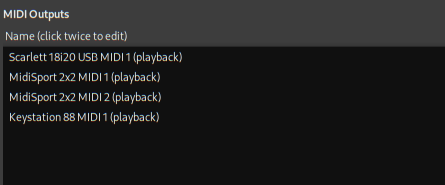
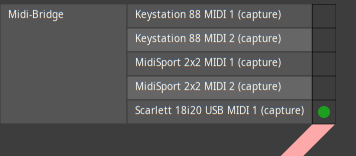
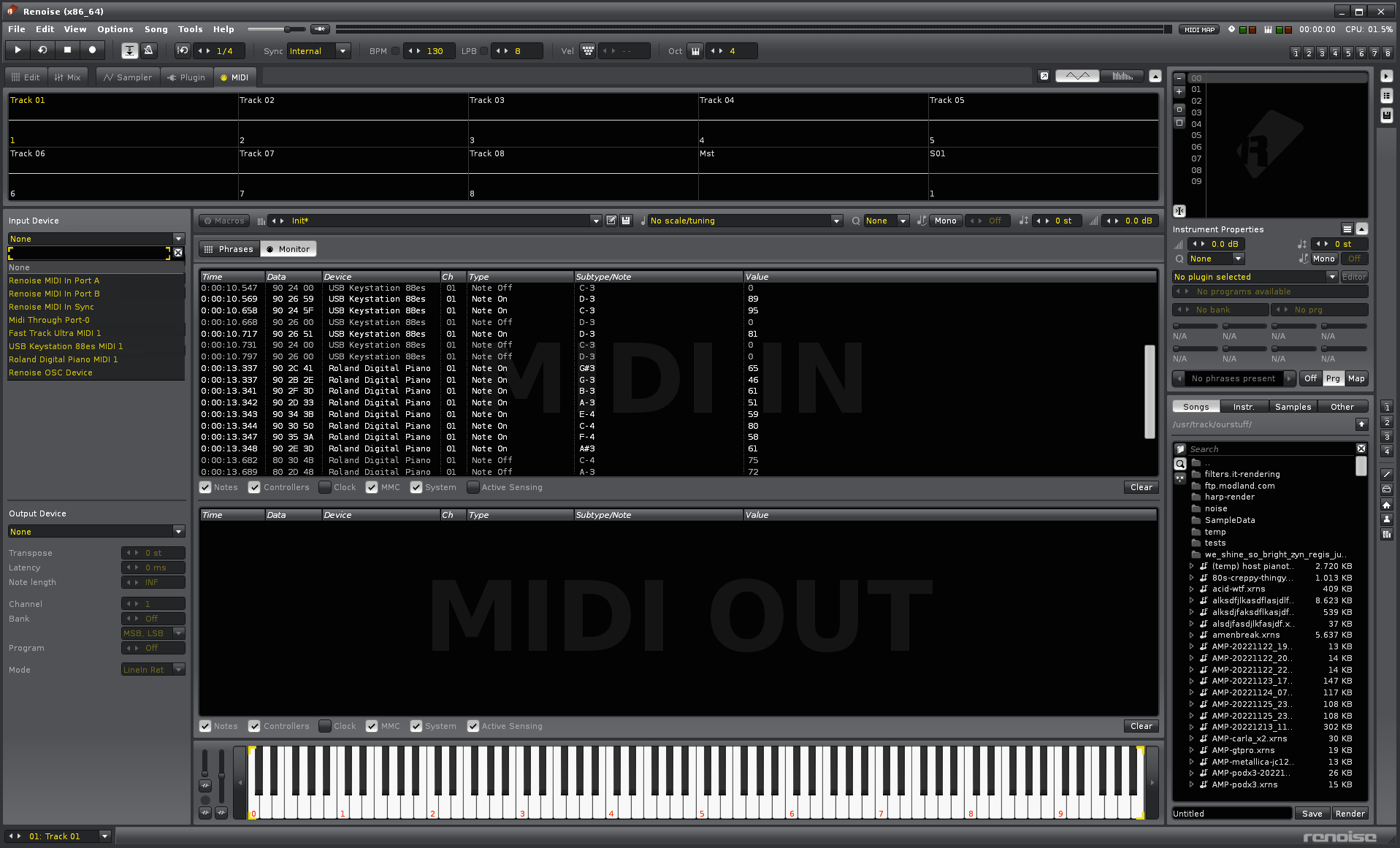
Just starting renoise and pressing a few keys:

There is, but the JACK implementation you’re using doesn’t expose it to clients.

This is what I get using the pipewire JACK implementation, and it would be similar with ALSA:

image

image

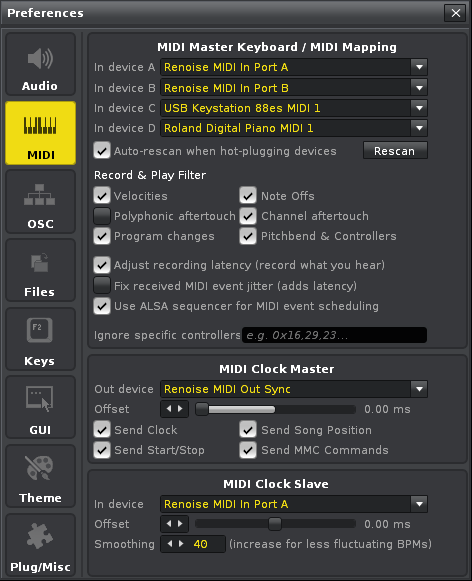
…that would mean Renoise uses ALSA’s midi backend? here’s the prefs window → midi settings:

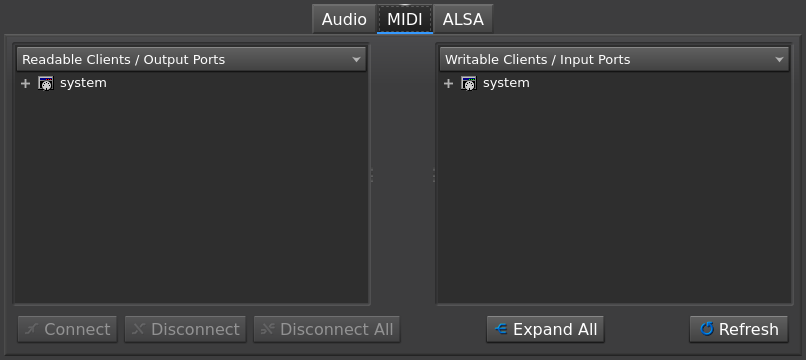
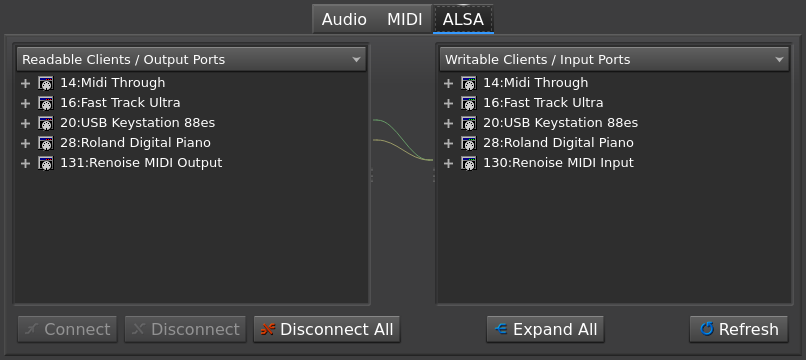
…and qjackctl’s connections settings, you can see that renoise shows up under “ALSA” but not “MIDI”

Those names look like ALSA MIDI client/port names. Sounds like what Bitwig does: Pipewire for audio, ALSA for MIDI. But I’m not 100% certain …

Yep, looks like this is the case…

so, short answer (for now): a2jmidid -e

:slightly_smiling_face::upside_down_face:

Or move to pipewire. Possibly the latest 1.6.* version.