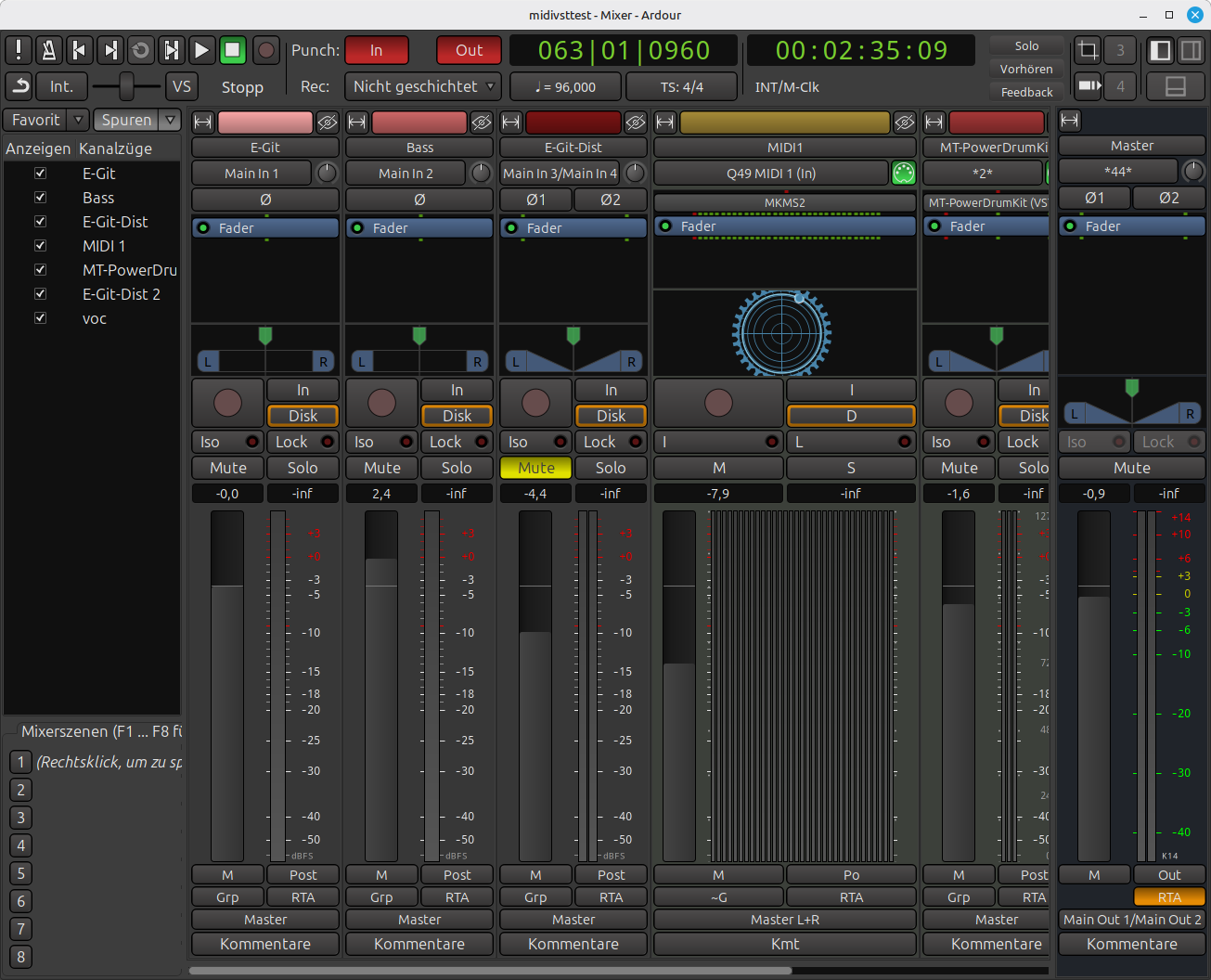
Hello everyone,
I have the following problem: When I try to open my project in Ardour, I get this error message:
Project “/home/guitarmummy/Musik/midivsttest (Snapshot midivsttest)” could not be loaded:
Could not initialize project/engine: Audio/MIDI engine is not running or the sample rate does not match.
—ERROR: Unexpected exception during session setup: negative distance in timecnt constructor
ERROR: AlsaSeqMidiIO: Device initialization failed.
ERROR: AlsaSeqMidiIO: Device initialization failed.
ERROR: AlsaSeqMidiIO: Device initialization failed.
ERROR: AlsaSeqMidiIO: Device initialization failed.
I know that this error message has already been discussed elsewhere in this forum. However, the solution found back then only works for an older version of Ardour and not for my version:
Ardour 8.4.0~ds1
“Music for the Marble Palace”
(rev 8.4.0~ds1-2ubuntu8)
Intel 64-bit
Running on Linux Mint 22.2 Cinnamon.
Some additional, and possibly important, information about this case:
• The error occurs only with this specific project/session.
• Other projects work without any problems.
• In this project, I used arrangement markers and moved individual song sections such as chorus or verse.
• In this project, I had a MIDI track where, instead of the usual two meters, ten meters were shown.
• There were also issues during the setup of the project when routing the output of a MIDI track with a virtual Instrument to the master bus.
With the help of AI, I have already tried many possible solutions, for example:
• Editing the session file directly and deleting MIDI ports or regions with invalid time values (e.g. length=b0@b0…).
At this point, I really do not know what else to try. Before attempting more AI-suggested fixes, I wanted to ask real people who might have experience with this kind of problem.
In case anyone would like to take a deeper look into the session file, I have attached it in two different versions:
• midivsttest.ardour  -This file is in its original state, from the moment when the error first occurred.
• The second  file (midivsttestbearb3.ardour) represents the state after my multiple attempts to fix or recover the session.
Thanks a lot for any help or ideas.
Kind regards
Note: I am not a native English speaker. If something sounds a bit strange in terms of language or tone, that is probably the reason.
PS: My original plan was to attach the two files to this post, as mentioned above. Unfortunately, that didn’t work. Do you have any idea how I could make this work?
Would it make sense to change the file extension to a text file?