How can I duplicate the last automation point? The problem is when I create a new automation-point by hand (which needs to have the same value as the previous one) the result is always shifted a bit and I have to correct (edit) the point by right-clicking on it and entering the value again.
A duplication possibility would make this process easier/faster.
Try enabling this option in Preferences:
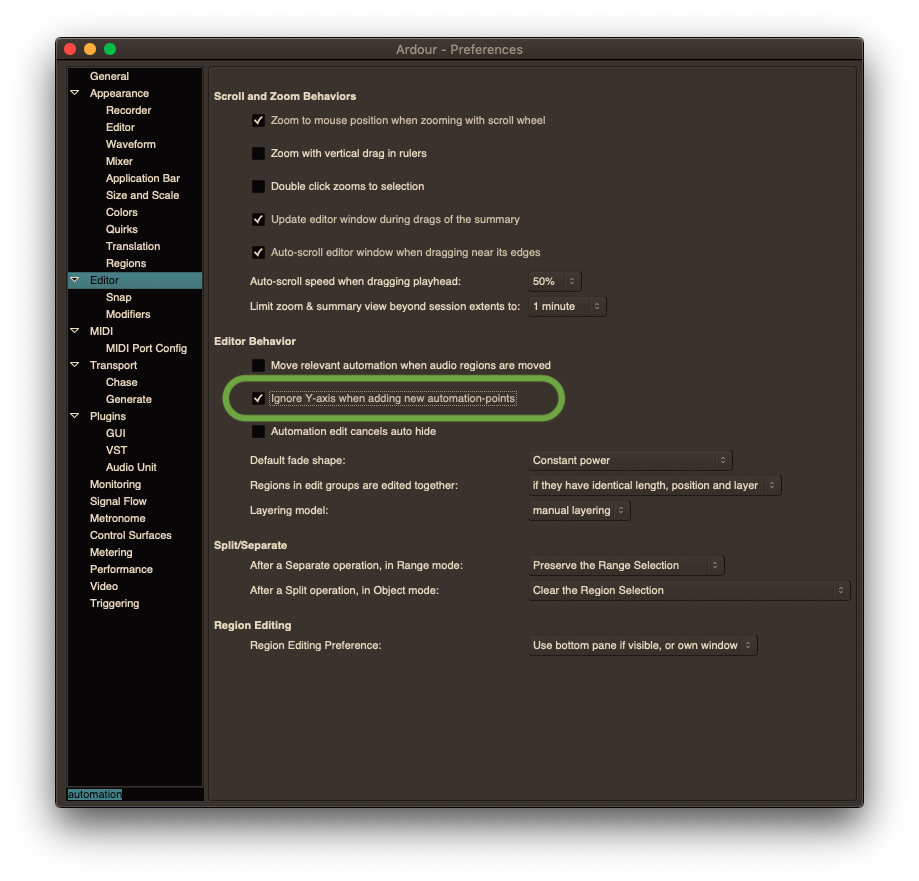
It’s a static change, but you might find having automation behave like that better suits your immediate needs.
-J
2 Likes
great, this is exactly what I needed 
1 Like
In the future the axis constraint modifier for automation drag (Shift by default I think) will allow to temporarily ignore the y-axis when adding a point (even with the above option disabled).
3 Likes
I saw your commit.
~Good job and thanks, as always! 