Is there a way to prevent Ardour from shrinking the size of the percussive MIDI note diamonds to almost invisible as soon as I use the mouse scroll wheel to change velocity?
My workaround has been to double-click the track to make it huge, then double-click it again to return it to its normal size.
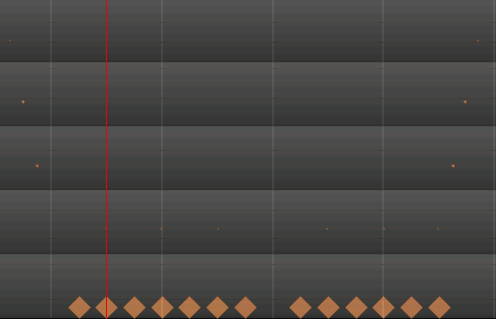
But it REALLY hurts productivity.
By the way: I need to edit these notes in context with the nearby tracks (they are toms notes), so opening them in the Lollypop editor separately doesn’t solve my problem.