Hi Mark,
Thank you so much for your posts and willing to help find a solution !
Since english isn’t my native language maybe there is some confusion, sorry for that.
Debian 13 Trixie supports the ShuttlePro2 out of the box, no special extra drivers needed.
On my system, konsole command “lsusb” lists → Bus 003 Device 005: ID 0b33:0030 Contour Design, Inc. ShuttlePro v2.
The ShuttlePro2 is also working in BOTH versions 9.5 and 9.7, all keys, jog and scroll are working here inside Ardour.
BUT with the Shuttle connected to my pc, in the version 9.7 have 2 issues :
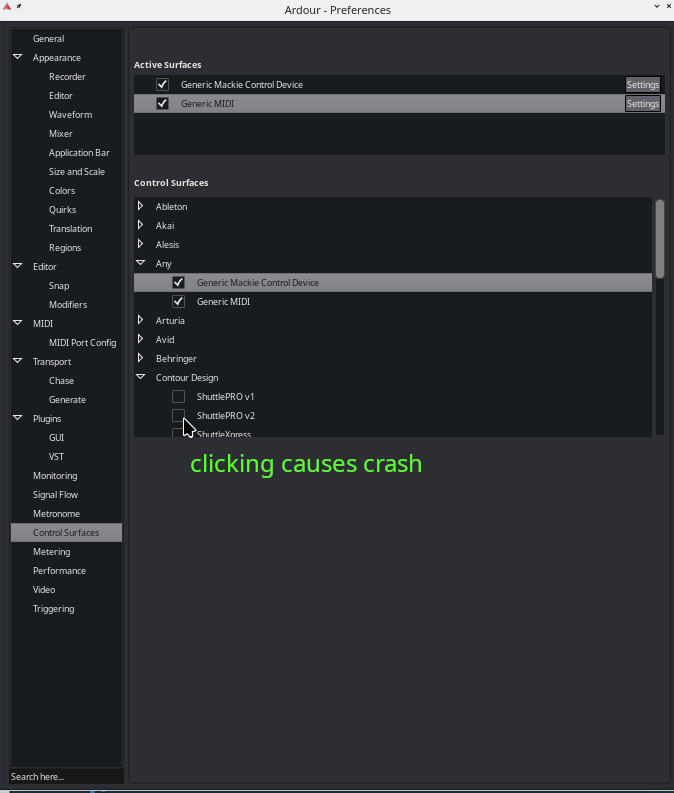
- the checkbox is empty and as soon as I click on the ShuttlePro v2 checkbox, Ardour crashes…
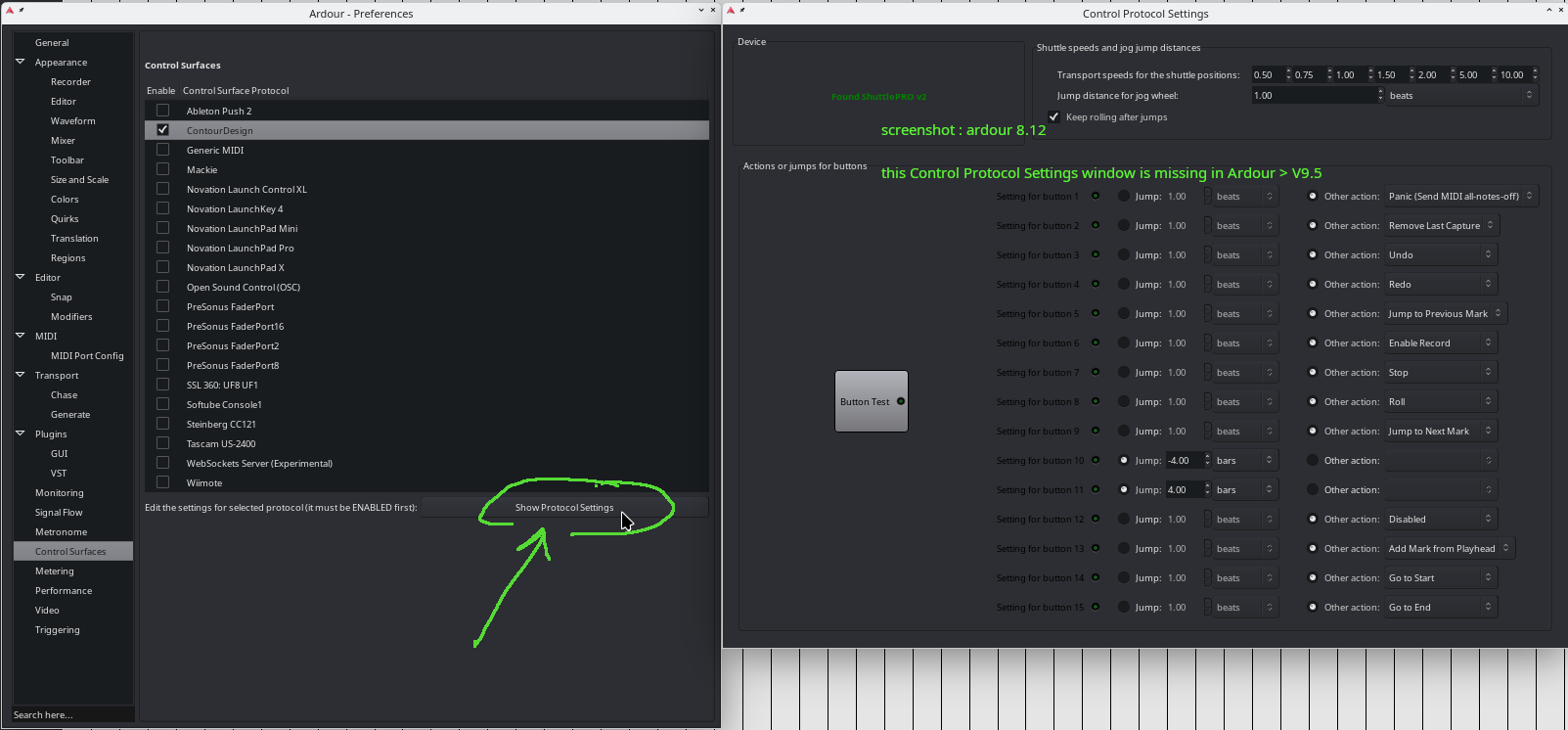
- with as result, I cant open and adjust the ShuttlePro v2 buttons with actions in the Control Protocol Settings window.
The debug window, with ‘ardour9 -D contourdesigncontrol’ in the konsole gives this information, when I click the shuttlepro2 checkbox ( prefs > control surfaces ) and Ardour crashes :
(ardour-9.7.51:3617): GLib-CRITICAL **: 21:50:20.658: g_main_loop_unref: assertion ‘loop != NULL’ failed
ardour-9.7.51: …/…/libusb/os/threads_posix.h:46: usbi_mutex_lock: Assertion `pthread_mutex_lock(mutex) == 0’ failed.
Aborted (core dumped)
Strangely :
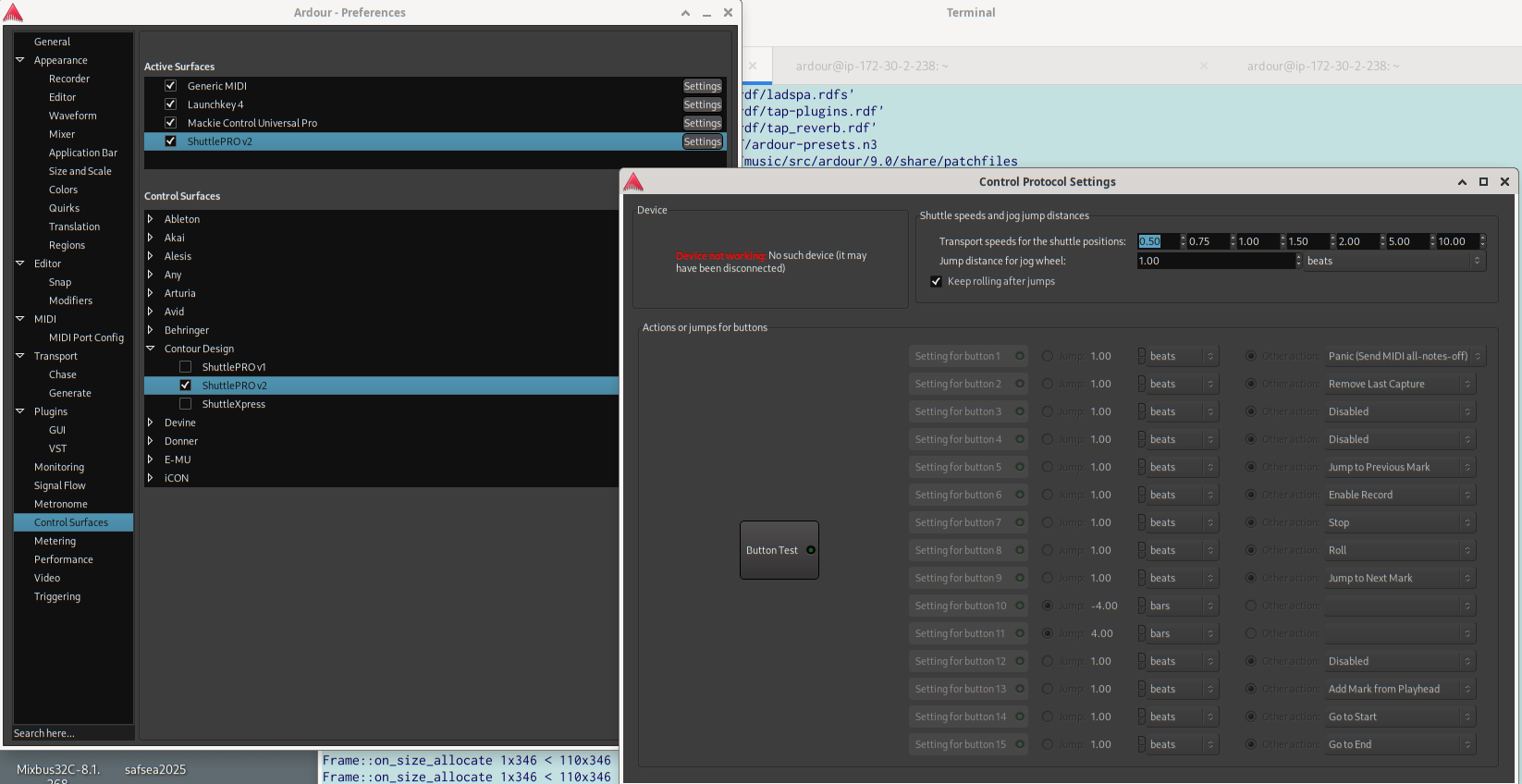
When I unplug the ShuttlePro2 device from my computer, I can click the ShuttlePro2 checkbox in the prefs > control surfaces, and see the shuttlepro2 under active surfaces, and by clicking there on the settings button the Control Protocol Settings window opens !
There’s also another notification, dont know if it’s relevant but when Ardour finished starting up, I see this in the konsole :
(ardour-9.7.51:3617): GLib-CRITICAL **: 21:49:24.715: g_main_loop_get_context: assertion ‘loop != NULL’ failed
(ardour-9.7.51:3617): GLib-CRITICAL **: 21:49:24.715: g_main_loop_unref: assertion ‘loop != NULL’ failed
To me it seems as something has changed in the code of the 9.7 version, compared to 9.5.
The Improved list of control surfaces looks nice but isn’t working for me because I just don’t have access to configure the shuttlepro2 buttons like it used to do until the 9.5 version.
I’m not a gifted programmer, I don’t know whats causing this behaviour and how to solve it.