Recently switched from Mac to Windows to Linux. Have been an ableton user for church praise and worship music for years now. I don’t mind learning another DAW from scratch, and I’d like to continue with Ardour over any other Linux-friendly options out of principle of supporting FOSS.
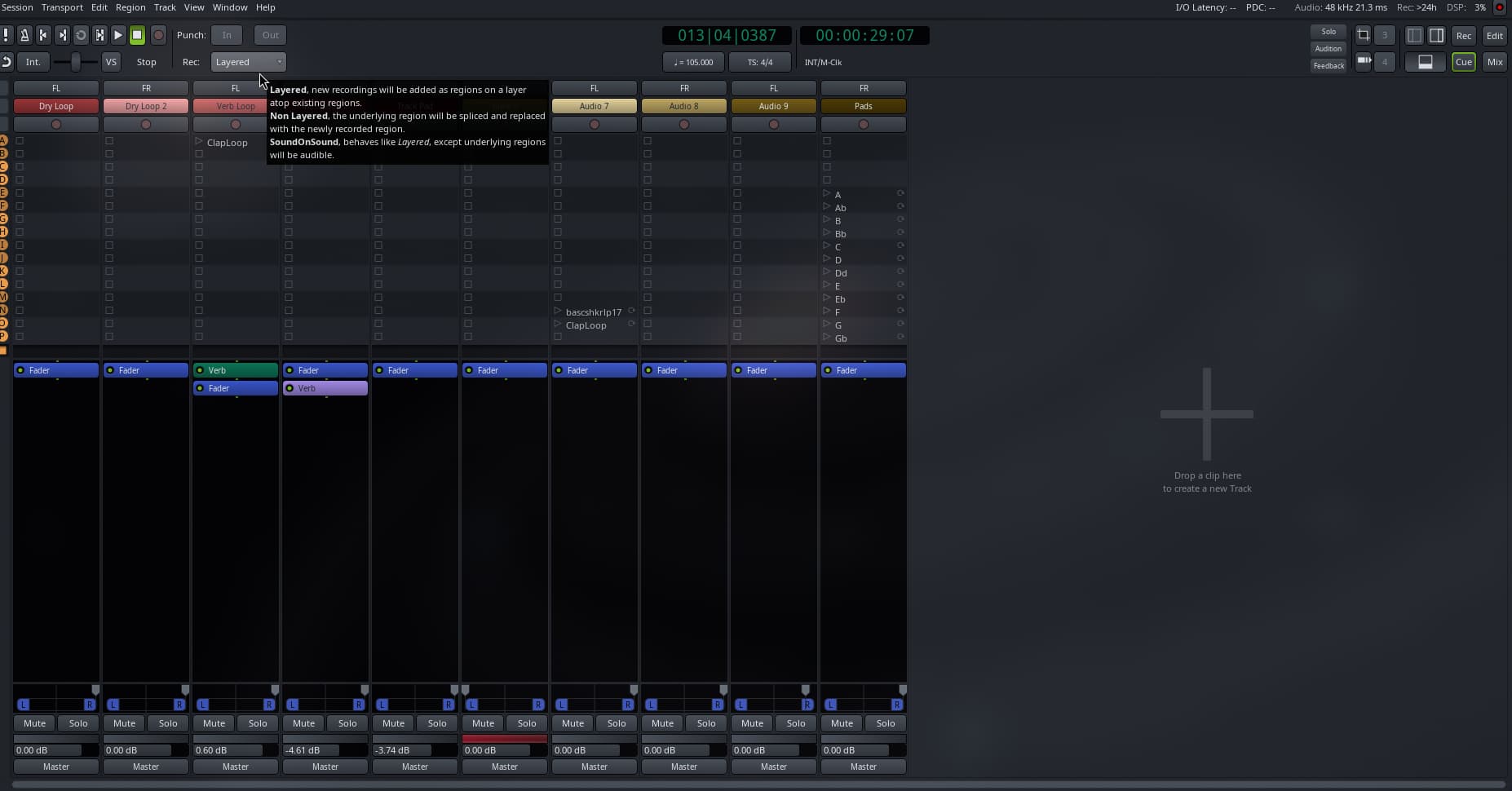
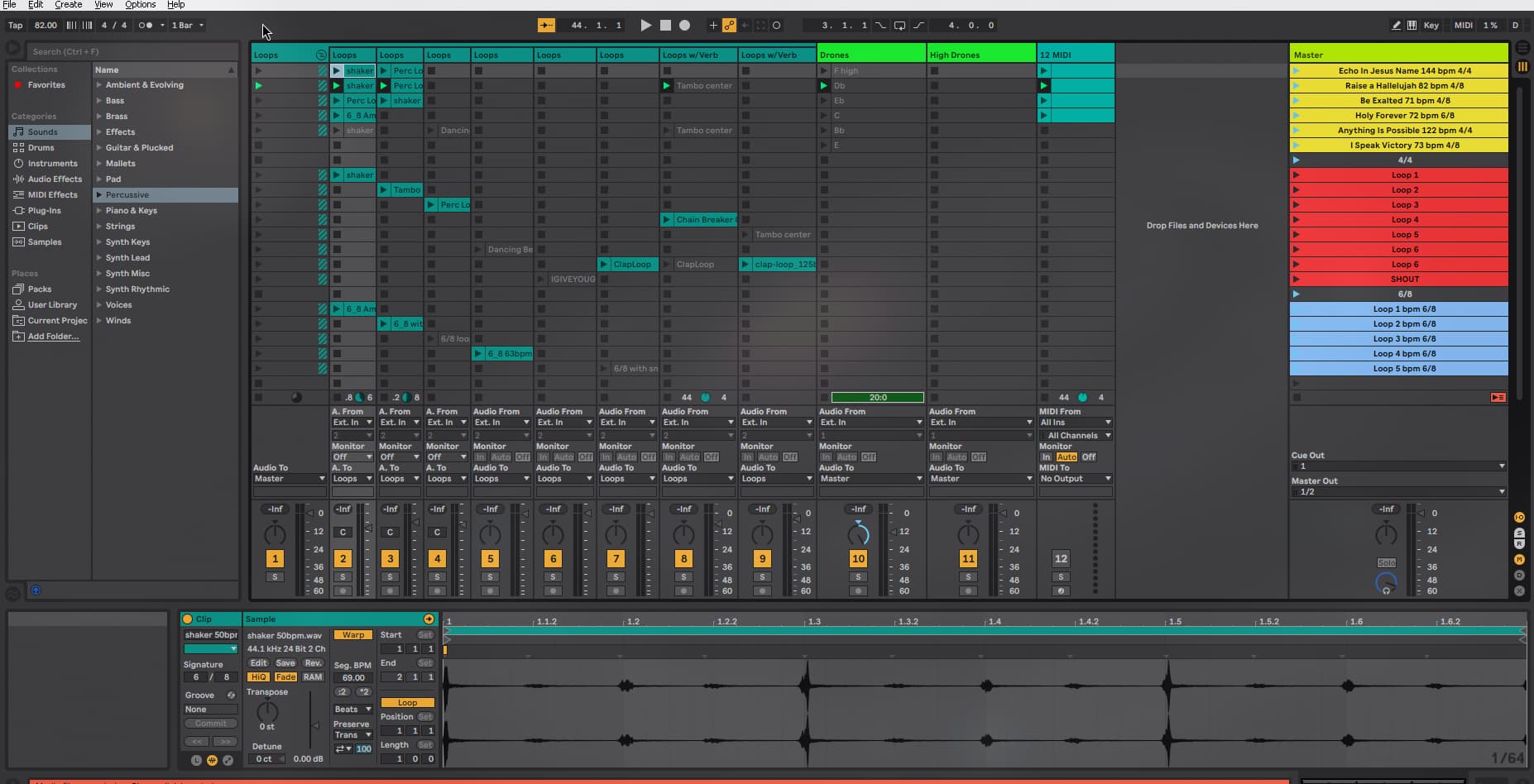
Attached is 2 screenshots: one of my generic Ableton live loop session and one for an Ardour cue session I’m building to serve the same purpose.
In Ableton, I can type in the song title, bpm, and time signature into those yellow boxes on the righthand side and a MIDI output will automatically trigger the session to change bpm/time sig once I’ve triggered that row to play.
While I don’t Ardour to support something as wild as MIDI info being read from plain text, I was wondering if there is a way I can hot-key different rows to output different bpm/time sigs, so that I can quickly stop the song and change songs in a live setting.
I probably worded this pretty convoluted so let me know if I need to clarify anything!
There’s no super-obvious way to do this in Ardour. We do not provide for tempo/time signature information to be associated with scenes (“cues” in Ardour), and the whole point of the session view (“cue page” in Ardour) is to have the contents of slots conform to a tempo imposed from elsewhere (e.g. the global tempo map).
However, an idea might come to me or another Ardour user …