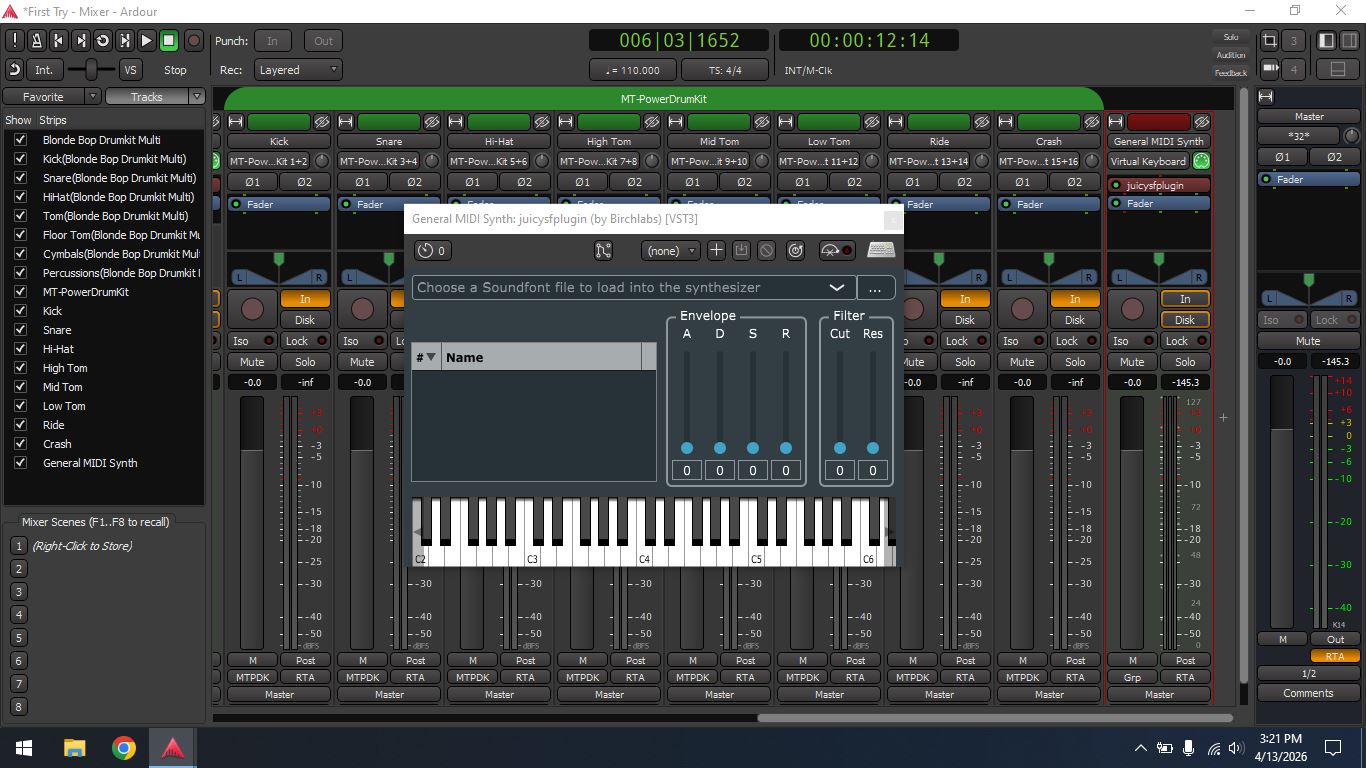
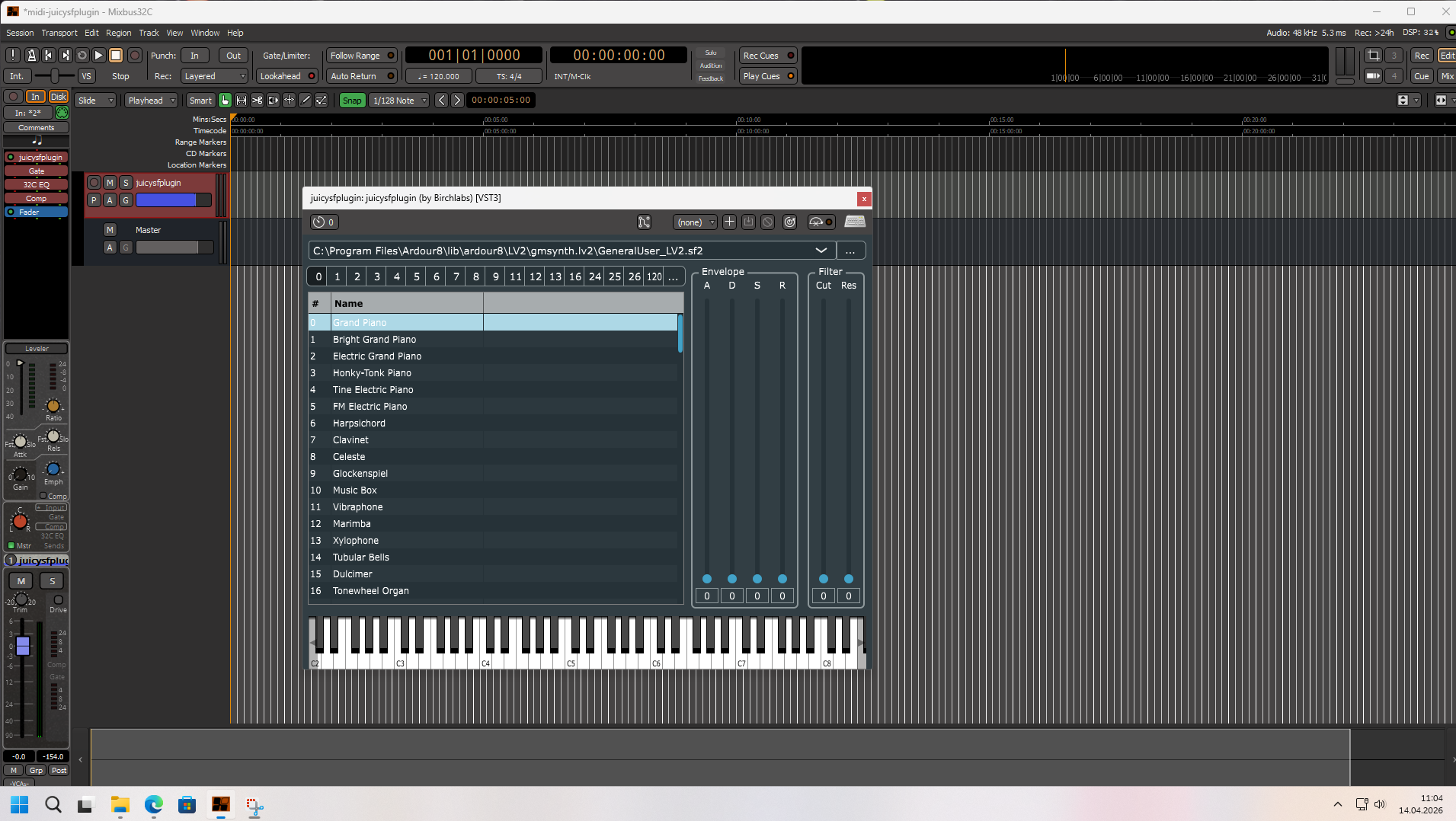
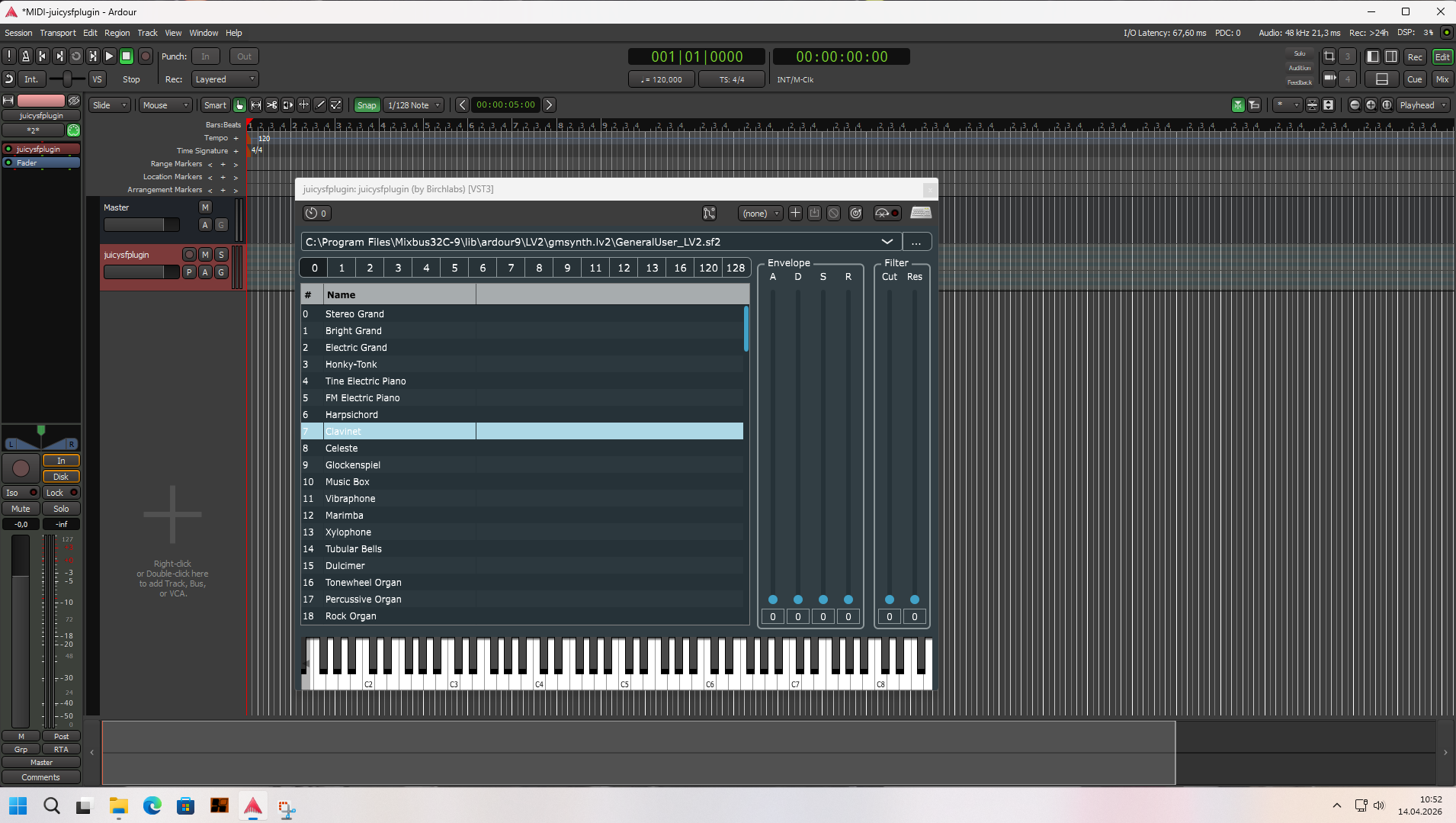
I am seeing a reproducible problem with the release build of Ardour 9.2 on Windows 10.
When I select certain VST3 plugins in the Plugin Selector and click “Insert Plugin(s)”, Ardour becomes blocked/unresponsive for more than 5 minutes before the plugin is finally inserted.
This is not an immediate crash, but a very long hang during plugin insertion.
Scope of the problem
So far, I have reproduced this with multiple VST3 plugins, rather than with just one specific plugin.
Reproduction steps
Launch Ardour 9.2 release on Windows 10
Open any session
Open the plugin insert menu
In Plugin Selector, choose one of the affected VST3 plugins
Click “Insert Plugin(s)”
Ardour hangs for 5+ minutes, then the plugin is eventually inserted
What I expected
The plugin should be inserted in a reasonable amount of time, without the whole UI appearing to freeze.
What actually happens
Ardour blocks for several minutes before the insertion completes.
Important comparison
I tested the same behavior on the same Windows 10 machine with Ardour 8.12, and in 8.12 these VST3 plugins can be inserted normally.
So this seems to affect Ardour 9.2, while 8.12 does not show the same issue.
Notes
This is with the official release build
The problem happens during insertion, not during plugin scanning
I would like to know whether this is already known, and whether there is any workaround or fix
On Windows 10, I tried inserting “juicysfplugin.vst3” into a MIDI track a number of different ways, and they all loaded instantly for me. I cannot test the other two plugins because I do not own them.
I must admit I’ve read several reports of inexplicably long delays (admittedly, mostly affecting Mixbus) either when loading certain sessions, or trying to display certain plugins, or even just trying to launch Mixbus, Generally speaking, Mixbus eventually recovers and then works normally. I’ve managed to reproduce it here when loading certain sessions although I haven’t seen the others. But it only started happening very recently so there does seem to be something weird going on.
Good detail, hopefully some others can jump in and confirm if there is an issue on their end. I would be curious if other languages have the same effect (French, Spanish, etc.) or if all non-english does.
From what I can see, this matches my test results quite well: 8.12 worked normally, while 9.2 can stall for 5+ minutes when inserting some VST3 plugins under Chinese Regional format. If I manually add those env vars back before launching Ardour, the problem disappears on my machine.
So I’m now wondering whether this regression is related to that startup locale change. Would it make sense to restore the 8.12 behavior here, or is there already any plan to fix this in a future release?