Example:
<Ardour theme-name="Xcolors">
Also, the file needs to be in a folder called “themes” inside the config folder.
Example:
<Ardour theme-name="Xcolors">
Also, the file needs to be in a folder called “themes” inside the config folder.
Awesome, cheers, I think I need to do a little more research first and have a look at how other themes are implemented.
I will post the results once I have got my head round it 

One thing to keep in mind: we generally are not willing to add user-contributed themes because of the maintainance required. If someone commits to updating for major releases (mostly the only time it is necessary), we will consider it.
Ok, I think I have cracked it, for some reason the palette colors where not saving.
I guess it was pilot error as simply copying the my_theme.colors file ardour creates while editing in the program to the themes folder seems to work fine.
I also had a look at the arc theme by jean-emmanuel to see how they were adding in the custom palette stuff.
I have also had a quick look at the ardour 9 git version and this theme seems to work fine.
Just to add, in v9, all the ui buttons seem to pick up the correct color`s now from the palette which is pretty awesome
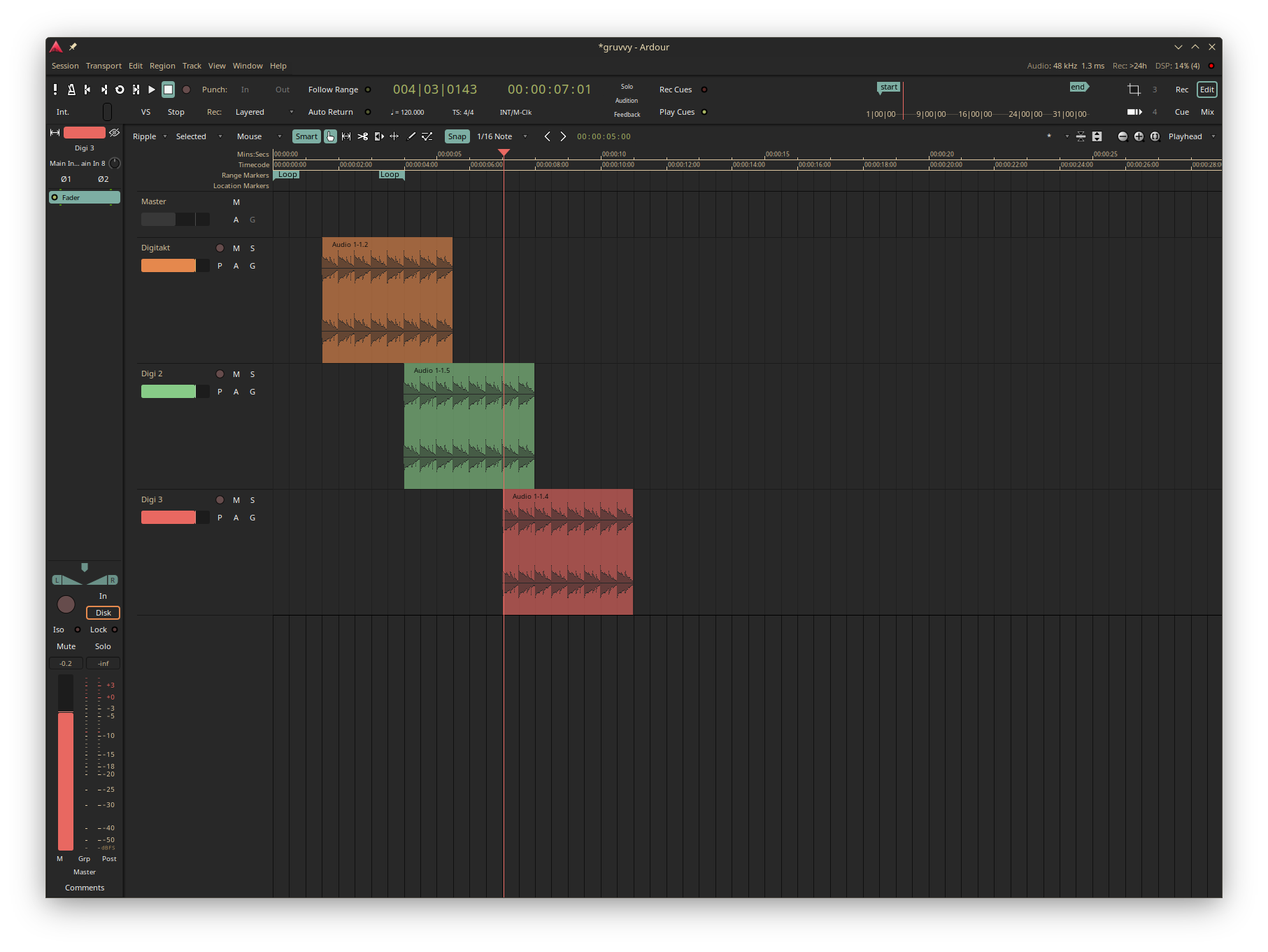
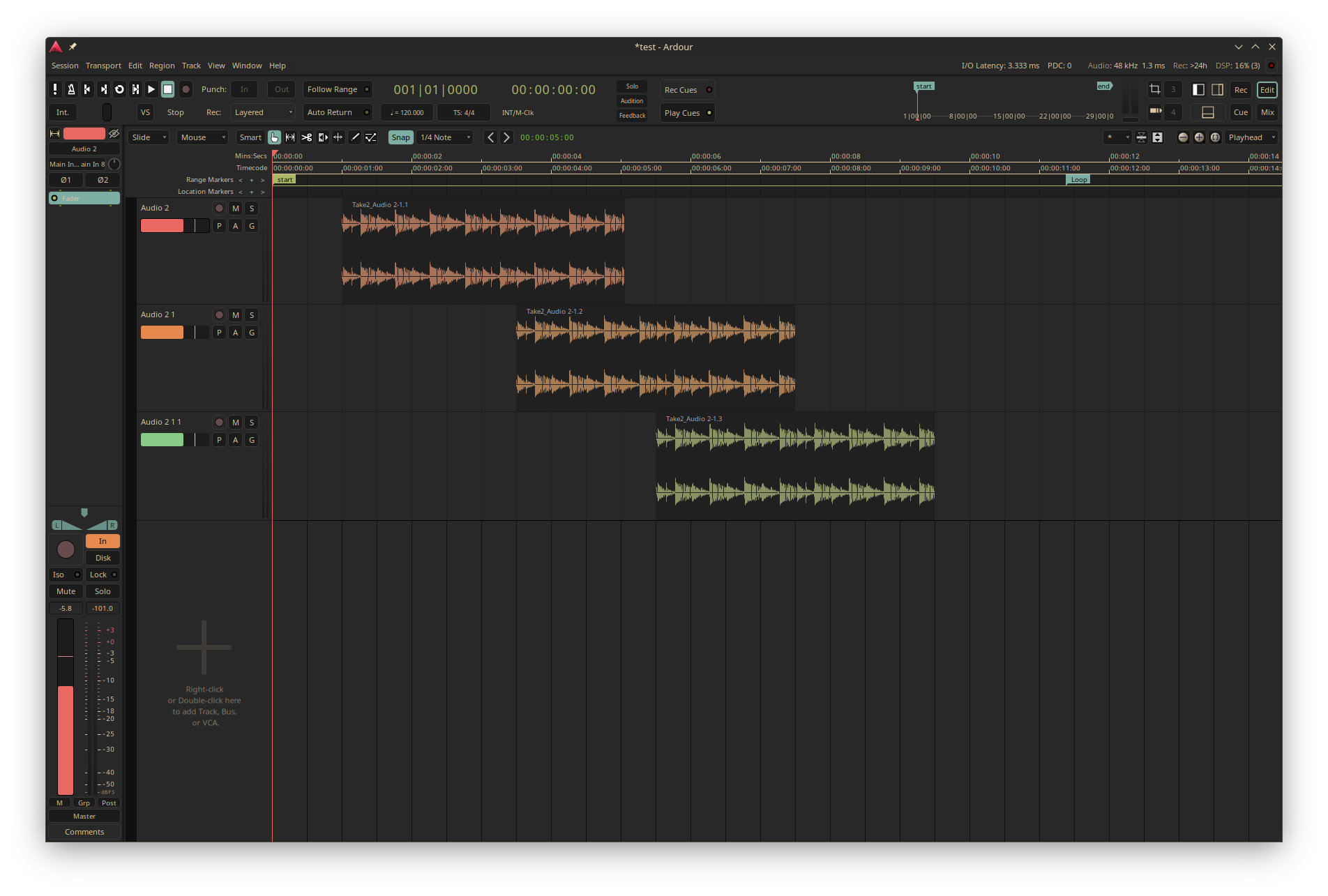
So I have only created this for personal use and thought I would just show it, it probably is not to most peoples tastes…
v8.12
https://limewire.com/d/RDv27#hW1LNcXpEu
v9
https://limewire.com/d/Vlnf2#HriSN3pPtU
v8.12
v9
I hope I am ok posting these!
A theme may work in v9, but it will be missing new colors (and potentially have deleted colors) that were added during the development process.
Yeah, I had to change a couple of things around to get it to look right in v9
You can’t really do it by looking at stuff, alas. You may never use a workflow that requires one of the new colors, for example. It has to be done by seeing what changed in the canonical/default “dark” color theme and make sure that your theme file made similar changes.
Yep, got that, just checked some of the other themes and jumbling the colors around has indeed borked some of the other themes.
For my personal use it`s fine but I wouldn’t recommend anyone else use these until I figure it all out.
For now I am happy with the settings and I`m going to stop tinkering and get on with some recording 
Thanks for the help!
Hi,
Thanks for persevering with this, I think this really would be a unique candidate as another option official in Ardour, it’s very unique and organic looking and the color set is quite attractive, I think anyone walking through a room seeing a DAW onscreen that looked as funky as that would turn their head for sure!
Really one of the coolest and tasty themes ever! I’d second Glens opinion. This should be officially available.
Thank you sbeta  This is a beautiful theme. Ardour’s always had a beautiful UI and default theme so this is the first time I’ve been interested in changing the colour theme.
Switching theme will bork the colors because you used custom color names. If you want your theme to be “compatible” with Ardour theme switching you have to follow the Ardour’s “names” structure.
When I made the “Xcolors” theme I had to rewrite it from scratch and start from the default “dark” theme to make sure it was fine when switching themes.
Xcolors was made as a prototype to experiment with a way of using different terminal/editors/UI themes, like OpenColor, Gruvbox and others, but hit the limitations of the current theme system. Not to say it’s impossible, quite the contrary, but is a lot of work and I considered a waste of time at the end.
I wrote down some details in this proposal.
Thank you for this!
I plan to get stuck in tonight and have another crack at it.
Tidied everything up a bit and ceated a github repo to store the theme…
I will probably tweak now and then, all or any changes will be reflected in the repo.
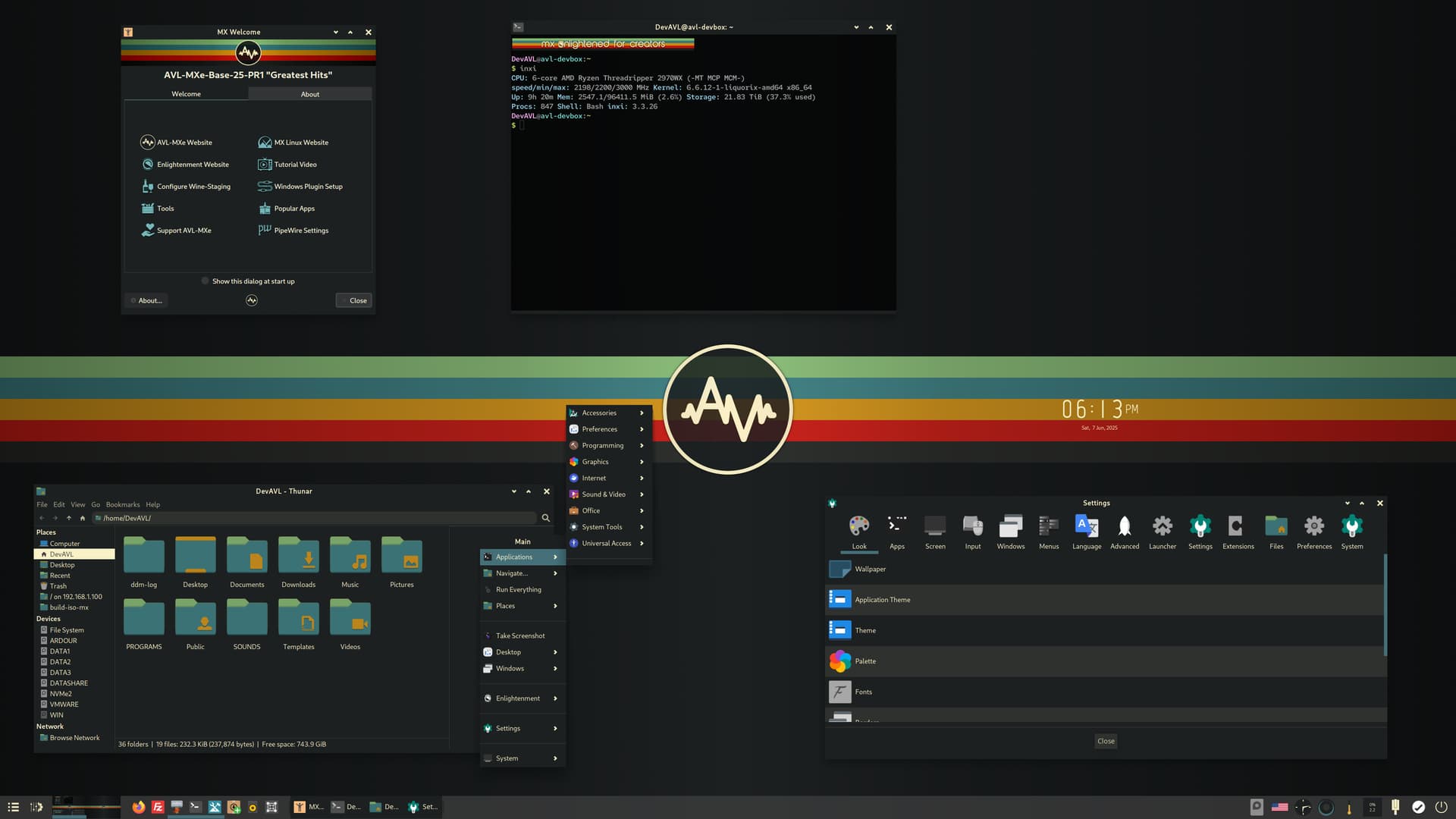
Haha, I liked your Ardour theme so much and although I’d heard of Gruvbox over the years I had never looked at it seriously. Now I’m testing it as the next AV Linux release default theme, a case of life imitates Ardour I suppose… 
W.I.P screenie
That looks awesome!
I feel a distro hop brewing
Spinning up a vm now…
I have gruvbox everywhere
Currently trying it, I love it ! Great work 
Cool! and very thanks your job!
But I wish this theme don’t alter Ardour’s logo color.
As a product, maintaining brand identity is very important.
Agreed, I have removed the resources folder and the instruction.
That’s very kind of you, at this point I’d hold off for a bit until the new version 25 based on Debian Trixie is released likely later this summer. But for a casual view I’d recommend the most recent 23.5 “Greatest Hits” Base release, *note that the Desktop Environment (Enlightenment) is not everyone’s cup of tea. Lots of nips tucks and improvements coming in the next version. At this point a complete Gruvbox theme is not available but I will release the GB Theme for all versions when I’m done testing and putting it together.
Now, enough about that! Back to your awesome theme!