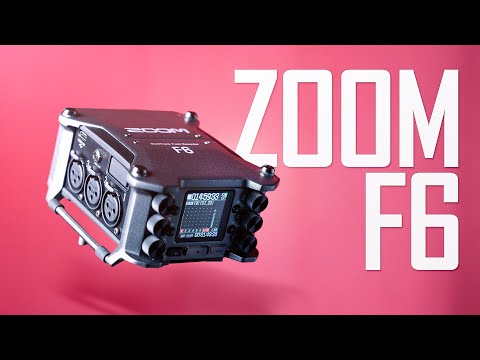
There’s a lot to unpack! Starting with your portable recorder question, I like both Zoom and SoundDevices stuff. Both the Zoom F6 and MixPre6-II offer 32-float recording if you want to just press record and not worry in the slightest about clipping. The preamps are excellent on both (I’ve used the Zoom F8 for classical many times and the F6 has the same, I believe). MixPre6 feels a little better built but unless you are treating them roughly, both would be excellent choices.
As for microphones, the sE8s are fab for classical on a “budget”. They hold up really well against more expensive options. If you need omni microphones, be aware that there is talk of sE releasing omni caps for the sE8s. If you can’t wait or those never materialize, the Behringer B5s are definitely an option but at this stage I’d argue that your money might be better spent saving up for a pair of AT4022s. These are exceptional for classical duties and, in combination with the sE8s as a central ORTF pair, you’d be able to dial in a good blend of the pairs. The other option if you like your sE8s is to save up for a pair of the sE4400. I’ve made several classical recordings with the 4400s in omni mode with the AT4022 or sE8s in the center as ORTF or DIN/NOS/EBS. It’s really useful to pick the best pair or, as I mentioned, dial in a blend in post when you have limited time to set up before a live concert. The KSM141 pair are probably my new favorite go-to microphones but I can’t stand the vertical stereo bar it comes with so I use the ones that come with the sE pairs.
For interfaces, I’m loving my UR44 as it works out-of-the-box in Linux. I still enjoy my Behringer UMC series options for MIDI recording/mastering. If I were you, I’d use a portable recorder for on-location to cut out the possibility of any laptop issues. Quick auditioning is quite easy once you know your way around the devices.
In conclusion provided you are doing session recording where you have the luxury of setup time, you can make professional stereo recordings with either a Zoom F6 or MixPre6 and have extra inputs left over for spot microphones etc. If you can afford one multi-use pair, go for the KSM141 or the sE4400. Your sE8s will play very nicely with both as a center pair. If you just want omnis as alternatives/complements to the sE8s, pick up a pair of AT4022.
For your chosen application, I think the 4022s would be a better investment. For beautiful venues in quiet places omnis can be a real treat and I would save up for either a pair of the 4022s (omni), KSM141s (card/omni) or sE4400As (card, fig 8, omni, supercard). Any of those three would deliver stellar results. The OM1 works well close to instruments but further afield (i.e. typical classical stereo applications) the others win handily in my book.
You could buy the Zoom F6 and continue with your sE8 pair for now. You could create beautiful stereo recordings with good positioning and choosing something like ORTF, DIN, NOS or EBS. In most venues that I record these days, cardioid vs omni is a major plus as it means I’m picking up less traffic noise
+1 to this. I’ve been a bit disappointed in my OM1s when placed in AB at a distance. They sound pretty dead compared with my higher-end omnis (Earthworks QTC-40), although a bit of high-shelf EQ can restore some of the life. Still, I find them lacking in detail and definitely not ideal for flute. The CM-4 wide cardioid in NOS is much better in my experience (I still use the CM-3 but the CM-4 would be similar but slightly less wide).
As always, @anon60445789 is providing great advice. You could also see if you can find a used first-generation MixPre recorder (they’re more affordable now that version II is on the market) or a used Zoom F6 to save a bit of money.
I found a second-hand Mixpre-6 - I (715 €). The Mixpre 6 only has 4 microphone inputs, although I’ve seen reviews where it seems like it’s sound is a little warmer.
Do you think it’s worth a second hand Mixpre-6 over the Zoom 6?
On the mics, maybe I could wait a little bit and buy something that is really worthwhile.
I have the MixPre 6 myself. It’s great, but I can’t compare it with the Zoom F6 since I’ve never used that recorder. That price seems quite high for a used MixPre 6; it’s not too far from what I paid for mine when it was brand new.
All I would say is that having owned the Zoom F8 and MixPre6-II, the preamps on both are super quiet and appropriate for classical recording so I wouldn’t be able to reliably A-B them on a typical full-scale classical production. More important by far are your choices of microphone and their placement. I’d be happy with either an F6 or MixPre, personally. FYI, I sold my F8 on eBay just so I could check out the 32-bit float recording on the MixPre as I often need to record live concerts without full rehearsals and in different venues where I haven’t had a chance to set by experience. The number of times the director has said they are giving me the loudest section and it being wildly out is no longer amusing For a planned session recording where setting levels and full rehearsal are part of the routine, I’d default to 24-bit to save disk space, for sure.
I don’t think it was a perfectly controlled test, though; Curtis’s voice volume could have varied slightly between the takes, and even though he said in all cases he was the same distance from the microphone it’s hard to do that precisely across multiple takes. For perfect control you’d need to record a consistent sound source, such as a recording played back through speakers, with the microphone fixed at a constant distance from the speakers.
In general Sound Devices has a better reputation for build quality than Zoom does and the MixPre series recorders are regularly updated with firmware and have a range of plugins available. Although I initially scoffed at the Musician plugin for the MixPre series I actually find it simpler for doing music recordings and that’s generally what I use these days for recording music, especially if I want to do any overdubs or multi-tracking. It has some limitations in terms of sample rates and meter displays, but it records individual wav files for each channel instead of polywav files that you later have to split apart, and it feels more like recording into a DAW.
And even though, why bother using a mic and a speaker when you could inject directly the signal into the device ? After all, the device is what you’re testing, not the speaker nor the mic. Most serious audio bench testers would use an Audio Precision device.
True for a technical test, but for a musician recording themselves, the litmus test is which recorder provides the best sound using the equipment (microphones, cables, etc.) that the musician is going to use for the recording?
That said, the “best” recorder might sound pretty uninteresting compared with one whose preamps add some character or warmth; it depends on whether you value a pure uncolored sound or one that can be more or less used as-is with no additional EQ needed. Either approach has value, it depends on your priorities. I am familiar with classical engineers who are firmly in one camp and others who are in the other.
Good call on the musician plugin. I’m tempted to purchase given your recommendation. For now, I’m recording to polywav and splitting via the free wave agent app (works really well via Wine).
Yes, I use Wave Agent as well and it’s easy, but one more step in the process. Eliminating that step is just a convenience; for me the more compelling advantage of the Musician plugin is the ability to do zero-latency overdubs and multitracks (e.g., playing duets with myself, punching in to fix mistakes, etc.). Perhaps not a super valuable feature for classical music and of course there are other solutions, but not having to worry about latency or adjust my buffer settings for recording vs. mixing is a nice touch.
Once again I’ll trust your opinion, @anon60445789
The Zoom f6 is almost half the price, it has 6 inputs instead of four and actually everyone speaks very highly about its audio quality. I will order it through a local distributor.
I imagine that the 32-bit float type recording is fully compatible with Ardour, just download the wav file and nothing else.
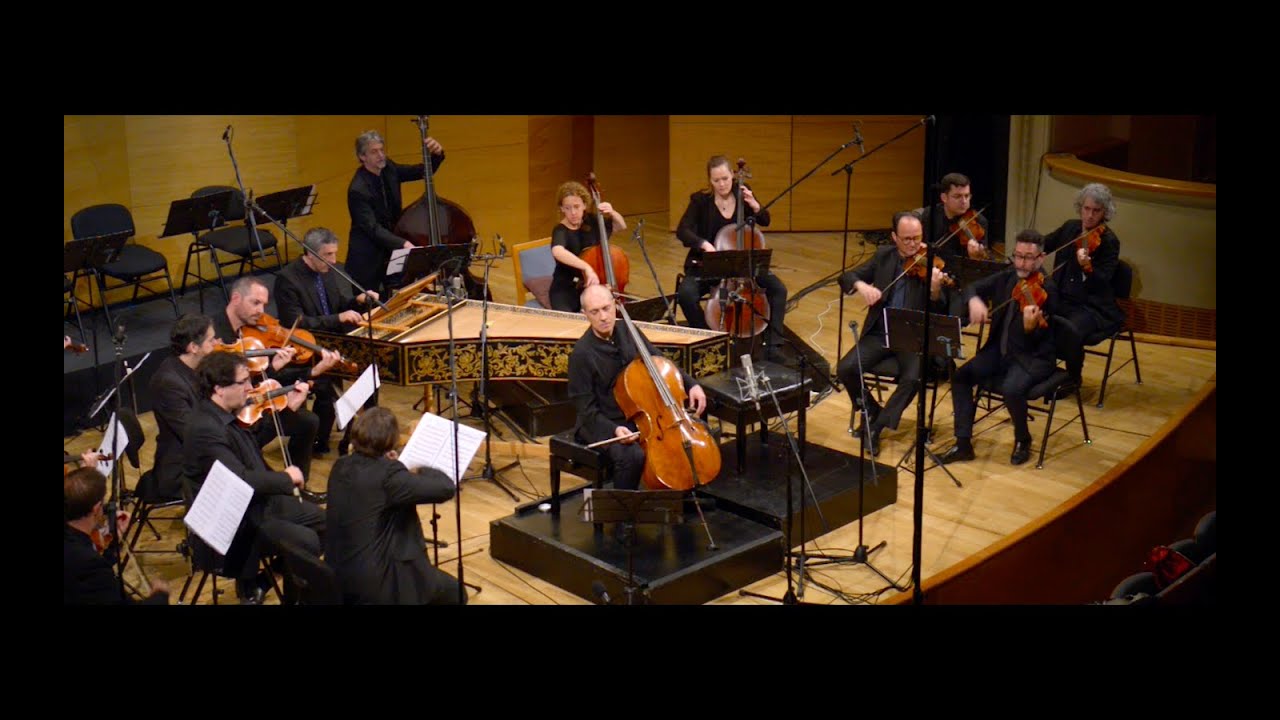
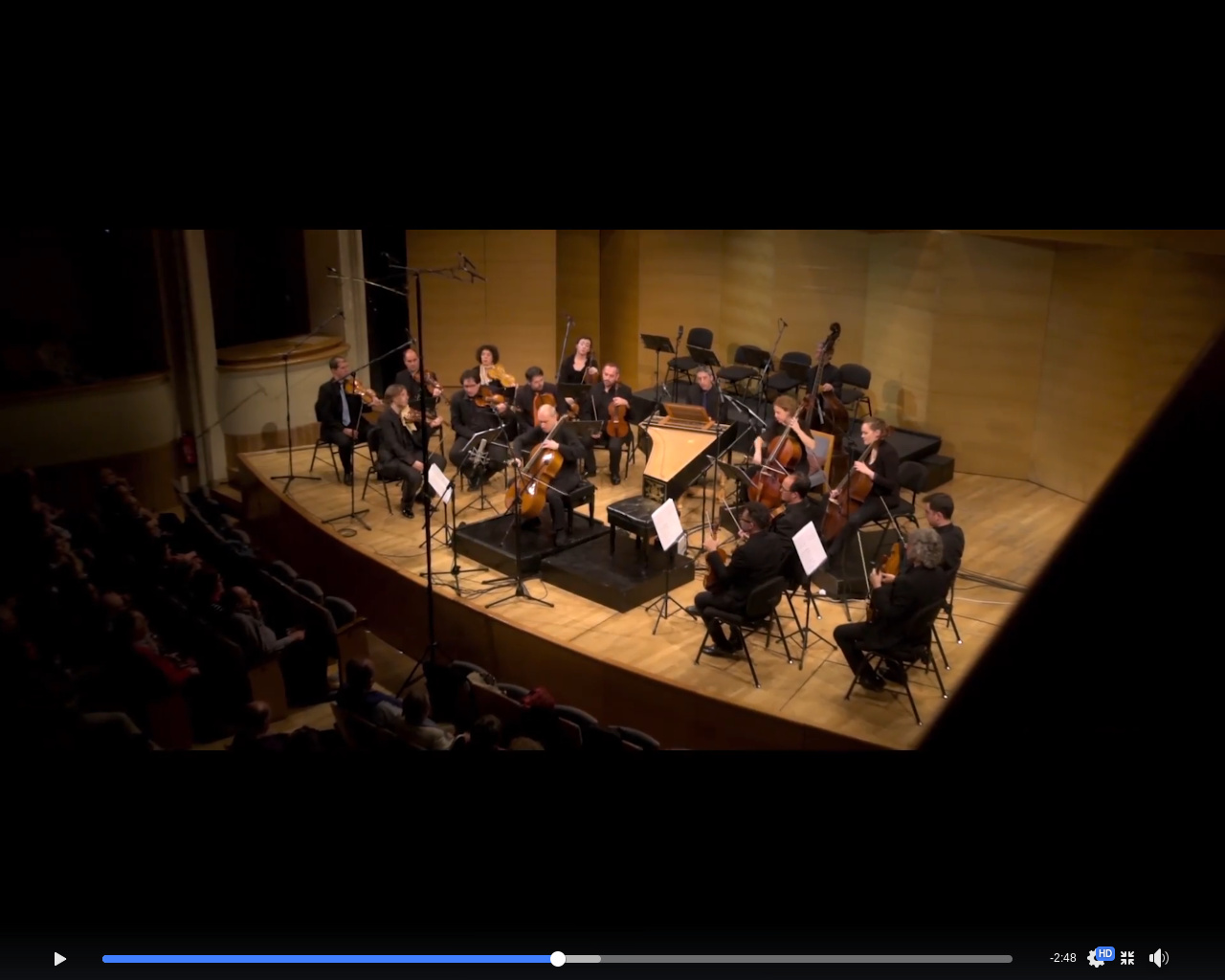
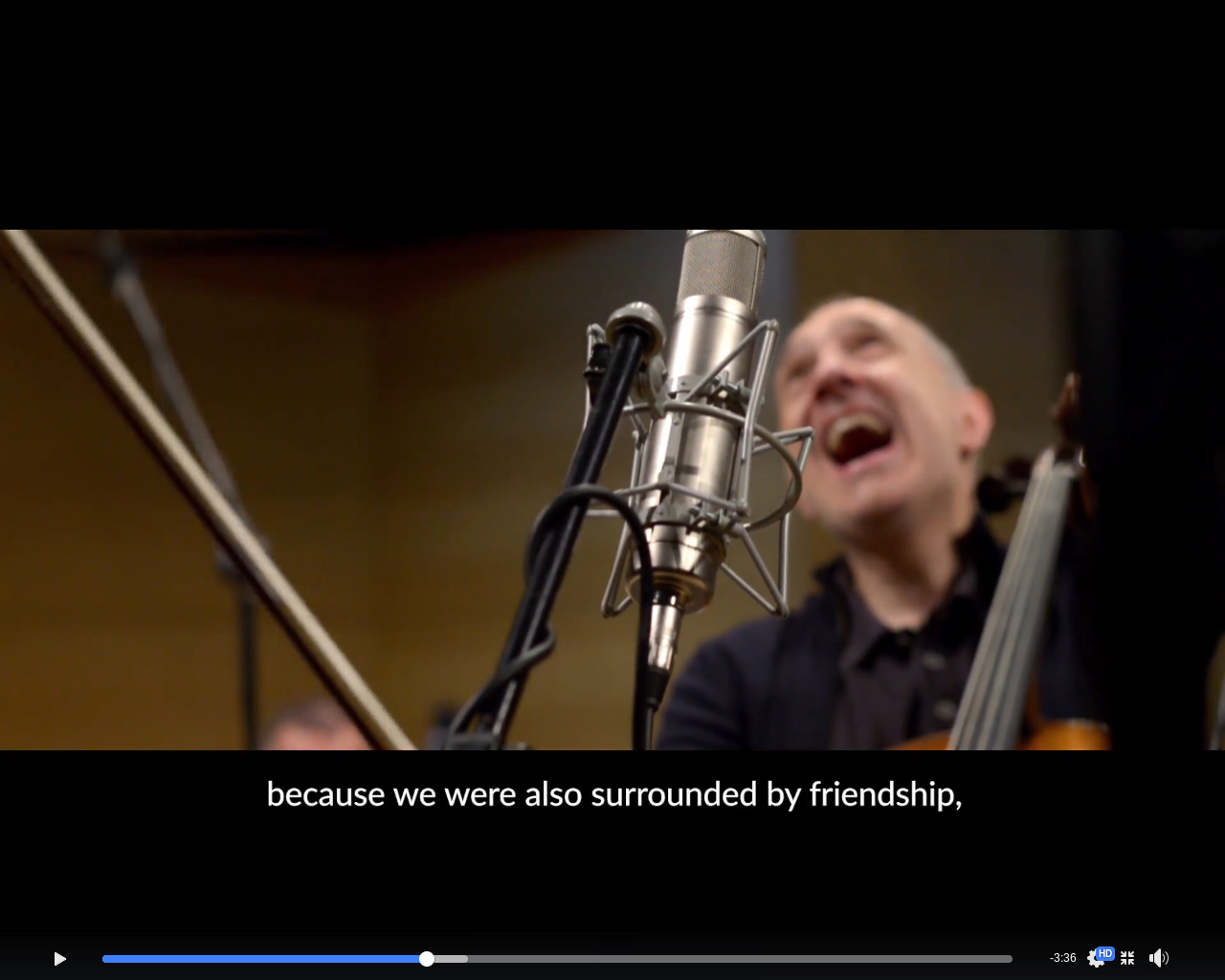
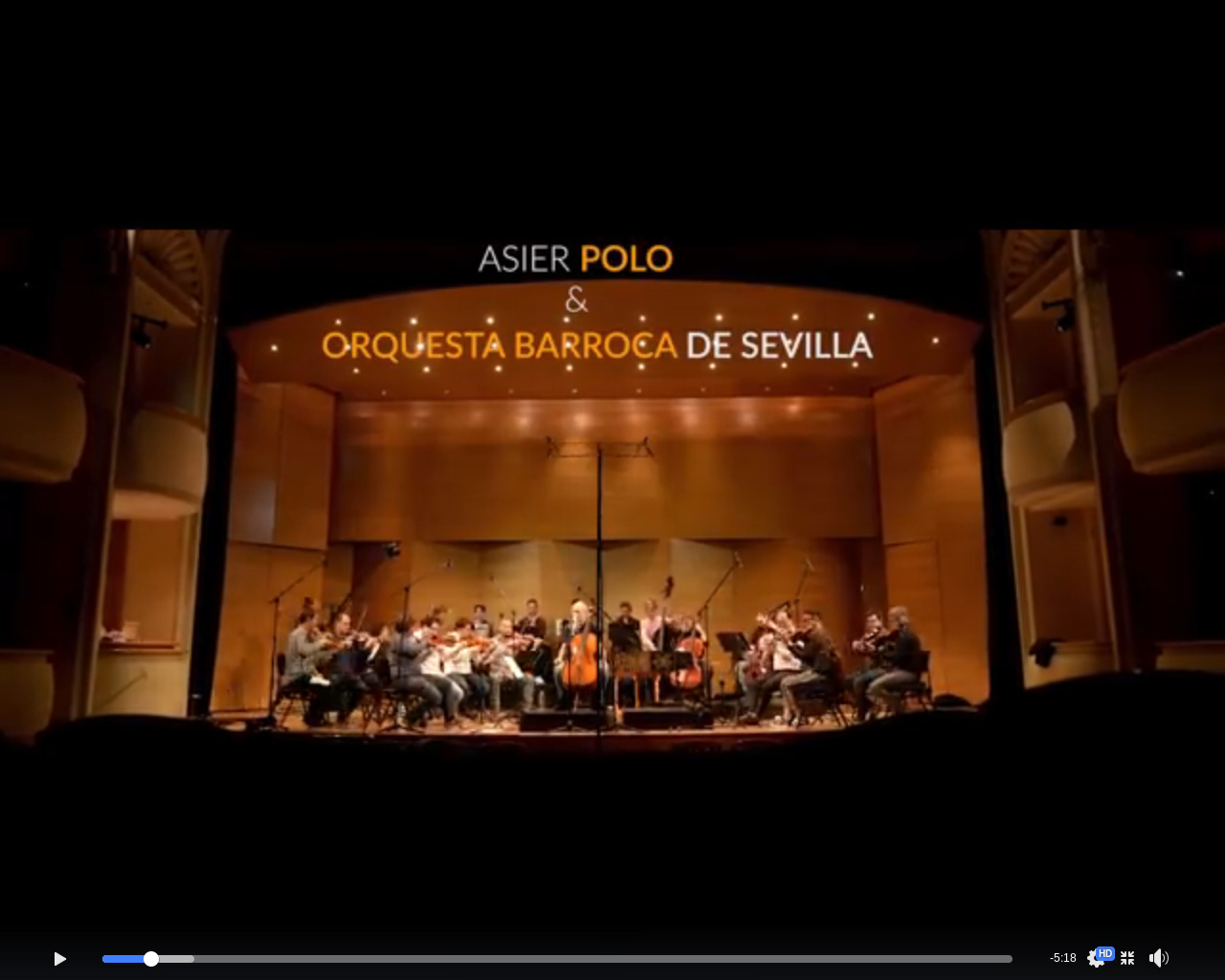
A different theme, today has been presented the recording of a new cd of the Baroque Orchestra of Seville with the great Spanish cellist Asier Polo.
I have made several screenshots in case you want to see the setup.
I think it sounds pretty good, maybe the winds are a bit low.
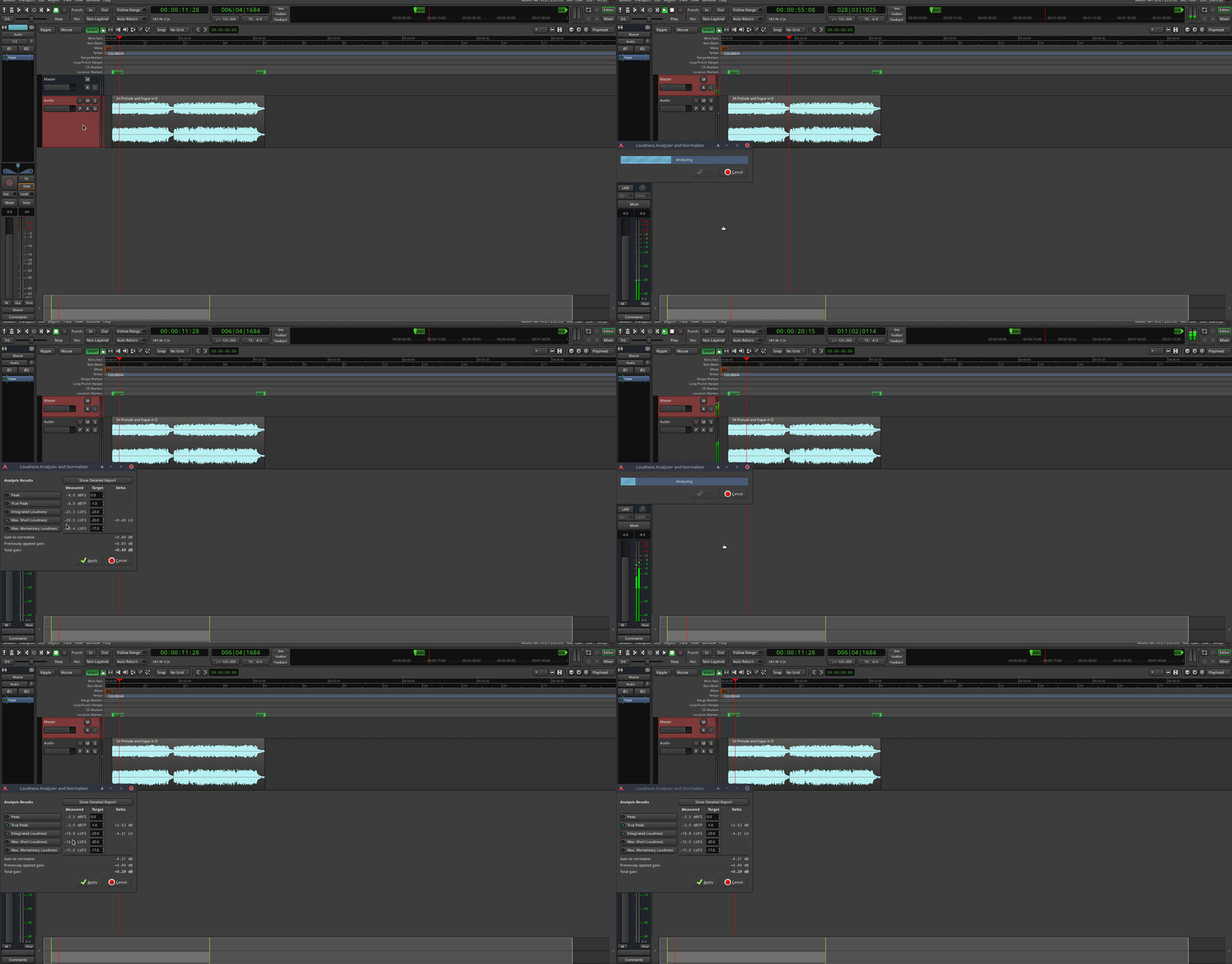
Early days but essentially this will allow loudness analysis/conforming as part of the editing/mastering stage of workflow. Scenario: 1) User gets to the end of editing and mastering work 2) Ardour analyzes the session (all active tracks via the master bus output) and offers a gain addition or subtraction based on your desired target loudness or peak values. It means that export of individual FLACs etc can happen all within Ardour having achieved a loudness target across whole the album which is essential for classical albums versus wanting every piece to be the same loudness and thereby destroying volume relationships). Truly amazing.
A GIF of the 6.2-82-gaffc28a0a0 debug build running a prototype of the Loudness Analyzer and Normalizer (LAN) on a classical keyboard piece. Analyzed and subsequently conformed to -16 LUFS short-term max:
Today I have been talking with the company that manufactures the cds and they ask me for ddp files. I have started the post in my thread about the flute CD I am making but it is interesting that it is also in this post.
You can see the beginning here:
I used Ardour to export with the option “Red book” a wav+cue file and then I converted it to ddp with DDP Maastering Tools.
@anon60445789 made a script to be able to hear the ddp files, I haven’t had time to use it yet. You can find it here: