Building with MSVC, PowerShell. Errors

I’m at 1842/1842 now, everything else is done.

[1842/1842] Processing ardour.keys: gtk2_ardour\ardour.keys.in gtk2_ardour\mixer.bindings gtk2_ardour\processor_box.bindings gtk2_ardour\step_editing.bindings gtk2_ardour\monitor.bindings gtk2_ardour\trigger.bindings gtk2_ardour\regionfx_box.bindings gtk2_ardour\automation.bindings → build\gtk2_ardour\ardour.keys
‘perl’ is not recognized as an internal or external command,
operable program or batch file.

Considering making a custom python script for msvc.


Edit: Made one. ‘build’ finished successfully. Now I gotta install or something.


Another edit: ‘install’ finished successfully (39.056s)
Now I figure out how to correctly run it, because clicking the .exe’s gives me 4 “random” .dll errors, similar to my first post ~3.5 months ago.

More specifically: I get pthreadVC3.dll was not found, fontconfig-1.dll was not found, getopt.dll was not found, glib-2.0-0.dll was not found.
Do they have a common problem? Me using --also-libdir? I assume --also-include has nothing to do with this. Trying to open it via cmd using a powershell command (cmd /c “C:\Ardour2\lib\ardour9\ardour-9.0.rc1.14.exe”) isn’t working either.
I ran $env:PATH = "C:\dev\vcpkg\installed\x64-windows\bin;$env:PATH", followed by the above command again. Got none of the missing .dll errors, but the app didn’t start. So including the bin folder seems to be a right step, but I need to do more.
(Also the resulting folder is 1.28 GB)

Copied ALL dll’s in C:\dev\vcpkg\installed\x64-windows\bin to C:\Ardour2\lib\ardour9, now there’s no error when clicking the .exe, but all it does is open a command prompt terminal for like 1.5 seconds and close.

It might just be a case of DLL’s and EXE’s not being in the folders where Ardour is expecting to find them (usually in a folder with the name bin). For example, your main Ardour exe is in a folder called C:\Ardour2\lib\ardour9 (and the same probably applies to your DLL files) whereas Ardour itself would install them somewhere like C:\Program Files\Ardour9\bin

Another important point is that you shouldn’t reference the files directly from your vcpkg folders (because ordinary users won’t have those folders). You need to copy them to wherever Ardour expects to find them.

And yet another important point is that Ardour needs lots of other files (such as .mid files / .ttf files etc). I don’t know if waf installs all that stuff for you but if not, you probably just haven’t got them installed anywhere.

Your best bet might be to install an official build of Ardour and study it to figure out which files need to go where. Re-create the folder structure somewhere else and copy across any files which aren’t files you built yourself. Then copy your own EXE’S and DLL’S to wherever they need to go. Good luck with it all…

@John_E What is RDC_BUILD? I assume you use the macro in your builds, but what does it stand for and how do you use it?

You don’t need to worry about it. For my builds I actually build 3 x targets:- 1) a Debug build, 2) a Release build, and 3) A Debuggable Release build.

As long as you don’t #define RDC_BUILD it shouldn’t cause any problems.

I changed some things in main.cc, also changed some things in 2 or 3 wscripts to replace the \ with /:

        'DATA_DIR="'   + os.path.normpath(bld.env['DATADIR']).replace('\\', '/') + '"',
        'CONFIG_DIR="' + os.path.normpath(bld.env['SYSCONFDIR']).replace('\\', '/') + '"',
        'LOCALEDIR="'  + os.path.join(os.path.normpath(bld.env['DATADIR']), 'locale').replace('\\', '/') + '"',

Then built and installed. The .exe went back to its (probably normal) size ~10k kb instead of ~600 kb, but it gave errors. (Note: I had deleted the contents of Ardour2 earlier so the .dll’s weren’t copied.)

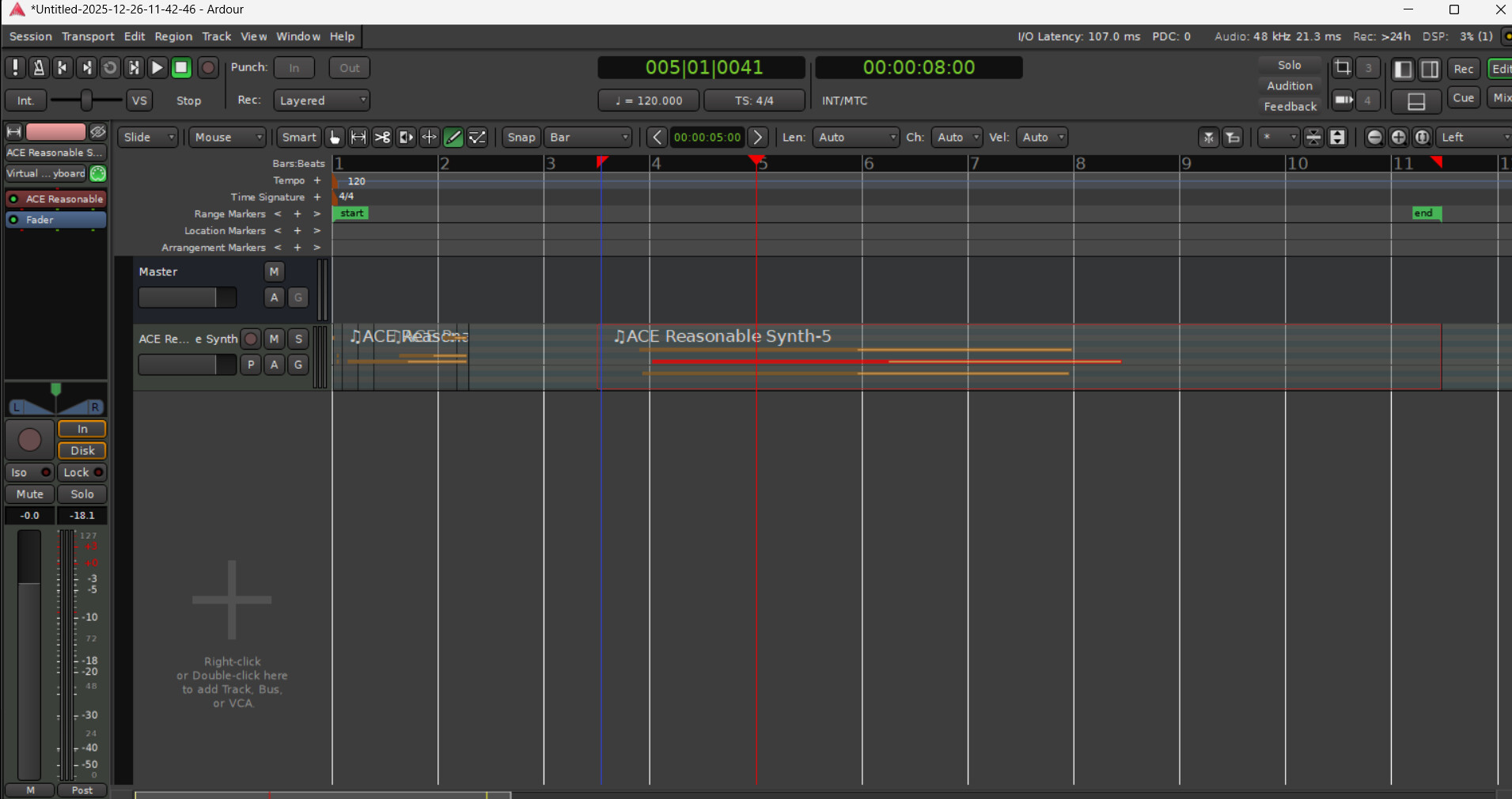
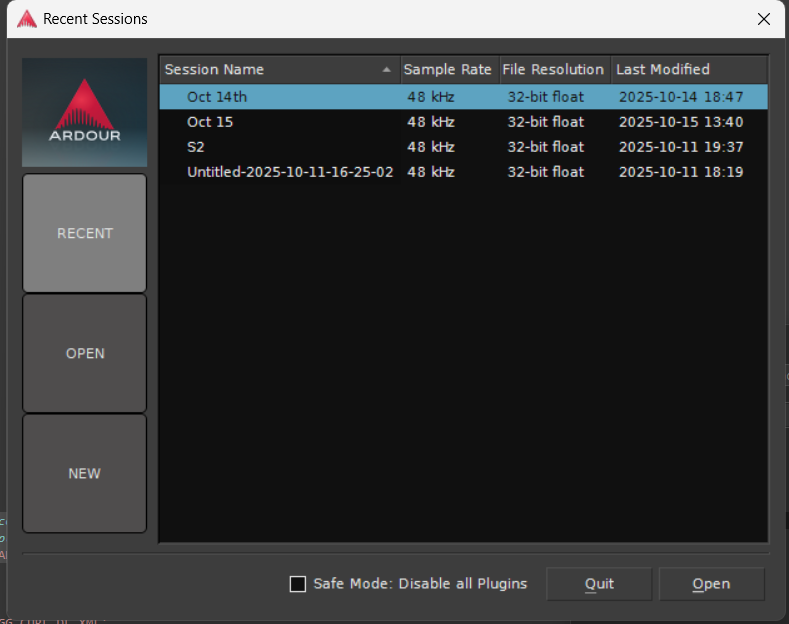
Recopied the .dlls, the .exe opened the following:

I assume I might’ve had problems due to ardour_main instead of main, from the original version of main.cc. Also Added a little snippet of something for MSVC, though I’ll ignore that for now.

But it acts a little more normal!


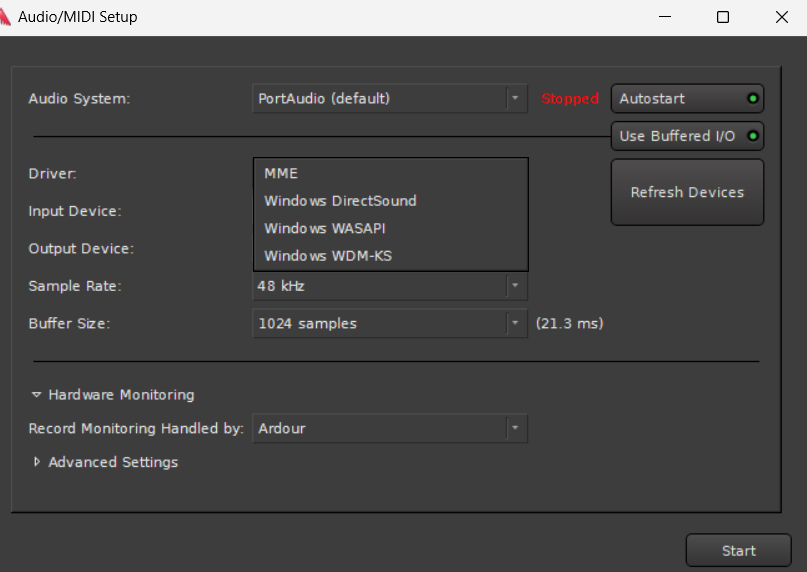
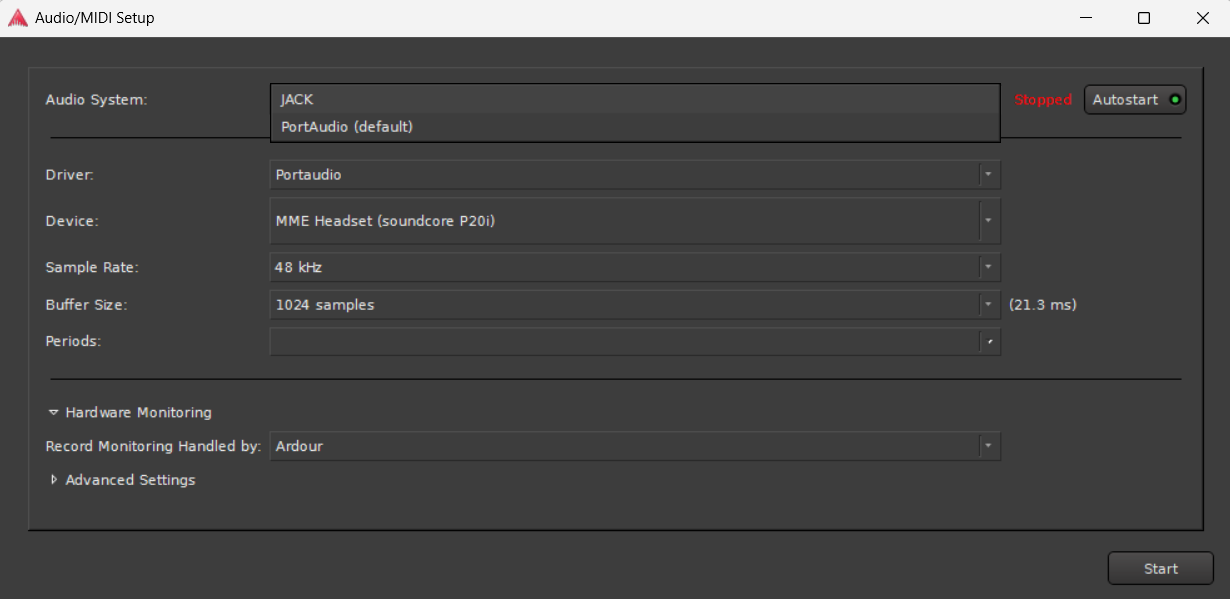
Strangely, Dummy backend is missing. I suppose that can wait for later.

I recall that when configuring, pa_asio.h wasn’t found, so maybe that’s why I don’t have the ASIO option from downloading ASIO4ALL from my MinGW build.

Edit: looks like it crashed on the “Indexing Plugins” screen. So something relating to (I assume the vst scanners) needs to be edited.

Running "C:\Ardour2\lib\ardour9\ardour-9.0.rc1.14.exe" | more in command prompt, it says the following among other things:

Ardour: [WARNING]: VST scanner app (ardour-vst-scanner) not found in path C:\Ardour2\lib\ardour9\fst;C:\Ardour2\bin
Ardour: [WARNING]: VST3 scanner app (ardour-vst3-scanner) not found in path C:\Ardour2\lib\ardour9\fst;C:\Ardour2\bin

Which files/folders to check, which could be responsible for these?

Looks good! - but like I said in post #164, you should check the file layout as used by an official Ardour install and figure out how to copy your own DLLs and EXE’s into the correct folders.

Though of course if waf is supposed to handle that already, @paul or @x42 will need to help you figure out why that isn’t heppening…

Another bit of good news regarding one of my earlier posts…

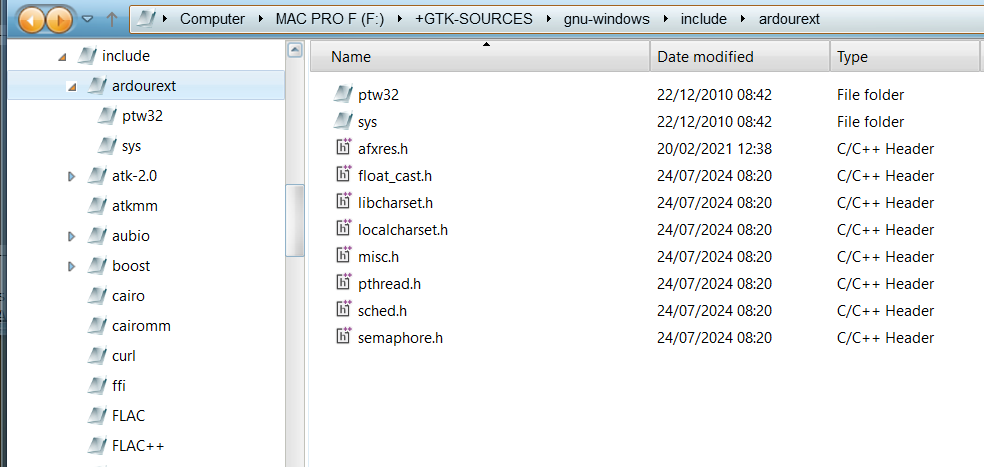
In the early days (with the exception of misc.h) all those headers were available when building with MinGW but not when bulding with MSVC. But I just looked at vcpkg and the missing ones have all become available now when building the support stack with vcpkg. So their corresponding .input files won’t be needed now if someone builds their support stack using vcpkg. :smiley:

1 Like

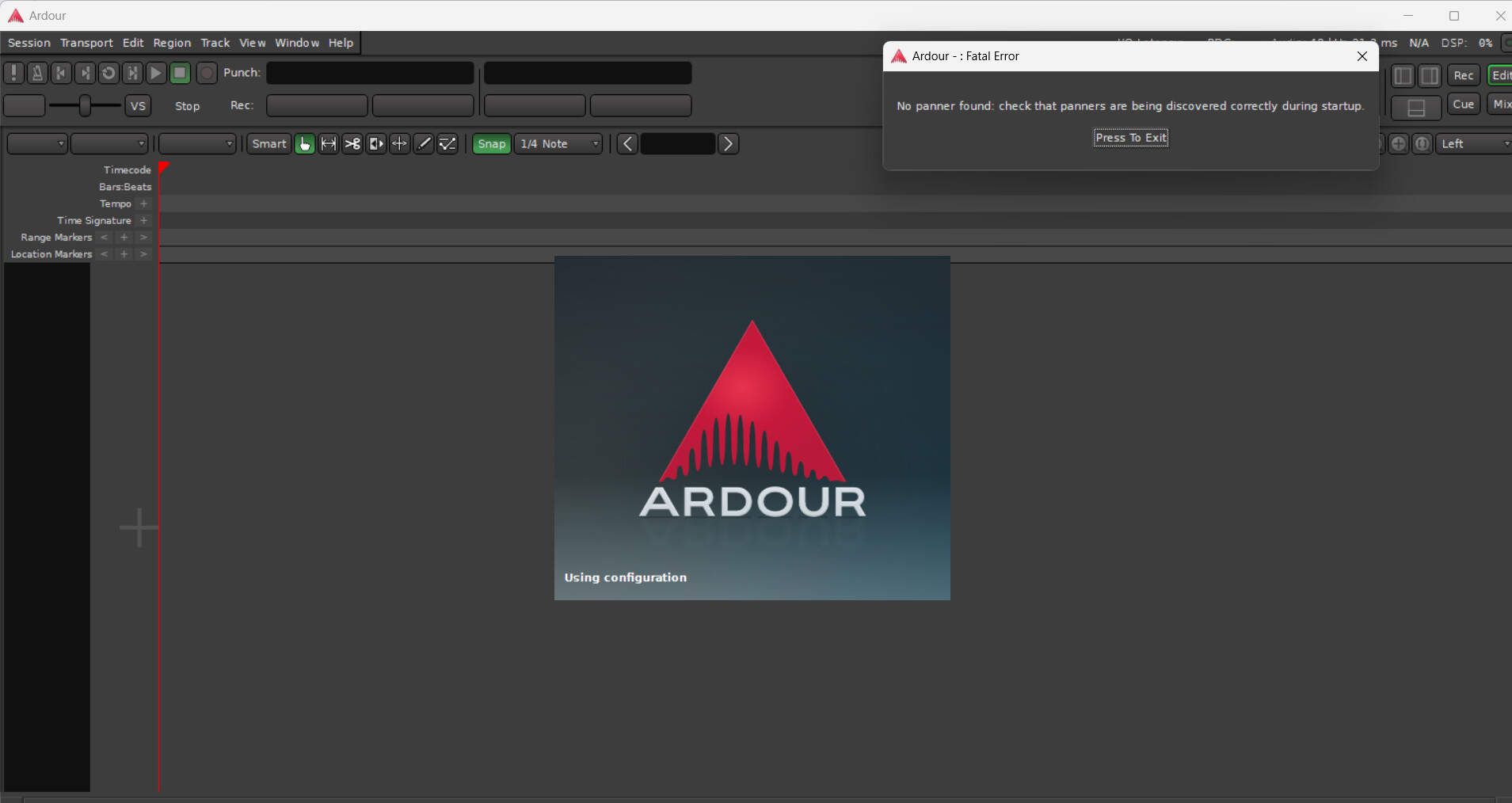
I decided to finally get perl and use the original fmt-bindings script. I’ve gone a little farther, but got a new error about “panners”:


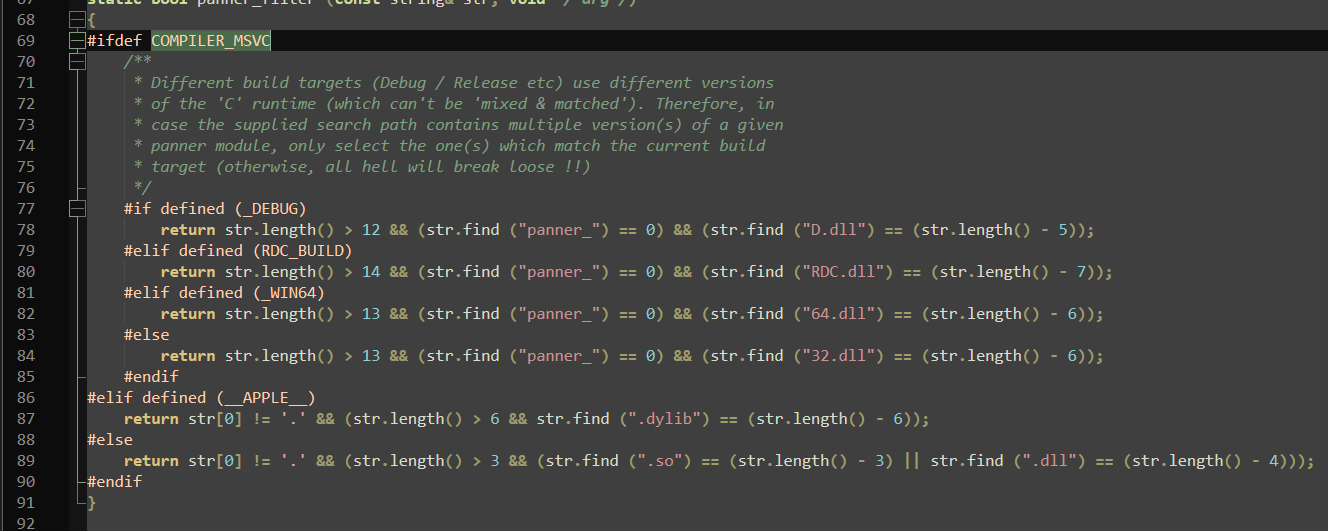
Edit: I assume the likely cause of the error is in libs/panner_manager.cc, and I have to make an edit such that it skips the first #if when WAF_BUILD is defined.

It works! At least the very little functions of adding a midi track and a few notes. Now I gotta submit pull requests for things like gtk2_ardour, liblua, headless, session_utils and more.

Done with the first round of pull requests. Once they’re merged, I’ll try building with a fresh copy of unmodified source files, see how it goes and probably make a 2nd round of few requests.

Meanwhile: I briefly explored trying to get the elusive, older versions of libsigcpp/glibmm/pangomm/cairomm, using a vcpkg.json and vcpkg-configuration.json. If I can get them all successfully, I can easily get the other dependencies too, which don’t give problems.

Thanks Stephen and happy new year! Out of interest, what happens when you build against the newer versions of those libraries? Does the code build but then give runtime problems? I think that’s what Andre saw…

I’m pretty sure it’s just different APIs or something like that. I remember I was trying to build with the newer libs at first. Maybe I documented some of the errors in an older forum post (Perhaps the one on building with MSYS2’s MinGW?) But I’m not considering going looking for it.

For example, latest glibmm doesn’t have helperlists or threads, if I’m not mistaken, but Ardour (currently) uses them.

Happy new year to you too.

Also to sate any further curiosity, here’s the current versions of the vcpkg files I’ve made. Note that you just go to the directory, run vcpkg install (without naming the libs) and it installs based on the .json files.
vcpkg.json:

{
  "dependencies": [
    {
      "name": "pangomm",
      "version>=": "2.40.1"
    }
  ],
  "overrides": [
    {
      "name": "pangomm",
      "version": "2.40.1#4"
    },
    {
      "name": "bzip2",
      "version": "1.0.8#2"
    },
    {
      "name": "glib",
      "version": "2.52.3#27"
    },
    {
      "name": "pixman",
      "version": "0.38.4#2"
    },
    {
      "name": "cairo",
      "version": "1.16.0-5#0"
    },
    {
      "name": "fontconfig",
      "version": "2.13.1#3"
    }
  ]
}

vcpkg-configuration.json:

{
  "default-registry": {
    "kind": "git",
    "baseline": "640c439df78158904992c51fcbc46f64da113690",
    "repository": "https://github.com/microsoft/vcpkg"
  },
  "registries": [
    {
      "kind": "artifact",
      "location": "https://github.com/microsoft/vcpkg-ce-catalog/archive/refs/heads/main.zip",
      "name": "microsoft"
    }
  ]
}

Edit: Forgot to mention, I get errors when it gets to installing cairo, with the above two files.

Now I wonder if the configuration file can use a different repository than microsoft’s vcpkg. If it can, maybe I can make a repository just for the deps for Ardour or something like that, and if it works, Ardour can copy it and have its own repository. But I’m getting ahead of myself by saying this. Surely if vcpkg’s own repository works, perhaps nothing else is needed.